Uvod
This manual provides essential instructions for setting up, operating, maintaining, and troubleshooting your new Tesla 65-inch 4K UHD Smart TV (Model 65E635SUS). Please read this manual thoroughly before using the television to ensure proper operation and to maximize your viewing iskustvo. Sačuvajte ovaj priručnik za buduću upotrebu.
Važne informacije o sigurnosti: Always follow basic safety precautions when using this product to reduce the risk of fire, electric shock, and injury. Do not attempt to service this product yourself. Refer all servicing to qualified service personnel.
1. Podešavanje
1.1 Raspakivanje i provjera sadržaja
Pažljivo izvadite TV iz ambalaže. Provjerite da li su sve komponente prisutne:
- Tesla 65-inch 4K UHD Smart TV
- Daljinski upravljač
- AAA baterije za daljinski upravljač
- TV stalak (2 komada)
- Vijci za TV stalak
- Kabl za napajanje
- Korisnički priručnik (ovaj dokument)

Slika 1.1: Prednja strana view of the Tesla 65-inch Smart TV with its stand.
1.2 Pričvršćivanje TV postolja
- Postavite televizor licem prema dolje na meku, ravnu površinu kako biste spriječili oštećenje ekrana.
- Poravnajte svaki dio postolja s odgovarajućim utorima na donjoj strani televizora.
- Pričvrstite svaki dio postolja priloženim vijcima. Provjerite da li su čvrsto zategnuti.

Slika 1.2: Pozadi view of the TV, illustrating the stand attachment points.
Napomena: If you plan to wall-mount the TV, refer to the wall-mount kit instructions (sold separately) and skip this step. Ensure proper ventilation when wall-mounting.
1.3 Povezivanje napajanja
Spojite kabel za napajanje na ulaz za napajanje televizora, a zatim na zidnu utičnicu. Televizor će ući u stanje pripravnosti.
1.4 Početno podešavanje
Prilikom prvog uključivanja, TV će vas voditi kroz proces početnog podešavanja:
- Odabir jezika: Odaberite željeni jezik.
- Mrežna veza: Povežite se na Wi-Fi mrežu ili koristite Ethernet kabel za žičanu vezu.
- Prijava na Google račun: Sign in with your Google account to access Google Play Store, Google Assistant, and other Android TV features.
- Skeniranje kanala: Scan for available TV channels if you are using an antenna or cable connection.
- Postavke privatnosti: Review i prilagodite postavke privatnosti po želji.
2. Uputstvo za upotrebu
2.1 Daljinski upravljač prekoview
The provided remote control allows you to navigate the TV's features. Insert the AAA batteries into the remote control before use.

Image 2.1: Bluetooth remote control for the Tesla Smart TV.
- Dugme za napajanje: Uključuje ili isključuje TV (režim pripravnosti).
- Navigacijska tipka (Gore/Dolje/Lijevo/Desno/U redu): Navigacija kroz menije i odabir stavki.
- Dugme za povratak: Vraća se na prethodni ekran.
- Dugme za početnu stranicu: Pristupa početnom ekranu Android TV-a.
- Pojačavanje/stišavanje glasnoće: Podešava nivo jačine zvuka.
- Dugme za isključivanje zvuka: Isključuje ili uključuje zvuk.
- Dugme Google asistenta: Aktivira glasovnu kontrolu.
- Dugmad prečica aplikacije: Direktan pristup popularnim streaming servisima (npr. Netflix, YouTube).
2.2 Android TV 11 Interface Navigation
The Android TV 11 interface provides access to apps, settings, and content. Use the navigation pad on your remote to move through the home screen.
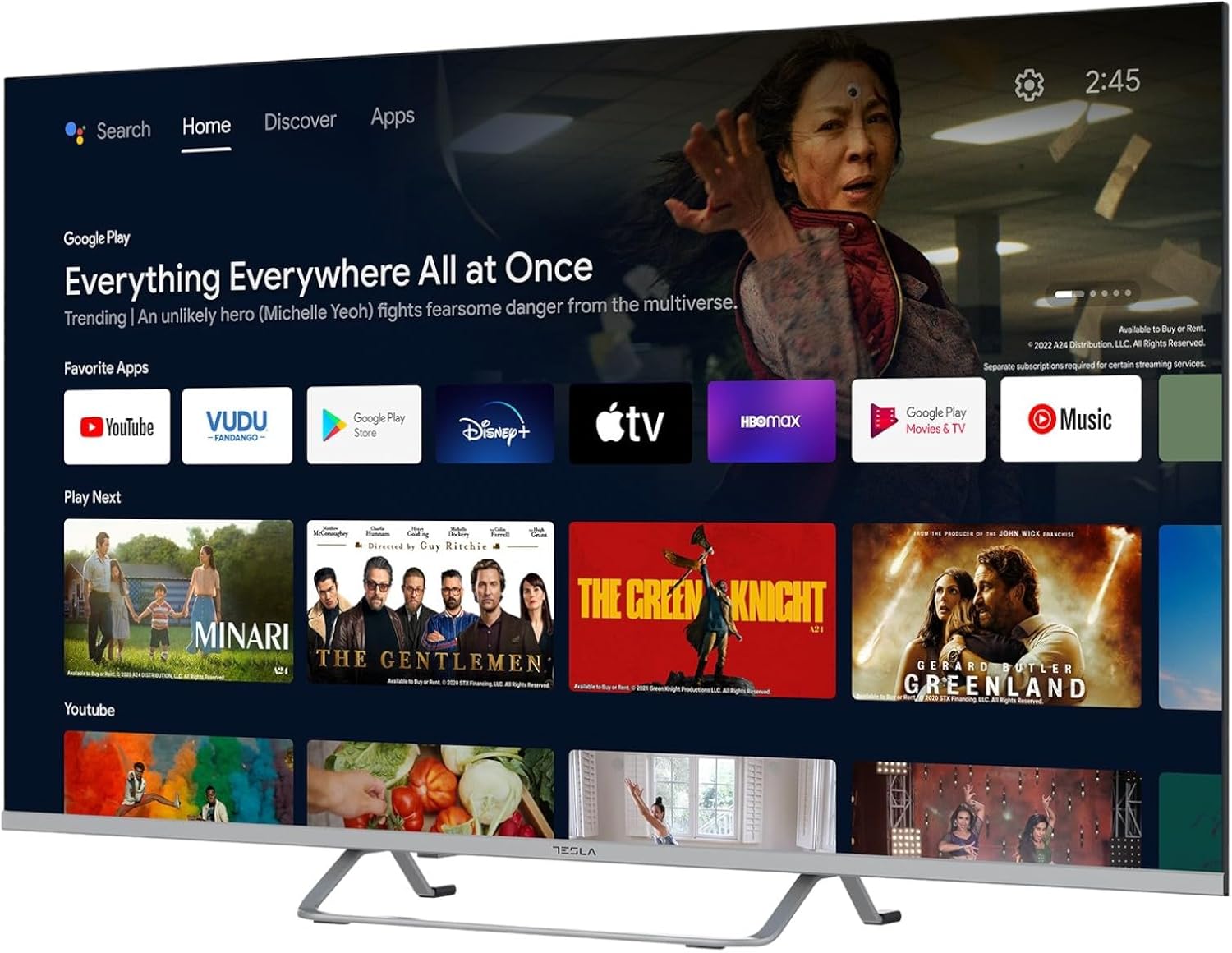
Image 2.2: The Android TV 11 home screen, displaying various applications and content suggestions.
- Početni ekran: Prikazuje preporučeni sadržaj, instalirane aplikacije i ulazne izvore.
- Odjeljak za aplikacije: Pristup svim instaliranim aplikacijama.
- Postavke: Configure TV settings, network, accounts, and device preferences.
2.3 Korištenje Google asistenta
Press the Google Assistant button on your remote and speak into the microphone to control your TV, search for content, get information, and more.
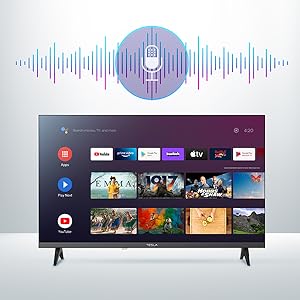
Image 2.3: Visual representation of Google Assistant activation on the TV screen.
Examples of commands:
- "Otvori Netflix"
- "Traži akcioni filmovi"
- "Kakvo je vrijeme?"
- "Turn up the volume"
2.4 Ugrađen Chromecast
Use Chromecast built-in to cast content from your compatible smartphone, tablet, or computer directly to your TV. Ensure your device is connected to the same Wi-Fi network as the TV.

Image 2.4: A smartphone casting content to the TV via Chromecast.
2.5 Povezivanje vanjskih uređaja
Your TV offers multiple connectivity options:
- HDMI portovi (x4): Povežite Blu-ray plejere, igraće konzole, set-top box uređaje itd.
- USB portovi (x2): Connect USB drives for media playback or external keyboards/mice.
- Ethernet (LAN): Za žičanu internet vezu.
- Wi-Fi: Za bežičnu internet konekciju.
- Bluetooth: Povežite bežične slušalice, zvučnike ili druge Bluetooth uređaje.

Slika 2.5: Bočni profesionalacfile of the TV, highlighting accessible ports.
2.6 Postavke slike i zvuka
Access the TV's settings menu to customize picture and sound options.
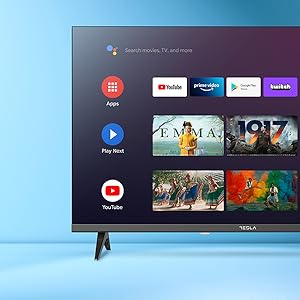
Slika 2.6: Primjerample of the TV's settings menu for customization.
- Načini slike: Select from Standard, Vivid, Sport, Movie, Game, or User (custom) modes. Adjust brightness, contrast, color, and sharpness.
- HDR10: The TV supports HDR10 for enhanced contrast and color with compatible content.
- Načini zvuka: Choose from Standard, Music, Movie, Sport, or User (custom) modes. Use the equalizer to fine-tune audio frequencies.
- Zvučnici: The TV features 2 x 12W speakers.
3. Održavanje
3.1 Čišćenje televizora
- ekran: Nježno obrišite ekran mekom krpom koja ne ostavlja dlačice. Za tvrdokorne mrlje, laganoampOperite krpu vodom ili specijaliziranim sredstvom za čišćenje ekrana. Nikada ne prskajte sredstvo za čišćenje direktno na ekran.
- tijelo: Obrišite kućište televizora mekom, suhom krpom. Izbjegavajte upotrebu abrazivnih sredstava za čišćenje ili rastvarača.
- Uvijek isključite TV iz električne utičnice prije čišćenja.
3.2 Ažuriranja softvera
Your Tesla Smart TV may receive software updates to improve performance and add new features. Ensure your TV is connected to the internet to receive these updates automatically or check for them manually in the settings menu.
4. Otkrivanje problema
Prije kontaktiranja podrške, isprobajte sljedeća rješenja za uobičajene probleme:
| Problem | Moguće rješenje |
|---|---|
| Nema struje | Check if the power cord is securely connected to the TV and the wall outlet. Ensure the outlet is working. |
| Nema slike, ali je zvuk prisutan | Ensure the correct input source is selected. Check cable connections to external devices. Try restarting the TV. |
| Nema zvuka, ali je slika prisutna | Check the volume level and ensure the TV is not muted. Verify audio settings and external speaker connections if applicable. |
| Daljinski upravljač ne radi | Replace the batteries. Ensure there are no obstructions between the remote and the TV. Re-pair the Bluetooth remote if necessary (refer to TV settings). |
| Problemi s mrežnom vezom | Ponovo pokrenite ruter i modem. Provjerite lozinku za Wi-Fi. Pokušajte sa žičanom Ethernet vezom ako je moguće. |
| Aplikacije su spore ili se ruše | Close unused apps. Clear app cache (Settings > Apps > [App Name] > Clear cache). Restart the TV. |
5. Specifikacije
| Feature | Detalj |
|---|---|
| Brand | TESLA |
| Broj modela | 65E635SUS |
| Veličina ekrana | 65 inča (165 cm) |
| Display Technology | LED |
| Rezolucija | 4K (3840 x 2160) |
| Refresh Rate | 60 Hz |
| Operativni sistem | Android TV 11 |
| Posebne karakteristike | High Dynamic Range (HDR10), Google Play, Chromecast Built-in, Google Assistant, Personalized Surround Sound |
| Povezivanje | Wi-Fi, Bluetooth, Ethernet (LAN) |
| HDMI portovi | 4 |
| USB portovi | 2 |
| Audio izlaz | 2 x 12W zvučnika |
| Dimenzije proizvoda (sa postoljem) | 25D x 25W x 144.5H cm (approximate) |
6. Garancija i podrška
For warranty information, please refer to the warranty card included with your product or visit the official Tesla webSačuvajte dokaz o kupovini za slučaj reklamacije.
For technical support or service inquiries, please contact Tesla customer service through their official channels. Contact details can typically be found on the manufacturer's websajtu ili u pakovanju proizvoda.


