Uvod
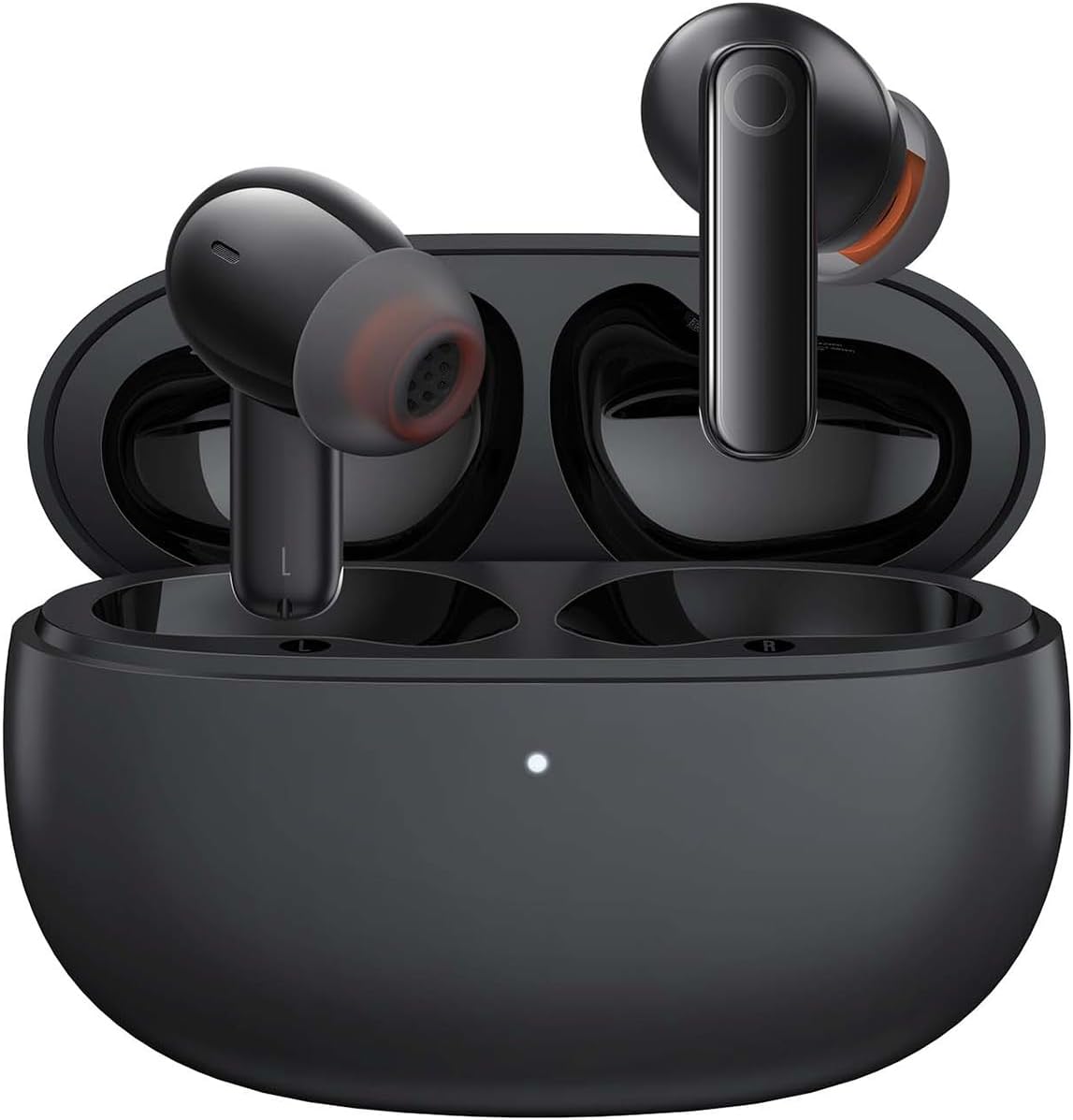
Image: The Baseus Bowie MZ10 True Wireless Stereo Earphones, shown in their open charging case, ready for use.
This manual provides detailed instructions for the operation, maintenance, and troubleshooting of your Baseus Bowie MZ10 TWS Earphones. Please read this manual thoroughly before using the product to ensure proper function and longevity.
Šta je u kutiji
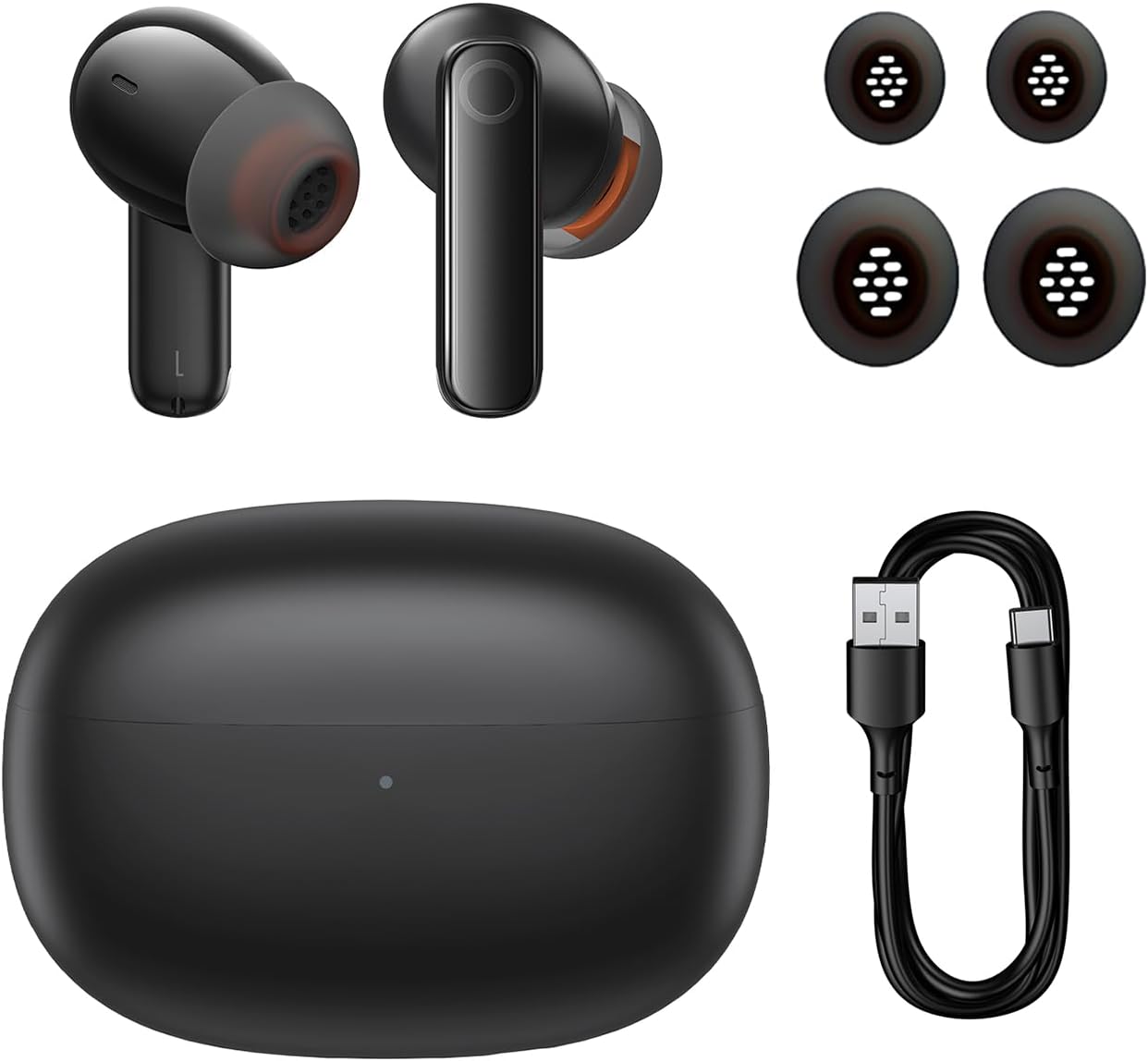
Image: The package contents of the Baseus Bowie MZ10 TWS Earphones, showing the two earbuds, the charging case, multiple sizes of ear tips, and a USB-C charging cable.
- Baseus Bowie MZ10 TWS Earbuds (Left and Right)
- Futrola za punjenje
- USB-C kabl za punjenje
- Silikonski nastavci za uši (različite veličine)
- Korisnički priručnik (ovaj dokument)
Setup
1. Punjenje slušalica i futrole
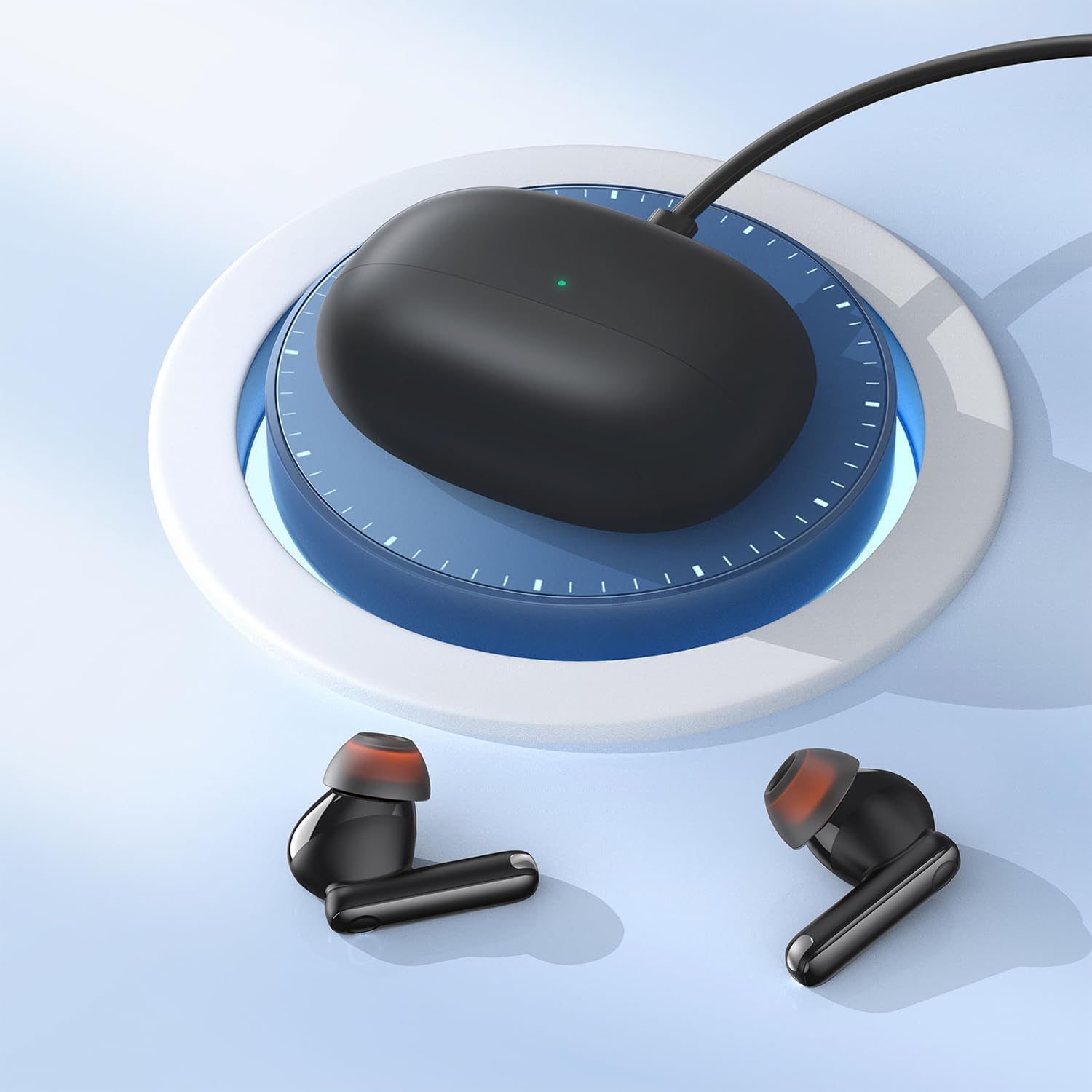
Image: The Baseus Bowie MZ10 charging case being charged via a USB-C cable, indicated by a green light on the case.
- Prije prve upotrebe, potpuno napunite kućište za punjenje i slušalice.
- Spojite USB-C kabel za punjenje na priključak za punjenje na kućištu i izvor napajanja.
- Indikatorska lampica na kućištu će pokazivati status punjenja. Potpuno punjenje je naznačeno kada lampica ostane stalno napunjena.
- Place the earbuds into the charging case to charge them. The earbuds will automatically charge when placed correctly in the case.
2. Bluetooth uparivanje
- Open the charging case. The earbuds will automatically enter pairing mode, and the indicator light on the case will flash.
- Na svom uređaju (pametnom telefonu, tabletu itd.) omogućite Bluetooth.
- Traži "Baseus Bowie MZ10" in the list of available Bluetooth devices.
- Select "Baseus Bowie MZ10" to connect. Once connected, the indicator light on the case will turn off or show a steady light.
- Ako uparivanje ne uspije, zatvorite kućište, pričekajte nekoliko sekundi i ponovite korake.
Uputstvo za upotrebu
Dodirnite Kontrole
The Baseus Bowie MZ10 earphones feature touch-sensitive controls on each earbud. The specific functions may vary slightly depending on your device and application.
| Akcija | Funkcija |
|---|---|
| Jedan dodir (lijevo/desno) | Reproduciraj/pauziraj muziku, odgovori/prekini poziv |
| Dvostruki dodir (desno) | Sljedeća pjesma |
| Dvostruki dodir (lijevo) | Prethodna pjesma |
| Dugi pritisak (lijevo/desno) | Switch between ANC/Transparency Mode (if applicable) |
| Trostruki dodir (lijevo/desno) | Aktivirajte glasovnog asistenta |
Otkazivanje aktivne buke (ANC)
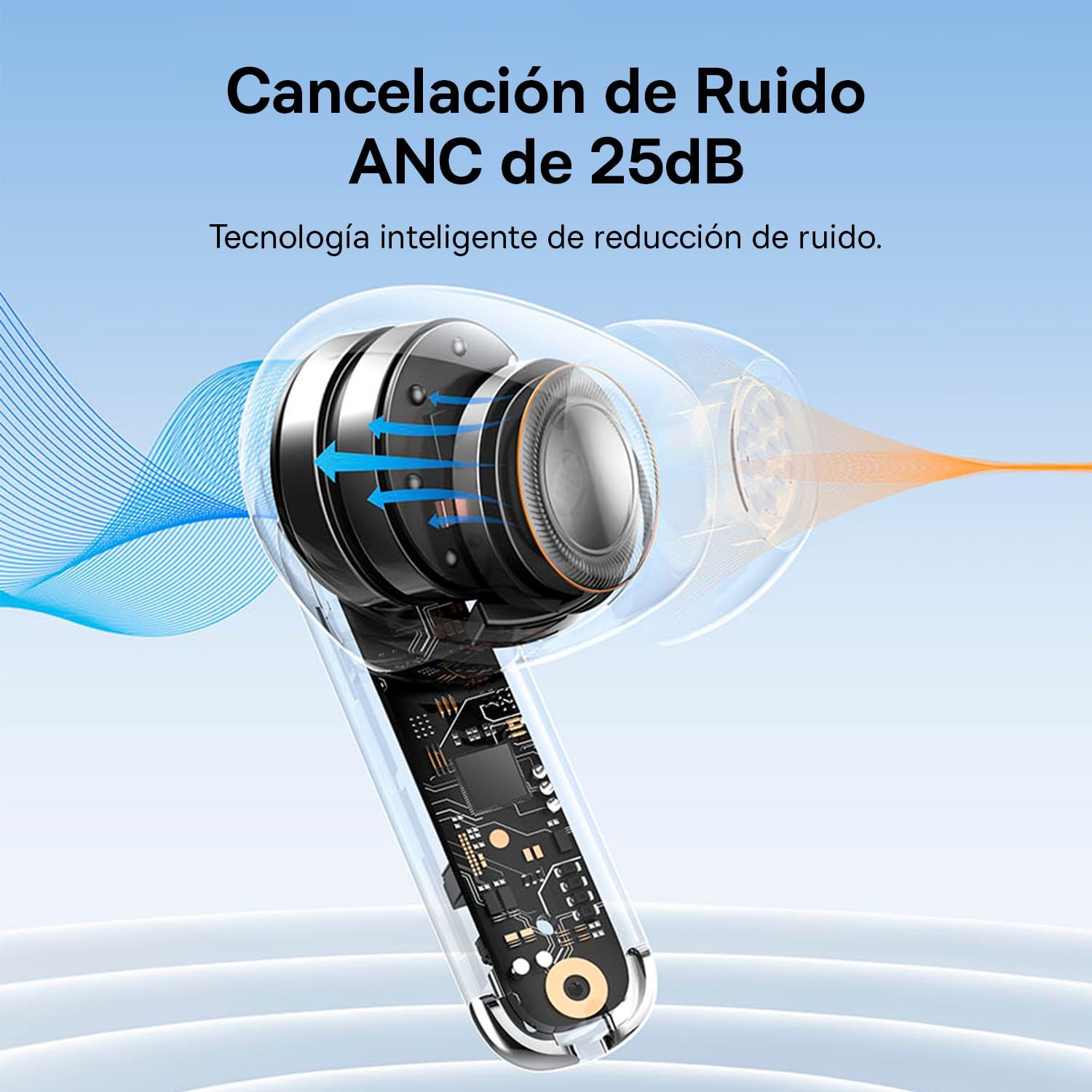
Image: A diagram showing how Active Noise Cancellation (ANC) works within the earbud, with sound waves being cancelled out.
The Baseus Bowie MZ10 earphones feature Active Noise Cancellation to reduce ambient noise. To activate or deactivate ANC, perform a long press on the touch area of either earbud. You may hear an audible prompt indicating the mode change.
Poništavanje buke iz okoline (ENC) za pozive
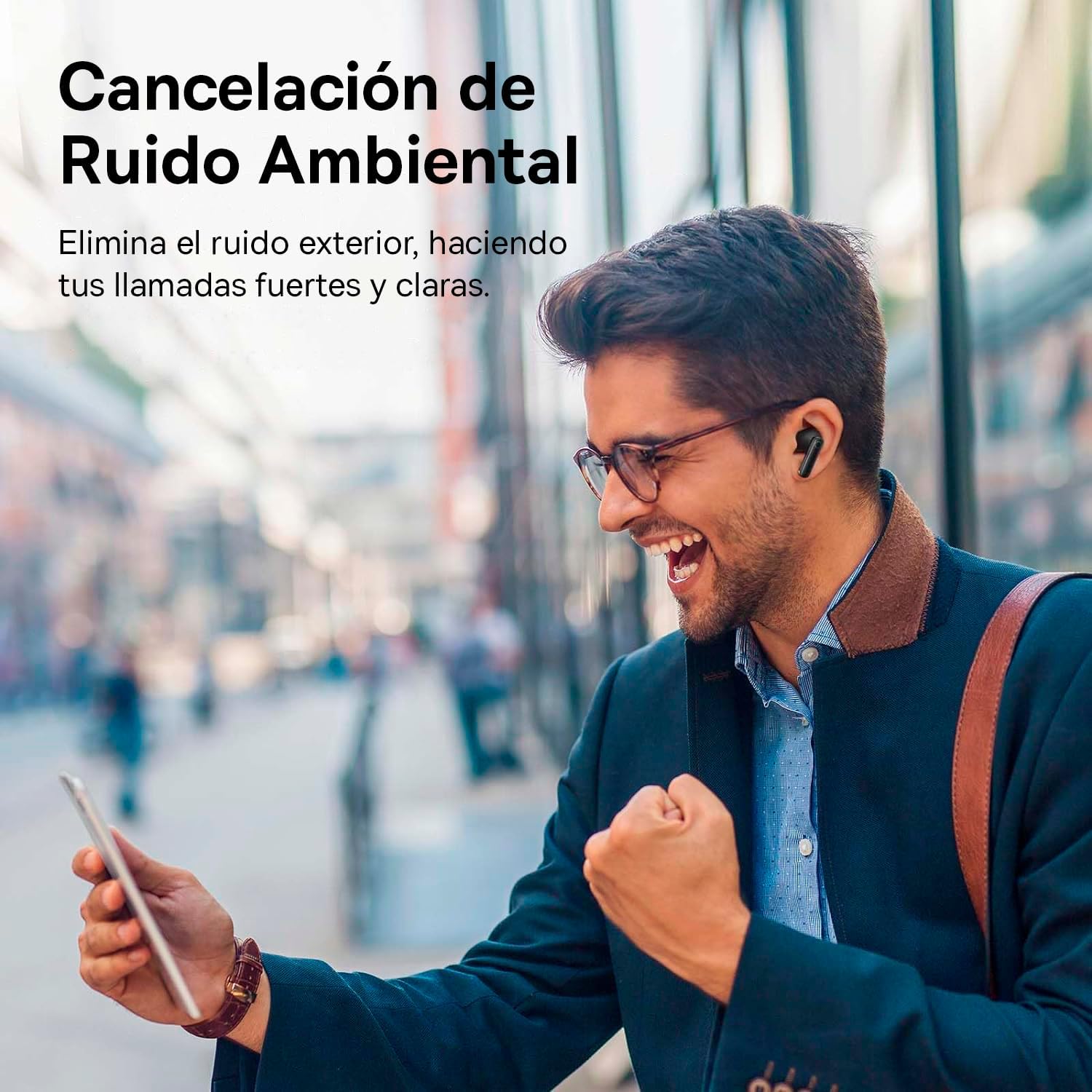
Image: A person smiling while using the Baseus Bowie MZ10 earphones in an outdoor setting, suggesting clear call quality despite ambient noise.
The earphones are equipped with Environmental Noise Cancellation (ENC) technology, which helps to suppress background noise during phone calls, ensuring your voice is transmitted clearly to the other party.
Low Latency Mode for Gaming
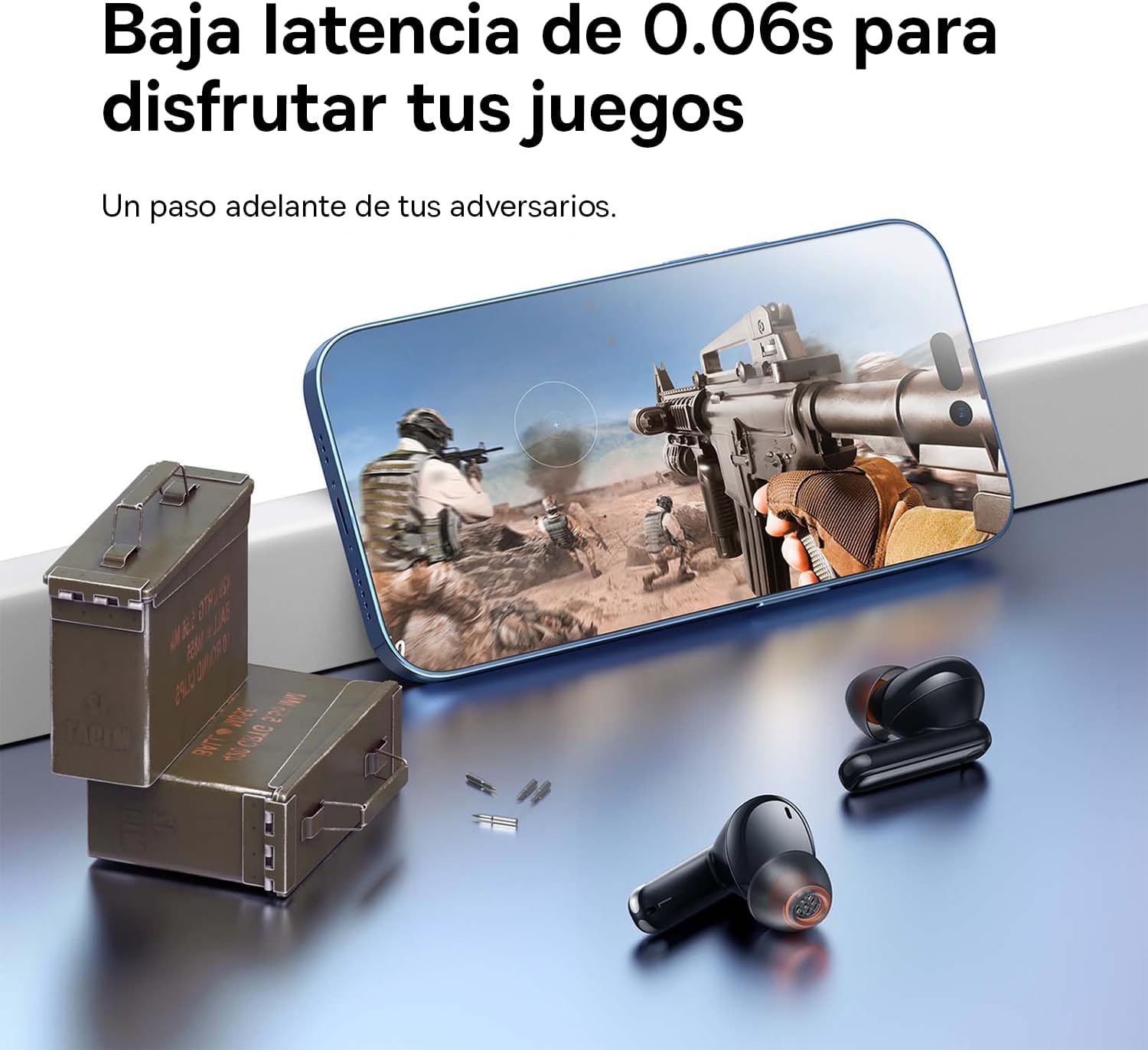
Image: The Baseus Bowie MZ10 earphones positioned near a smartphone displaying a video game, highlighting their low latency feature for an enhanced gaming experience.
For an optimized gaming experience, the Baseus Bowie MZ10 earphones offer a low latency mode. This mode reduces audio delay, ensuring that sound effects and dialogue are synchronized with on-screen actions. Refer to the Baseus app or specific earbud gestures (if available) to activate this mode.
Održavanje
- čišćenje: Regularly clean the earbuds and charging case with a soft, dry, lint-free cloth. Do not use abrasive cleaners or immerse the product in water.
- Savjeti za uši: Povremeno skidajte vrhove ušiju i čistite ih reklamom.amp krpom. Prije ponovnog pričvršćivanja provjerite jesu li potpuno suhi.
- Skladištenje: When not in use, store the earphones in their charging case to protect them and keep them charged. Store in a cool, dry place away from direct sunlight and extreme temperatures.
- Održavanje baterije: To preserve battery life, avoid fully discharging the battery frequently. Charge the earphones regularly, even if not in constant use.
Rješavanje problema
| Problem | Moguće rješenje |
|---|---|
| Slušalice se ne uparuju s uređajem |
|
| Samo jedna slušalica reprodukuje zvuk |
|
| Niska jačina zvuka ili loš kvalitet zvuka |
|
| Futrola za punjenje se ne puni |
|
Specifikacije
- Brand: Baseus
- Broj modela: NGTW340001
- Vrsta proizvoda: True Wireless Stereo (TWS) Earphones
- Boja: Crna
- baterija: Litijum-jonski (punjivi)
- Karakteristike: Active Noise Cancellation (ANC), Environmental Noise Cancellation (ENC), Low Latency Mode
- Povezivanje: Bluetooth (version not specified, but typically 5.0 or higher for TWS)
- Interfejs za punjenje: USB-C
Garancija i podrška
Baseus products are designed and manufactured to the highest quality standards. For information regarding warranty coverage, technical support, or service, please refer to the warranty card included with your purchase or visit the official Baseus webSačuvajte dokaz o kupovini za slučaj reklamacije.
For further assistance, you may contact Baseus customer support through their official channels.


