1. Uvod
The BuzzTV B5 is an advanced Android 11 TV Box designed to deliver a superior 4K UHD streaming experience. This device allows you to access a wide range of entertainment, including movies, TV shows, and applications, directly on your television. This manual provides essential information for the proper setup, operation, maintenance, and troubleshooting of your BuzzTV B5.
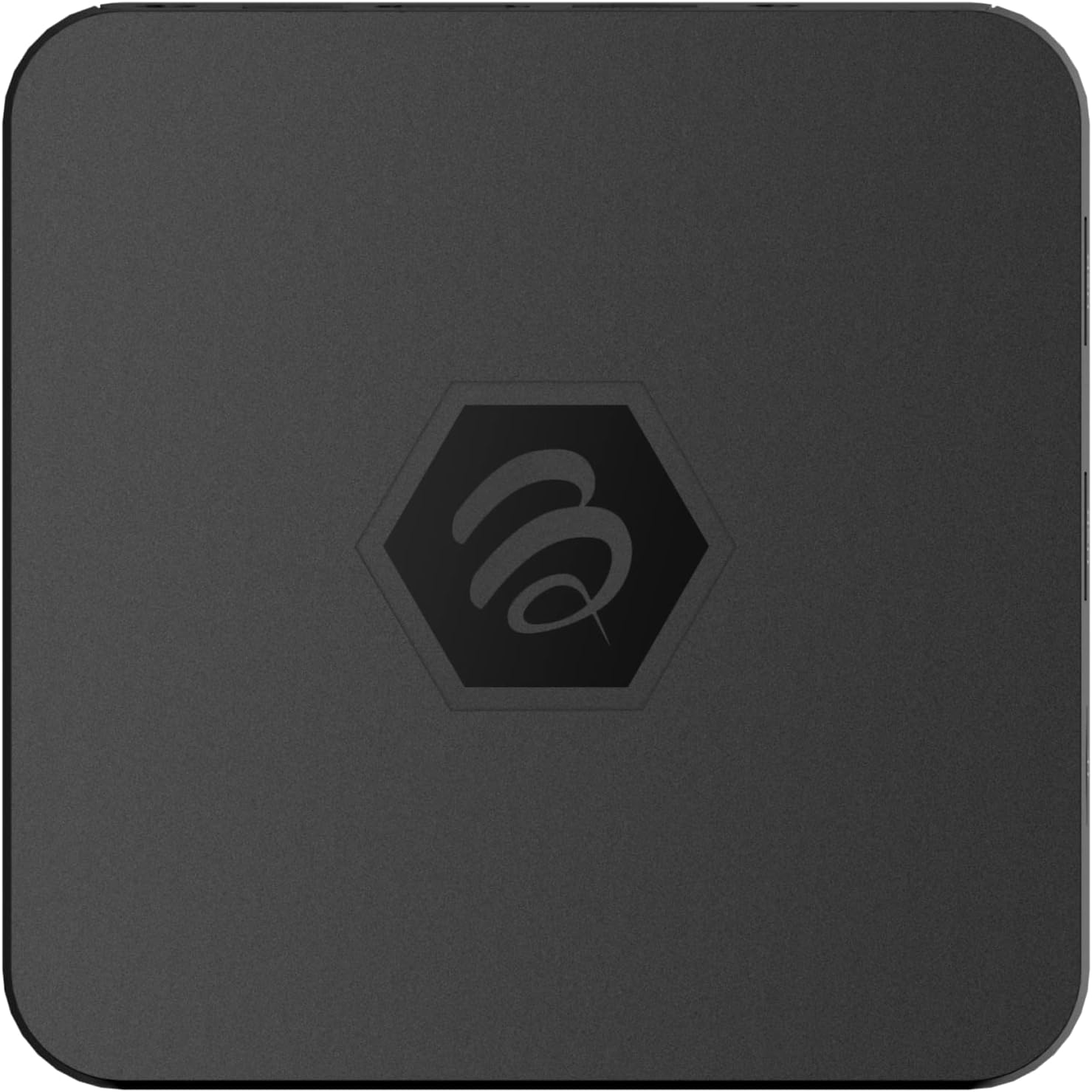
Slika 1.1: Vrh view of the BuzzTV B5 Android 11 TV Box.
2. Sadržaj paketa
Please verify that all items listed below are included in your BuzzTV B5 package:
- BuzzTV B5 Set Top Box
- IR-100 Remote Control
- Adapter za napajanje
- 2x AAA baterije (za daljinski upravljač)
- HDMI kabl
- Korisnički priručnik (ovaj dokument)

Image 2.1: Contents included in the BuzzTV B5 retail package.
3. Vodič za postavljanje
Follow these steps to set up your BuzzTV B5 TV Box:
- Povežite se s TV-om: Connect one end of the provided HDMI cable to the HDMI port on the BuzzTV B5 and the other end to an available HDMI input on your television.
- Priključite napajanje: Plug the power supply adapter into the DC 5V port on the BuzzTV B5, then plug the adapter into a wall outlet. The device should power on automatically or can be powered on using the remote control.
- Umetnite baterije u daljinski upravljač: Open the battery compartment on the back of the IR-100 Remote Control and insert the two AAA batteries, ensuring correct polarity (+/-).
- Mrežna veza: Once the device boots up, follow the on-screen instructions to connect to your network. You can choose between Wi-Fi (wireless) or Ethernet (wired) connection. For a wired connection, connect an Ethernet cable from your router to the Ethernet port on the BuzzTV B5.
- Početno podešavanje: Complete the initial Android setup process, which may include language selection, Google account login, and time zone settings.

Image 3.1: Rear ports of the BuzzTV B5 for connectivity.
4. Uputstvo za upotrebu
The BuzzTV B5 operates on Android 11, providing a user-friendly interface for navigation and content access.
4.1 Funkcije daljinskog upravljača
The IR-100 Remote Control is your primary interface for the BuzzTV B5. Key functions include:
- Dugme za napajanje: Uključuje ili isključuje uređaj.
- Navigacijska tipka (Gore/Dolje/Lijevo/Desno/U redu): Koristi se za navigaciju kroz menije i odabir stavki.
- Dugme za povratak: Vraća se na prethodni ekran ili meni.
- Dugme za početnu stranicu: Vraća se na glavni početni ekran Androida.
- Dugmad za jačinu zvuka: Podešava jačinu zvuka.
- App/Menu Buttons: Accesses specific applications or context menus.

Image 4.1: Layout of the IR-100 Remote Control.
4.2 Pristup aplikacijama
From the home screen, you can access pre-installed applications like Netflix and YouTube, or download new applications from the Google Play Store. Use the navigation pad on your remote to select and launch applications.
4.3 4K UHD streaming
The BuzzTV B5 supports 4K UHD resolution. Ensure your television is 4K compatible and that you are using a high-speed HDMI cable for optimal picture quality. Streaming quality will also depend on your internet connection speed and the content source.
5. Održavanje
To ensure the longevity and optimal performance of your BuzzTV B5, consider the following maintenance tips:
- čišćenje: Za čišćenje vanjštine uređaja koristite meku, suhu krpu. Izbjegavajte tekuća sredstva za čišćenje ili abrazivne materijale.
- ventilacija: Osigurajte da je uređaj postavljen u dobro prozračenom prostoru kako biste spriječili pregrijavanje. Ne prekrivajte ventilacijske otvore.
- Ažuriranja softvera: Periodically check for and install system updates to benefit from new features, performance improvements, and security patches. These can usually be found in the device's settings menu.
- Ciklus napajanja: Ako uređaj prestane reagirati, isključite adapter za napajanje, pričekajte 10 sekundi, a zatim ga ponovo priključite da biste izvršili ciklus napajanja.
6. Otkrivanje problema
If you encounter issues with your BuzzTV B5, refer to the following common problems and solutions:
| Problem | Mogući uzrok | Rješenje |
|---|---|---|
| Nema snage | Adapter za napajanje nije priključen; utičnica ne radi. | Provjerite je li adapter za napajanje sigurno priključen na uređaj i ispravnu utičnicu. Pokušajte s drugom utičnicom. |
| Nema signala na TV-u | Incorrect HDMI input selected; faulty HDMI cable. | Select the correct HDMI input on your TV. Check HDMI cable connections or try a different HDMI cable. |
| Daljinski upravljač ne reaguje | Prazne baterije; daljinski upravljač nije uparen (ako je primjenjivo); prepreka. | Replace AAA batteries. Ensure no obstructions between remote and device. |
| Problemi sa mrežnom vezom | Incorrect Wi-Fi password; router issues; weak signal. | Verify Wi-Fi password. Restart your router. Move the device closer to the router or use an Ethernet cable. |
| Applications Crashing/Freezing | Insufficient memory; outdated app; software glitch. | Close background apps. Update the app or the device's firmware. Clear app cache/data in settings. |
7. Specifikacije
Detailed technical specifications for the BuzzTV B5 Android 11 TV Box:
- Operativni sistem: Android OS 11
- CPU: Amlogic S905W2 Quad-Core A-35
- GPU: Mali-G31 MP2
- RAM: 2GB DDR
- Skladištenje: 16GB eMMC
- Wi-Fi: Dual Band AC
- LAN: 10/100 Mbps Ethernet
- Bluetooth: 4.2
- USB portovi: 2x USB 2.0
- MicroSD slot: 1
- Interfejs napajanja: DC 5V
- HDMI izlaz: 1
- Optički audio izlaz: 1
- Izlazna rezolucija: 4K (32 sličica u sekundi)
- Dimenzije: 9.06 x 5.63 x 2.32 inča
- Težina artikla: 1.01 funte

Image 7.1: BuzzTV B5 with a summary of its technical specifications.
8. Informacije o garanciji
For detailed warranty information regarding your BuzzTV B5, please refer to the warranty card included in your product packaging or visit the official BuzzTV webstranica. Uslovi i odredbe garancije mogu se razlikovati u zavisnosti od regije i prodavca.
9. Podrška
If you require further assistance or have questions not covered in this manual, please contact BuzzTV customer support or visit their official website for FAQs, software downloads, and additional resources.
BuzzTV Official Webstranica: www.buzztv.com


