1. Introduction to Corel VideoStudio Pro 2023
Corel VideoStudio Pro 2023 is an intuitive and feature-rich video editing software designed to help users transform their moments and experiences into compelling movies. It offers a comprehensive suite of tools for both beginners and experienced editors, enabling creative expression through video.
This manual provides detailed instructions on installing, operating, maintaining, and troubleshooting your Corel VideoStudio Pro 2023 software.

Figure 1: Corel VideoStudio Pro 2023 software packaging, illustrating the product's branding and primary visual identity.
2. Postavljanje i instalacija
2.1 Sistemski zahtjevi
Before installing Corel VideoStudio Pro 2023, ensure your system meets the minimum requirements for optimal performance.
| Komponenta | Minimalni zahtjev |
|---|---|
| Operativni sistem | Windows 11, Windows 10, Windows 8 (samo 64-bitni) |
| Procesor | Core i3 or AMD A4 series for standard videos; Intel Core i7 or AMD Athlon A10 for HD and UHD videos |
| RAM | 4GB or higher (8+ GB highly recommended for HD and UHD videos) |
| Graficka kartica | Minimum display resolution: 1366 x 768; minimum 512 MB VRAM or higher recommended for hardware acceleration |
| Zvučna kartica | Zvučna kartica kompatibilna sa Windowsom |
| Prostor na tvrdom disku | Minimum 6GB for full installation |
| Pribor | DVD burner for DVD/AVCHD discs; Blu-Ray burning requires separate plug-in |
| Internet veza | Required for installation, registration, and online features |

Figure 2: Visual representation of the minimum system requirements for Corel VideoStudio Pro 2023.
2.2 Installation Steps (Digital Download)
- Preuzmi: Preuzmite proizvod iz svoje Amazon Software Library.
- serijski ključ: You will be prompted to enter a serial key. This can be found in 'Your Software Library' within your Amazon account (Go to Returns & Orders -> View Order Details -> View Your Item).
- Login/Account Creation: The first time you launch VideoStudio 2023, you will be asked to log in. You can either use your existing Corel user account or create a new one.
3. Operating Corel VideoStudio Pro 2023
Corel VideoStudio Pro 2023 offers a wide array of tools to create professional-looking videos. Below are key functionalities and how to utilize them.
3.1 Video Editing Suite
The software provides essential trimming and correcting tools to refine your footage. You can easily crop, trim, resize, and combine video clips to create a cohesive narrative. Utilize Instant Project Templates to jumpstart your projects and streamline the editing process.
3.2 Screen Recording and MultiCam Capture
Record your screen and capture webcam video simultaneously using the included MultiCam Capture 2.0 Lite software. This feature also supports recording dual screens at the same time, perfect for tutorials, gaming videos, or presentations. Enjoy synchronized audio and video with ease.

Figure 3: The MultiCam Capture 2.0 Lite interface, demonstrating the ability to capture webcam video and record screens simultaneously.
3.3 Titles and Transitions
Enhance your video storytelling with a variety of unique transitions, from basic fades to customizable effects. Introduce engaging titles and on-screen captions to highlight important scenes and provide context. You can create stylish titles and animate them with cool title effects.

Figure 4: The title creation interface within VideoStudio Pro, showing options for font, styles, border, shadow, backdrop, and motion for animated titles.
3.4 Creative Content and Effects
Add style and visual flair to your videos with hundreds of creative filters, overlays, and color transformation tools. Explore features like animated AR Stickers, Face Effects, and the GIF Creator to add playful moments and engage your audience. You can also evoke drama with motion and speed effects.

Slika 5: Prample of color transformation and filter application in VideoStudio Pro, showcasing before and after effects on a subject's face.

Figure 6: A group of people with animated AR stickers and face effects applied, demonstrating the playful content creation features of VideoStudio Pro.

Figure 7: A video frame showing a skateboarder with motion blur, illustrating the application of motion and speed effects in VideoStudio Pro.
Combine multiple videos using Split Screen Templates to create dynamic visual layouts and easily produce smart movies and slideshows.
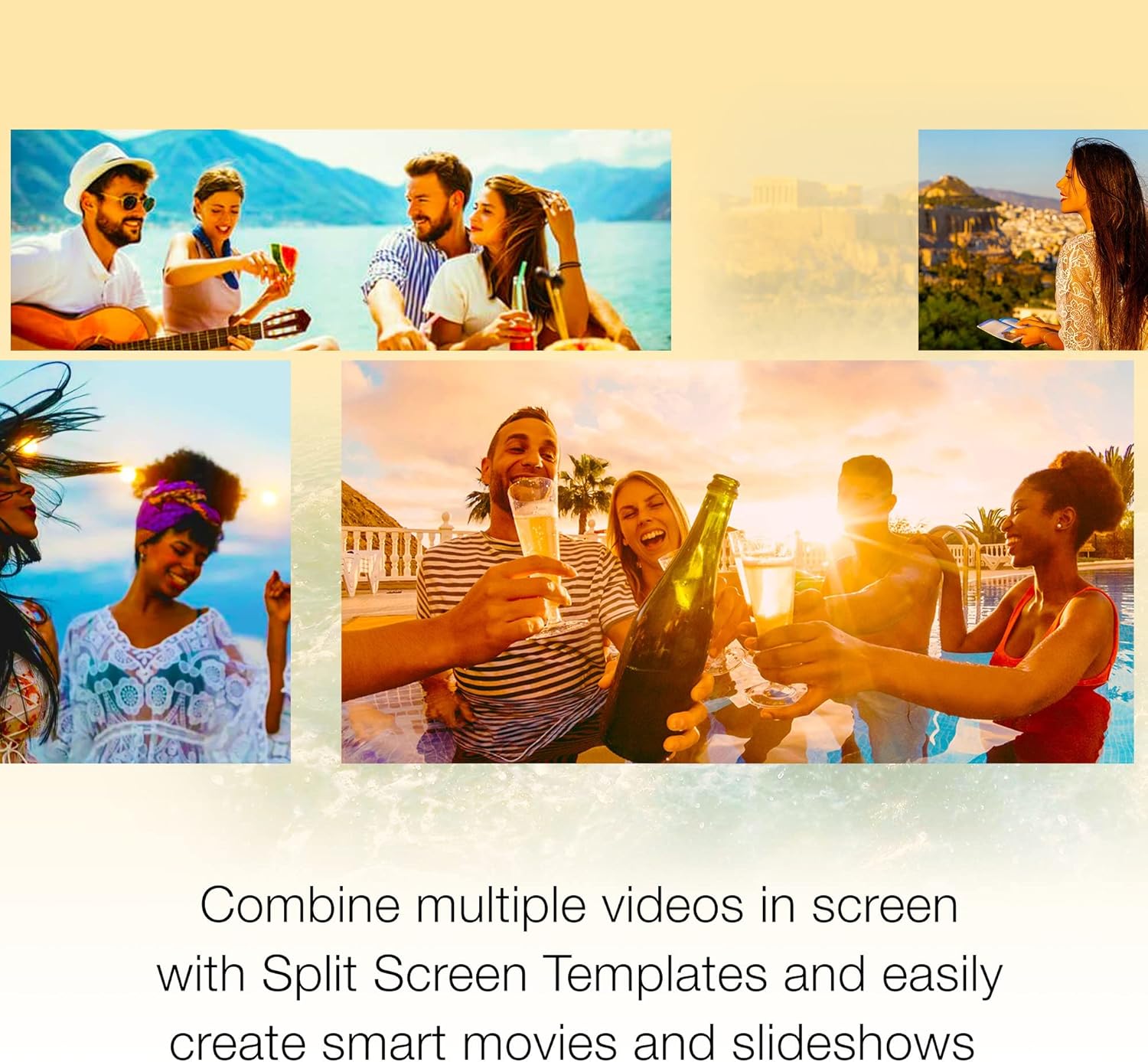
Figure 8: A collage of multiple video frames arranged using Split Screen Templates, showcasing the ability to combine various scenes into one view.
3.5 Audio Editor
Master your video's audio with advanced editing tools. Import your own music, utilize the royalty-free music library, clean background noise with Audio Ducking, or record your own narration using the built-in voiceover tools.

Figure 9: The audio editing interface in VideoStudio Pro, displaying options for selecting music categories, songs, and versions, with a user listening to audio.
3.6 Izvoz i dijeljenje
Export your finished videos to popular formats and devices. Easily share your creations online, upload directly to platforms like YouTube, or burn them to a DVD using one of the 50+ customizable menus.
4. Održavanje
4.1 Ažuriranja softvera
An internet connection is required for product updates. Regularly check for and install updates to ensure you have the latest features, bug fixes, and performance enhancements for Corel VideoStudio Pro 2023.
4.2 License Management
Corel VideoStudio Pro 2023 is a single-user license and cannot be installed on multiple PCs simultaneously. If you acquire a new computer and wish to reinstall the software, you must first log into your Corel user account and deactivate the license from the old computer. After deactivation, you can proceed with the installation on your new system.
5. Otkrivanje problema
This section addresses common questions and issues you might encounter while using Corel VideoStudio Pro 2023.

Figure 10: A visual summary of common questions related to Corel VideoStudio Pro 2023.
5.1 Često postavljana pitanja (FAQ)
- Koja je razlika između Pro i Ultimate verzije?
VideoStudio Ultimate offers exclusive access to hundreds of premium effects and powerful features not found in the Pro version, including Color Grading, Mask Creator, Audio Cues, Face Indexing, custom Split Screen Video Templates, and 3D Titler. - Where can I find the serial key for my digital download?
Your serial key is located in 'Your Software Library' within your Amazon account. Navigate to 'Returns & Orders' -> 'View Order Details' -> 'View Your Item'. - Is VideoStudio available for Mac?
VideoStudio is native to Windows and is currently not supported for installation on Mac operating systems. - Da li je za upotrebu proizvoda potrebna aktivna internetska veza?
An Internet connection is required for product installation, registration, product updates, and some features. It is not required to run the core software after installation. - Je li ovo jednokratna kupovina ili pretplata?
Ovo je jednokratna kupovina koju možete koristiti sve dok je operativni sistemi, uređaji i tehnologije i dalje podržavaju.
6. Specifikacije
Detailed product specifications for Corel VideoStudio Pro 2023.
- Broj modela stavke: ESDVS2023PRML
- ASIN: B0BW17HKB3
- Proizvođač: Corel
- Prvi dostupan datum: 21. februara 2023
- Podržani formati: Windows 8, Windows 10, Windows 11
7. Podrška i resursi
For further assistance and learning, Corel VideoStudio Pro 2023 offers a vast library of resources:
- Resursi za učenje: Access project tutorials, feature explanations, and tips and tricks from the official Corel YouTube channel, the user guide, and web vodiči.
- Corel Store: Posjetite Corel Store on Amazon for product news and exclusive offers.


