1. Uvod
Hvala na kupoviniasing the Audizio Naples DAB+ / Internet Radio. This device offers a comprehensive audio experience with multiple playback options, including DAB+, FM, Internet Radio, Bluetooth 5.0, CD player, and USB/Micro SD MP3 playback. This manual provides detailed instructions for setup, operation, and maintenance to ensure optimal performance and longevity of your device.
2. Sigurnosne informacije
Please read these safety instructions carefully before using the device and retain them for future reference.
- Izvor napajanja: Koristite samo navedeni adapter za napajanje. Osigurajte jačinu zvukatage odgovara zahtjevima uređaja.
- Voda i vlaga: Ne izlažite uređaj kiši, vlazi ili kapanju/prskanju tekućina. Ne stavljajte predmete napunjene tekućinom, poput vaza, na uređaj.
- ventilacija: Osigurajte adekvatnu ventilaciju. Ne blokirajte ventilacijske otvore.
- toplina: Držite uređaj dalje od izvora toplote kao što su radijatori, grijalice, peći ili drugi uređaji (uključujući ampLifiers) koji proizvode toplotu.
- čišćenje: Unplug the device from the power outlet before cleaning. Use a soft, dry cloth. Do not use liquid cleaners or aerosol cleaners.
- servisiranje: Ne pokušavajte sami servisirati ovaj proizvod. Sve servise prepustite kvalificiranom servisnom osoblju.
- plasman: Postavite uređaj na stabilnu, ravnu površinu.
3. Sadržaj paketa
Provjerite da li su sve stavke prisutne u paketu:
- Audizio Naples DAB+ / Internet Radio Unit
- Daljinski upravljač
- Adapter za napajanje
- Korisnički priručnik (ovaj dokument)
4. Proizvod je gotovview
The Audizio Naples is a versatile stereo music system designed for various audio sources. It features a sleek design with dual powerful speakers and a clear 2.8-inch LCD display.

Slika 4.1: Prednja strana view of the Audizio Naples radio with its remote control.
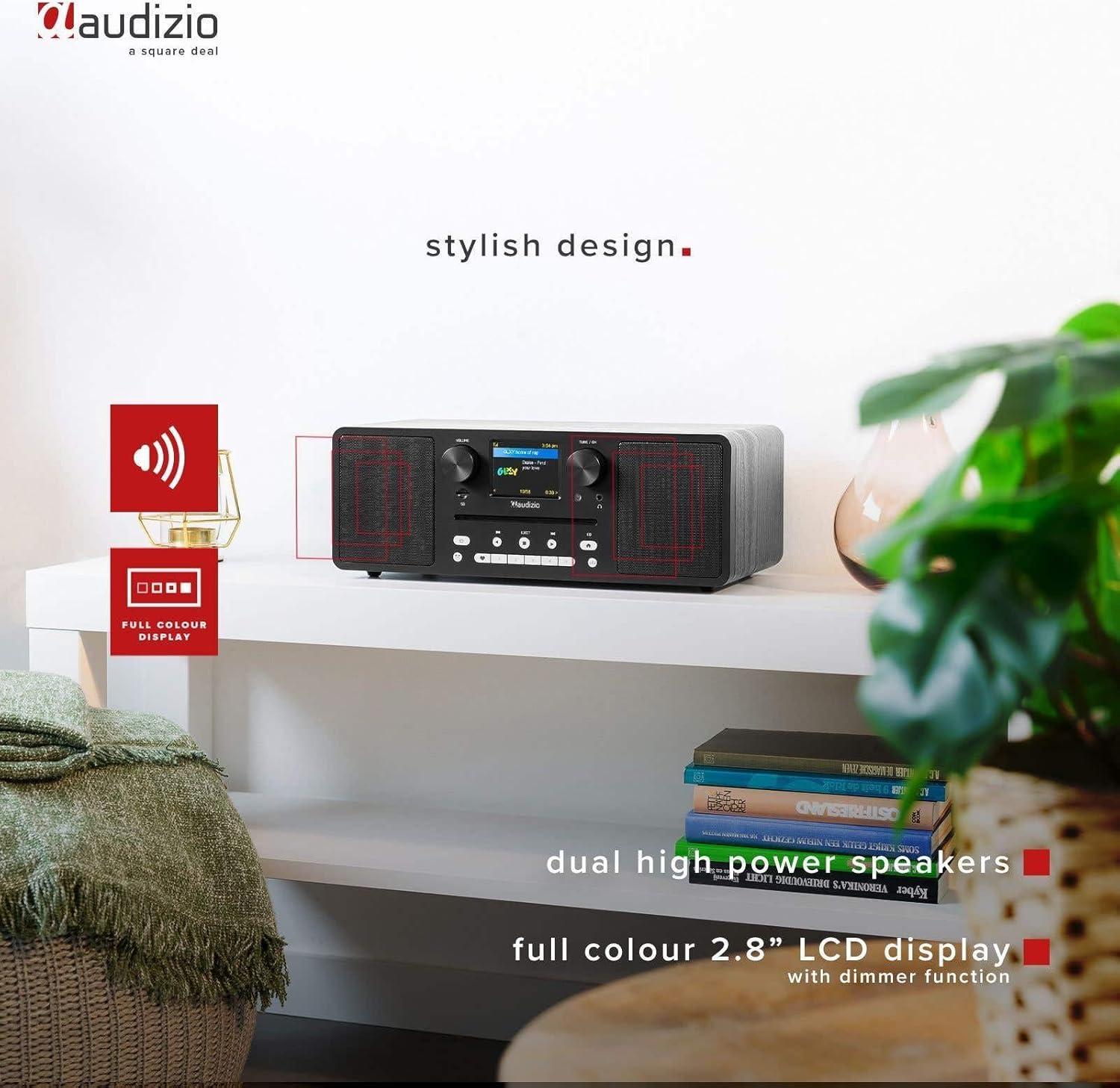
Image 4.2: The Audizio Naples radio highlighting its stylish design, dual high-power speakers, and 2.8-inch full-color LCD display with dimmer function.
4.1 Kontrole i funkcije prednje ploče
- Gumb za jačinu zvuka: Podešava nivo audio izlaza.
- Tune/OK Knob: Navigacija kroz menije i potvrđivanje odabira.
- LCD ekran od 2.8 inča: Prikazuje trenutni način rada, informacije o stanici, detalje o pjesmi i opcije menija.
- Utor za CD: Za umetanje audio CD-ova.
- Kontrolna dugmad: Power, Mode, Play/Pause, Skip, Eject, EQ, Presets.
- Priključak za slušalice: 3.5 mm izlaz za privatno slušanje.
- Micro SD utor: Za reprodukciju MP3 datoteka files from a Micro SD card.
4.2 Priključci stražnje ploče
- DC IN 12V: Ulazna snaga.
- ON/OFF prekidač: Glavni prekidač za napajanje.
- USB port: Za reprodukciju MP3 datoteka files sa USB drajva.
- AUX IN: 3.5 mm ulaz za povezivanje eksternih audio uređaja.
- LINE OUT: 3.5mm output for connecting to external ampdizači ili zvučnici.

Slika 4.3: Bočna strana view highlighting the universal headphone output, line out, and Aux input connections.

Image 4.4: Close-up of the Audizio Naples radio showing the USB port, micro SD slot, and the CD player slot.
5. Podešavanje
5.1 Priključak za napajanje
- Connect the provided power adapter to the "DC IN 12V" port on the rear of the Audizio Naples.
- Uključite adapter za napajanje u odgovarajuću zidnu utičnicu.
- Flip the "ON/OFF" switch on the rear panel to the "ON" position. The display will light up.
5.2 Početno podešavanje i Wi-Fi veza
Upon first power-on, the device will guide you through the initial setup, including language selection and network configuration for Internet Radio functionality.
- Pratite upute na ekranu da biste odabrali željeni jezik.
- The device will scan for available Wi-Fi networks. Select your network from the list.
- Enter your Wi-Fi password using the Tune/OK knob to navigate and select characters. Press OK to confirm each character and the entire password.
- Once connected, the device will confirm the successful Wi-Fi connection.
6. Uputstvo za upotrebu
6.1 Odabir načina rada
Pritisnite MODE button on the front panel or remote control to cycle through available modes: Internet Radio, DAB+, FM, Bluetooth, CD, USB, Micro SD, AUX In.
6.2 Internet radio
Access thousands of radio stations from around the world via your Wi-Fi connection.

Image 6.1: The Audizio Naples radio demonstrating its Internet Radio capability, connecting to global stations.
- Odaberite način rada "Internet radio".
- Use the Tune/OK knob to browse stations by location, genre, or search.
- Press OK to select a station.
- To save a station as a preset, press and hold one of the numbered preset buttons (1-5) on the front panel or remote.
6.3 DAB+ / FM Radio
Enjoy digital (DAB+) and analog (FM) radio broadcasts.
- Select "DAB+" or "FM" mode.
- For DAB+, the radio will automatically scan for available stations on first use. For FM, use the Tune/OK knob to manually tune or press and hold to auto-scan.
- Use the Tune/OK knob to select a station from the list.
- Save presets as described for Internet Radio.
6.4 Reprodukcija putem Bluetootha
Bežično strimujte zvuk sa svojih uređaja koji podržavaju Bluetooth.
- Select "Bluetooth" mode. The display will show "Pairing".
- On your smartphone or other Bluetooth device, enable Bluetooth and search for "Audizio Naples".
- Select "Audizio Naples" to pair. Once connected, you will hear a confirmation sound.
- Počnite reproducirati zvuk na povezanom uređaju.
6.5 CD / USB / Micro SD Playback
Play audio from CDs, USB drives, or Micro SD cards. The device supports CD, CD-R, CD-RW, and MP3 CD formats.

Image 6.2: A CD being inserted into the slot-loading CD player of the Audizio Naples radio.
- CD: Insert a CD into the slot. The device will automatically switch to CD mode and begin playback. Use the Play/Pause, Skip buttons for control. Press EJECT to remove the CD.
- USB/Micro SD: Insert a USB drive into the USB port or a Micro SD card into the Micro SD slot. Select "USB" or "Micro SD" mode. The device will display the file structure, allowing you to navigate and select MP3 files za reprodukciju.
6.6 AUX ulaz
Povežite eksterne audio izvore pomoću 3.5 mm audio kabla.
- Connect your external device (e.g., MP3 player) to the "AUX IN" port using a 3.5mm audio cable.
- Odaberite način rada "AUX ulaz".
- Kontrolirajte reprodukciju sa svog vanjskog uređaja.
6.7 Budilnik i tajmer za spavanje
The Audizio Naples features a dual alarm clock and a sleep timer function.
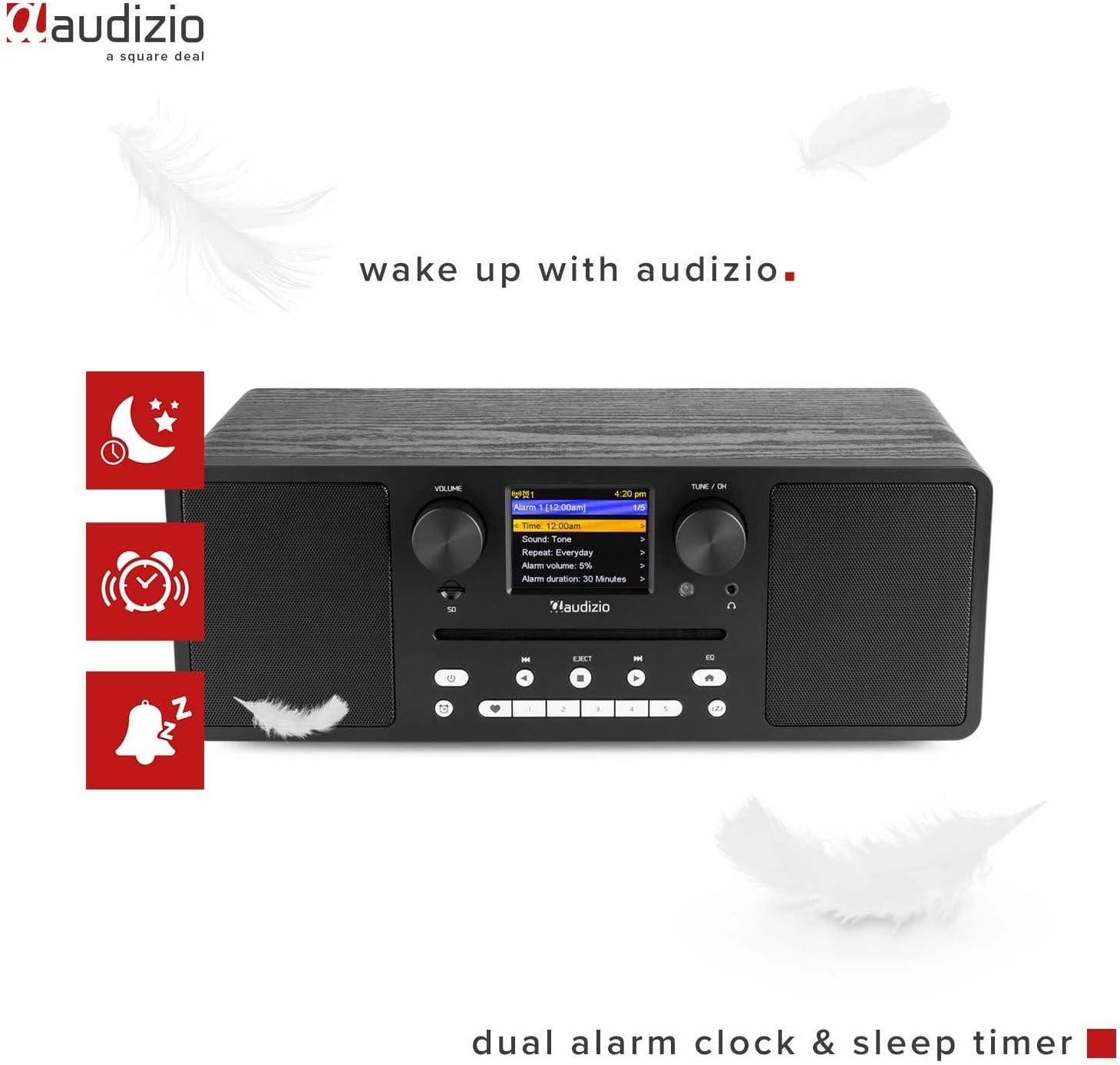
Image 6.3: The Audizio Naples radio showing icons related to its dual alarm clock and sleep timer functions.
- Podešavanje alarma: Access the alarm settings through the system menu. You can set two independent alarms with customizable sources (buzzer, radio station) and volume.
- Tajmer za isključivanje: Set a timer for the radio to automatically turn off after a specified duration. This can be found in the system settings.
6.8 Postavke ekvilajzera
Adjust the audio output with various equalizer presets.
- Pritisnite EQ dugme na prednjoj ploči ili daljinskom upravljaču.
- Cycle through presets like Rock, Pop, Classical, Jazz, or a custom setting.
6.9 Daljinski upravljač
Priloženi daljinski upravljač omogućava praktičan pristup svim funkcijama s udaljenosti.

Image 6.4: The Audizio Naples radio shown with its dedicated remote control.
- Uvjerite se da su baterije ispravno umetnute.
- Point the remote control towards the front panel of the radio.
- Buttons on the remote mirror most functions available on the unit itself, including power, mode, volume, tuning, presets, EQ, and info.
7. Održavanje
7.1 Čišćenje
- Uvijek isključite uređaj prije čišćenja.
- Za brisanje vanjskih površina koristite meku, suhu krpu koja ne ostavlja dlačice.
- Ne koristite abrazivna sredstva za čišćenje, voskove ili rastvarače jer mogu oštetiti završnu obradu.
7.2 Održavanje CD plejera
- Handle CDs by the edges to avoid fingerprints and scratches.
- CD-ove čistite mekom, suhom krpom, brišući od centra prema van.
- Do not insert damaged or irregularly shaped discs into the CD slot.
8. Otkrivanje problema
| Problem | Mogući uzrok | Rješenje |
|---|---|---|
| Nema struje | Power adapter not connected; ON/OFF switch is OFF. | Ensure power adapter is securely connected and the ON/OFF switch is in the ON position. |
| Nema zvuka | Volume too low; Mute activated; Incorrect input mode. | Increase volume; Check if mute is active; Select the correct input mode (e.g., CD, Bluetooth). |
| Nije moguće povezati se na Wi-Fi | Netačna lozinka; Ruter previše udaljen; Problemi s mrežom. | Provjerite lozinku za Wi-Fi; Približite radio ruteru; Ponovo pokrenite ruter; Provjerite mrežne postavke. |
| DAB/FM reception poor | Slab signal; Antena nije izvučena. | Extend the telescopic antenna fully; Reposition the radio for better signal reception. |
| Bluetooth uparivanje nije uspjelo | Device not in pairing mode; Other device connected. | Ensure the radio is in Bluetooth pairing mode; Disconnect any other Bluetooth devices from the radio; Restart Bluetooth on your device. |
| CD se ne reproducira | CD inserted incorrectly; Disc is dirty or scratched; Unsupported format. | Re-insert CD correctly; Clean the disc; Ensure it is an audio CD or MP3 CD. |
9. Specifikacije
| Feature | Detalj |
|---|---|
| Brand | Audizio |
| Broj modela | Napulj |
| Izlazna snaga | 60 Watts |
| Tehnologija povezivanja | Bluetooth 5.0, USB, Wi-Fi (802.11b/g/n) |
| Radio tjuner | DAB+, Internet Radio, FM |
| CD plejer | Slot-loading, compatible with CD, CD-R, CD-RW, MP3 CD |
| Reprodukcija medija | USB, Micro SD (MP3 files) |
| Display | 2.8-inch LCD with dimmer function |
| Audio izlazi | 3.5mm Headphone Jack, 3.5mm Line Out |
| Audio ulazi | 3.5 mm AUX ulaz |
| Equalizer | Presets (Rock, Pop, Classical, Jazz) |
| Posebne karakteristike | Dual Alarm Clock, Sleep Timer, Remote Control |
| Boja | Crna |
| Dimenzije (D x Š x V) | 350 x 195 x 127 mm |
| Težina | 3.2 kg |
| Power Voltage | 230Vac/50Hz |
10. Garancija i podrška
For warranty information and technical support, please refer to the documentation provided with your purchase or contact Audizio customer service. Keep your proof of purchase for warranty claims.
For further assistance, visit the official Audizio websajtu ili kontaktirajte svog lokalnog prodavca.


