1. Uvod
Hvala na kupoviniasing the KAGO 4K HDMI Splitter 1 in 10 Out, Model 4K1010. This device is designed to distribute a single HDMI source signal to ten HDMI displays simultaneously. It supports high-resolution video up to 4K@30Hz, 3D visual effects, and various digital audio formats, ensuring a high-quality audio and video experience across multiple screens. This manual provides detailed instructions for setup, operation, and troubleshooting to help you maximize the performance of your HDMI splitter.
2. Sigurnosne informacije
- Provjerite da adapter za napajanje odgovara jačini zvukatage requirements of your region.
- Ne izlažite uređaj vodi, vlazi ili ekstremnim temperaturama.
- Izbjegavajte postavljanje uređaja u blizini izvora topline ili na direktnom suncu.
- Ne pokušavajte sami otvarati ili popravljati uređaj. Za sve servisne radove obratite se kvalifikovanom osoblju.
- Isključite napajanje tokom oluja sa grmljavinom ili kada se uređaj ne koristi duži period.
- Koristite samo isporučeni adapter za napajanje.
3. Sadržaj paketa
Molimo Vas da provjerite da li se u Vašem paketu nalaze svi artikli:
- KAGO 4K HDMI Splitter 1 in 10 Out (Model: 4K1010)
- Adapter za napajanje (DC 12V/2A)
- Uputstvo za upotrebu
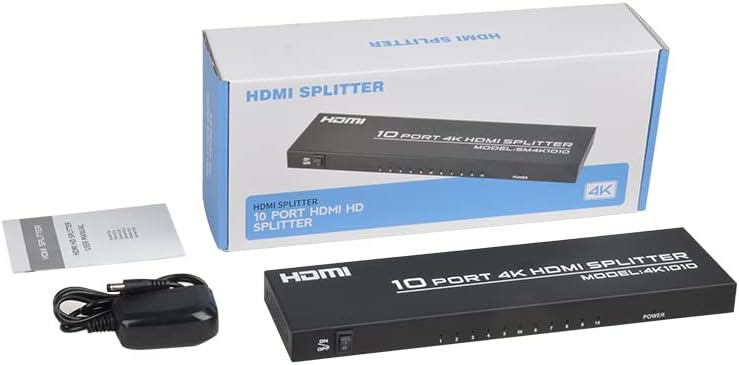
Image: The KAGO 4K HDMI Splitter, its power adapter, and the instruction manual are shown alongside the product packaging.
4. Proizvod je gotovview
The KAGO 4K HDMI Splitter 1 in 10 Out features a robust design with clear labeling for easy connection and operation.
Prednja ploča:
- ON/OFF prekidač: Kontrola snage za uređaj.
- Output Indicators (1-10): LEDs that illuminate when an HDMI output is connected and active.
- Indikator napajanja: LED that illuminates when the device is powered on.
Zadnji panel:
- HDMI IN: Port for connecting your single HDMI source device.
- HDMI OUT 1-10: Ten ports for connecting your HDMI display devices.
- DC 5V: Ulazni priključak za napajanje za priloženi adapter za napajanje.

Slika: Vrh view showing the power switch and ten output indicator LEDs. Bottom view showing the HDMI input, ten HDMI output ports, and the DC power input.
5. Upute za postavljanje
Follow these steps to set up your KAGO 4K HDMI Splitter:
- Povežite HDMI izvor: Connect an HDMI cable from your source device (e.g., PC, laptop, game console, Blu-ray player) to the HDMI-IN priključak na razdjelniku.
- Povežite HDMI ekrane: Connect HDMI cables from your display devices (e.g., HDTVs, monitors, projectors) to the HDMI IZLAZ 1-10 ports on the splitter. You can connect up to ten displays.
- Priključite napajanje: Plug the included DC 12V/2A power adapter into the DC 5V priključak na razdjelniku, a zatim uključite adapter u utičnicu.
- Uključeno: Flip the ON/OFF switch on the front panel to the 'ON' position. The power indicator and active output indicators will light up.
- Potvrdite vezu: Ensure all connected displays are receiving the signal from your source device.
This device is designed for plug-and-play operation, requiring no additional drivers or software installation.

Image: A visual representation of connecting an HDMI source to the splitter's input and ten HDMI displays to its outputs.
6. Uputstvo za upotrebu
The KAGO 4K HDMI Splitter operates automatically once connected and powered on. It duplicates the single HDMI input signal to all connected HDMI outputs.
- Simultani prikaz: All ten connected displays will show the exact same audio and video content from the single HDMI source.
- Podrška za rezoluciju: The splitter supports resolutions up to 4K (3840x2160) at 30Hz, as well as 1080P, 1080i, 720p, 576p, 576i, 480P, and 480i. It also supports 3D images.
- Sinhronizacija zvuka: The device ensures audio and video are synchronized, supporting various digital audio formats including DTS-HD, Dolby-trueHD, LPCM 7.1, DTS, Dolby-AC3, and DSD.
- Kompatibilnost: Compatible with a wide range of HDMI-integrated devices and operating systems, including Windows, MS-DOS, Linux, Android, and Mac OS.

Slika: Vizualni bivšiample of ten monitors simultaneously displaying the same content, illustrating the splitter's core function.

Image: Demonstrates support for 4K high-definition and 3D visual effects.
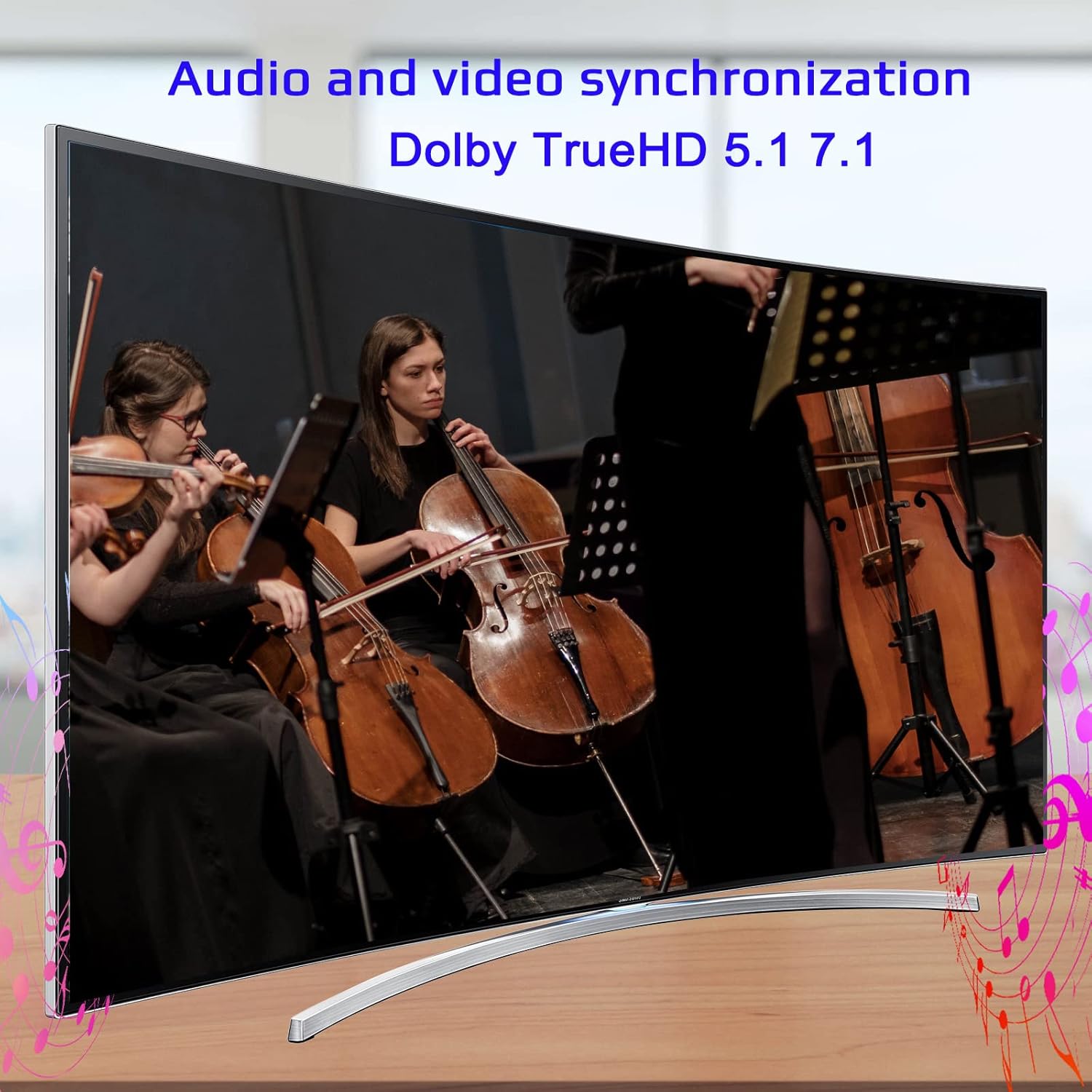
Image: Illustrates the audio and video synchronization capabilities, including Dolby TrueHD 5.1/7.1.
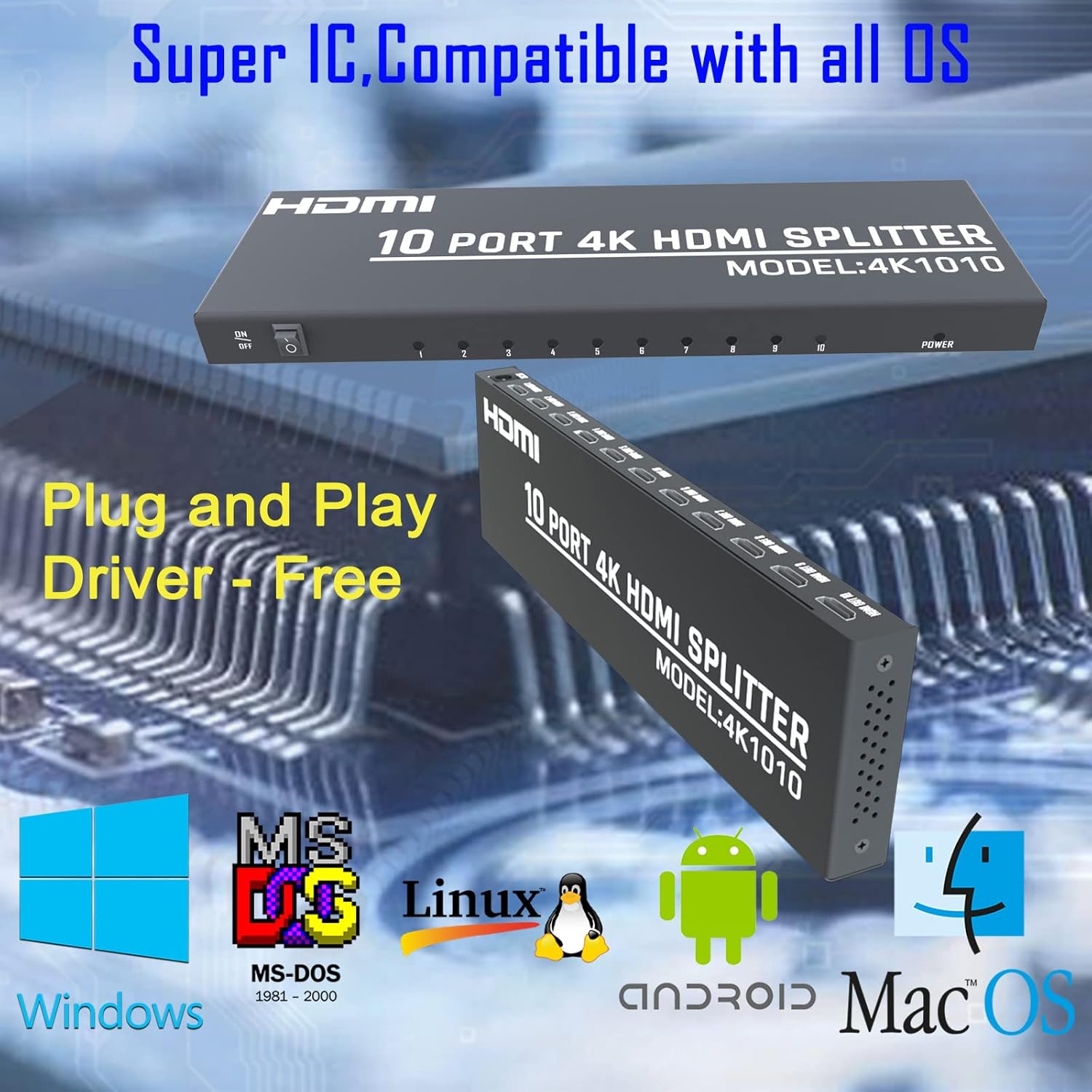
Image: Highlights the splitter's compatibility with various operating systems and its plug-and-play functionality.
7. Otkrivanje problema
If you encounter issues with your KAGO 4K HDMI Splitter, please refer to the following common solutions:
| Problem | Mogući uzrok | Rješenje |
|---|---|---|
| No signal on display(s) | Loose HDMI cables, incorrect input selection on TV, power issue. | Check all HDMI cable connections. Ensure the TV input is set to the correct HDMI port. Verify the splitter is powered on and the power indicator is lit. Try a different HDMI cable. |
| Treperenje ili iskrivljena slika | Poor quality/lengthy HDMI cables, resolution incompatibility. | Use high-quality HDMI cables (19+1AWG26 standard recommended). Ensure cable lengths are within recommended limits (input 1-10M, output 1-15M). Try a lower resolution on the source device. |
| Nema zvuka | Audio settings on source/display, faulty HDMI cable. | Check audio settings on your source device and display. Ensure the HDMI cable supports audio transmission. Try a different HDMI cable. |
| Only some outputs work | Faulty output port, issue with specific display/cable. | Test the non-working output with a known good display and cable. Ensure the output indicator LED for that port is lit. |
8. Specifikacije
| Feature | Detalj |
|---|---|
| Broj modela | 4K1010 |
| Dimenzije proizvoda | 11.1 x 3.1 x 1 inča |
| Težina artikla | 1.48 funte |
| Tip konektora | HDMI |
| Podržane rezolucije | Up to 4K (3840x2160@30Hz), 1080P, 1080i, 720p, 576p, 576i, 480P, 480i |
| 3D podrška | Da |
| Digital Audio Formats | DTS-HD/Dolby-trueHD/LPCM7.1/DTS/Dolby-AC3/DSD |
| Bandwidth | 10.2 Gbps |
| Adapter za napajanje | Ulaz: AC (50HZ, 60HZ) 100V-240V; Izlaz: DC12V/2A |
| Preporučena dužina HDMI kabla | Input: 1-10M (16ft); Output: 1-15M (48ft) |
| Proizvođač | Siying |
9. Održavanje
To ensure the longevity and optimal performance of your KAGO 4K HDMI Splitter, follow these maintenance guidelines:
- čišćenje: Za čišćenje vanjske strane uređaja koristite meku, suhu krpu. Ne koristite tekuća sredstva za čišćenje ili aerosole.
- ventilacija: Ensure the device has adequate ventilation. Do not block the ventilation holes. The design promotes efficient heat dissipation to prevent overheating during extended use.

Image: A visual representation of the splitter's heat dissipation design, indicating it remains cool during operation.
10. Garancija i podrška
KAGO products are designed for reliability and performance. For warranty information or technical support, please refer to the contact details provided with your purchase or visit the official KAGO webMolimo sačuvajte dokaz o kupovini za bilo kakve reklamacije u vezi s garancijom.

