Uvod
Thank you for choosing the Yansoo Dual Dash Cam. This manual provides detailed instructions for the installation, operation, and maintenance of your dash camera. Please read this manual thoroughly before use to ensure proper functionality and to maximize your driving safety and recording capabilities.

The Yansoo Dual Dash Cam captures both front and interior views of your vehicle with high-definition clarity.
Sigurnosne informacije
- Ne upravljajte kamerom za automobil tokom vožnje. Podešavajte postavke samo kada je vozilo sigurno parkirano.
- Ensure the dash cam is securely mounted and does not obstruct your view na putu.
- Izbjegavajte izlaganje uređaja ekstremnim temperaturama, direktnoj sunčevoj svjetlosti tokom dužeg perioda ili prekomjernoj vlazi.
- Use only the original power adapter provided to prevent damage to the device.
- Održavajte objektiv čistim za optimalnu kvalitetu snimanja.
Sadržaj paketa
- Yansoo Dual Dash Cam (X88)
- Nosač usisne čaše
- Car Charger (with USB-A port)
- Cable Clips
- Uputstvo za upotrebu
Note: A Micro Memory Card (up to 64GB) is NOT included and must be purchased separately.
Product Overview
The Yansoo X88 Dash Cam features a compact design with dual cameras for front and interior recording. It includes a 2.0-inch LCD display for real-time viewing i reprodukciju.

The main unit of the Yansoo X88 Dash Cam, showing the front camera, interior camera, and suction cup mount.

The X88 model is designed for both front and cabin recording, offering dual 1080P resolution and an F1.8 aperture.
Ključne karakteristike:
- Dual 1080P FHD Recording (Front 170°, Interior 140°)
- Super Infrared Night Vision with 4 IR LEDs
- Wide Dynamic Range (WDR) Technology
- Built-in G-Sensor for Emergency Lock
- Bešavno snimanje u petlji
- 24-Hour Parking Monitor (requires hardwire kit, sold separately)
- 2.0" LCD Display
- Super Capacitor for enhanced durability and temperature resistance

Gotovoview of the dash cam's primary functions and capabilities.
Setup
1. Umetanje memorijske kartice
Before first use, insert a Micro Memory Card (Class 10 or higher, up to 64GB) into the dash cam's memory card slot. Ensure the card is inserted correctly until it clicks into place. Format the card within the dash cam's settings for optimal performance.
2. Montaža Dash Cam
- Očistite područje vjetrobranskog stakla na koje namjeravate montirati kameru za automobil.
- Pričvrstite nosač vakuumske čašice na kameru za automobil.
- Press the suction cup firmly against the windshield and rotate the locking mechanism clockwise until it is securely attached. Ensure the protective film is removed from the suction cup.
- Podesite ugao kamere kako biste osigurali jasan view of the road ahead and the vehicle's interior. The camera offers flexible rotation for optimal positioning.

The dash cam features a flexible mount and rotatable cameras for various viewing angles.
3. Priključak za napajanje
- Spojite punjač za automobil na ulazni priključak za napajanje kamere za automobil.
- Uključite punjač za automobil u utičnicu za upaljač u vašem vozilu.
- Route the power cable neatly along the windshield and dashboard using the provided cable clips to avoid obstruction and ensure safety.
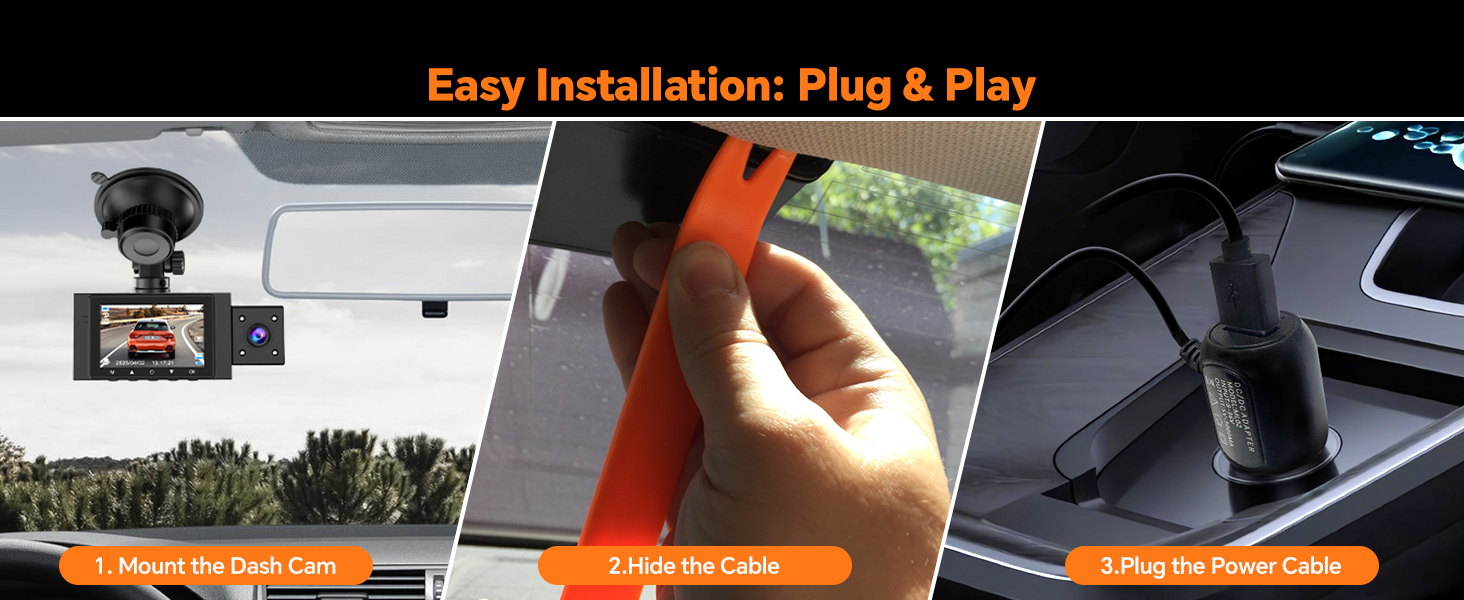
The installation process is designed to be plug-and-play for user convenience.
The dash cam will automatically power on and begin recording when your car engine starts. It will power off automatically when the engine is turned off.
Uputstvo za upotrebu
Basic Operation
- Uključivanje/isključivanje: The device powers on/off automatically with the vehicle's ignition. You can also manually power on/off by pressing and holding the power button.
- Snimanje: Recording starts automatically when the device is powered on. Press the 'OK' button to stop or start recording manually.
- Navigacija menijem: Use the menu buttons to navigate through settings.
Loop Recording
The dash cam supports seamless loop recording, which means it continuously records video. When the memory card is full, the oldest unlocked video files are automatically overwritten to make space for new recordings. This ensures uninterrupted recording.
- You can set loop recording intervals (e.g., 1, 2, or 3 minutes) in the settings. The default is 3 minutes.
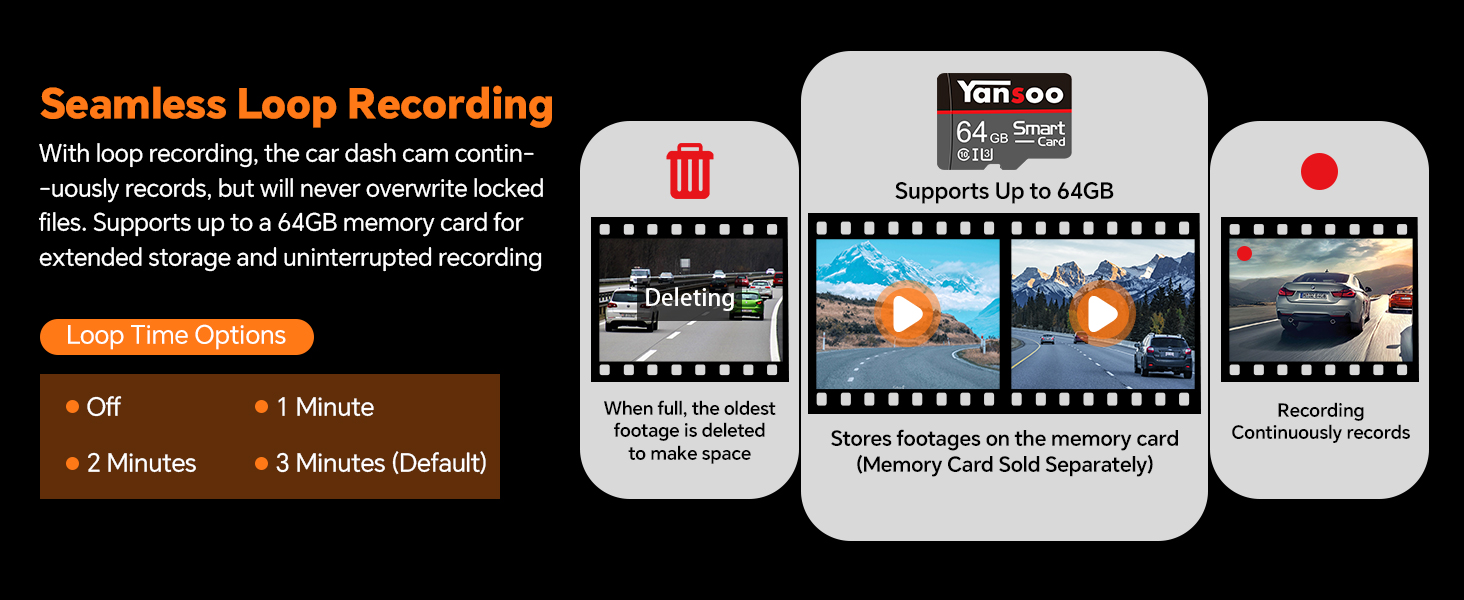
Seamless loop recording ensures continuous footage by overwriting the oldest files kada je memorijska kartica puna.
G-Sensor (Emergency Lock)
The built-in G-sensor detects sudden shakes or collisions. When activated, it automatically locks the current video footage, preventing it from being overwritten by loop recording. These locked files are crucial for evidence in case of an accident.

The G-Sensor automatically locks video files upon detecting a collision, preserving important evidence.
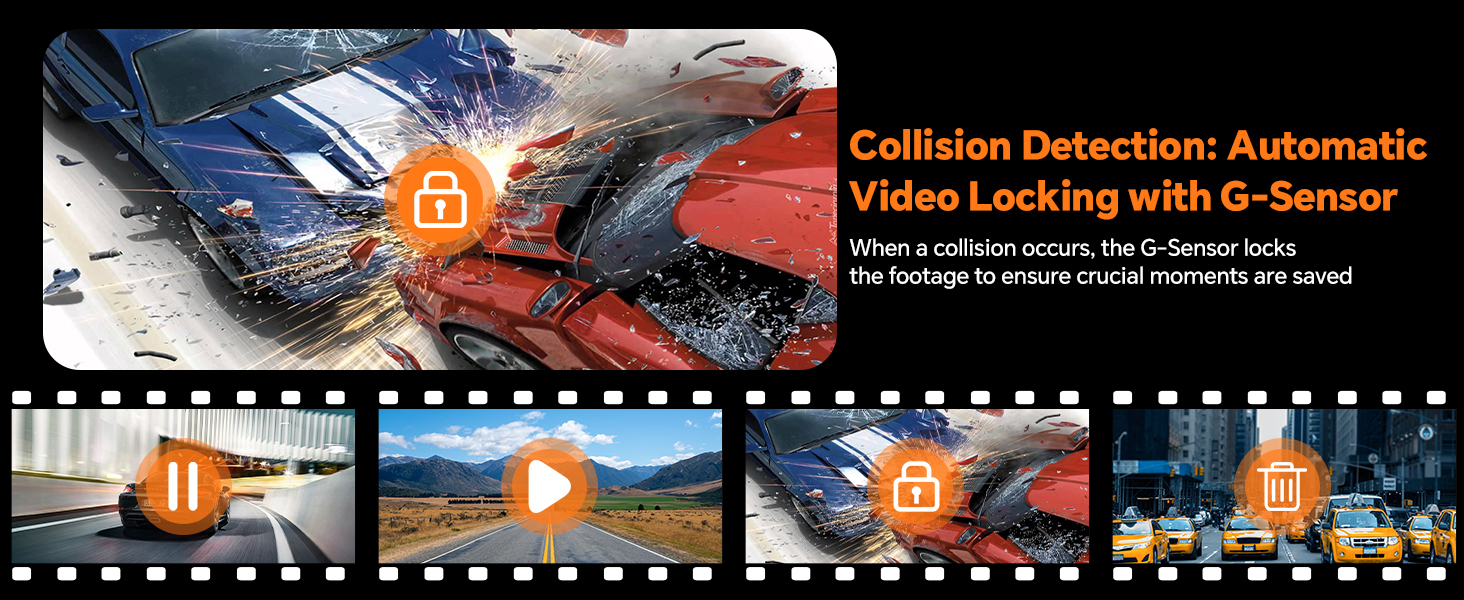
Visual representation of the G-Sensor locking footage tokom sudara.
24-Hour Parking Monitor & Motion Detection
When enabled, the parking monitor function protects your car even when parked. If the camera detects shocking or motion, it will automatically turn on and record a short video (e.g., 30 seconds) before shutting down again.
- For continuous 24-hour parking monitoring, a hardwire kit is required (sold separately, ASIN: B0CP7J78M5).

The dash cam provides 24-hour parking monitoring to protect your vehicle when parked.
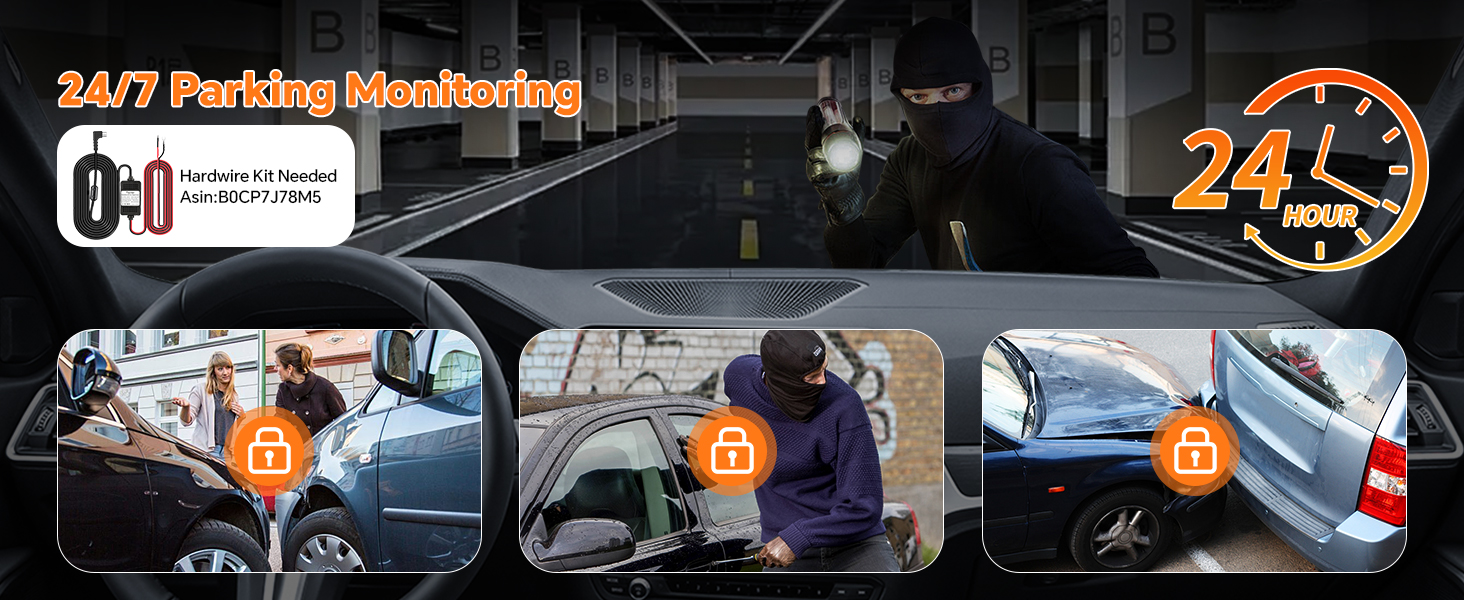
The 24/7 parking monitoring feature captures incidents like bumps, theft attempts, or vandalism.
Infrared Night Vision & WDR
Equipped with 4 unique infrared LED fill lights and F1.8 aperture, the dash cam performs optimally in low light conditions, ensuring clear high-definition recording day and night. Wide Dynamic Range (WDR) technology balances exposure for clear footage in challenging lighting, such as strong backlighting or dark tunnels.

The interior camera's 4 infrared LED lights ensure clear footage in low-light or night-time conditions.
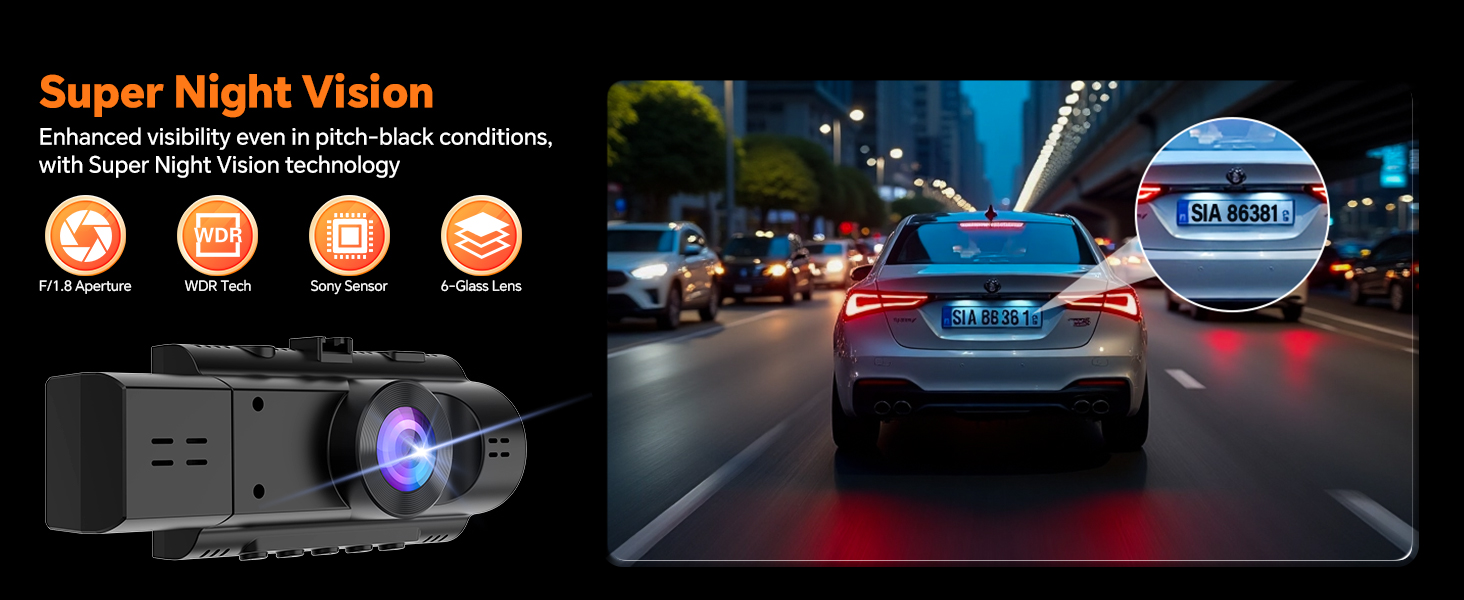
Super Night Vision enhances visibility even in pitch-black conditions, capturing details like license plates.
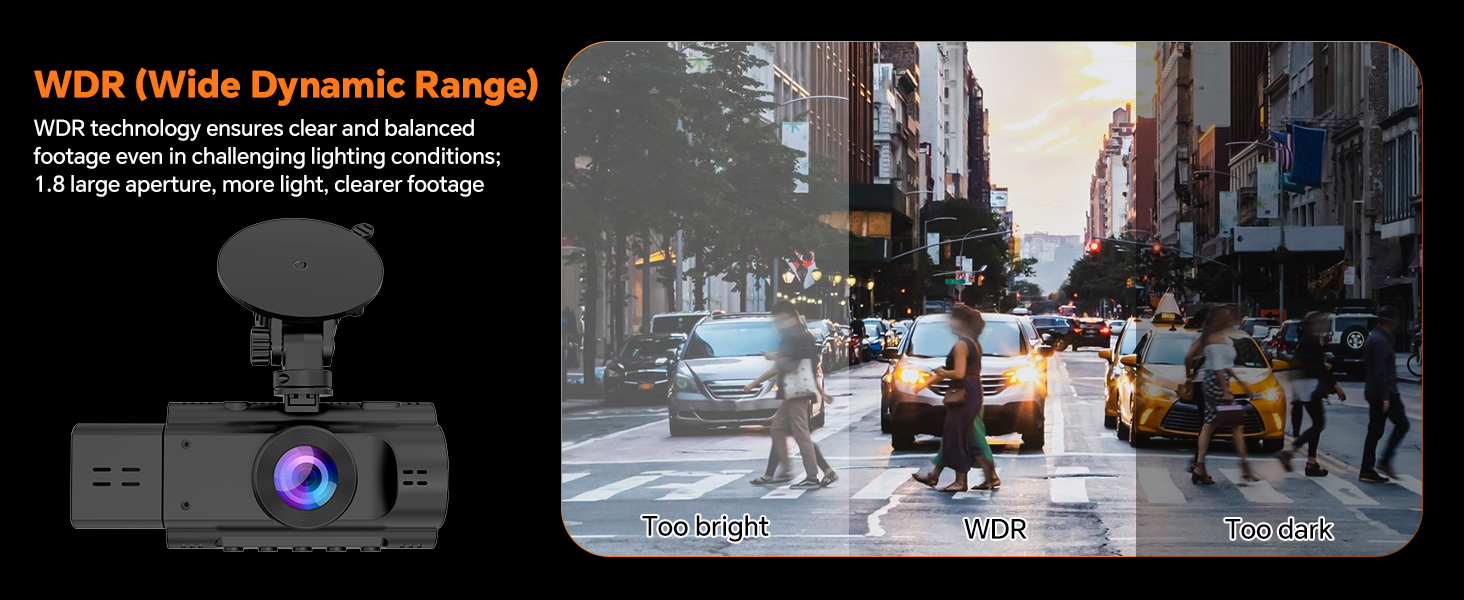
WDR technology ensures clear and balanced footage in challenging lighting conditions, preventing over or underexposure.
Display Modes (Split Screen)
The dash cam offers four display modes to monitor both front and interior views simultaneously or individually:
- Front View
- Unutra View
- Slika u slici (PIP) View
- Split Screen View
Use the 'Up Arrow' button to switch between these display modes.

The dash cam supports four different display modes for flexible viewing.
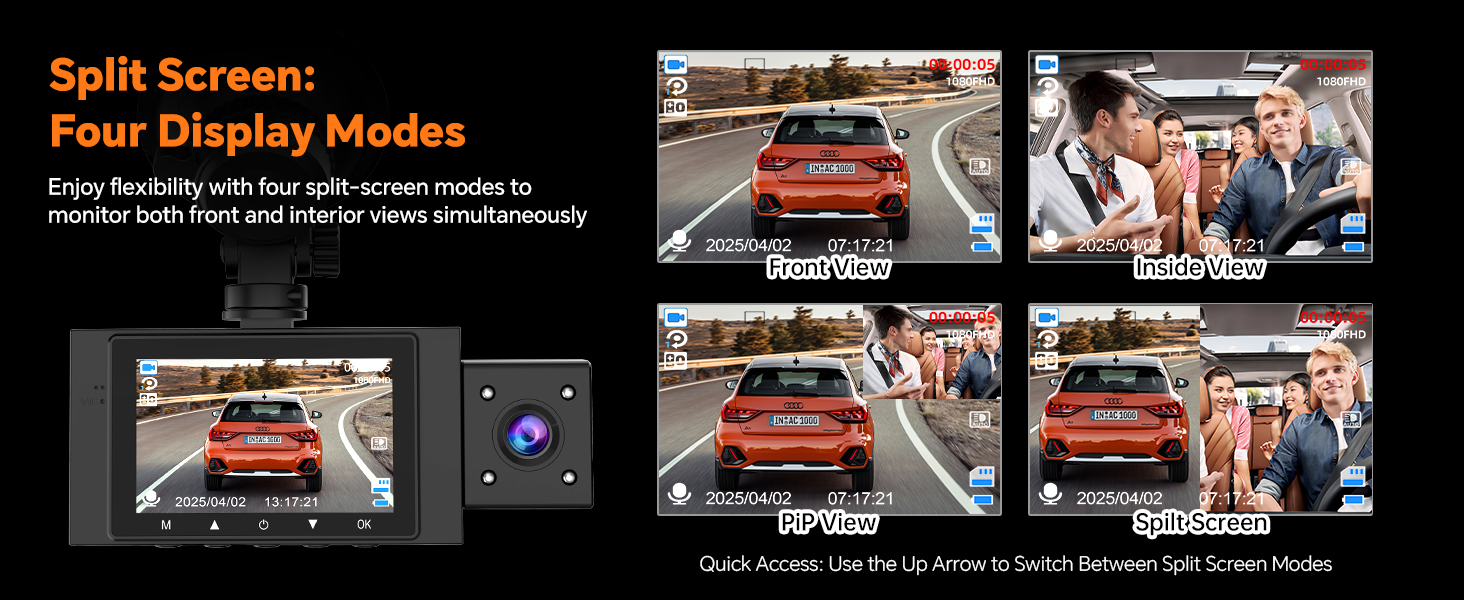
Enjoy flexibility with four split-screen modes to monitor both front and interior views istovremeno.
Privacy Protection (Screen Saver & Audio/Camera Off)
To maintain privacy, you can switch off the interior camera and microphone whenever needed. The screen saver mode can also be activated to turn off the LCD display while recording continues.
- Use the 'Down Arrow' button to toggle audio recording on/off.
- The screen saver can be set to activate automatically after a period of inactivity.
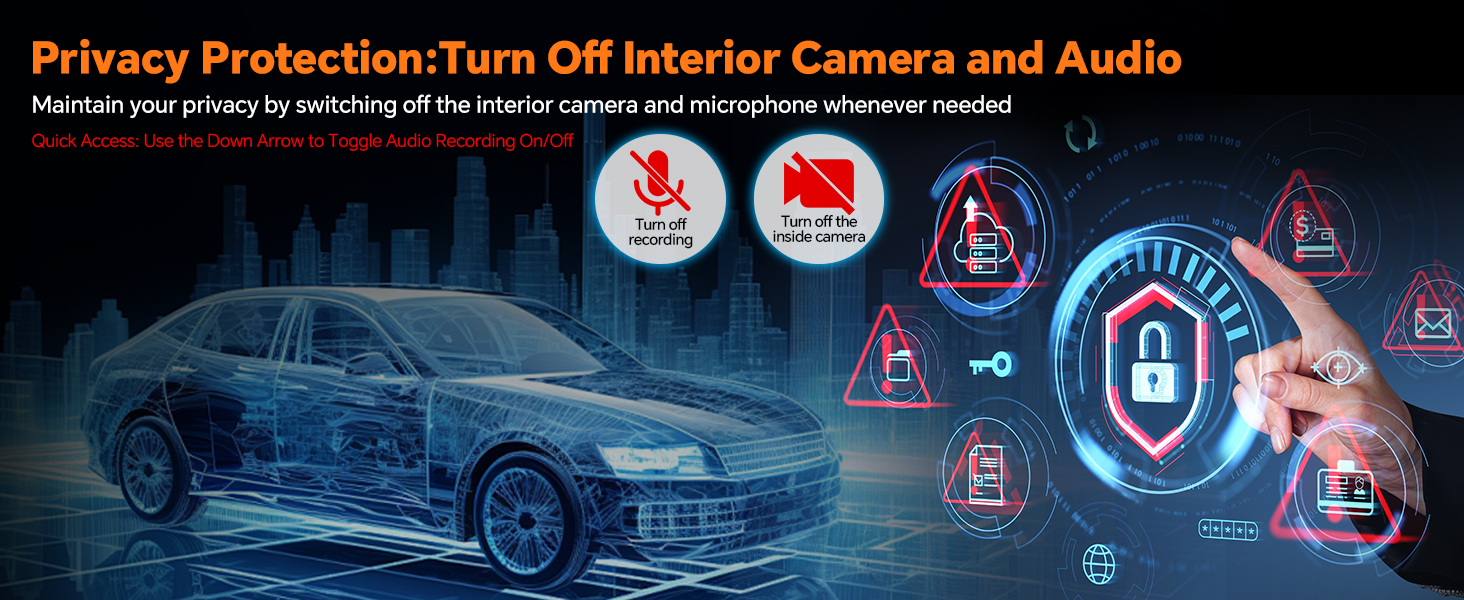
Maintain your privacy by switching off the interior camera and microphone when not needed.
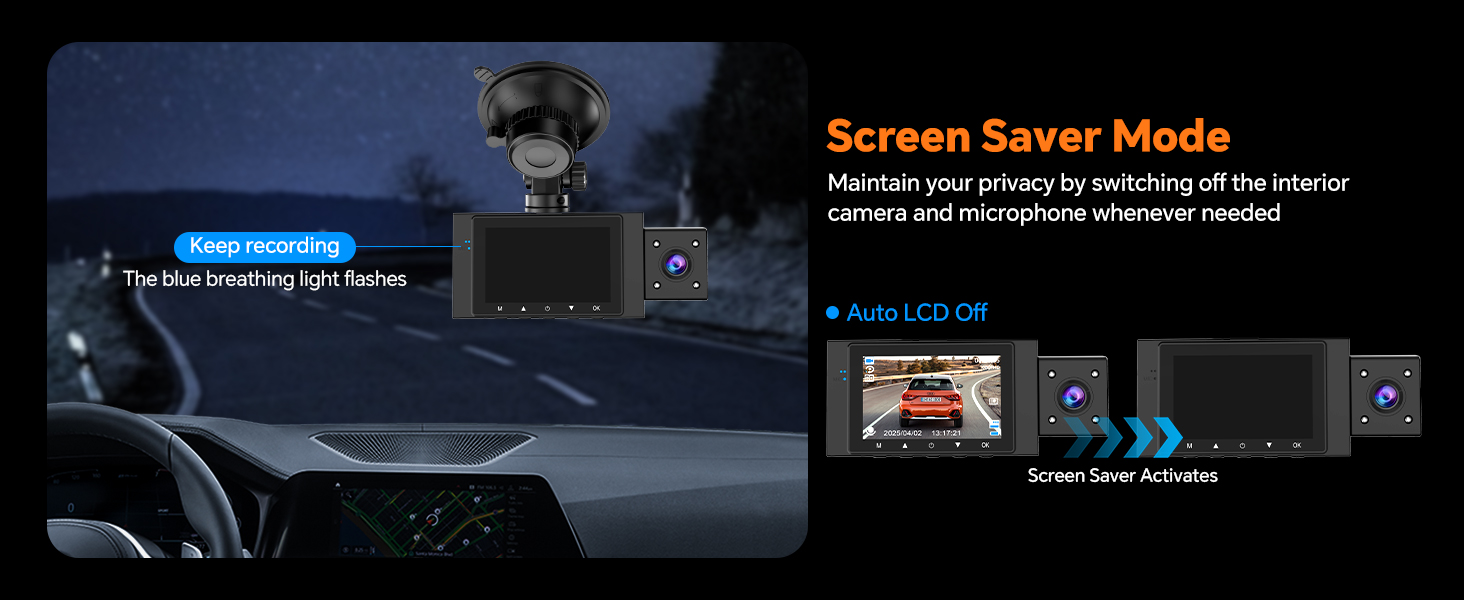
Screen Saver Mode allows the display to turn off while recording continues, indicated by a blue breathing light.
Reviewing Footage
Možete ponovoview snimljeno footage using several methods:
- Directly on Dashcam: Navigate to the playback mode on the device's LCD screen.
- Putem USB podatkovnog kabla: Connect the dash cam to a computer using a USB data cable (not included) to access files.
- Via Card Reader: Remove the memory card and insert it into a card reader connected to a computer.
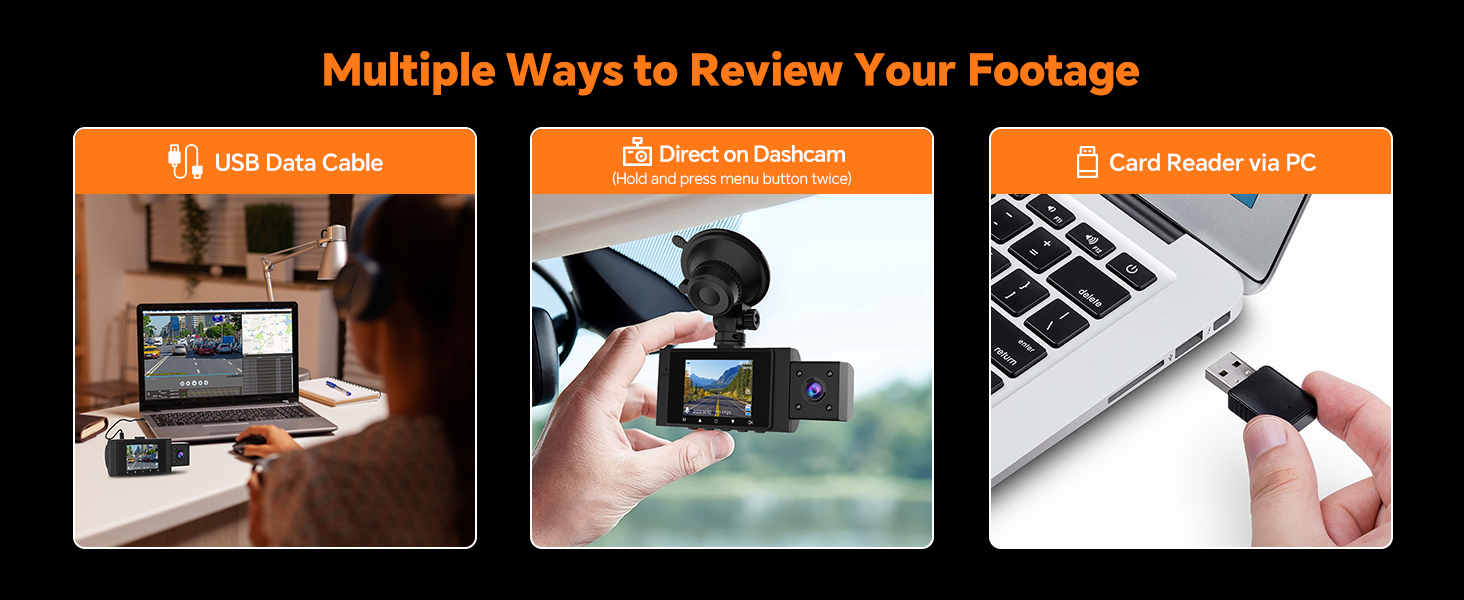
Various methods are available for reviewing your recorded footage.
Održavanje
- čišćenje: Use a soft, dry cloth to clean the dash cam body and lenses. Do not use abrasive cleaners or solvents.
- memorijska kartica: Regularly format the memory card (every 2-4 weeks) to prevent data corruption and ensure smooth operation. Back up important files prije formatiranja.
- Ažuriranja firmvera: Check the Yansoo official webperiodično provjeravajte web-mjesto za dostupna ažuriranja firmvera kako biste poboljšali performanse i dodali nove funkcije.
Rješavanje problema
| Problem | Mogući uzrok / rješenje |
|---|---|
| Camera keeps turning on and off. |
|
| Suction cup mount does not stick. |
|
| Uređaj se zamrzava ili ne radi ispravno. | Insert a needle into the 'RE' (Reset) button hole to restart the device. |
| Memory card full / Recording stops. |
|
| Kvalitet videa je loš. | Clean the camera lenses. Ensure the protective film is removed from the lenses. Check resolution settings. |
Specifikacije
| Feature | Detalj |
|---|---|
| Naziv modela | X88 Dash Camera for Cars Front and Inside |
| Dimenzije proizvoda | 4.13 x 1.57 x 1.77 inča |
| Težina artikla | 10.9 unce |
| Rezolucija video snimanja | Front and Inside: 1080P |
| Otvor objektiva | F1.8 |
| Viewing Angle | Front: 170°, Interior: 140° |
| Display | 2.0" LCD ekran |
| Skladištenje | Supports up to 64GB Micro Memory Card (not included) |
| Posebne karakteristike | Built-In Speaker, Loop Recording, G-Sensor, Infrared Night Vision, WDR, Parking Monitor |
| Izvor napajanja | Car Charger (Cigarette Lighter Interface) |
| Vrsta baterije | Super Capacitor (for reliable performance in extreme temperatures) |
| Tehnologija povezivanja | Tip-C |
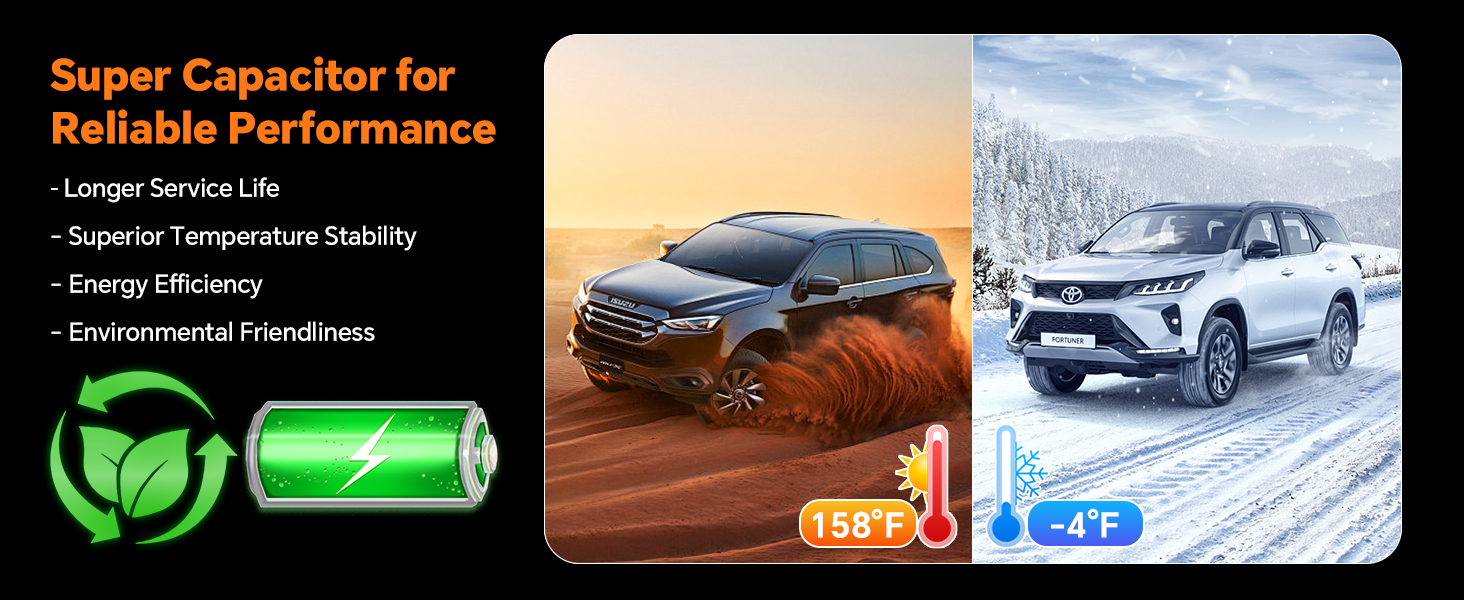
The super capacitor ensures reliable performance and longer service life across a wide temperature range (-4°F to 158°F).
Garancija i podrška
Yansoo provides lifetime after-sales support and a 1-year warranty for this product. For any questions or technical assistance regarding your dash cam, please contact our customer service team via Amazon or the after-sales email provided in the original product packaging.
Our customer service team is available 7 days a week, 24 hours a day, to assist you.


