1. Uvod
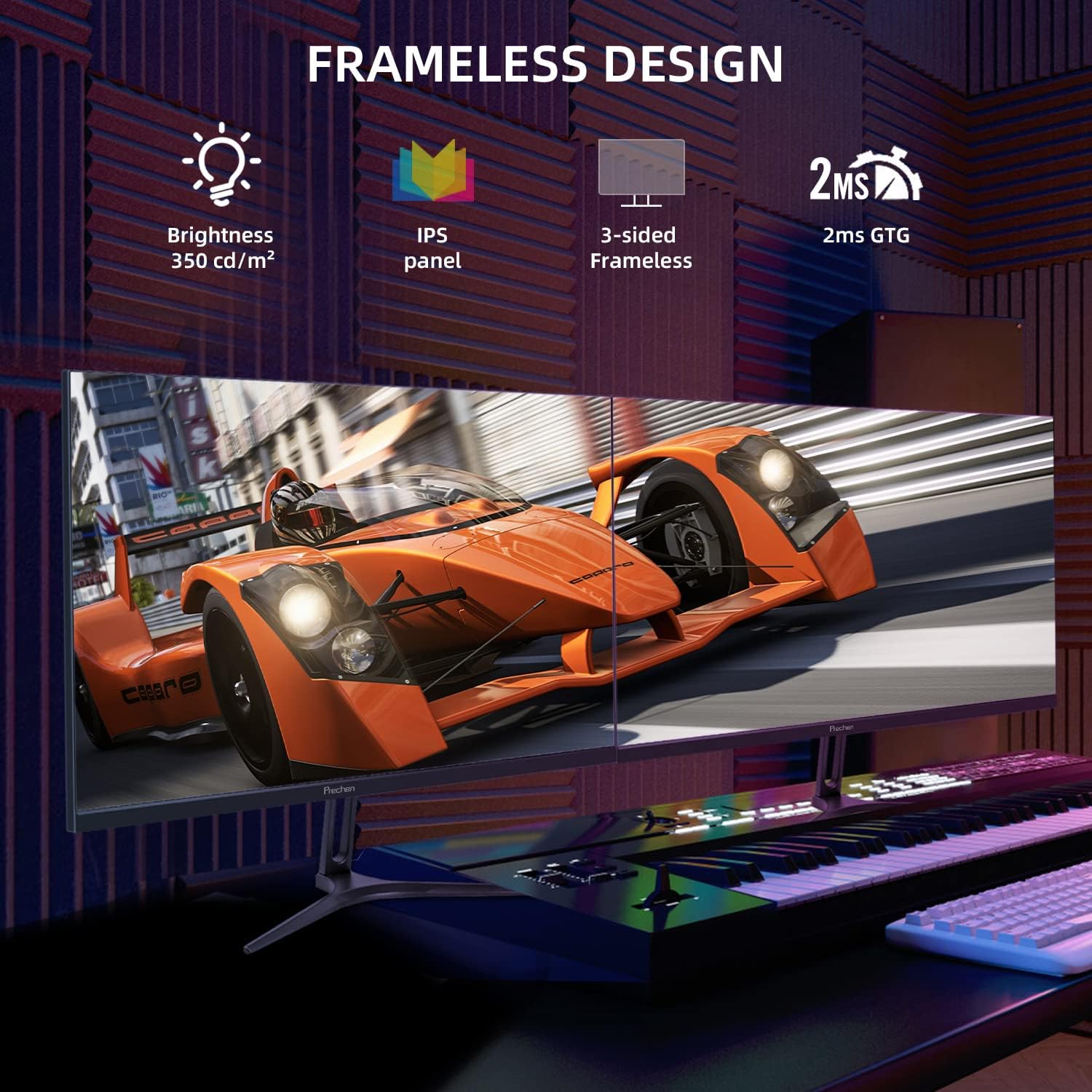
This manual provides essential information for the proper installation, operation, and maintenance of your Prechen 24-inch 240Hz Gaming Monitor. Please read this manual thoroughly before using the product to ensure optimal performance and safety. This monitor features a 240Hz refresh rate, 2ms GTG response time, Full HD 1920 x 1080P IPS display, AMD FreeSync Premium technology, and a 3-sided frameless design.

Slika: Front view of the Prechen 24-inch 240Hz Gaming Monitor with its stand.
2. Sigurnosne informacije
- Osigurajte da je monitor postavljen na stabilnu, ravnu površinu kako biste spriječili slučajne padove.
- Koristite samo adapter za napajanje koji dolazi s monitorom.
- Ne izlažite monitor kiši, vlazi ili ekstremnim temperaturama.
- Izbjegavajte blokiranje ventilacijskih otvora kako biste spriječili pregrijavanje.
- Ne pokušavajte sami rastavljati ili popravljati monitor. Sve servisne radove prepustite kvalifikovanom osoblju.
- Isključite monitor iz utičnice prije čišćenja.
3. Podešavanje
3.1 Sadržaj paketa
Provjerite da li su sve komponente prisutne u paketu:
- Prechen 24-inch Gaming Monitor
- Stalak za monitor (baza i vrat)
- Adapter za napajanje i kabl
- DisplayPort kabel
- Uputstvo za upotrebu
3.2 Sastavljanje postolja
- Pažljivo izvadite monitor iz ambalaže, štiteći ekran.
- Pričvrstite vrat postolja na ploču monitora.
- Pričvrstite bazu postolja na vrat postolja pomoću priloženih vijaka.
- Postavite sastavljeni monitor na stabilnu površinu.
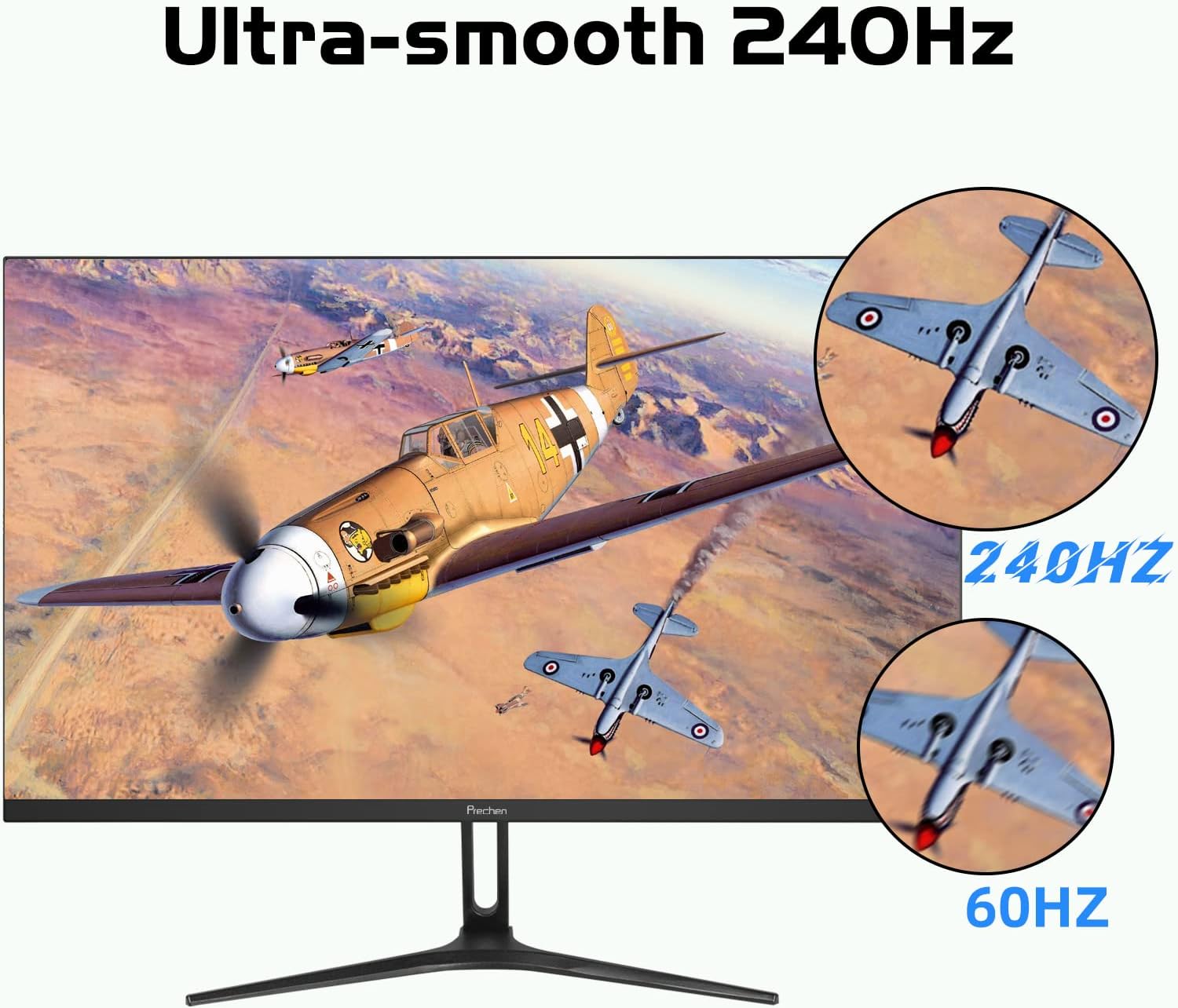
Image: Illustration of the monitor with its stand assembled.
3.3 VESA Wall Mount Installation (Optional)
The monitor supports a 75 x 75mm VESA mount. To install:
- Remove the stand from the monitor if already attached.
- Attach your VESA-compatible wall mount or arm to the four screw holes on the back of the monitor.
- Follow the instructions provided with your VESA mount for secure installation.
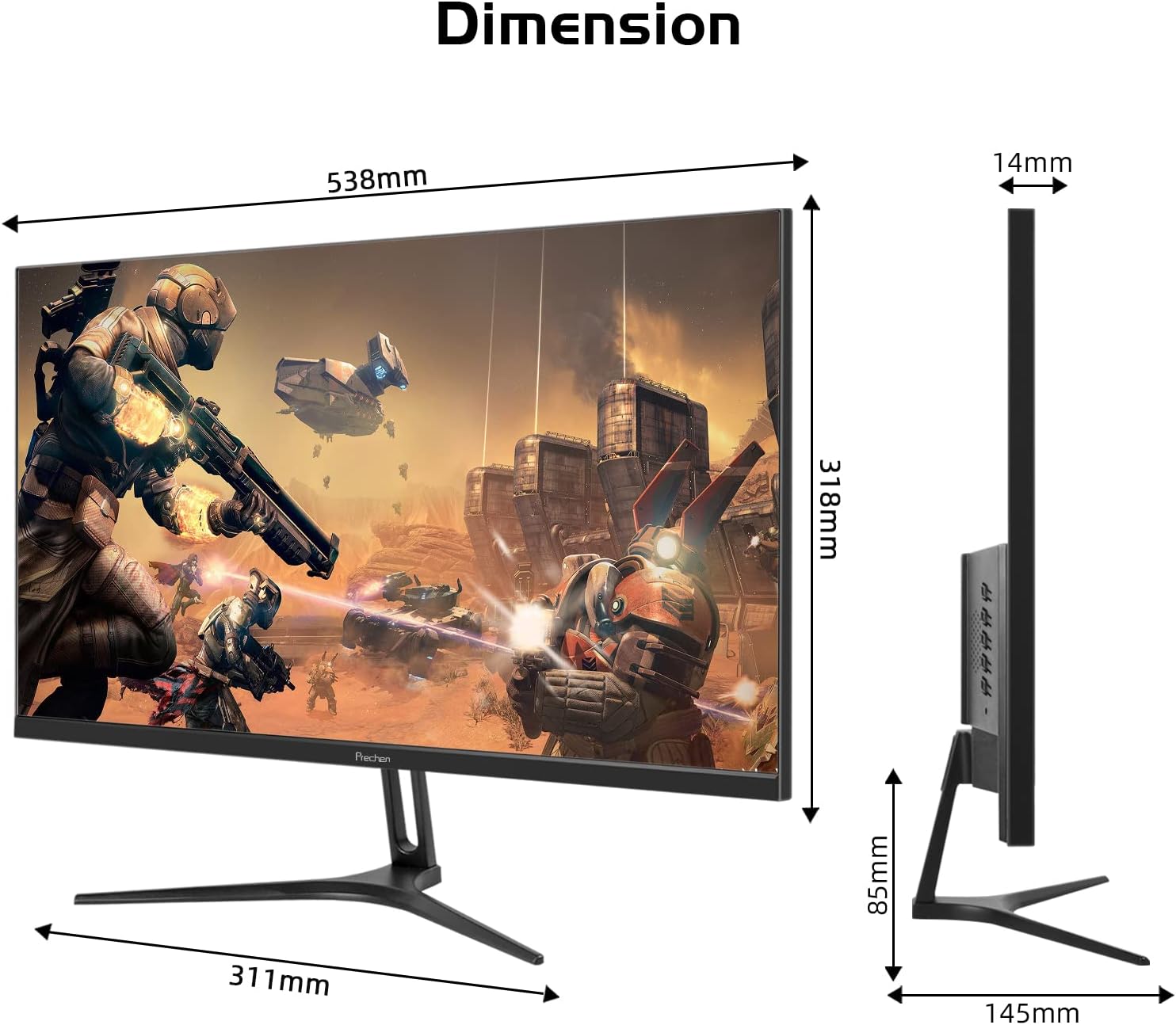
Image: Monitor shown mounted on a VESA-compatible arm.
3.4 Kablovi za povezivanje
Spojite potrebne kablove na zadnje portove monitora:
- Snaga: Connect the power adapter to the DC Power input on the monitor and then to a power outlet.
- DisplayPort (DP 1.2): For 240Hz refresh rate, connect a DisplayPort cable from your computer's graphics card to the monitor's DP 1.2 port.
- HDMI (HDMI 2.0): For 240Hz refresh rate, connect an HDMI 2.0 cable from your computer to the monitor's HDMI 2.0 port.
- HDMI (HDMI 1.4): For up to 144Hz refresh rate, connect an HDMI 1.4 cable from your computer to the monitor's HDMI 1.4 port.
- Audio ulaz: Connect an audio cable from your audio source to the Audio In port if using external speakers connected to the monitor.
Slika: Stražnja strana view of the monitor showing DC Power, HDMI 1.4, HDMI 2.0, DP 1.2, and Audio In ports.
4. Uputstvo za upotrebu
4.1 Uključivanje/isključivanje napajanja
Pritisnite dugme za napajanje koje se nalazi na monitoru da biste ga uključili ili isključili. Indikator napajanja će svijetliti kada je monitor uključen.
4.2 On-Screen Display (OSD) meni
OSD meni vam omogućava podešavanje različitih postavki monitora. Koristite kontrolne dugmad (obično se nalaze na zadnjoj ili donjoj desnoj strani monitora) za navigaciju kroz meni.
- Dugme menija: Otvara OSD meni.
- Dugmad za gore/dolje: Krećite se kroz opcije menija.
- Dugme za unos/odabir: Potvrđuje odabir.
- Dugme za izlaz: Zatvara OSD meni ili vraća na prethodni nivo.
4.3 Postavke slike
Adjust settings such as Brightness, Contrast, Color Temperature, and Gamma within the OSD menu to optimize your viewing iskustvo.
4.4 Odabir ulaza
Use the OSD menu to manually select the input source (DisplayPort, HDMI 1.4, HDMI 2.0) if the monitor does not automatically detect it.
4.5 Refresh Rate and AMD FreeSync Premium
This monitor supports up to 240Hz refresh rate via DisplayPort 1.2 and HDMI 2.0, and up to 144Hz via HDMI 1.4. Ensure your graphics card and cable support the desired refresh rate. AMD FreeSync Premium technology can be enabled through your graphics card settings to synchronize the monitor's refresh rate with your GPU's frame rate, reducing screen tearing and stuttering.
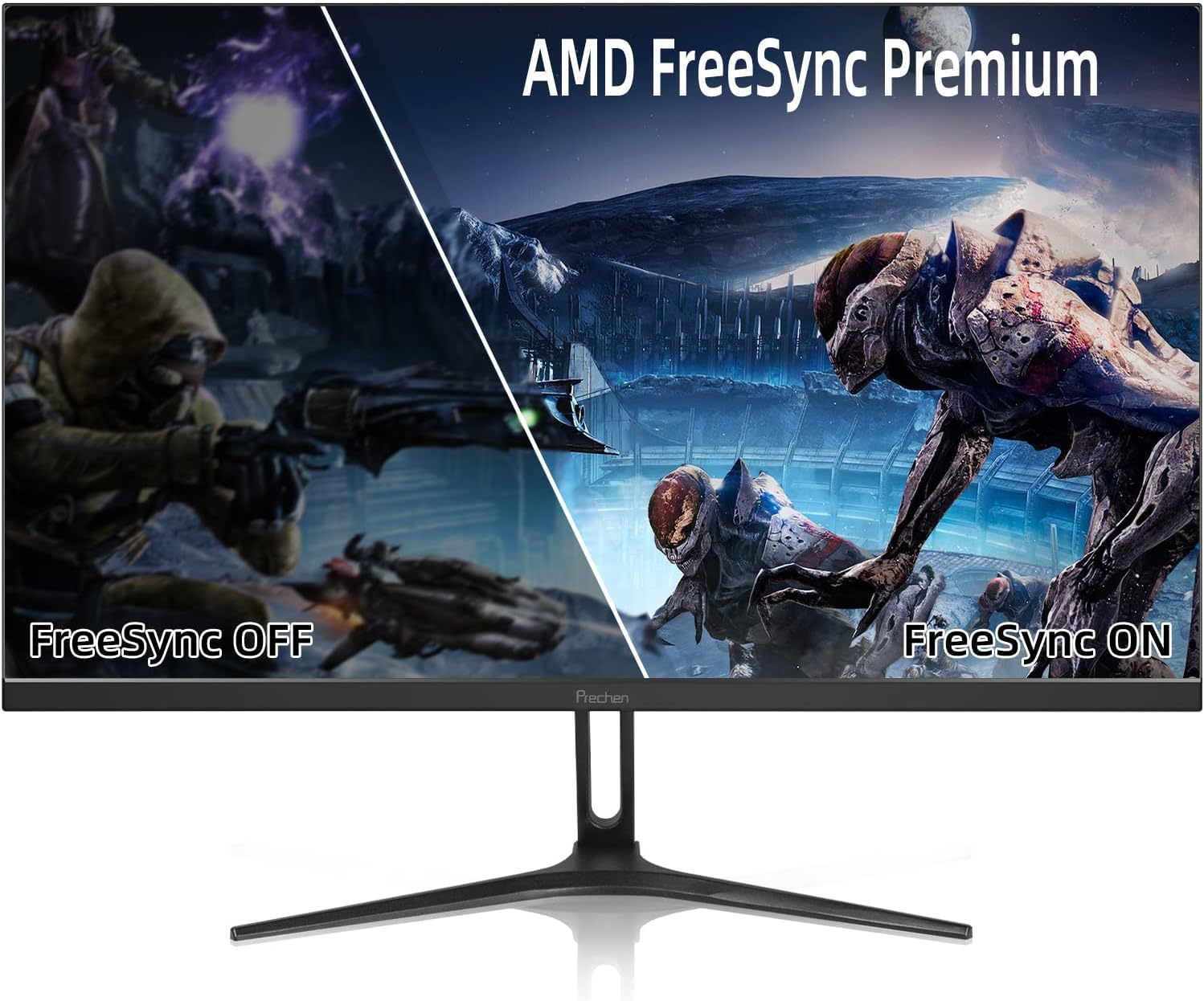
Image: Visual comparison of screen tearing with FreeSync OFF versus smooth display with FreeSync ON.
4.6 Low-Blue Light Mode
Activate the Low-Blue Light mode in the OSD menu to reduce blue light emissions, which can help alleviate eye strain during extended use.
5. Održavanje
5.1 Čišćenje monitora
- Uvijek isključite monitor prije čišćenja.
- Lagano koristite meku krpu koja ne ostavlja dlačice dampened with water or a non-abrasive screen cleaner to wipe the screen.
- Za monitor casing, koristite meku, suhu krpu.
- Avoid using alcohol, ammonia-based cleaners, or abrasive materials, as they can damage the screen or casing.
5.2 Skladištenje
If storing the monitor for an extended period, unplug it, clean it, and store it in a cool, dry place, preferably in its original packaging to protect it from dust and physical damage.
6. Otkrivanje problema
| Problem | Mogući uzrok | Rješenje |
|---|---|---|
| Nema struje | Kabl za napajanje nije priključen; Utičnica je neispravna | Provjerite je li kabel za napajanje sigurno spojen; pokušajte s drugom utičnicom. |
| Nema signala | Video kabl nije povezan; odabran je pogrešan ulazni izvor. | Check video cable connections; Select the correct input source via OSD menu. |
| Treperenje ekrana | Incorrect refresh rate; Faulty cable; FreeSync issue | Ensure refresh rate is set correctly in OS; Try a different video cable; Disable/enable FreeSync. |
| Slika je iskrivljena ili mutna | Neusklađenost rezolucije; Problem sa kablom | Set display resolution to 1920x1080P; Check video cable for damage. |
| Dugmad ne reaguju | OSD lock enabled; Temporary software glitch | Refer to OSD manual for unlocking buttons; Power cycle the monitor. |
7. Specifikacije
| Feature | Detalj |
|---|---|
| Dimenzije proizvoda | 5.71 x 21.18 x 15.87 inča |
| Težina artikla | 10.18 funte |
| Veličina ekrana u stojećem položaju | 24 inča |
| Aspect Ratio | 16:9 |
| Rezolucija | 1920 x 1080 piksela (FHD 1080p) |
| Refresh Rate | 240Hz (via DP 1.2, HDMI 2.0), 144Hz (via HDMI 1.4) |
| Vrijeme odgovora | 2ms GTG |
| Tip panela | IPS |
| Gamut boja | 100% sRGB |
| Viewing Angles | 178 degrees (Wide) |
| Povezivanje | 1x DisplayPort (v1.2), 1x HDMI (v2.0), 1x HDMI (v1.4), 1x Audio In, 1x DC Power |
| VESA kompatibilnost | 75 x 75 mm |
| Opis površine ekrana | Sjajni |
8. Garancija i podrška
Prechen offers a 2-godišnja neograničena garancija for this monitor, covering manufacturing defects and malfunctions under normal use. Additionally, customers benefit from Doživotna korisnička podrška.
For technical assistance, warranty claims, or general inquiries, please refer to the contact information provided with your product packaging or visit the official Prechen support website. Please have your model number (35b67e5b-330c-41ac-aed3-24e9854605d3) ready when contacting support.


