Uvod
This manual provides comprehensive instructions for the Dioche Smart Glass Door Lock. It covers product features, installation procedures, operational guidelines, maintenance tips, and troubleshooting steps. Please read this manual thoroughly before installation and use to ensure proper function and safety.
Product Overview
The Dioche Smart Glass Door Lock offers advanced security and convenience with multiple unlocking methods. It is designed for glass doors with a thickness of 10-12mm, suitable for home, office, and shared spaces.
Ključne karakteristike:
- Višestruki načini otključavanja: Fingerprint, Password, IC Card, Remote Control, and Bluetooth App.
- Poboljšana sigurnost: Automatic system lock for 3 minutes after 5 incorrect password attempts. Virtual password support for added security.
- Snaga u nuždi: Type-C interface for 5V DC emergency charging.
- Smart Attendance System: Bluetooth-enabled attendance record export via mobile app.
- Integrated Doorbell: Built-in doorbell function for visitor notification.
- Izdržljiva konstrukcija: High-strength aluminum body, acrylic panel, and thickened dustproof, waterproof, anti-slip pad.
- Glasovni upiti: Human voice instructions and alarm functions.

Image: The smart lock interface displaying icons for remote control, app, fingerprint, card, and password unlock methods.
Postavljanje i instalacija
Before installation, ensure your glass door thickness is between 10-12mm. The package includes the lock host, installation screws, two 304 stainless steel side strips, two IC cards, one remote control, and this user manual.
Sadržaj paketa:
- 1 x Fingerprint Lock Host (batteries not included)
- 1 x Installation Screw Pack
- 2 x 304 Stainless Steel Side Strips
- 2 x IC kartice
- 1 x daljinski upravljač (baterija uključena)
- 1 x Uputstvo za upotrebu
Instalacija baterije:
The lock requires 4 AA 1.5V alkaline batteries (not included). Open the battery compartment on the indoor unit and insert the batteries, ensuring correct polarity.
Fizička instalacija:
Follow the detailed instructions provided in the included installation screw pack. Ensure the lock is securely mounted on the glass door using the provided stainless steel side strips and screws. The double hook lock tongue design provides robust security.

Slika: Eksplodirano view of the lock components, highlighting the aluminum body, LED light, acrylic panel, and protective pad.
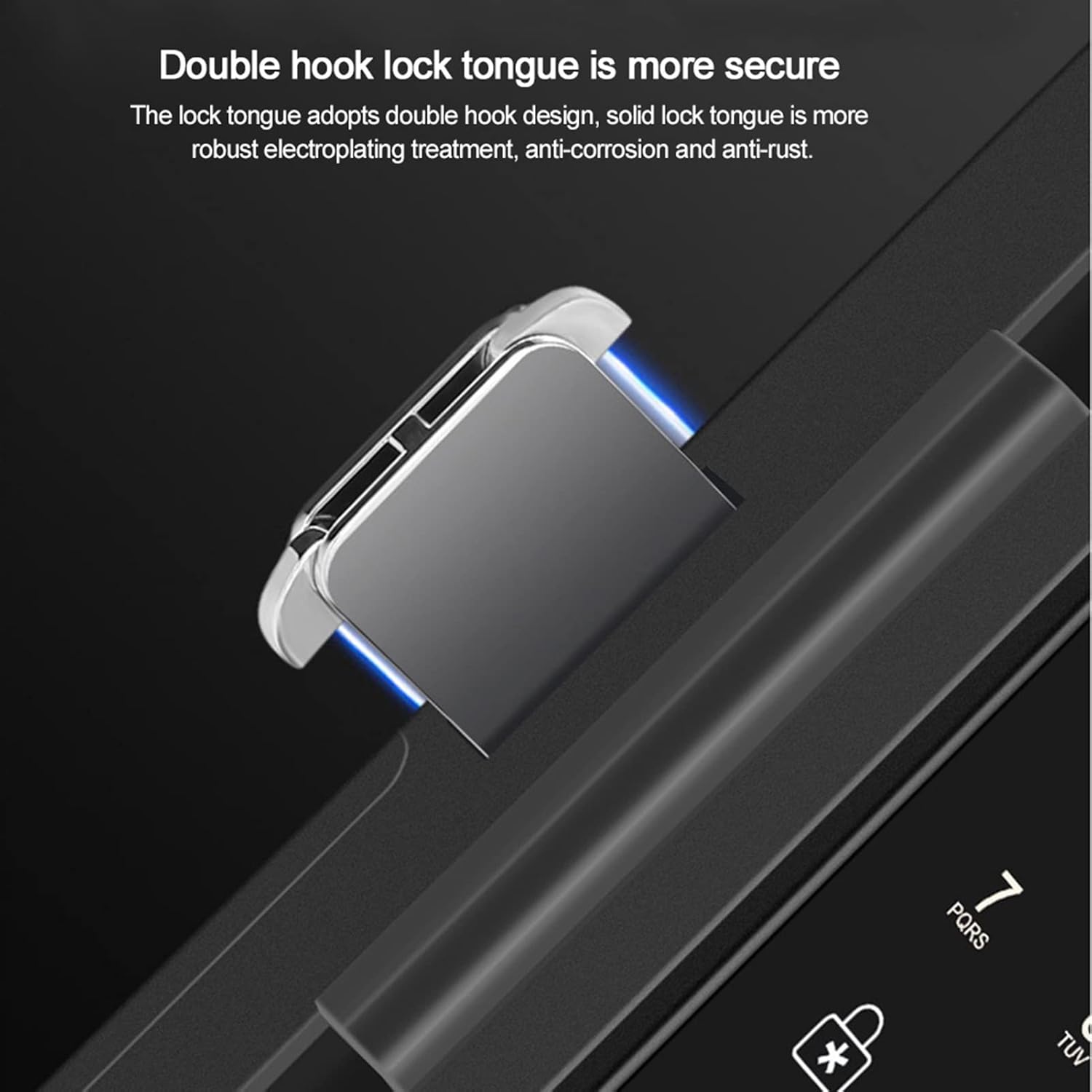
Image: Detail of the double hook lock tongue, emphasizing its secure design.
Uputstvo za upotrebu
Upravljanje sistemom:
To enter the system management interface from the main menu, press "0" praćeno "#".
Metode otključavanja:
- Otisak prsta: Postavite registrovani otisak prsta na senzor.
- Lozinka: Enter your registered password followed by "#". The virtual password feature allows you to enter up to 24 digits, camouflaging your actual password for increased security.
- IC kartica: Present a registered IC card to the card reader. The lock supports CPU, MF, and IC card types, including second-generation ID cards.
- daljinski upravljač: Use the provided remote control to unlock the door from an effective distance of up to 10 meters (32.8 feet).
- Bluetooth aplikacija: Use the dedicated mobile application to unlock the door via Bluetooth. The app also allows for attendance record queries and data export.

Image: Remote control unlocking the smart door lock.
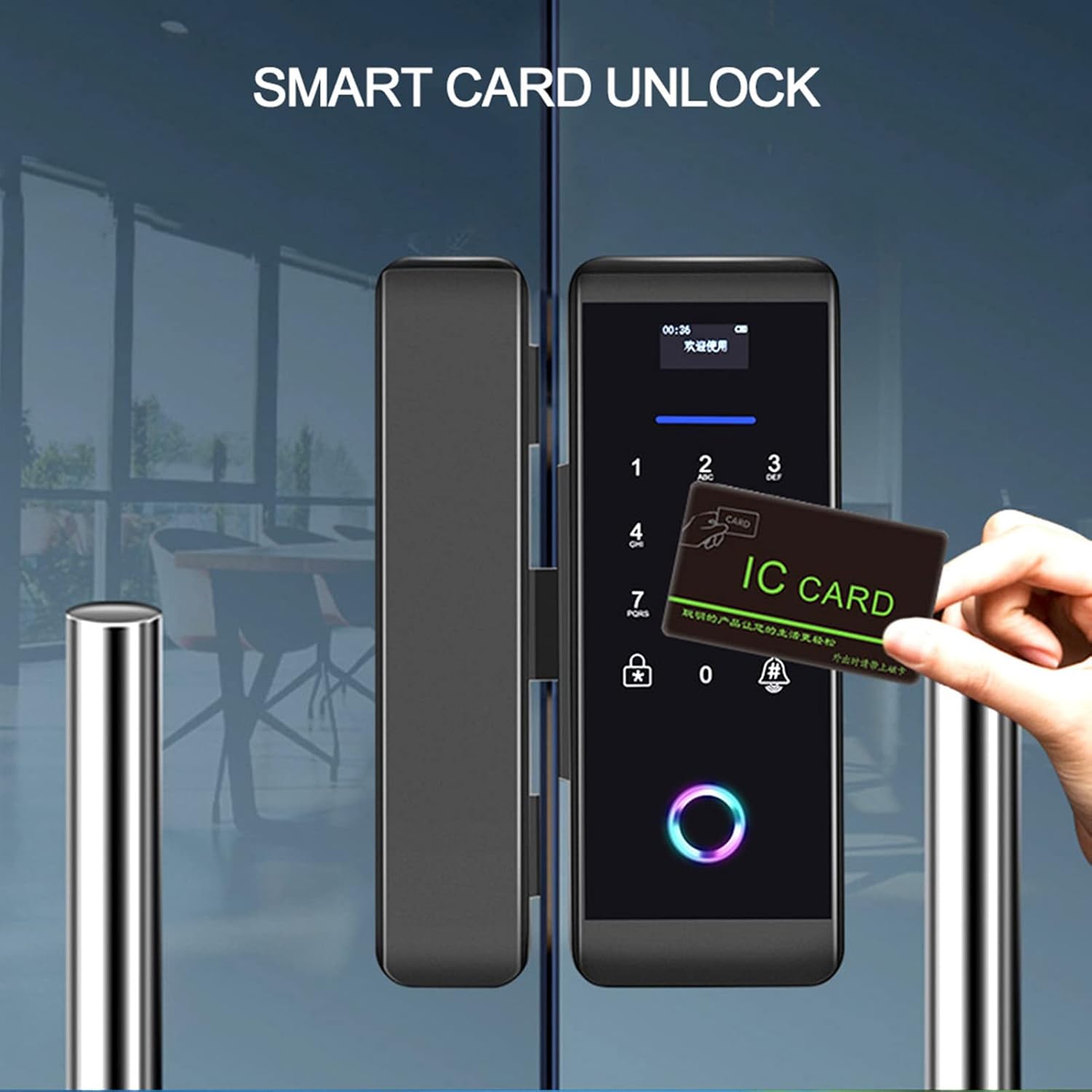
Image: Unlocking the smart door lock using an IC card.
Normally Open Setting:
To set the lock to a normally open state, an administrator must first unlock the door, then press "2" praćeno "8".
Funkcija zvona na vratima:
Press the doorbell button on the lock to activate the integrated doorbell chime.
Snaga u nuždi:
In case of battery depletion, connect a 5V DC power source via the Type-C interface for emergency charging.
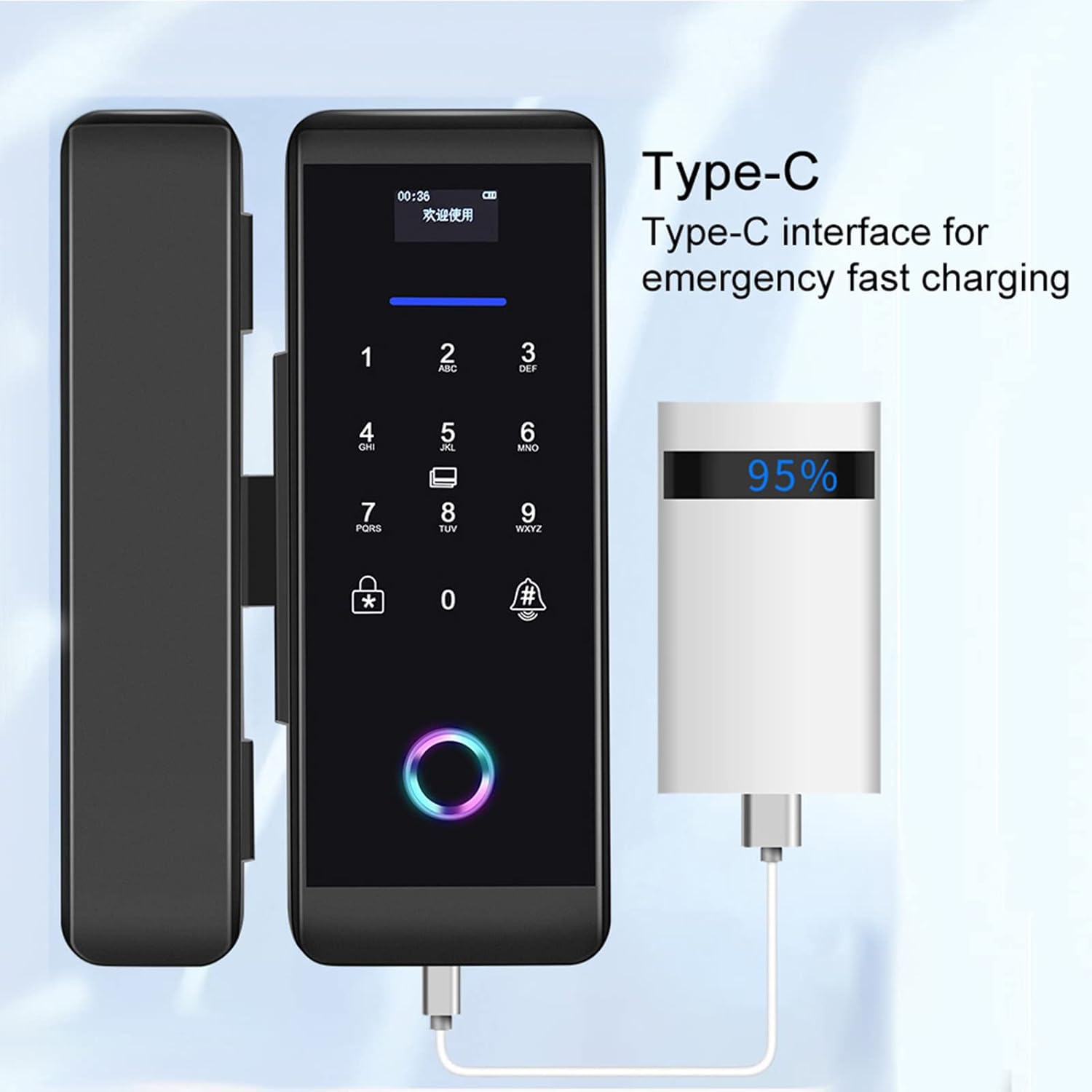
Image: Emergency charging the smart lock via its Type-C port.
Smart APP Attendance:
The mobile application allows you to connect to the lock and export attendance data, providing insights into access trends.

Image: Smart app displaying attendance system data.
Održavanje
- Zamjena baterije: Replace all four AA batteries when the low battery indicator appears or when performance degrades. Use only alkaline batteries.
- čišćenje: Obrišite površinu brave mekom, suhom krpom. Izbjegavajte upotrebu abrazivnih sredstava za čišćenje ili rastvarača koji bi mogli oštetiti završnu obradu ili elektroničke komponente.
- Senzor otiska prsta: Održavajte senzor otiska prsta čistim i suhim za optimalne performanse.
- Uslovi okoline: Ensure the lock operates within the specified temperature (-25 to 65 °C) and humidity (5 to 95% RH, non-condensing) ranges to prevent damage.
Rješavanje problema
- Brava ne reaguje: Check battery levels. If batteries are low, use the Type-C emergency power interface or replace the batteries.
- Otisak prsta nije prepoznat: Provjerite je li vaš prst čist i suh. Ponovo registrirajte otisak prsta ako problem i dalje postoji.
- Incorrect password alarm: If 5 incorrect passwords are entered consecutively, the system will lock for 3 minutes. Wait for the lockout period to expire before trying again.
- Daljinski upravljač ne radi: Check the remote control's battery. Ensure you are within the effective range (10 meters/32.8 feet) and there are no obstructions.
- Problemi s povezivanjem aplikacije: Ensure Bluetooth is enabled on your mobile device and the lock. Restart the app or re-pair the lock if necessary.
- Zaglavljen mehanizam brave: Do not force the lock. Check for any physical obstructions or debris. If the issue persists, contact customer support.
Specifikacije
| Feature | Specifikacija |
|---|---|
| Broj modela | 14261027031 |
| Boja | Crna |
| Dimenzije (D x V) | 6.8 x 18.3 cm |
| Materijal | Nerđajući čelik, akril |
| Primjenjiva debljina vrata | 10-12 mm |
| Metode otključavanja | Fingerprint, Password, IC Card, Remote Control, Bluetooth App |
| Korisnički kapacitet | 1000 |
| Kapacitet otiska prsta | 200 |
| Kapacitet lozinke | 1000 |
| Kapacitet kartice | 1000 seta |
| Kapacitet daljinskog upravljanja | 30 |
| Napajanje | 4 x AA 1.5V alkalne baterije (nisu uključene) |
| Hitno napajanje | DC 5V Type-C Interface |
| Radna struja | Dynamic <200mA, Static <55 microamps |
| Radna temperatura | -25 do 65 °C |
| Radna vlažnost | 5 do 95% RH (bez kondenzacije) |
| Display | OLED 0.96 |
| Collector | Semiconductor Acquisition Module |
Garancija i podrška
Information regarding specific warranty terms and customer support contact details is not available in the provided product data. Please refer to the product packaging or the seller's webstranicu za informacije o garanciji i kontakte za podršku.
Za dodatnu pomoć, možete posjetiti Dioche Store on Amazon.