Uvod
This manual provides essential information for setting up, operating, maintaining, and troubleshooting your TomTom GO Expert Truck Sat Nav. Please read it carefully to ensure optimal performance and safe use of your device.
The TomTom GO Expert is designed for professional large vehicle navigation, offering custom routing and POIs for buses, trucks, and coaches, along with live alerts for various road restrictions.
Šta je u kutiji
Nakon otvaranja pakovanja, provjerite da li su sve komponente prisutne:
- TomTom GO Expert Device
- Car Charger
- Click-and-Drive Mount
- Vodič za brzi početak

Slika: Front view of the TomTom GO Expert Sat Nav device, showing its 5-inch capacitive screen and the TomTom logo at the bottom.
Setup
1. Montaža uređaja
- Očistite vjetrobransko staklo: Ensure the area where you intend to mount the device is clean and dry.
- Pričvrstite nosač: Securely attach the Click-and-Drive mount to your windshield or dashboard. Press the suction cup firmly against the surface and flip the lever to lock it in place.
- Povežite uređaj: Slide the TomTom GO Expert device onto the mount until it clicks securely.
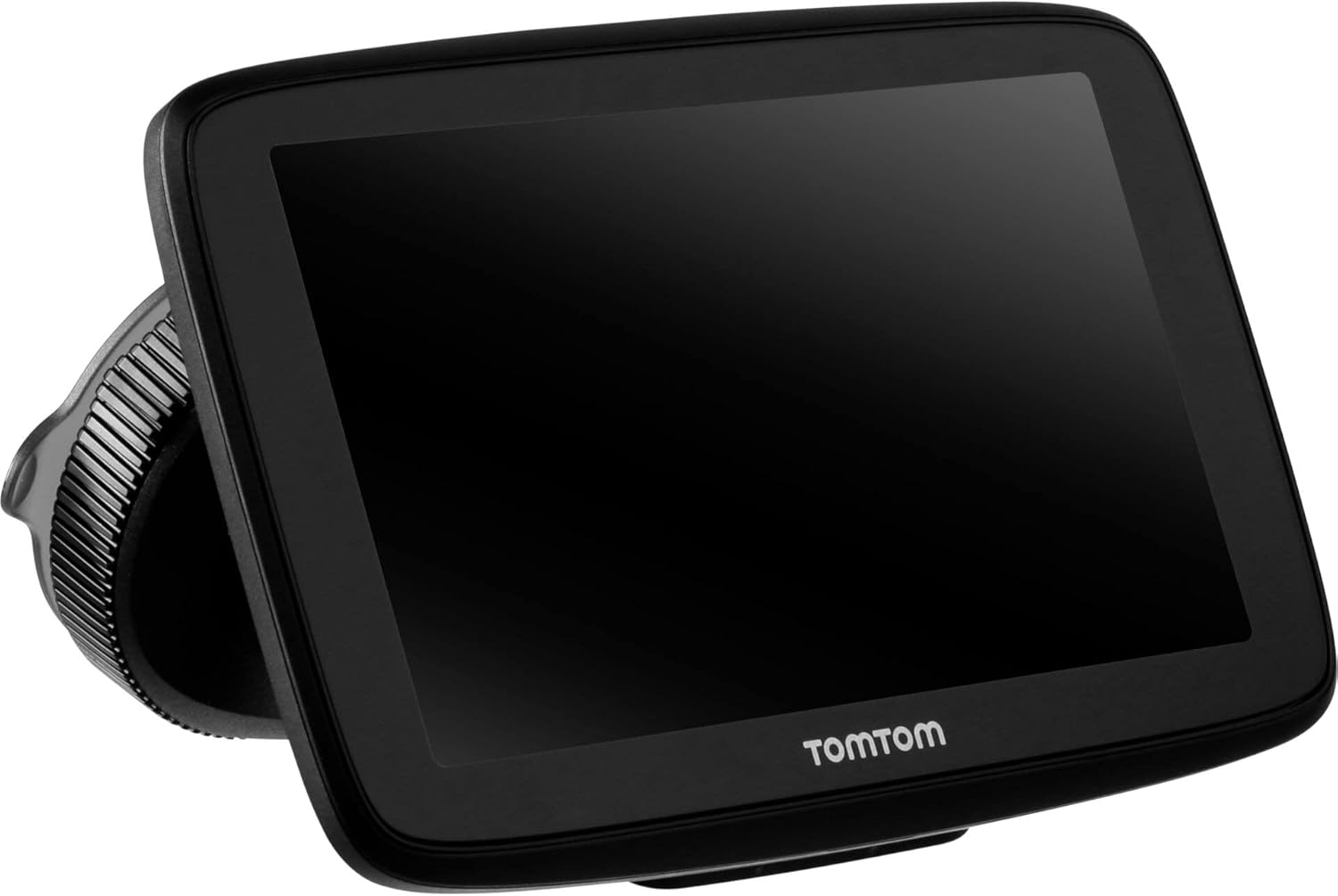
Image: The TomTom GO Expert Sat Nav device attached to its Click-and-Drive mount, viewed from an angle, showing the suction cup base.
2. Uključivanje i punjenje
- Connect the Car Charger: Uključite punjač za automobil u 12V utičnicu vašeg vozila.
- Povežite se na uređaj: Connect the other end of the charger to the TomTom GO Expert device.
- Početna naplata: Allow the device to charge for at least 30 minutes before first use, or until the battery indicator shows sufficient charge.

Slika: Bočni profesionalacfile of the TomTom GO Expert Sat Nav device, showing its slim design and how it connects to the Click-and-Drive mount.
3. Početno podešavanje i Wi-Fi veza
- Pratite upute na ekranu da biste odabrali svoj jezik i regiju.
- Connect to a Wi-Fi network for quick map updates and traffic information. Navigate to Postavke > Wi-Fi i odaberite svoju mrežu.
- Configure your vehicle profile (truck, bus, coach) by entering dimensions, weight, and other relevant details. This is crucial for custom routing.
Upravljanje vašim uređajem
Osnove navigacije
- Unos odredišta: Tap the search icon on the main menu and enter an address, POI, or coordinates.
- Prilagođeno usmjeravanje: The device will automatically calculate routes based on your configured vehicle profile, avoiding unsuitable roads for large vehicles.
- Live Traffic Updates: With an active Wi-Fi connection, the device provides real-time traffic information to help you avoid delays.
- Lane Guidance: The device displays clear lane guidance to help you prepare for exits and turns.
- upravljanje glasom: Use voice commands for hands-free operation. Refer to the on-screen guide for available commands.
Map Updates and Services
Your TomTom GO Expert receives 3X faster updates via Wi-Fi. Ensure your device is connected to a stable Wi-Fi network to download the latest maps and software updates conveniently and at no extra cost.
- Ažuriranja mape: Navigirajte do Postavke > Ažuriranja i nove stavke to check for and install map updates.
- Speed Camera Alerts: The device includes 1 year of speed camera alerts. Ensure this service is active for safer driving.
Održavanje
- čišćenje: Use a soft, lint-free cloth to clean the screen and device casing. Ne koristite abrazivna sredstva za čišćenje ili rastvarače.
- Ažuriranja softvera: Regularly check for and install software updates via Wi-Fi to ensure optimal performance and access to new features.
- Održavanje baterije: To prolong battery life, avoid exposing the device to extreme temperatures. If storing for an extended period, ensure the battery is partially charged.
- Skladištenje: Kada se ne koristi, uređaj čuvajte na hladnom i suhom mjestu, zaštićenom od direktne sunčeve svjetlosti.
Rješavanje problema
Uobičajeni problemi i rješenja
- Uređaj se ne uključuje:
- Ensure the car charger is securely connected to both the device and the vehicle's power outlet.
- Provjerite funkcionalnost utičnice u vozilu.
- Try resetting the device by holding the power button for 15-20 seconds.
- Nema GPS signala:
- Uvjerite se da uređaj ima čist view of the sky. Obstructions like tall buildings or tunnels can block the signal.
- Move to an open area and allow the device a few minutes to acquire satellites.
- Check for any pending software updates that might improve GPS performance.
- Map Not Updating:
- Provjerite je li uređaj povezan na stabilnu Wi-Fi mrežu.
- Ensure there is sufficient storage space on the device for the new map data.
- Restart the device and try the update again.
- Ekran na dodir ne reaguje:
- Izvršite meko resetiranje tako što ćete držati pritisnut gumb za napajanje dok se uređaj ponovo ne pokrene.
- Provjerite je li ekran čist i bez prljavštine.
Specifikacije
| Feature | Detalj |
|---|---|
| Dimenzije proizvoda | 5.51 x 0.79 x 3.54 inča |
| Težina artikla | 12.7 unce |
| Broj modela | 1YB5.002.20 |
| Baterije | Potrebna je 1 litijum-jonska baterija (uključena) |
| Operativni sistem | Windows (internal OS) |
| Connectivity Technologies | Bluetooth, Wireless (Wi-Fi) |
| Posebne karakteristike | Bluetooth, Lane Assist, Touchscreen |
| Unos ljudskog interfejsa | Touchscreen |
| Boja | Crna |
| Vrsta usluge vozila | Bus, Truck |
| Veličina ekrana | 5 inča |
| Vrsta karte | širom svijeta |
| Način audio izlaza | Zvučnik |
Garancija i podrška
For detailed warranty information and technical support, please visit the official TomTom support webweb-mjesto ili pogledajte garantni list koji ste dobili uz proizvod.
Online podrška: www.tomtom.com/support
Ensure you have your device's serial number and model number (1YB5.002.20) ready when contacting support.


