1. Uvod
Thank you for choosing the Dragonwar Dragon Shock 4 Wireless Controller. This manual provides detailed instructions to help you set up, operate, and maintain your controller for optimal performance across PlayStation 4, PC, and mobile devices. Please read this manual thoroughly before use.
2. Sadržaj paketa
Provjerite da li su sve stavke prisutne u paketu:
- Dragonwar Dragon Shock 4 Wireless Controller
- USB kabl za punjenje
- Uputstvo za upotrebu
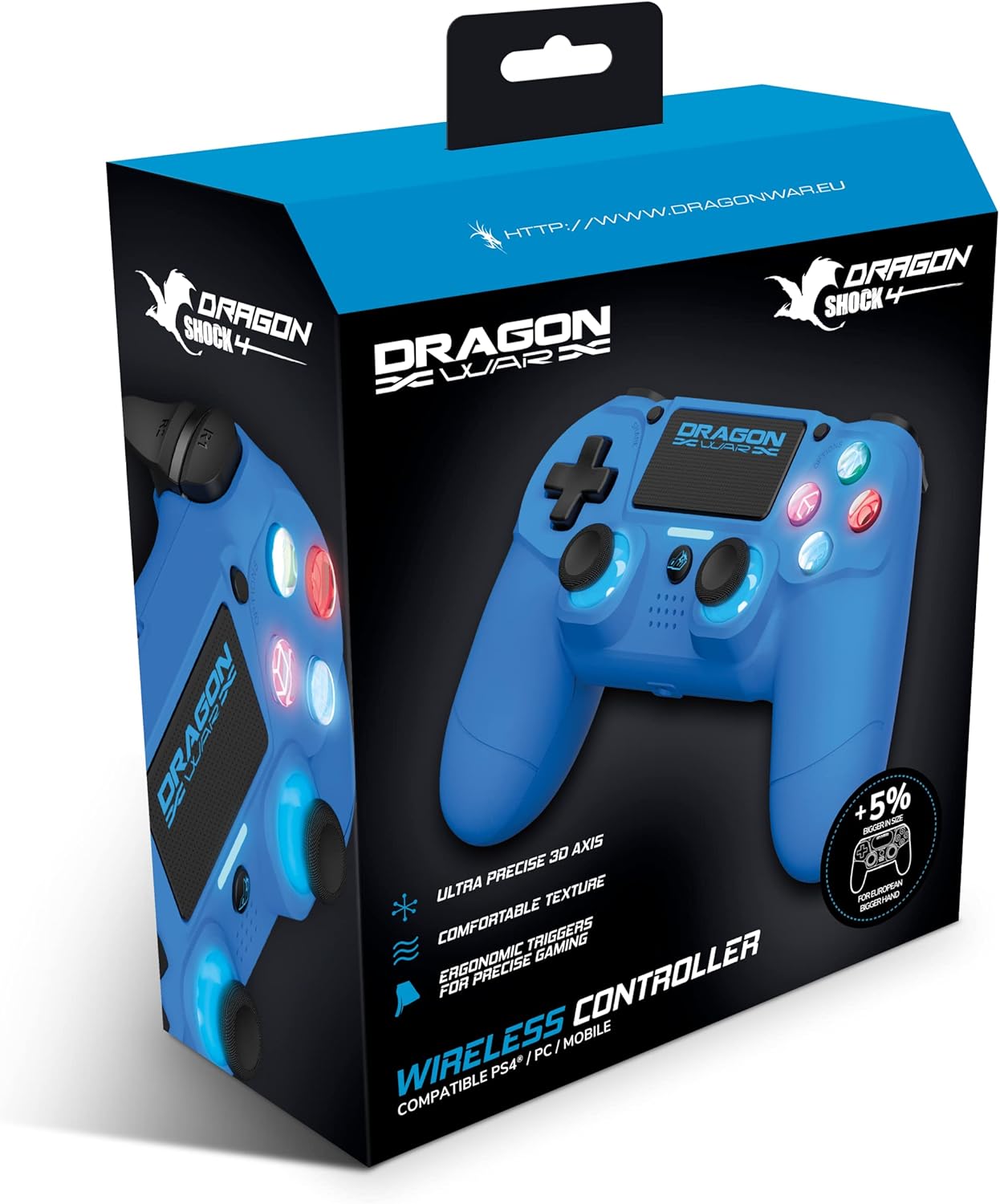
Image: The Dragonwar Dragon Shock 4 Wireless Controller packaging, showing the blue controller inside a blue and black box with product features listed.
3. Kontroler iznadview
Familiarize yourself with the various buttons and features of your Dragon Shock 4 controller:

Image: A detailed diagram of the Dragonwar Dragon Shock 4 Wireless Controller, highlighting and numbering its various buttons and components for easy identification.
- Left Joystick / L3 Button: Used for movement and as a clickable button.
- Dugme za početnu stranicu: Uključuje/isključuje kontroler i pristupa sistemskim menijima.
- 3.5mm Jack Play & Chat: For connecting a headset for audio and voice chat.
- Right Joystick / R3 Button: Used for camera control, aiming, and as a clickable button.
- Button (Cross): Akciono dugme.
- Button (Circle): Akciono dugme.
- Button (Triangle): Akciono dugme.
- Button (Square): Akciono dugme.
- Dugme za opcije: Accesses in-game or system options.
- Touch Pad: Multi-touch input surface.
- Dugme za dijeljenje: For sharing gameplay content.
- Up Button (D-Pad): Usmjereni ulaz.
- Right Button (D-Pad): Usmjereni ulaz.
- Left Button (D-Pad): Usmjereni ulaz.
- Down Button (D-Pad): Usmjereni ulaz.
- R1 Button: Right shoulder button.
- R2 Button: Right trigger button.
- L1 Button: Left shoulder button.
- L2 Button: Left trigger button.
- Port za punjenje: USB port for charging the controller.
4. Podešavanje
4.1 Početno punjenje
Before first use, fully charge the controller. Connect the supplied USB charging cable to the controller's charging port (20) and the other end to a powered USB port (e.g., PS4 console, PC, or USB wall adapter). The light bar will indicate charging status and turn off when fully charged.
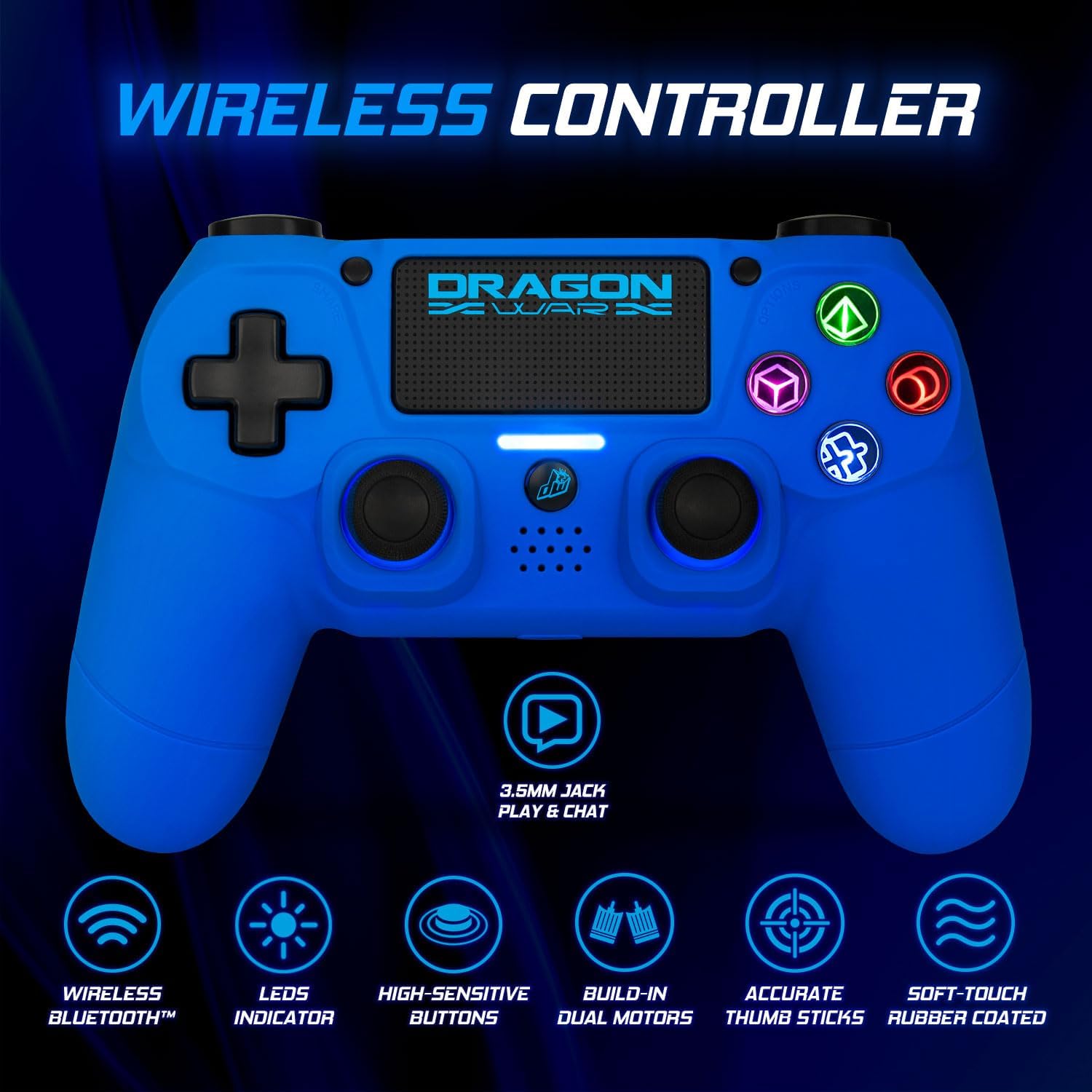
Image: The Dragonwar Dragon Shock 4 Wireless Controller displayed with text indicating "Long Battery Life" and a 500mAh battery, along with play time and charging time details.
4.2 Pairing with PlayStation 4
- Provjerite je li vaša PS4 konzola uključena.
- Povežite kontroler sa PS4 konzolom pomoću USB kabla za punjenje.
- Pritisnite Home Button (2) on the controller.
- The controller will pair with the PS4. Once paired, you can disconnect the USB cable for wireless play.
- To pair additional controllers, repeat the process.
4.3 Povezivanje sa računarom (Windows)
The controller can be connected to a PC via Bluetooth or USB cable.
4.3.1 Bluetooth veza
- Provjerite da li je na vašem računaru omogućen Bluetooth.
- Na računaru idite na Postavke > Uređaji > Bluetooth i drugi uređaji.
- Držite pritisnutu Podeli dugme (11) i Home Button (2) on the controller simultaneously until the light bar starts flashing rapidly. This indicates pairing mode.
- On your PC, click "Add Bluetooth or other device" and select "Bluetooth".
- Select the controller from the list of available devices (it may appear as "Wireless Controller" or similar).
- Follow any on-screen prompts to complete the pairing.
4.3.2 Žičano povezivanje
- Povežite kontroler sa računarom pomoću USB kabla za punjenje.
- Računar bi trebao automatski prepoznati i instalirati potrebne upravljačke programe.
4.4 Connecting to Mobile Devices
- Provjerite je li Bluetooth omogućen na vašem mobilnom uređaju.
- Držite pritisnutu Podeli dugme (11) i Home Button (2) on the controller simultaneously until the light bar starts flashing rapidly.
- On your mobile device, go to Bluetooth settings and scan for new devices.
- Select the controller from the list of available devices.
- Follow any on-screen prompts to complete the pairing.
5. Uputstvo za upotrebu
5.1 Uključivanje/isključivanje napajanja
- Za uključivanje: Pritisnite Home Button (2). The controller will attempt to connect to the last paired device.
- Za isključivanje: Držite Home Button (2) for approximately 10 seconds until the light bar turns off. The controller will also power off automatically after a period of inactivity.
5.2 Using the Touch Pad
The touch pad (10) supports multi-touch input, allowing for various gestures depending on the game or application. Refer to specific game instructions for touch pad functionality.
5.3 Povezivanje slušalica
Connect a standard 3.5mm headset to the 3.5mm Jack Play & Chat (3) for in-game audio and voice communication.

Slika: Krupni plan view of the 3.5mm stereo audio jack located on the Dragonwar Dragon Shock 4 Wireless Controller, indicating its function for play and chat.
5.4 Funkcija vibracije
The controller features dual vibration motors for enhanced haptic feedback during gameplay. This function is automatically enabled when supported by the game.
5.5 Precision Analog Sticks
The controller is equipped with high-precision analog sticks (1, 4) designed for accurate movement and aiming.

Image: A close-up of the Dragonwar Dragon Shock 4 Wireless Controller's analog sticks, emphasizing their precision for improved gaming accuracy and speed.
6. Održavanje
6.1 Čišćenje
Za čišćenje kontrolera koristite meku, suhu krpu. Za tvrdokornu prljavštinu, laganoampen the cloth with water. Do not use harsh chemicals, solvents, or abrasive cleaners, as these can damage the controller's finish and internal components.
6.2 Skladištenje
Store the controller in a cool, dry place away from direct sunlight and extreme temperatures. Avoid placing heavy objects on the controller to prevent damage to buttons or joysticks.
7. Otkrivanje problema
- Kontroler se ne uključuje: Ensure the controller is fully charged. Connect it to a power source using the USB cable.
- Controller not connecting/pairing:
- For PS4: Try connecting with the USB cable first to re-establish the connection.
- For PC/Mobile: Ensure Bluetooth is enabled on your device and the controller is in pairing mode (flashing light bar). Remove previous pairings from your device's Bluetooth list and try again.
- Reset the controller: Locate the small reset button on the back of the controller (often a small hole near the L2 button). Use a thin object (like a paperclip) to press and hold the button for 3-5 seconds. Then, attempt to pair again.
- Dugmad ili džojstici ne reaguju:
- Provjerite da li je kontroler pravilno povezan.
- Restart the controller and the connected device (PS4, PC, mobile).
- Test the controller with another game or application to determine if the issue is specific to one program.
- Kašnjenje ili prekid ulaza:
- Ensure there are no obstructions or strong interference sources (e.g., Wi-Fi routers, other Bluetooth devices) between the controller and the connected device.
- Približite se povezanom uređaju.
- Provjerite je li kontroler potpuno napunjen.
8. Specifikacije
| Brand | Dragonwar |
| Broj modela | GSPS4-BU |
| Boja | Plava |
| Tehnologija povezivanja | Bluetooth |
| Kompatibilni uređaji | PlayStation 4, Windows, Mobile |
| Tip kontrolera | Gamepad |
| Izvor napajanja | Napajanje baterijom (500 mAh) |
| Dimenzije (D x Š x V) | 17.5 x 20 x 8 cm |
| Posebne karakteristike | Ergonomic Design, Wireless, Dual Vibration, 3.5mm Audio Jack, Touch Pad |
| Broj dugmadi | 16 |
9. Garancija i podrška
9.1 Informacije o garanciji
This Dragonwar product comes with a 2-godišnja garancija proizvođača od datuma kupovine. Ova garancija pokriva nedostatke u materijalu i izradi pri normalnoj upotrebi. Ne pokriva štetu uzrokovanu nepravilnom upotrebom, nezgodama, neovlaštenim modifikacijama ili normalnim habanjem. Molimo sačuvajte dokaz o kupovini za reklamacije.
9.2 Korisnička podrška
For technical assistance, troubleshooting, or warranty inquiries, please visit the official Dragonwar website or contact their customer support service. Contact details can typically be found on the product packaging or the official brand website.


