Uvod
Hvala na kupoviniasing the Core Innovations 150" LCD Home Theater Projector. This manual provides essential information for setting up, operating, and maintaining your projector to ensure optimal performance and longevity. Please read this manual thoroughly before use and retain it for future reference.
Product Overview
The Core Innovations 150" LCD Home Theater Projector is designed to deliver an immersive viewing experience with its adjustable screen size and versatile connectivity options.

Komponente i kontrole
Familiarize yourself with the projector's various ports and controls for seamless operation.

1. Headphone Jack (3.5mm)
2. AV ulaz
3. Utor za Micro SD karticu
4. HDMI Inputs 1 & 2
5. USB priključak
6. DC IN (Power Input)

Vodič za postavljanje
- Raspakivanje: Carefully remove the projector and all accessories from the packaging. Ensure all included components are present: Power Cord, User Manual, HDMI Cable, Remote Control, Projector Lens Cover.
- plasman: Postavite projektor na stabilnu, ravnu površinu. Za optimalno viewing, position the projector directly in front of your projection surface (screen or wall). Ensure adequate ventilation around the projector.
- Priključak za napajanje: Connect the included power cord to the DC IN port (6) on the projector and then plug it into a standard electrical outlet.
- Uključeno: Pritisnite dugme za napajanje na projektoru ili daljinski upravljač da uključite uređaj.
- Podešavanje fokusa: Rotate the focus adjustment knob located near the lens until the projected image appears clear and sharp.
- Keystone korekcija: If the projected image appears trapezoidal (wider at the top or bottom), use the keystone correction feature to adjust it into a rectangular shape. This is typically done via a dial or digital setting on the projector or remote.

Uputstvo za upotrebu
Povezivanje uređaja
Projektor podržava različite ulazne izvore:
- HDMI: Connect your laptop, gaming console (PS5), Roku, or other HDMI-enabled devices to either HDMI Input 1 or 2 (4).
- USB: Insert a USB flash drive (up to 1000GB) into the USB Port (5) to play media files direktno.
- Micro SD kartica: Insert a Micro SD card into the Micro SD Card Slot (3) to access stored media.
- OD: Use the AV Input (2) for older devices with composite video and stereo audio outputs.
- VGA: Connect a computer via the VGA port for video output.


Adjusting Projection Size
The projector supports an adjustable screen size between 32 inches and 150 inches. Adjust the distance of the projector from the screen to achieve your desired projection size. Use the focus knob to maintain image clarity after adjusting the distance.

Audio izlaz
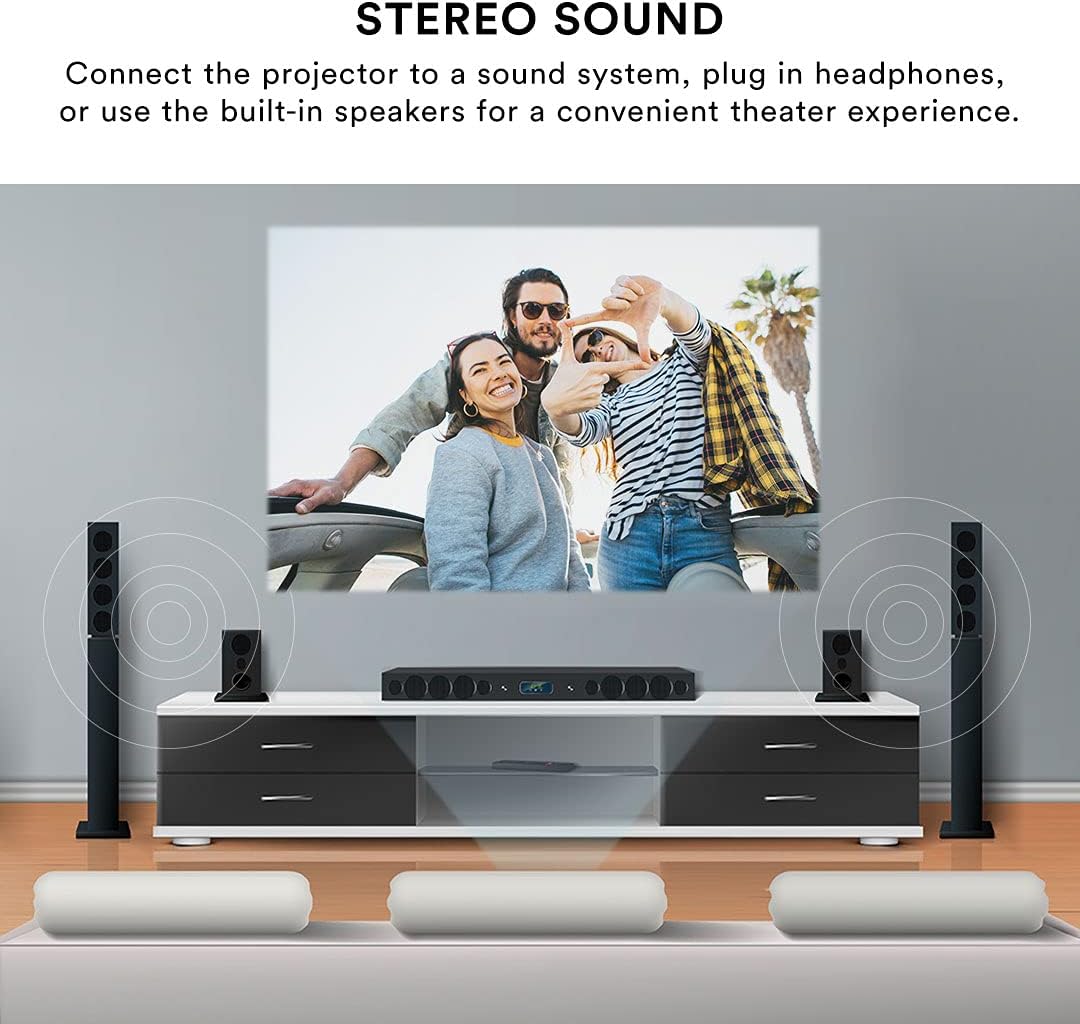
The projector features built-in speakers for convenient audio playback. For enhanced sound quality, you can connect external speakers or headphones using the 3.5mm Headphone Jack (1).
Daljinski upravljač
The included remote control allows for effortless operation from a distance. Use it to power on/off, select input sources, navigate menus, adjust volume, and control playback.
Održavanje
Pravilno održavanje osigurava dugotrajnost i performanse vašeg projektora.
- Čišćenje sočiva: Use a soft, lint-free cloth specifically designed for optical lenses to gently wipe the projector lens. Avoid using abrasive cleaners or excessive force, which can scratch the lens.
- Eksterijerno čišćenje: Obrišite vanjski dio projektora mekom, suhom krpom. Za tvrdokorne mrlje, laganoamp cloth can be used, but ensure no liquid enters the device.
- ventilacija: Ensure the projector's ventilation openings are clear and unobstructed. Do not place the projector on soft surfaces that may block airflow. Proper ventilation prevents overheating.
- Skladištenje: When not in use for extended periods, store the projector in a cool, dry place, away from direct sunlight and extreme temperatures. Use the lens cover to protect the lens from dust.
Rješavanje problema
Ako naiđete na probleme s projektorom, pogledajte sljedeće uobičajene probleme i rješenja:
| Problem | Mogući uzrok | Rješenje |
|---|---|---|
| Nema projicirane slike | Power cable disconnected; Incorrect input source selected; Device not connected properly. | Check power connection; Select the correct input source (HDMI, USB, AV); Ensure source device is powered on and connected securely. |
| Slika je mutna | Focus not adjusted; Projector too far/close to screen; Lens dirty. | Adjust the focus knob; Adjust projector distance; Clean the lens. |
| Slika je iskrivljena (trapezoidna) | Projektor nije okomit u odnosu na platno. | Use keystone correction to adjust the image. |
| Nema zvuka | Volume too low; External speakers not connected; Source device audio settings. | Increase projector volume; Ensure external speakers are connected and powered; Check audio output settings on your source device. |
| Daljinski upravljač ne radi | Baterije su slabe/prazne; Prepreka između daljinskog upravljača i projektora; Senzor daljinskog upravljača je blokiran. | Replace batteries; Remove any obstructions; Ensure remote is pointed at the projector's IR sensor. |
| Projector is overheating or fan is loud | Blocked ventilation; Prolonged use. | Ensure ventilation openings are clear; Allow the projector to cool down if used for extended periods. |
Specifikacije
| Feature | Detalj |
|---|---|
| Brand | Core Innovations |
| Broj modela | CJR600BL |
| Dimenzije proizvoda | 8.1 x 3.4 x 6.1 inča |
| Težina artikla | 2 funte |
| Veličina projekcije | 32" - 150" |
| Kontrast Ratio | 300:1 |
| Rezolucija ekrana | 1280 x 720 |
| Tehnologija povezivanja | HDMI (x2), USB, Micro SD, AV, VGA |
| Audio | Built-in speakers, 3.5mm headphone jack |
| Form Factor | Prijenosni |
| Uključene komponente | Power Cord, User Manual, HDMI Cable, Remote Control, Projector Lens Cover |
Garancija i podrška
Informacije o garanciji
This Core Innovations projector comes with a 1 godine ograničene garancije from the date of purchase, covering 90 days for parts and labor. Please retain your proof of purchase for warranty claims.
Korisnička podrška
For technical assistance, troubleshooting beyond this manual, or warranty inquiries, please contact Core Innovations customer support. Refer to the contact information provided on the product packaging or the official Core Innovations website.


