1. Uvod
This manual provides detailed instructions for the setup, operation, and maintenance of your TECLAST Mini PC N10. This compact desktop computer features an Intel Celeron N4000 processor, 6GB DDR4 RAM, 128GB SSD, and comes pre-installed with Windows 11 Pro. It is designed for various applications including office work, multimedia playback, and general computing tasks.
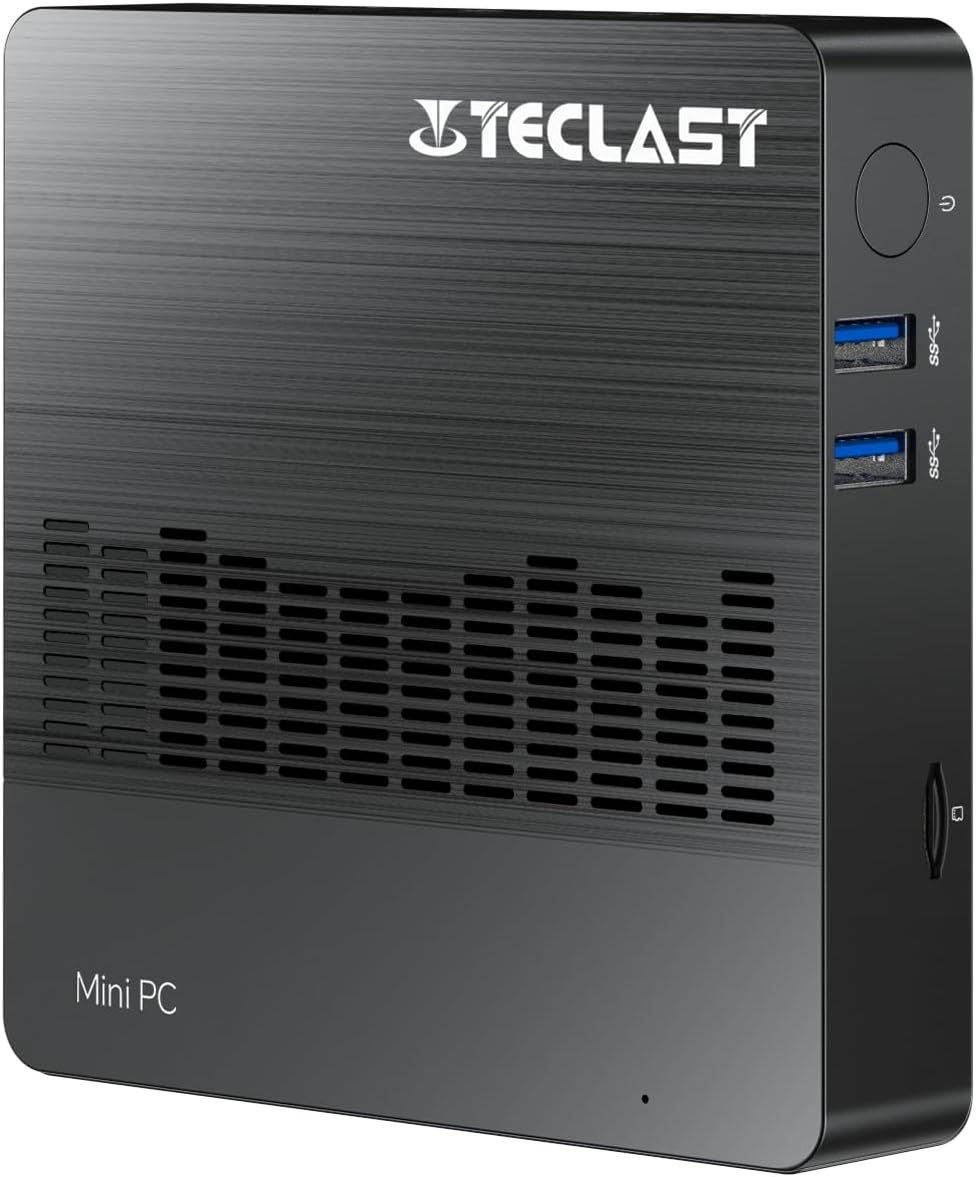
Slika 1.1: Prednja strana view of the TECLAST Mini PC N10, showing its compact design and front ports.
2. Sadržaj paketa
Molimo Vas da provjerite paket za sljedeće stavke:
- TECLAST Mini PC N10 Unit
- Adapter za napajanje
- Uputstvo za upotrebu
Ako bilo koji artikl nedostaje ili je oštećen, obratite se korisničkoj podršci.
3. Proizvod je gotovview
3.1. Fizičke dimenzije i dizajn
The TECLAST Mini PC N10 is designed to be compact and lightweight, making it suitable for various environments. Its dimensions are approximately 11.9 x 11.9 x 2.4 cm, and it weighs around 700g.

Image 3.1: Illustration of the TECLAST Mini PC N10's compact dimensions (120mm x 120mm x 24mm) and lightweight design (200g, note: product specifications state 700g).
3.2. Raspored portova
The Mini PC N10 features a variety of ports for connectivity, located on its right, left, and back sides.

Slika 3.2: Detaljno view of the TECLAST Mini PC N10's expansion ports.
- Desna strana: TF (MicroSD) Card Reader x 1, USB 3.2 x 2, Power Button x 1
- Lijeva strana: VGA Port x 1
- Zadnja strana: Reset Button x 1, DC Power Input x 1, USB 3.2 x 1, HDMI Port x 1, RJ45 Ethernet Port x 1, 3.5mm Headphone Output x 1
4. Početno podešavanje
Follow these steps to set up your TECLAST Mini PC N10:
- Povežite se s ekranom: Connect your monitor or TV to the Mini PC using either the HDMI port or the VGA port. For optimal resolution, use the HDMI port.
- Povežite periferne uređaje: Plug in your keyboard and mouse to the available USB 3.2 ports.
- Povežite se na napajanje: Connect the power adapter to the DC power input port on the back of the Mini PC, then plug the adapter into a power outlet.
- Uključeno: Press the power button located on the right side of the Mini PC. The system will boot up.
- Početna instalacija Windowsa: Slijedite upute na ekranu da biste dovršili postavljanje sustava Windows 11 Pro, uključujući jezik, regiju, mrežnu vezu i kreiranje korisničkog računa.
5. Uputstvo za upotrebu
5.1. Povezivanje na Internet
- Žična veza: Connect an Ethernet cable from your router or modem to the RJ45 Ethernet port on the back of the Mini PC.
- Bežična veza: The Mini PC supports 2.4GHz and 5GHz Wi-Fi. During Windows setup or via Windows settings, select your Wi-Fi network and enter the password.
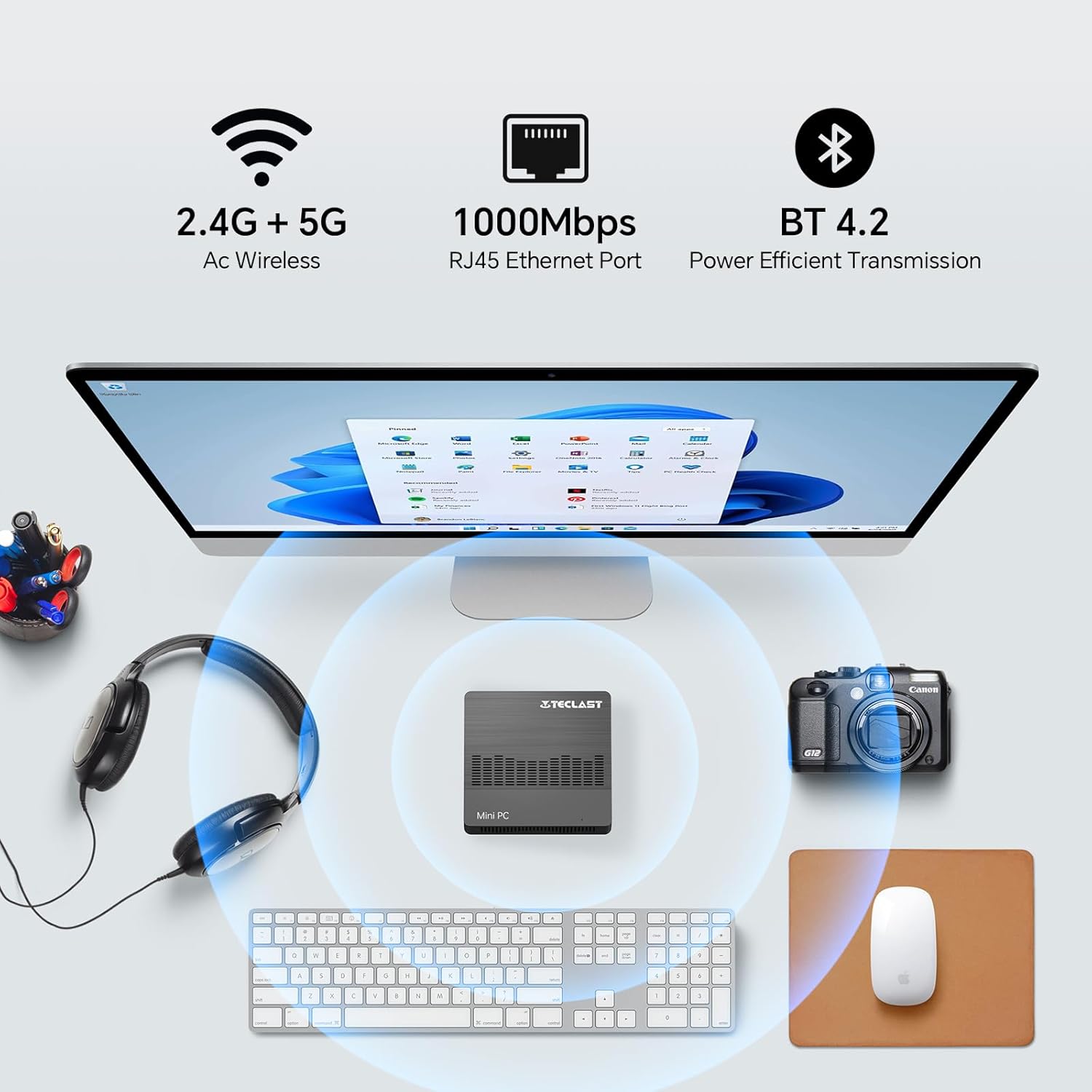
Image 5.1: The Mini PC N10 supports 2.4G+5G Wi-Fi, 1000Mbps RJ45 Ethernet, and Bluetooth 4.2 for versatile connectivity.
5.2. Podešavanje dvostrukog ekrana
The TECLAST Mini PC N10 supports dual display output via its HDMI and VGA ports, allowing you to extend your desktop across two screens or duplicate your display.
- Spojite svoj primarni monitor na HDMI priključak.
- Connect your secondary monitor to the VGA port.
- Once both monitors are connected and powered on, Windows 11 should automatically detect them.
- To configure display settings (extend, duplicate, resolution), right-click on the desktop, select 'Display settings', and adjust as needed. The HDMI port supports up to 4K@60Hz resolution.

Image 5.2: The Mini PC N10 connected to two monitors via HDMI and VGA for dual display output.
5.3. Proširenje skladišta
The Mini PC N10 includes 128GB of internal SSD storage. For additional storage, it supports SATA protocol for M.2 SSD expansion (2242 length, M.2 interface, not included). A TF (MicroSD) card reader is also available for removable storage.
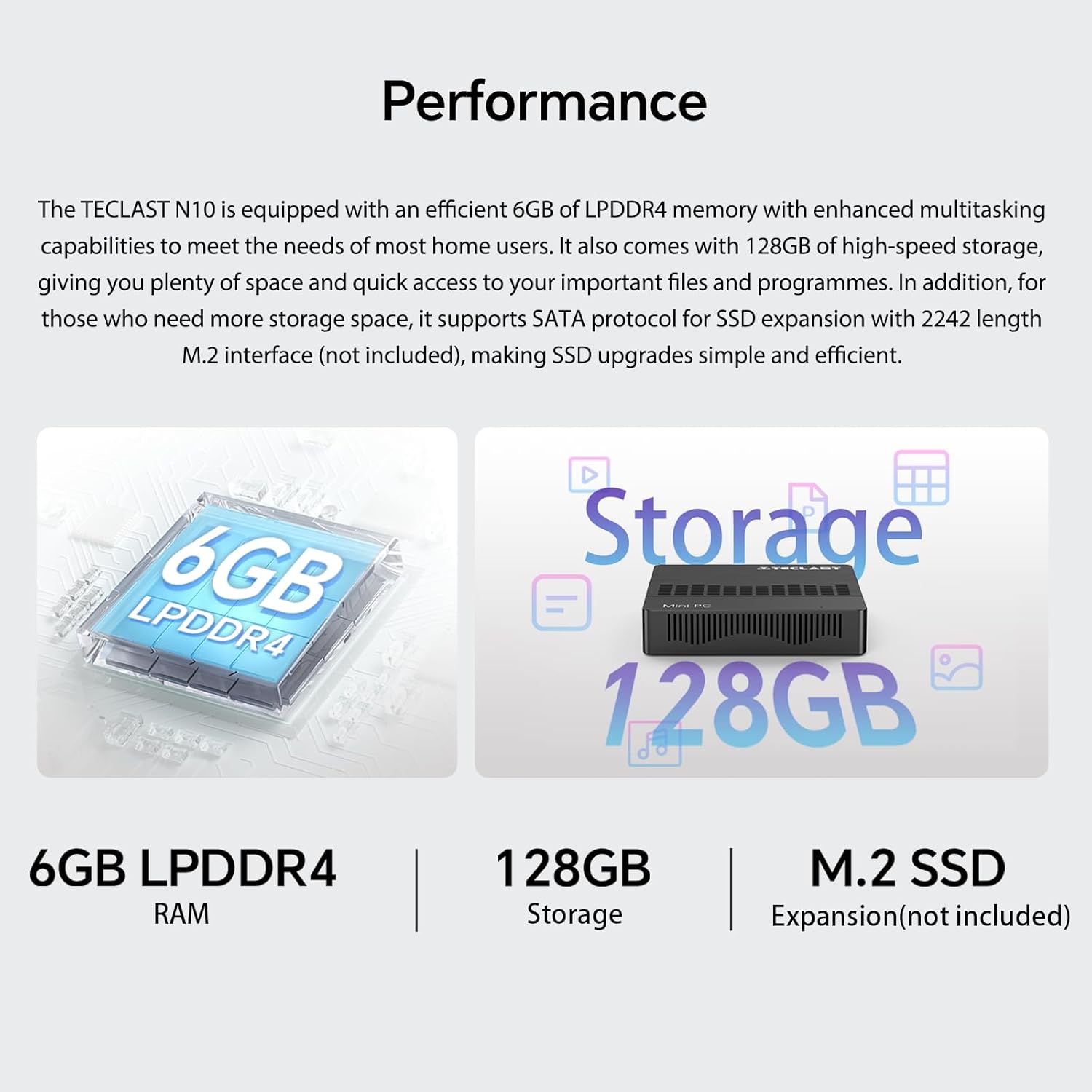
Slika 5.3: Gotovoview of the Mini PC N10's 6GB LPDDR4 RAM, 128GB storage, and M.2 SSD expansion capability.
6. Specifikacije
| Feature | Detalj |
|---|---|
| Brand | TECLAST |
| Naziv modela | N10 |
| Dimenzije proizvoda | 11.9 x 11.9 x 2.4 cm |
| Težina proizvoda | 700 g |
| Boja | Crna |
| Operativni sistem | Windows 11 Pro |
| Proizvođač procesora | Intel |
| Tip procesora | Intel Celeron N4000 |
| Brzina procesora | 2.6 GHz (Turbo Frequency) |
| Broj procesora | 2 |
| RAM kapacitet | 6 GB |
| Tehnologija memorije | DDR4 |
| Hard Drive Description | SSD |
| Kapacitet memorije | 128 GB |
| Grafički koprocesor | Intel UHD grafika 600 |
| Opis grafičke kartice | Integrisano |
| Maksimalna rezolucija | 3840 x 2160 (4K) |
| Vrsta povezanosti | Wi-Fi, Bluetooth |
| Vrsta bežične veze | 2.4GHz + 5GHz Wi-Fi, Bluetooth 5.0 |
| Luke | HDMI x 1, VGA x 1, USB 3.2 x 3, RJ45 Ethernet x 1, 3.5mm Audio x 1, TF (MicroSD) x 1 |

Image 6.1: Details of the Intel Celeron N4000 processor, featuring 14nm process, Gemini Lake Architecture, 4MB cache, and up to 2.6GHz turbo frequency.
7. Održavanje
- čišćenje: Use a soft, dry cloth to clean the exterior of the Mini PC. Avoid using liquid cleaners or sprays directly on the device.
- ventilacija: Ensure the ventilation openings are not blocked to prevent overheating. Place the Mini PC on a flat, stable surface.
- Ažuriranja softvera: Redovno provjeravajte i instalirajte ažuriranja za Windows kako biste osigurali stabilnost i sigurnost sistema.
- Sigurnosna kopija podataka: Povremeno pravite sigurnosne kopije važnih podataka na eksterni disk ili u oblaku kako biste spriječili gubitak podataka.
8. Otkrivanje problema
8.1. Nema struje
- Provjerite je li adapter za napajanje sigurno priključen i na Mini PC i na ispravnu utičnicu.
- Provjerite da li je utičnica funkcionalna tako što ćete priključiti drugi uređaj.
8.2. Nema displeja
- Check that the HDMI or VGA cable is securely connected to both the Mini PC and the monitor.
- Provjerite je li monitor uključen i postavljen na ispravan ulazni izvor (HDMI/VGA).
- Pokušajte se povezati s drugim ekranom ili koristiti drugi kabel kako biste isključili neispravne komponente.
8.3. Nema internetske veze
- Ožičeno: Provjerite vezu Ethernet kabla. Provjerite da li vaš ruter/modem ispravno radi.
- bežični: Ensure Wi-Fi is enabled in Windows settings. Check if you are connected to the correct network and have entered the password correctly. Restart your router/modem.
8.4. Usporavanje sistema
- Zatvorite nepotrebne aplikacije koje rade u pozadini.
- Provjerite i instalirajte sva ažuriranja za Windows koja su na čekanju.
- Provjerite da li ima dovoljno slobodnog prostora na SSD-u.
- Pokrenite skeniranje virusa kako biste provjerili ima li zlonamjernog softvera.
9. Garancija i podrška
9.1. Informacije o garanciji
The TECLAST Mini PC N10 comes with a 2-year warranty, valid immediately after purchase. Please retain your proof of purchase for warranty claims.
9.2. Korisnička podrška
If you require assistance or have any questions regarding your TECLAST Mini PC N10, please contact our customer support team. Send us a message, and our specialists will respond within 1 business day. We are committed to providing support for our products.


