1. Uvod
Thank you for choosing the ORSKEY S950 Dash Cam. This manual provides detailed instructions for the proper installation, operation, and maintenance of your new dash camera system. Please read this manual thoroughly before use to ensure optimal performance and longevity of the device.

Image: The ORSKEY S950 Dash Cam, showing the main front unit with a 3-inch IPS screen and the separate rear camera.
2. Proizvod je gotovview
2.1 Sadržaj paketa
The ORSKEY S950 Dash Cam package includes the following items:
- ORSKEY S950 Front Dash Camera
- Zadnja kamera
- Car Charger
- Mounting Bracket (Dashboard Mount)
- Kabel stražnje kamere
- Uputstvo za upotrebu
- Memory Card (Included components: Memory Card)
2.2 Ključne karakteristike
The ORSKEY S950 Dash Cam is equipped with advanced features for comprehensive vehicle surveillance:
- 4K Ultra HD Front Recording: Snima jasne, detaljne snimke hranetage.
- 1080P Rear Recording: Pruža širok view of the vehicle's rear.
- Sony Starvis Sensor: Enhances low-light performance for superior night vision.
- 3-inčni IPS ekran: Offers a clear and wide viewing angle for playback and settings.
- 170-Degree Wide Field of View: Both front and rear cameras cover multiple lanes.
- Snimanje u petlji: Automatski prepisuje najstariji footage kada je memorijska kartica puna.
- G-Sensor (Emergency Accident Lock): Detects sudden impacts and locks the current video to prevent overwriting.
- Nadgledanje parkinga: Provides surveillance when the vehicle is parked (requires continuous power supply).
- Podrška za MicroSD karticu do 128GB: Allows for extended recording times.

Image: Visual representation of the ORSKEY S950's powerful functions, including 4K+1080P recording, Sony Sensor, 3" IPS screen, dual 170° FOV, G-Sensor, Loop Recording, Parking Monitoring, Emergency Recording, and Max 128GB support.
3. Postavljanje i instalacija
3.1 Umetanje MicroSD kartice
- Provjerite je li kamera za automobil isključena.
- Locate the MicroSD card slot on the side of the main unit.
- Insert the MicroSD card (Class 10 or higher, up to 128GB) into the slot until it clicks into place.
- Važno: Format the MicroSD card within the dash cam's settings menu before first use and periodically thereafter to ensure stable recording.
3.2 Montiranje prednje kamere
- Očistite područje vjetrobranskog stakla na koje namjeravate montirati kameru.
- Attach the suction cup mount or adhesive mount to the windshield, ensuring it does not obstruct your view.
- Slide the main dash cam unit onto the mounting bracket until it locks securely.
- Adjust the camera lens angle to ensure it captures the road ahead clearly.
3.3 Instaliranje zadnje kamere
- Odredite optimalno mjesto za montažu zadnje kamere, obično na zadnjem vjetrobranskom staklu ili blizu registarske tablice.
- Temeljno očistite montažnu površinu.
- Secure the rear camera using the provided adhesive or screws.
- Route the rear camera cable from the rear of the vehicle to the front dash cam unit. Ensure the cable is tucked away neatly to avoid interference with driving.
- Spojite kabel zadnje kamere na predviđeni priključak na glavnoj jedinici kamere za automobil.

Image: Illustration of the dual lens dash camera's wide 170° viewing angles for both front and rear, providing comprehensive coverage.
3.4 Priključak za napajanje
- Spojite punjač za automobil na ulazni priključak za napajanje kamere za automobil.
- Drugi kraj auto punjača priključite na utičnicu za upaljač u vozilu.
- Kamera za automobil će se automatski uključiti i početi snimati kada se uključi kontakt vozila.
4. Uputstvo za upotrebu
4.1 Osnovni rad
- Uključivanje/isključivanje: The camera powers on/off automatically with the vehicle's ignition. You can also manually power on/off by pressing and holding the power button.
- Snimanje: Once powered on and with a formatted MicroSD card, the camera will automatically start loop recording. A flashing indicator light usually signifies active recording.
- Uključivanje/isključivanje ekrana: The screen can be set to turn off automatically after a set period to avoid distraction while driving. Recording continues in the background.
4.2 Snimanje u petlji
Loop recording ensures continuous recording by overwriting the oldest unlocked video files when the MicroSD card reaches its capacity. This feature prevents the card from filling up and stopping recording.
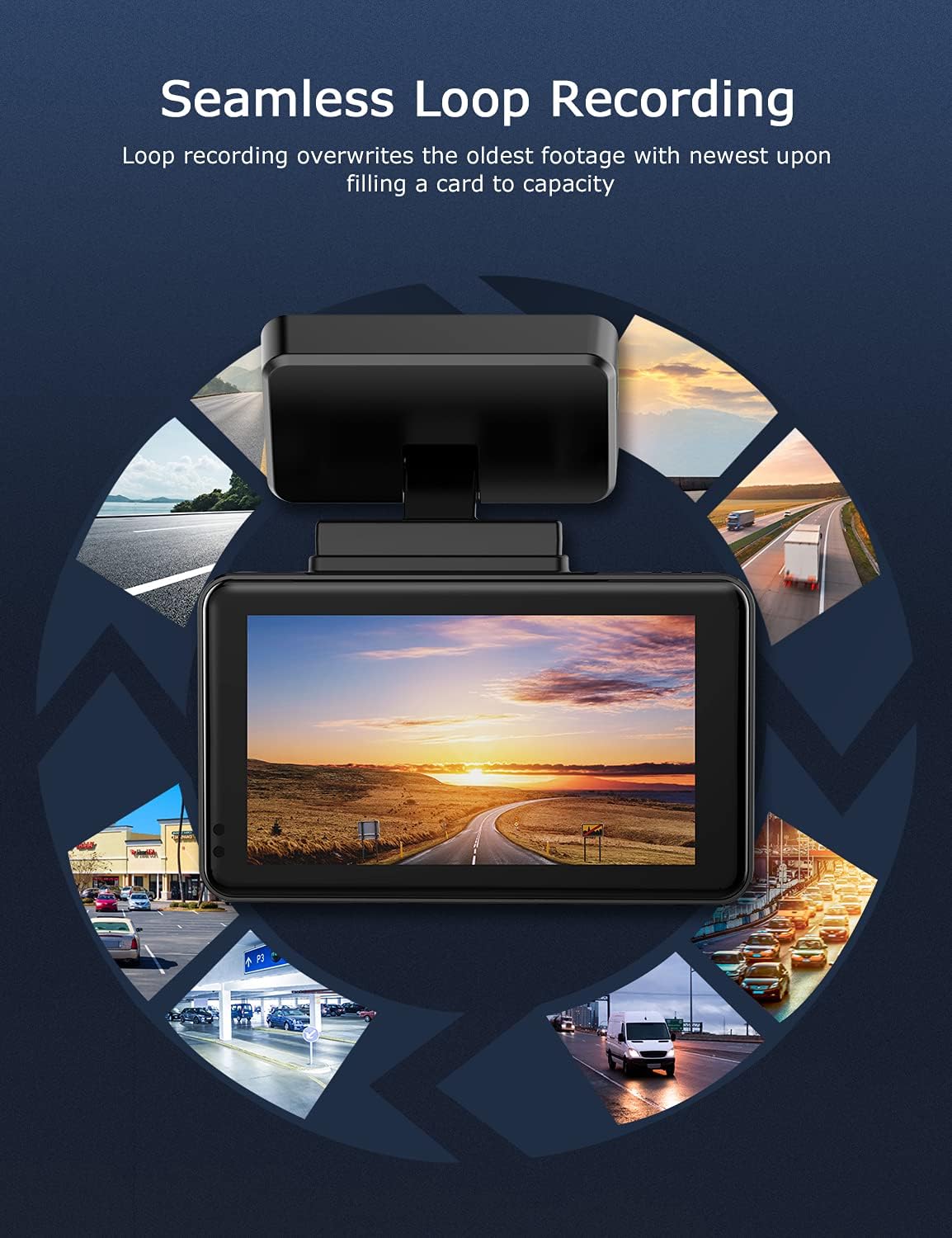
Image: Visual explanation of seamless loop recording, where the dash cam continuously records and overwrites the oldest footage once the memory card is full.
4.3 G-Sensor and Emergency Lock
The built-in G-sensor detects sudden acceleration, braking, or collisions. When triggered, it automatically locks the current video segment, protecting it from being overwritten by loop recording. These locked files are stored in a separate folder on the MicroSD card.

Image: Depiction of the Emergency Accident Lock feature, where the G-sensor detects an impact and automatically locks the video footage as important evidence.
4.4 Nadgledanje parkinga
When enabled, parking monitoring allows the dash cam to automatically record if it detects a collision or vibration while the vehicle is parked. This feature typically requires a hardwire kit (sold separately) for continuous power supply.
4.5 Noćni vid
Equipped with a Sony Starvis Sensor, the ORSKEY S950 provides enhanced night vision capabilities, capturing clear video footage čak iu uslovima slabog osvetljenja.
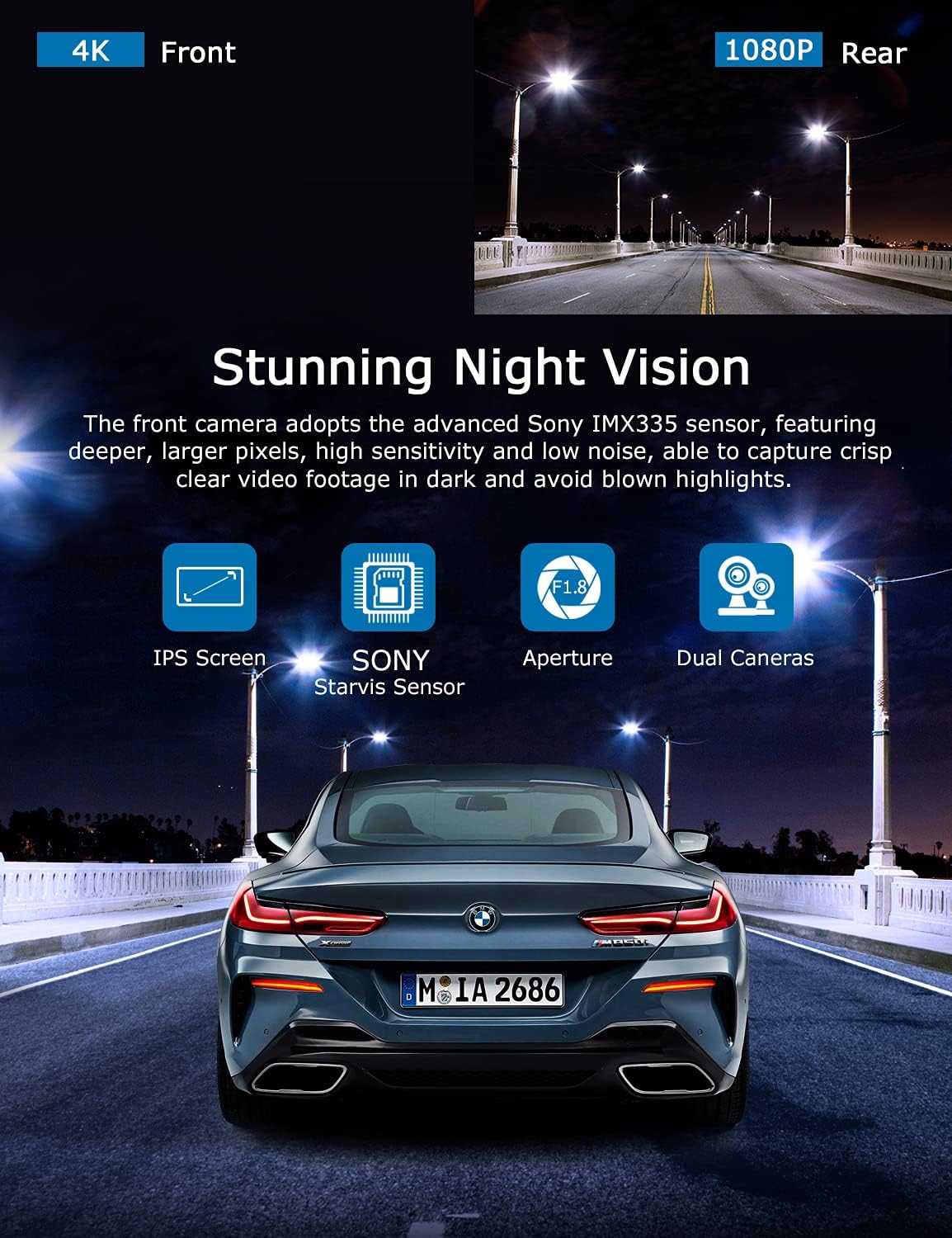
Image: Illustration highlighting the stunning night vision capability of the ORSKEY S950, showing clear footage u tamnim okruženjima.
4.6 Reprodukcija
To review snimljeno footage:
- Stop recording by pressing the OK button (if currently recording).
- Enter playback mode via the menu options.
- Navigate through video files using the up/down buttons.
- Odaberite a file i pritisnite OK za reprodukciju.
- You can also remove the MicroSD card and view files on a computer using a compatible media player.
5. Održavanje
- MicroSD Card Formatting: Regularly format the MicroSD card (at least once a month) to prevent data corruption and ensure optimal performance. Back up important files prije formatiranja.
- čišćenje: Za čišćenje sočiva i ekrana kamere koristite meku, suhu krpu. Izbjegavajte upotrebu abrazivnih sredstava za čišćenje ili rastvarača.
- temperatura: Avoid exposing the dash cam to extreme temperatures for prolonged periods, as this can affect battery life and component integrity.
6. Otkrivanje problema
| Problem | Mogući uzrok | Rješenje |
|---|---|---|
| Kamera se ne uključuje. | No power supply; faulty charger; dead battery. | Check car charger connection and vehicle's cigarette lighter. Ensure the camera's internal battery is charged. |
| "Card Error" or recording stops. | MicroSD card not formatted, incompatible, or corrupted. | Format the MicroSD card in the camera. Use a high-quality Class 10 (U3 recommended) MicroSD card from a reputable brand. Try a different card. |
| Video playback is laggy or corrupted. | Slow MicroSD card; file system issues; incompatible player. | Ensure you are using a high-speed MicroSD card (V30/U3). Format the card. Try playing videos with a different media player on your computer. |
| Rear camera image is reversed. | Default setting for mirror view. | Check camera settings for a 'Mirror Image' or 'Flip' option for the rear camera. If not available, this may be intended for reverse assistance rather than recording. |
| G-senzor je previše osjetljiv/nije dovoljno osjetljiv. | G-Sensor sensitivity setting. | Adjust the G-Sensor sensitivity level in the camera's settings menu. |
7. Specifikacije
| Feature | Specifikacija |
|---|---|
| Broj modela | S950 |
| Rezolucija video snimanja | 4K (naprijed), 1080P (stražnji) |
| Veličina ekrana | 3-inčni IPS ekran |
| Polje of View | 170 Degrees (Front & Rear) |
| Posebne karakteristike | Loop Recording, Night Vision, G-Sensor, Parking Monitoring |
| Podrška za skladištenje | Up to 128GB MicroSD Card (Class 10/U3 recommended) |
| Kontrolni metod | Dodirnite |
| Izvor napajanja | Car Charger (1 Lithium Polymer battery included) |
| Dimenzije proizvoda | 21 x 15.5 x 4.5 cm; 505 g |
8. Garancija i podrška
ORSKEY products are designed for reliability and performance. For warranty information, technical support, or any inquiries regarding your ORSKEY S950 Dash Cam, please refer to the contact details provided on the official ORSKEY webweb-mjestu ili pakovanju proizvoda. Sačuvajte račun kao dokaz o kupovini za reklamacije u slučaju garancije.
For further assistance, you may visit the ORSKEY Store on Amazon: ORSKEY Store


