1. Uvod
Thank you for choosing the MageGee MK1 Mechanical Gaming Keyboard and Mouse Combo. This product is designed to enhance your gaming and work experience with its responsive mechanical keys, customizable LED backlighting, and ergonomic design. This manual provides detailed instructions for setup, operation, maintenance, and troubleshooting to ensure optimal performance.
The combo includes an 87-key mechanical keyboard with blue switches, an ergonomic gaming mouse, and a large mouse pad. The compact keyboard design saves desk space while offering a tactile and audible typing experience, suitable for both gaming and office tasks.

Slika 1.1: Gotovoview of the MageGee MK1 87-key mechanical keyboard with blue backlighting.
2. Upute za postavljanje
Follow these steps to set up your MageGee MK1 Keyboard and Mouse Combo:
- Raspakujte komponente: Carefully remove the keyboard, mouse, and mouse pad from their packaging.
- Povežite tastaturu: Priključite USB konektor tastature u slobodan USB port na računaru.
- Povežite miša: Plug the USB connector of the mouse into another available USB port on your computer.
- Postavite podlogu za miš: Position the large mouse pad on your desk for optimal mouse movement.
- Instalacija drajvera: The keyboard and mouse are plug-and-play devices. Your operating system (Windows 10, 8, 7, Vista, XP, or limited Mac OS support) should automatically detect and install the necessary drivers. No additional software installation is typically required.
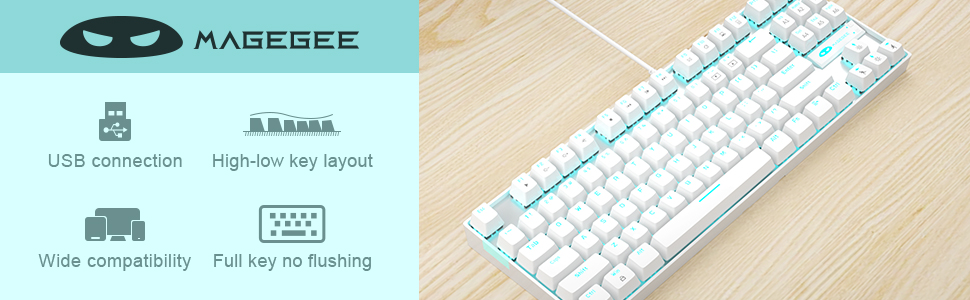
Image 2.1: Key features of the MageGee MK1 keyboard, including USB connection and wide compatibility.
3. Uputstvo za upotrebu
3.1 Funkcije tastature
The MK1 keyboard features 87 mechanical keys with blue switches, providing a distinct tactile bump and audible click for precise feedback. The compact layout is designed for efficiency and comfort.
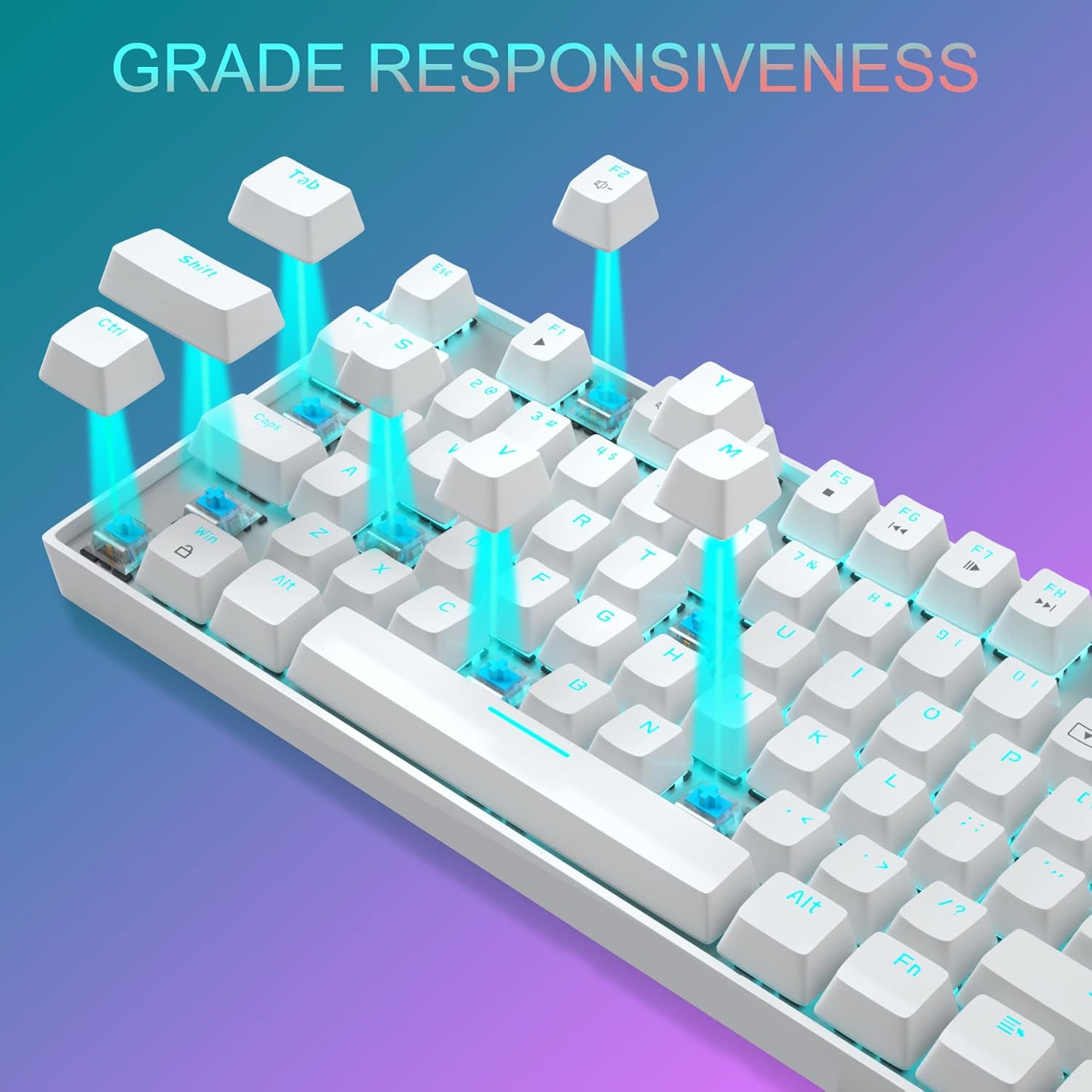
Slika 3.1: Krupni plan view of the keyboard demonstrating the blue mechanical switches for responsive typing.
3.1.1 režima pozadinskog osvjetljenja
The keyboard supports 24 different LED breathing backlight modes. Use the following key combinations to control the backlighting:
- FN + INS: Cycle through various preset lighting modes.
- FN + HOME: Cycle through additional lighting effects.
- FN + PGUP: Podesite svjetlinu pozadinskog osvjetljenja (4 nivoa).
- FN + PGDN: Adjust breathing speed (4 levels).
- FN + DEL: Change backlight color in certain modes.
- FN + KRAJ: Activate or deactivate specific lighting patterns.
You can also customize lighting effects by pressing FN + 1/2/3/4/5 key combinations. The WASD and ARROW keys are interchangeable for user preference.
3.1.2 Multimedijski tasteri
The keyboard includes 12 multimedia function keys, accessible by pressing the FN key in combination with the F1-F12 keys. These provide quick access to common functions:

Image 3.2: Chart detailing the FN key combinations for multimedia controls.
- FN+F1: Media Player
- FN+F2: Utišavanje zvuka
- FN+F3: Volume Up
- FN+F4: Mute
- FN+F5: Stani
- FN+F6: Previous Track
- FN+F7: Pusti/Pauza
- FN+F8: Next Track
- FN+F9: Email
- FN+F10: Web/Dom
- FN+F11: Moj kompjuter
- FN+F12: Kalkulator
3.2 Funkcije miša
The gaming mouse features 7 programmable buttons and adjustable DPI settings for precision control.
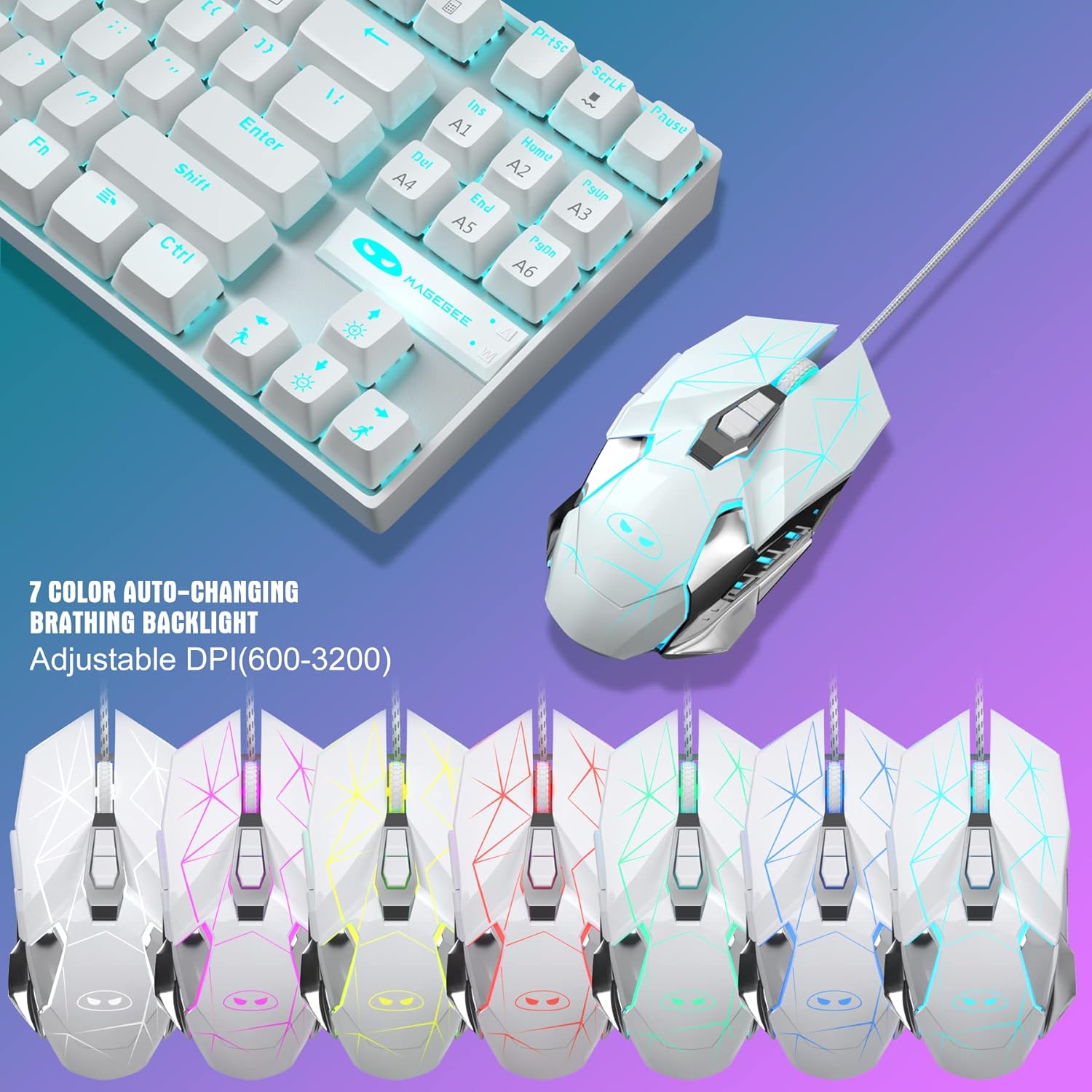
Image 3.3: The MageGee gaming mouse, showcasing its ergonomic design and customizable backlighting.
3.2.1 DPI podešavanje
The mouse offers 6 adjustable DPI levels (600, 800, 1200, 1600, 2400, 3200). Press the DPI button (usually located behind the scroll wheel) to cycle through these settings in real-time. Each DPI level is indicated by a different backlight color:
- Žuta
- Plava
- Ljubičasta
- Zeleno
- Crveni
- Cyan
3.2.2 Mouse Backlight Control
The mouse backlight color changes with the DPI setting. To control the mouse backlight, press the "Forward + DPI" keys simultaneously. This combination allows you to select a single preferred color, enable automatic color flashing, or turn off the backlight.
3.3 Mouse Pad
The included large mouse pad (300x250 mm) features a silk-processed cloth surface for smooth, ultra-precise mouse movements. Its advanced multi-layer surface provides thousands of light-reflecting microscopic points for accurate tracking. The underside is made of natural processed foam rubber, ensuring a stable grip on various surfaces. Stitched edges prevent fraying and curling, enhancing durability. The mouse pad is waterproof and washable for easy cleaning.
4. Održavanje
Proper maintenance ensures the longevity and performance of your keyboard and mouse combo:
- Čišćenje tastature: Use a soft, dry cloth to wipe down the keycaps and chassis. For deeper cleaning, you can use compressed air to remove dust and debris from between the keys. Avoid using harsh chemicals or abrasive materials.
- Čišćenje miša: Obrišite površinu miša mekom, blago natopljenom krpomamp cloth. Ensure no liquid enters the internal components. Clean the optical sensor area regularly to maintain tracking accuracy.
- Čišćenje podloge za miš: The mouse pad is waterproof and washable. You can gently hand wash it with mild soap and water, then air dry completely before use.
- Skladištenje: When not in use for extended periods, store the combo in a clean, dry environment away from direct sunlight and extreme temperatures.
5. Otkrivanje problema
If you encounter issues with your MageGee MK1 combo, refer to the following common solutions:
- Tastatura/miš ne reaguje:
- Ensure both USB cables are securely plugged into your computer's USB ports.
- Pokušajte priključiti uređaje na različite USB portove.
- Ponovo pokrenite računar.
- Test the keyboard/mouse on another computer to determine if the issue is with the device or your system.
- Pozadinsko osvjetljenje ne radi ili je neispravno:
- Ensure the backlight is not turned off (check FN key combinations).
- Adjust brightness using FN + PGUP.
- Cycle through different lighting modes using FN + INS/HOME.
- Problemi sa praćenjem miša:
- Clean the mouse sensor and the mouse pad surface.
- Podesite DPI postavku na nivo koji odgovara vašoj upotrebi.
- Ensure the mouse pad is on a flat, stable surface.
- Ključevi se ne registruju:
- Provjerite da li je tastatura pravilno povezana.
- Očistite područje oko pogođenog ključa kako biste uklonili sve ostatke.
- If specific keys consistently fail, contact customer support.
6. Specifikacije
| Brand | MageGee |
| Model | MK1 |
| Tip tastature | Mehanička tastatura za igre |
| Tip prekidača | Plavi prekidači |
| Key Layout | 87 Keys (Compact) |
| Pozadinsko osvetljenje | LED Backlit (24 modes, adjustable brightness/speed) |
| Povezivanje | Žičani USB |
| Nivoi DPI-ja miša | 600, 800, 1200, 1600, 2400, 3200 |
| Dugmad miša | 7 Programabilna dugmad |
| Mouse Pad Size | 300 x 250 mm |
| Kompatibilnost | Windows 10/8/7/Vista/XP, Limited Mac OS support |
| Težina artikla | 2.59 funte (približno) |
| Dimenzije paketa | 14.92 x 8.94 x 1.77 inča (približno) |
7. Garancija i podrška
The MageGee MK1 Mechanical Gaming Keyboard and Mouse Combo comes with a full 1-year manufacturer's warranty from the date of purchase. This warranty covers defects in materials and workmanship under normal use.
For any questions, technical assistance, or warranty claims, please do not hesitate to contact our friendly customer service team. We are available 24 hours a day, 7 days a week to provide support.
Please refer to the contact information provided with your product packaging or visit the official MageGee webstranicu za najnovije detalje o podršci.


