1. Uvod
The Rapoo MT550 is a versatile multi-device wireless mouse designed for enhanced productivity and comfort. This manual provides detailed instructions for setting up, operating, and maintaining your MT550 mouse, ensuring optimal performance across various devices.
Ključne karakteristike uključuju:
- Multi-device connectivity (Bluetooth 3.0, Bluetooth 4.0, and 2.4G wireless)
- Adjustable DPI settings (600/1000/1300/1600)
- Ergonomski dizajn za udobnu upotrebu
- Long battery life of up to 12 months
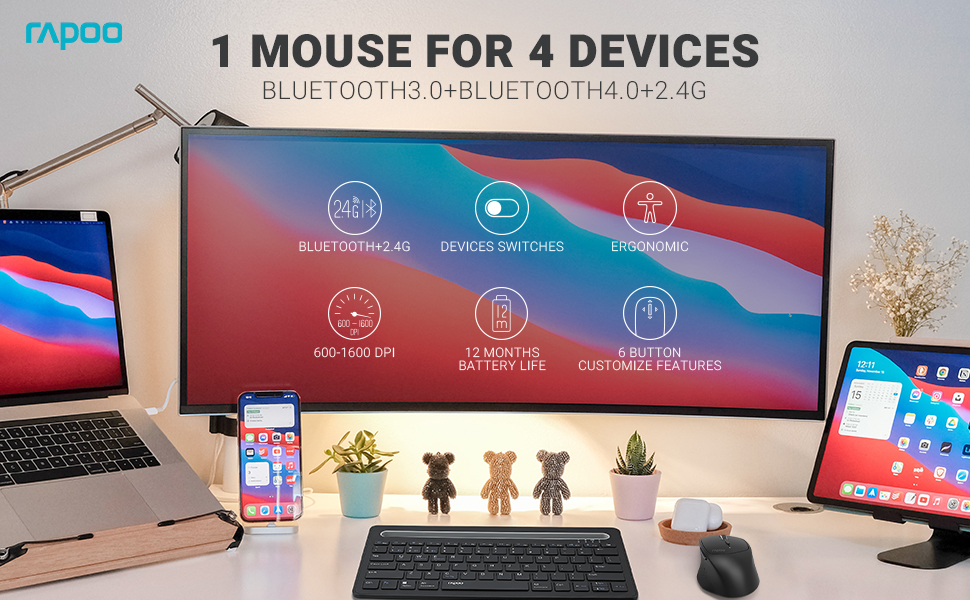
Image: The Rapoo MT550 mouse, highlighting its design for endurance, versatility, and comfort.
2. Podešavanje
2.1. Instalacija baterije
The Rapoo MT550 mouse requires two AA batteries (included). To install:
- Pronađite poklopac pretinca za bateriju na donjoj strani miša.
- Otvorite poklopac.
- Umetnite dvije AA baterije, pazeći na ispravan polaritet (+/-).
- Zatvorite poklopac odeljka za baterije.
2.2. Povezivanje putem 2.4G bežične mreže (USB prijemnik)
For a 2.4G wireless connection:
- Uključite miš pomoću prekidača ON/OFF na donjoj strani.
- Locate the USB receiver stored in the battery compartment.
- Umetnite USB prijemnik u slobodan USB port na vašem računaru.
- The mouse should automatically connect. If not, press the device switch button until the indicator for channel 4 (usually indicated by a specific light pattern or number) is active.
2.3. Povezivanje putem Bluetooth-a
The Rapoo MT550 supports up to three Bluetooth connections. To connect:
- Uključite miš pomoću prekidača ON/OFF.
- Short press the device switch button to select a Bluetooth channel (1, 2, or 3). The corresponding indicator light will illuminate.
- Press and hold the Bluetooth pairing button (often located near the device switch button) for approximately 3 seconds until the indicator light for the selected channel starts flashing rapidly. This indicates the mouse is in pairing mode.
- On your device (computer, laptop, tablet, phone), enable Bluetooth and search for new devices.
- Select "Rapoo MT550" from the list of available devices to complete the pairing process.
- Repeat these steps to pair with up to two additional Bluetooth devices on channels 2 and 3.

Image: Labeled diagram of the Rapoo MT550 mouse, indicating the location of the ON/OFF switch, Bluetooth button, device switch button, battery slot, USB receiver, DPI button, scroller, and other buttons.
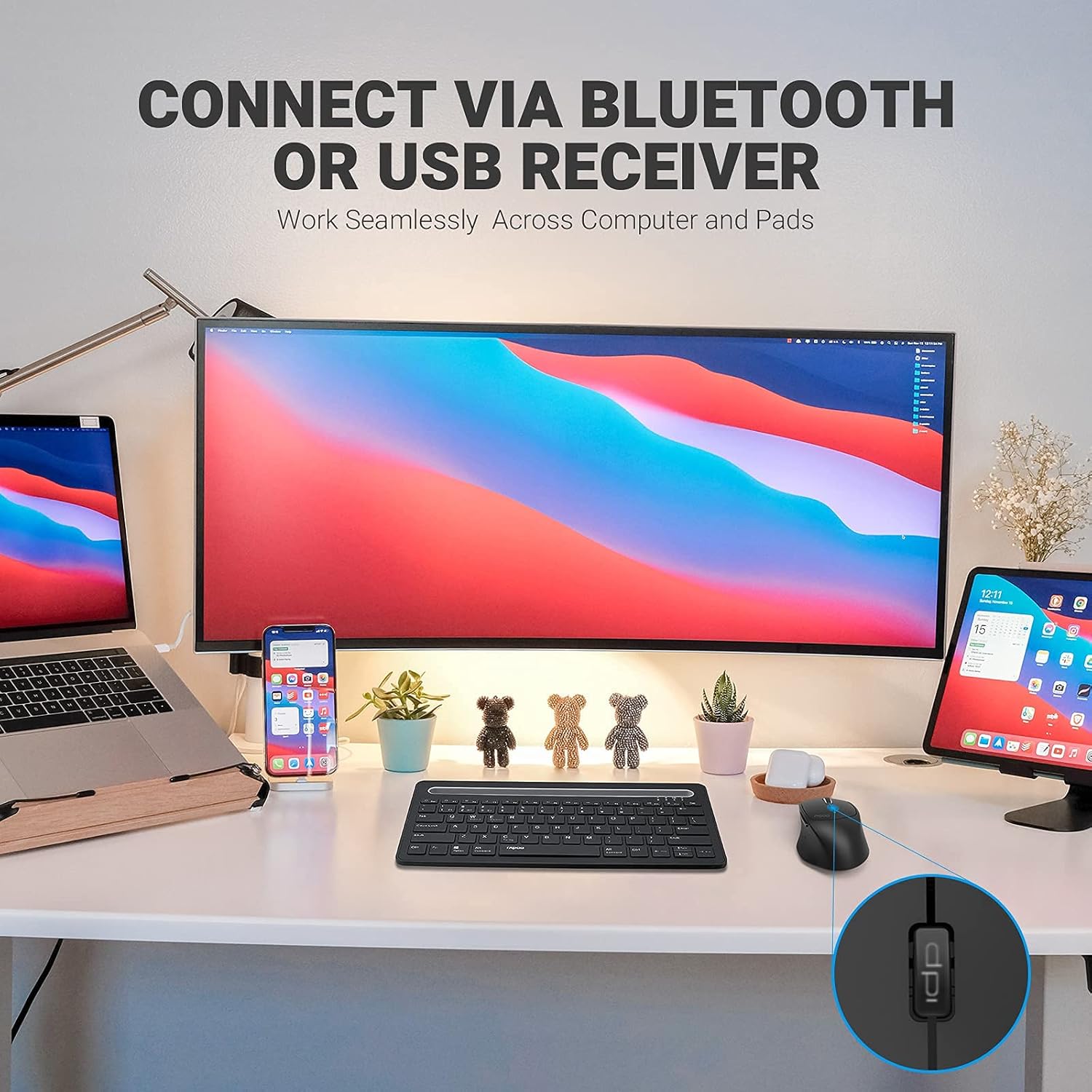
Image: A workstation demonstrating the Rapoo MT550 mouse connecting to multiple devices via Bluetooth or USB receiver.
3. Uputstvo za upotrebu
3.1. Prebacivanje između uređaja
Za prebacivanje između povezanih uređaja:
- Short press the device switch button located on the underside of the mouse.
- Each press will cycle through the connected channels (1, 2, 3 for Bluetooth, 4 for 2.4G USB receiver). The corresponding indicator light will show the active channel.
3.2. Adjusting DPI (Sensitivity)
The MT550 mouse features four adjustable DPI settings for precise control:
- Press the DPI button, located behind the scroll wheel, to cycle through the available settings: 600, 1000, 1300, and 1600 DPI.
- The indicator light will briefly change to reflect the selected DPI level.

Slika: Krupni plan view of the DPI button on the Rapoo MT550 mouse, with the indicator light showing the current DPI setting.
3.3. Using Forward/Back Buttons
The two thumb buttons on the side of the mouse provide quick navigation:
- The forward button advances to the next page or folder.
- The back button returns to the previous page or folder.
4. Održavanje
4.1. Čišćenje
To maintain the appearance and functionality of your mouse:
- Koristite meku, suhu krpu za brisanje površine miša.
- Izbjegavajte upotrebu jakih hemikalija, abrazivnih sredstava za čišćenje ili rastvarača, jer oni mogu oštetiti završnu obradu.
4.2. Zamjena baterije
When the low battery indicator appears or the mouse becomes unresponsive, it's time to replace the batteries:
- Slijedite korake za ugradnju baterije opisane u Odjeljku 2.1.
- Ensure you use two fresh AA batteries and insert them with the correct polarity.
4.3. Skladištenje
Kada se miš ne koristi duži period, čuvajte ga na suhom i hladnom mjestu, dalje od direktne sunčeve svjetlosti i ekstremnih temperatura.
5. Otkrivanje problema
If you encounter issues with your Rapoo MT550 mouse, refer to the following troubleshooting steps:
5.1. Miš ne reaguje
- Provjerite snagu: Ensure the mouse is turned on using the ON/OFF switch.
- Provjerite baterije: Verify that the batteries are correctly installed and have sufficient charge. Replace them if necessary.
- 2.4G prijemnik: For 2.4G connection, ensure the USB receiver is securely plugged into a working USB port on your computer. Try a different USB port.
- Bluetooth veza: For Bluetooth, ensure Bluetooth is enabled on your device and the mouse is paired to the correct channel. Try re-pairing the mouse if the connection is lost.
5.2. Intermittent Connection or Lag
- blizina: Move the mouse closer to your computer or device to ensure a strong signal.
- smetnje: Avoid using the mouse near other wireless devices (e.g., Wi-Fi routers, cordless phones) that might cause interference.
- Površina: Ensure you are using the mouse on a suitable surface. While the MT550 is designed for various surfaces, extreme textures or reflective surfaces can affect tracking.
5.3. DPI se ne mijenja
- Ensure you are pressing the dedicated DPI button, not another button.
- If the issue persists, try turning the mouse off and on again.
6. Specifikacije
| Dimenzije proizvoda | 3.93 x 2.55 x 1.57 inča |
| Težina artikla | 5.3 unce |
| Baterije | 2 AA baterije (uključene) |
| Tehnologija povezivanja | Bluetooth (3.0/4.0) and 2.4G Wireless |
| Tehnologija detekcije pokreta | Optički |
| Podesivi DPI | 600 / 1000 / 1300 / 1600 |
| Broj dugmadi | 6 (Lijevo, Desno, Pomicanje, DPI, Naprijed, Nazad) |
| Trajanje baterije | Do 12 mjeseci (pod normalnim uslovima) |
7. Garancija i podrška
Rapoo provides the following coverage for your MT550 Multi-Device Wireless Mouse:
- garancija: 3-year worry-free warranty.
- Politika povrata: 180-dnevna garancija povrata novca.
For further assistance, technical support, or warranty claims, please visit the official Rapoo webstranice ili kontaktirajte njihov odjel za korisničku podršku.


