1. Proizvod je gotovview
The IVANKY DisplayPort 1.2 Cable is designed to provide high-quality audio and video transmission between DisplayPort-enabled devices. This 25-foot (7.5-meter) cable supports resolutions up to 4K at 60Hz and 2K at 165Hz/144Hz, making it suitable for gaming, video streaming, and extended desktop setups. Its durable construction ensures reliable performance and longevity.

Image: IVANKY 4K DisplayPort Cable 1.2, illustrating its use for a superior audio-visual experience.
2. Ključne karakteristike
- Flicker-Free Experience: Supports 2K@165Hz refresh rate to reduce screen flicker, enhancing gaming and viewing comfort. Also supports DP, DP++, and DisplayPort++.
- Visoka rezolucija i brzina osvježavanja: Delivers UHD 4K (3840x2160@60Hz) and 2K (2560x1440@165Hz/144Hz) streaming, allowing for extended or mirrored display configurations.
- Ultra izdržljivost: Features a quality nylon braided jacket that withstands over 15,000 bends. Multiple shielding, 24K gold-plated connectors, and 30 AWG tinned copper ensure reliable, interference-free data transmission.
- Široka kompatibilnost: Connects DisplayPort-compatible PCs/Laptops to monitors or projectors. Not compatible with HDMI.
- Latch-Free Design: Unique design for effortless plugging and unplugging, preventing accidental damage and not blocking adjacent ports.

Image: Demonstrates flicker-free gaming at high refresh rates (4K@60Hz, 2K@165Hz, 2K@144Hz).

Image: Close-up of the cable highlighting its high quality, braided texture, premium aluminum alloy shell, and gold-plated connectors.
3. Postavljanje i instalacija
- Identifikujte portove: Locate the DisplayPort output on your PC/Laptop and the DisplayPort input on your monitor or projector. Ensure both devices have DisplayPort connections. This cable is not compatible with HDMI ports.
- Povezivanje kabla: Gently insert one end of the IVANKY DisplayPort cable into the DisplayPort output of your source device (PC/Laptop).
- Poveži se sa ekranom: Insert the other end of the cable into the DisplayPort input of your monitor or projector. The latch-free design allows for easy connection.
- Uređaji za uključenje: Uključite računar i uređaj za prikaz.
- Konfigurirajte postavke ekrana: Access your operating system's display settings to configure resolution, refresh rate, and display mode (e.g., extended desktop, mirrored displays) as desired. Refer to your device's manual for specific instructions on adjusting display settings.

Image: A DisplayPort cable being connected to a PC graphics card, showing compatibility with DisplayPort and incompatibility with HDMI and Mini HDMI.

Image: Illustration demonstrating the latch-free design of the DisplayPort connector, highlighting its ease of use and prevention of accidental damage or port blocking.
4. Uputstvo za upotrebu
Once connected, the IVANKY DisplayPort cable operates automatically. The quality of your display will depend on the capabilities of your source device (PC/Laptop) and your display device (monitor/projector).
Načini prikaza:
- MirrorMode: Duplicates your primary display onto a secondary display.
- Prošireni način rada: Extends your desktop across multiple displays, providing more screen real estate.
- Režim spajanja na više ekrana: Combines multiple displays into a single, larger virtual display for an immersive experience, often used in gaming or professional setups.
These modes are configured through your computer's operating system display settings (e.g., Windows Display Settings, macOS System Preferences).
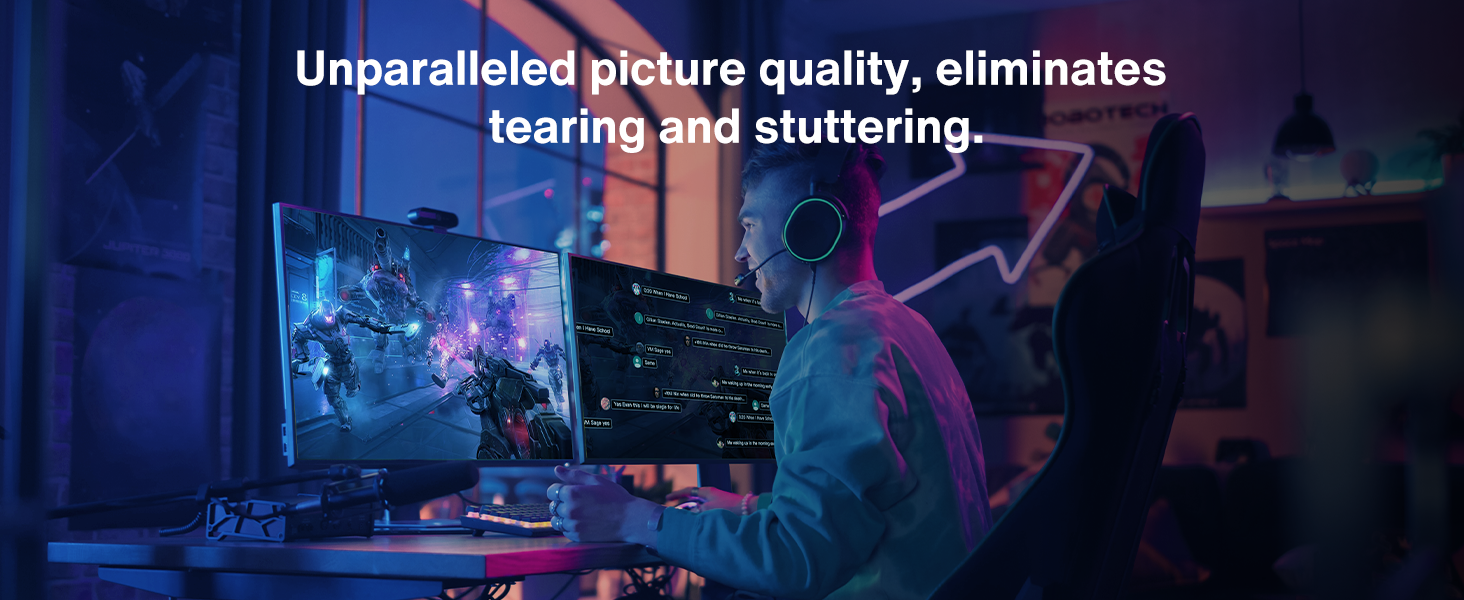
Image: Visual representation of different display modes: Mirror Mode, Extend Mode, and Multi-Screen Splicing Mode for multi-monitor setups.
5. Održavanje
- Skladištenje: Kabl čuvajte na hladnom i suhom mjestu, dalje od direktne sunčeve svjetlosti i ekstremnih temperatura.
- čišćenje: Za čišćenje kabla i konektora koristite meku, suhu krpu. Izbjegavajte upotrebu jakih hemikalija ili abrazivnih materijala.
- Rukovanje: Avoid sharp bends or kinks in the cable to prevent internal damage. Do not pull the cable by the cord; always grasp the connector when plugging or unplugging.
- inspekcija: Periodically inspect the cable and connectors for any signs of wear, damage, or corrosion. Replace the cable if any damage is observed to ensure optimal performance and safety.
6. Otkrivanje problema
- Nema prikaza/treperenja:
- Ensure both ends of the DisplayPort cable are securely connected.
- Verify that your display device is set to the correct input source (DisplayPort).
- Check your computer's display settings for correct resolution and refresh rate. Lowering the refresh rate or resolution temporarily can help identify if the issue is related to bandwidth.
- Test the cable with another DisplayPort-enabled device or display to rule out cable malfunction.
- Problemi sa zvukom:
- Ensure your computer's audio output is set to the DisplayPort device.
- Check the volume levels on both your computer and display device.
- Kompatibilnost:
- This cable is designed for DisplayPort to DisplayPort connections only. It is NOT compatible with HDMI, DVI, or Mini DisplayPort without an appropriate active adapter.
7. Specifikacije
| Brand | IVANKY |
| Naziv modela | VBC16 |
| Vrsta kabla | DisplayPort 1.2 |
| Tip konektora | DP to DP (Male-to-Male) |
| Dužina | 25 stopa / 7.5 metara |
| Boja | Grey |
| Vanjski materijal | Nylon Braided |
| Brzina prijenosa podataka | 5400 Megabits Per Second (DP 1.2 standard) |
| Max Resolution & Refresh Rate | 4K (3840x2160) @ 60Hz, 2K (2560x1440) @ 165Hz/144Hz |
| Posebne karakteristike | Braided, High Speed, 24K Gold-Plated Connectors, Latch-Free Design, Multiple Shielding |
| Kompatibilni uređaji | Desktops, laptops, and high refresh rate gaming monitors with DisplayPort output, AMD Graphics Card, NVIDIA Graphics Card, UHD TV. |
| Specifikacija Met | VESA certificirano |

Image: Detailed specification and compatibility list for the DisplayPort cable, including supported resolutions and devices.
8. Garancija i podrška
Each IVANKY cable undergoes meticulous testing to ensure it meets the highest quality standards. IVANKY provides expert technical support to all customers.
- Korisnička podrška: Our friendly support team is ready to help within 24 hours.
- Conditional Customer Support: Enjoy conditional customer support for up to 54 months.
- Kontakt: Za podršku, pošaljite email support@ivanky.com.

Image: IVANKY's mission, vision, values, and customer service contact information.
9. Zvanični videozapisi proizvoda
IVANKY 16K Displayport Cable 2.1 Overview
Video: An official product video from IVANKY showcasing the features and capabilities of the 16K DisplayPort Cable 2.1, highlighting its high performance.
iVANKY DisplayPort Cable 4K@60hz High Resolution
Video: An official product video from iVANKY demonstrating the 4K@60Hz high-resolution capabilities of the DisplayPort cable, ideal for clear visual experiences.


