Uvod
Hvala na kupoviniasing the DELTACO GAMING Chair, Model GAM-080. This ergonomic gaming chair is designed to provide comfort and support during long gaming sessions, featuring adjustable components and integrated RGB lighting. Please read this manual carefully before assembly and use to ensure proper operation and longevity of your chair.
Sigurnosne informacije
- Prije upotrebe provjerite jesu li sve komponente dobro pričvršćene.
- Nemojte stajati na stolici.
- Ne koristite stolicu ako su bilo koji dijelovi oštećeni ili nedostaju.
- Držite ruke i prste dalje od pokretnih dijelova tokom podešavanja.
- This chair is designed for a maximum weight of 120 kg (264 lbs). Exceeding this limit may cause damage or injury.
- The RGB lighting requires a USB power source. Ensure the cable is not pinched or damaged.
Sadržaj paketa
Prije početka montaže, provjerite jesu li svi dijelovi prisutni i neoštećeni. Ako bilo koji dio nedostaje ili je oštećen, obratite se korisničkoj podršci.
- Naslon za leđa
- Baza sjedala
- Nasloni za ruke (2)
- Zvjezdana baza
- Kotači (5)
- Cilindar za plinski lift
- Poklopac za plinski lift
- Ploča mehanizma
- Lumbalni jastuk
- Jastuk za glavu
- Pribor za montažu (vijci, podloške, imbus ključ)
- RGB daljinski upravljač
- USB Power Cable for RGB
Postavljanje i montaža
Please follow these steps carefully for proper assembly. It is recommended to assemble the chair on a soft, clean surface to prevent damage.
- Pričvrstite kotačiće na zvjezdastu bazu: Umetnite svaki od pet kotačića u rupe na kraju zvjezdaste baze dok se sigurno ne učvrste na mjestu.
- Umetnite plinski lift: Postavite cilindar za podizanje plina u središnji otvor zvjezdaste baze. Pokrijte ga poklopcem za podizanje plina.
- Attach Mechanism Plate to Seat Base: Align the mechanism plate with the pre-drilled holes on the underside of the seat base. Ensure the front of the mechanism plate faces the front of the seat. Secure with screws.
- Attach Armrests to Seat Base: Secure the armrests to the sides of the seat base using the provided screws. Ensure they are firmly attached.
- Attach Backrest to Seat Base: Align the backrest with the mounting brackets on the seat base. Secure with screws.
- Spojite sjedište sa plinskim liftom: Pažljivo postavite sastavljeno sjedište i naslon na plinski cilindar, pazeći da bude centriran i stabilan.
- Pričvrstite jastuke za naslon za glavu i lumbalni dio: Secure the headrest pillow and lumbar cushion to the chair using their respective straps.

Image: The DELTACO GAMING Chair fully assembled, showcasing its ergonomic design and RGB lighting strips along the edges.
Uputstvo za upotrebu
Podešavanje visine
To adjust the chair's height, pull the lever located on the right side of the seat upwards. While seated, lift your weight off the chair to raise it, or remain seated to lower it. Release the lever to lock the height.
Naslon za leđa
The backrest can be reclined between 90 and 180 degrees. Pull the recline lever, typically located on the right side of the chair, and lean back or forward to achieve your desired angle. Release the lever to lock the backrest in position.

Image: An illustration demonstrating the chair's ability to recline from an upright position to a nearly flat position, indicated by an orange arrow.
Rad RGB osvjetljenja
The chair features integrated RGB lighting with 332 LED modes. To activate the lighting, connect the chair's USB cable to a 5V USB power source (e.g., a power bank, computer USB port, or USB wall adapter). Use the included remote control to change colors, modes, and brightness.
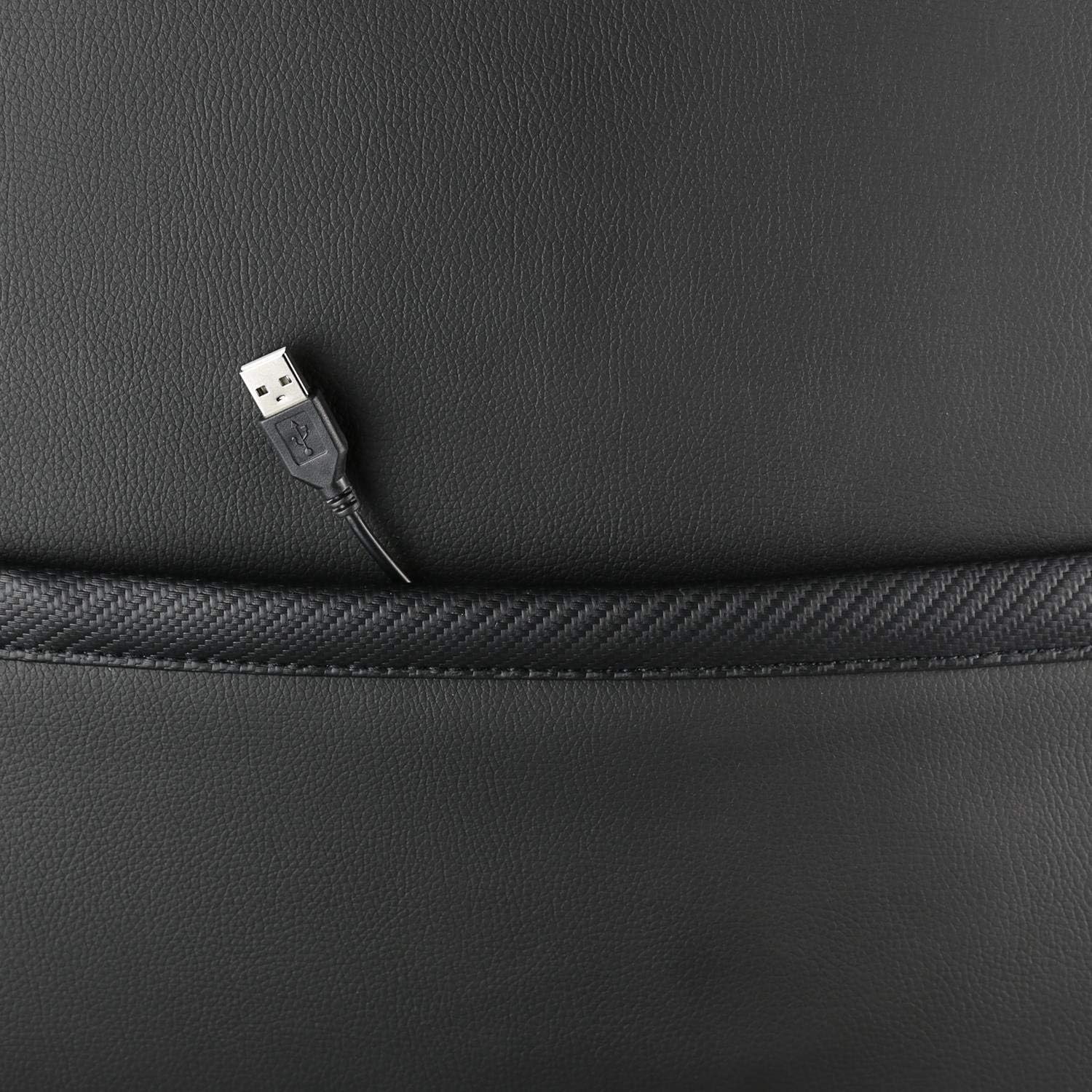
Slika: Krupni plan view showing the USB power cable emerging from a pocket on the chair, used to power the RGB lighting.

Slika: Prekoview image of the DELTACO GAMING RGB Gaming Chair highlighting features such as remote control for RGB lights, adjustable headrest, included lumbar cushion, and adjustable backrest from 90-180 degrees, along with 332 LED modes.
Održavanje i njega
- čišćenje: Obrišite oglasomamp cloth. Do not use harsh chemicals or abrasive cleaners, as this may damage the faux leather.
- inspekcija: Povremeno provjeravajte sve vijke i šrafove kako biste bili sigurni da su čvrsto zategnuti. Po potrebi ih ponovo zategnite.
- Skladištenje: Store the chair in a cool, dry place away from direct sunlight to prevent material degradation.
- USB kabel: Ensure the USB power cable for the RGB lighting is not kinked or damaged.
Rješavanje problema
| Problem | Mogući uzrok | Rješenje |
|---|---|---|
| Stolica se ne podešava po visini. | Kvar cilindra za podizanje plina ili ručica nije aktivirana. | Provjerite je li poluga za podešavanje visine potpuno povučena. Ako problem i dalje postoji, možda je potrebno zamijeniti plinski lift. |
| Naslon se ne spušta niti zaključava. | Mehanizam za naginjanje je zaglavljen ili poluga nije aktivirana. | Check for obstructions around the recline mechanism. Ensure the recline lever is fully engaged. |
| RGB osvjetljenje ne radi. | USB power not connected, cable damaged, or remote control battery low. | Verify the USB cable is securely connected to a working 5V power source. Check the cable for damage. Replace remote control battery if necessary. |
| Stolica je klimava. | Loose screws or casters not fully inserted. | Tighten all assembly screws. Ensure all casters are fully inserted into the star base. |
Specifikacije
| Feature | Detalj |
|---|---|
| Naziv modela | GAM-080 |
| Brand | DELTACO GAMING |
| Boja | Crna |
| Materijal | Faux leather, Foam |
| Preporuka za maksimalnu težinu | 120 kilograma (264 lbs) |
| Dimenzije proizvoda (D x Š x V) | 22.44 x 26.77 x 57.87 inča |
| Težina artikla | 46.2 funte |
| Posebne karakteristike | RGB Lighting, Adjustable Backrest (90-180°), Adjustable Height, Lumbar Cushion, Headrest Pillow |
| Power Source for RGB | USB 5V |
Garancija i podrška
This DELTACO GAMING Chair (Model GAM-080) comes with a 1-year spare part availability duration within the EU, as per manufacturer specifications.
For technical support, warranty claims, or inquiries regarding spare parts, please contact DELTACO GAMING customer support. Refer to your purchase documentation for specific contact details or visit the official DELTACO GAMING website.
Note: Proof of purchase may be required for warranty services.


