1. Podešavanje
1.1 Raspakivanje i postavljanje postolja
Carefully unbox your LG NanoCell TV. Ensure all packing materials and components are removed. It is recommended to have two people for safe handling due to the size and weight of the television.

Figure 1.1: LG NanoCell TV dimensions and included components.
To install the stand, place the TV face down on a soft, clean surface to prevent scratches. Attach the base stands to the designated slots on the bottom of the TV using the included screws. Refer to the quick start guide for specific screw types and locations.
Video 1.1: Unboxing and initial setup of an LG NanoCell TV, demonstrating how to safely remove the TV from its packaging and attach the stand.
1.2 Montaža na zid
If you prefer to wall mount your TV, ensure you purchase a VESA-compatible wall mount that can support the weight of your specific TV model. Follow the mounting instructions provided with your wall mount. For detailed VESA measurements, consult the LG website or your TV's e-manual.
Video 1.2: Guide to unboxing and setting up an LG NanoCell TV, including instructions for stand installation and wall mounting considerations.
1.3 Povezivanje ulaza
Connect your external devices (e.g., cable box, gaming console, Blu-ray player) to the appropriate HDMI, USB, or other input ports on the back or side of the TV. Secure cables to keep them organized and out of the way.

Figure 1.2: Rear input ports for connecting external devices.
1.4 Početno podešavanje
After connecting all necessary cables and plugging in the TV, power it on using the remote control. The TV will guide you through a step-by-step initial setup process, including connecting to your TV service, internet, and other connected devices.
2. Upravljanje televizorom
2.1 Funkcije pametnog TV-a (webOS & Apps)
The LG NanoCell TV runs on the webOS platform, offering easy access to a wide range of streaming services and apps like Netflix, Prime Video, Disney+, Apple TV+, Hulu, and LG Channels. The intuitive interface allows for personalized content suggestions and control of connected devices.
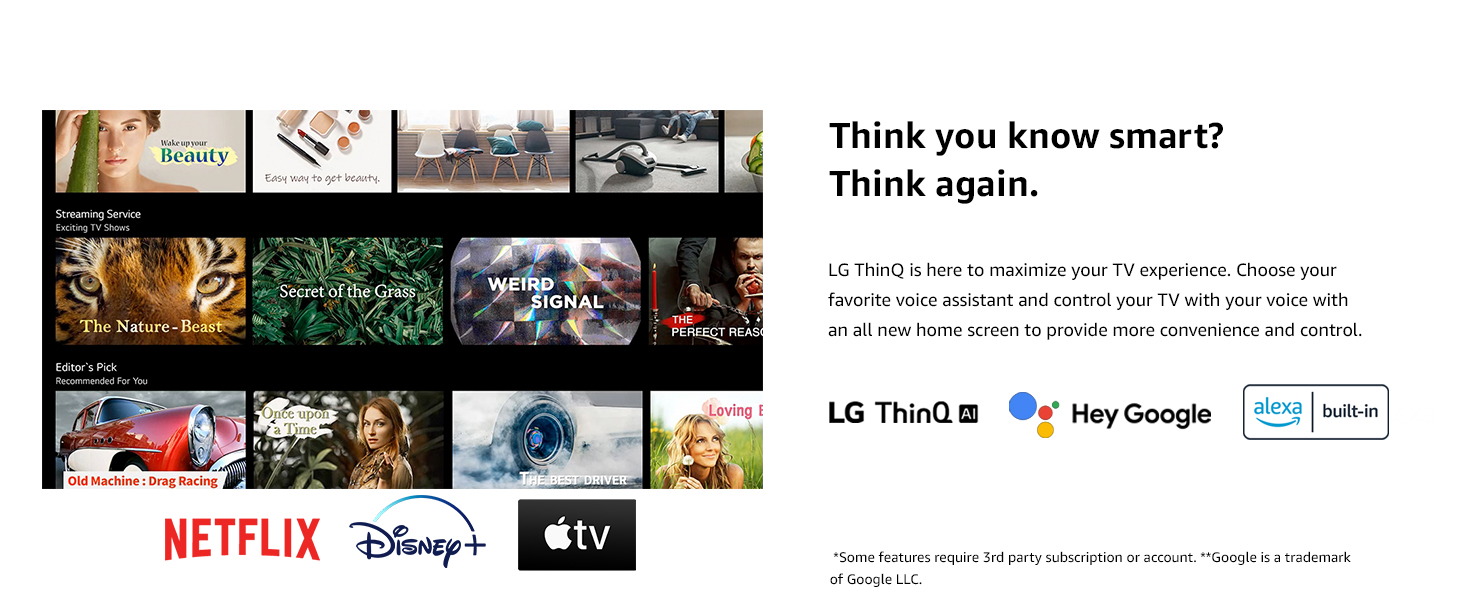
Slika 2.1: LG webOS home screen with integrated AI and streaming services.
2.2 Magic Remote and Voice Control
The included Magic Remote provides point, click, and scroll functionality, along with voice control. This allows for quick navigation, content search, and control of your LG smart products and other smart home devices via Google Assistant and Alexa built-in.
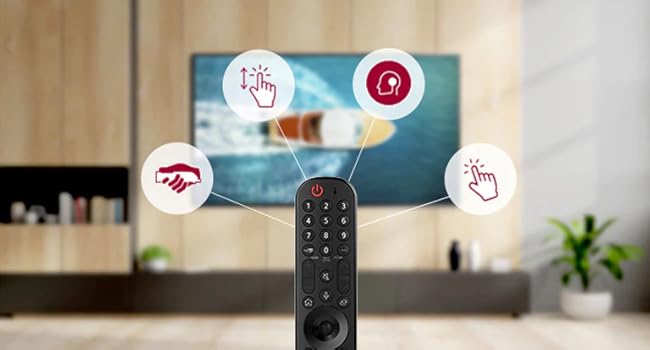
Figure 2.2: The LG Magic Remote highlighting its interactive features.
2.3 Screen Mirroring and AirPlay
Easily share content from your mobile devices to the big screen using screen mirroring or Apple AirPlay 2. This feature allows you to display photos, videos, or even workout routines from your phone directly on the TV.
2.4 Picture Modes and Quality
The Real 4K NanoCell Display with a Quad Core Processor 4K delivers bright, vivid colors and deep blacks through local dimming. Features like Active HDR and Filmmaker Mode™ enhance the viewing experience, ensuring content is displayed as intended by creators. The processor also provides 4K upscaling for lower resolution content.
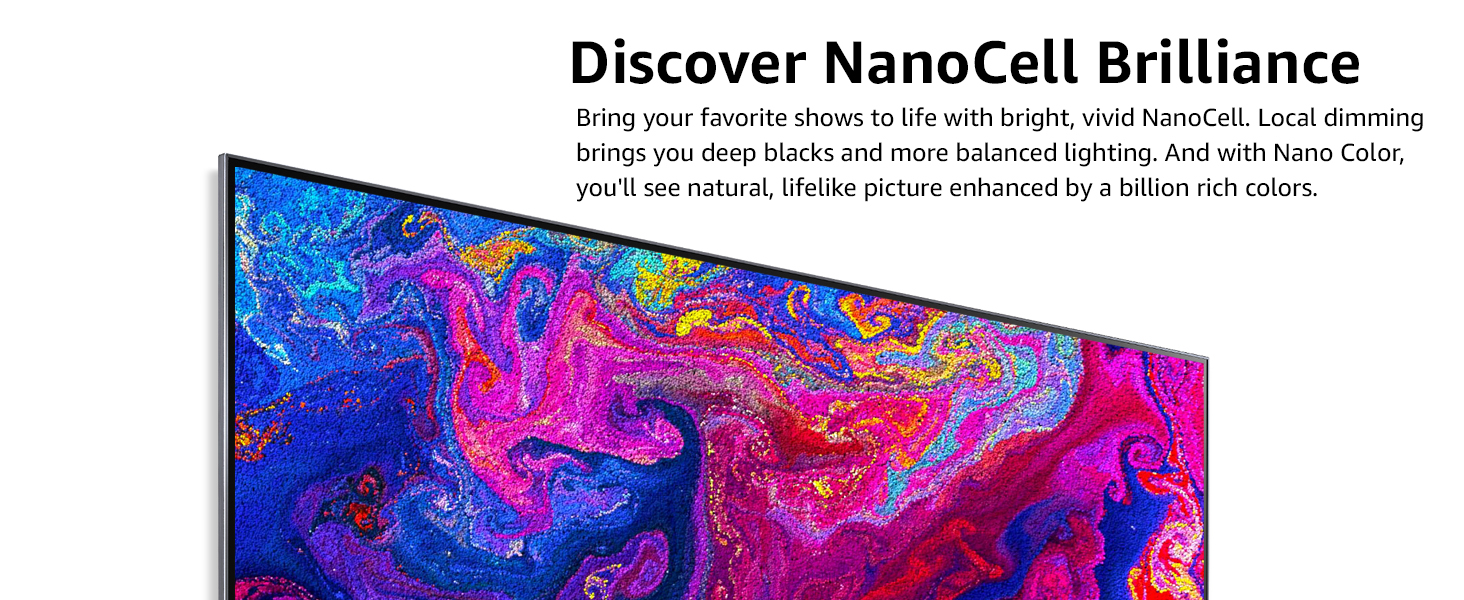
Figure 2.3: NanoCell display showcasing vibrant colors.
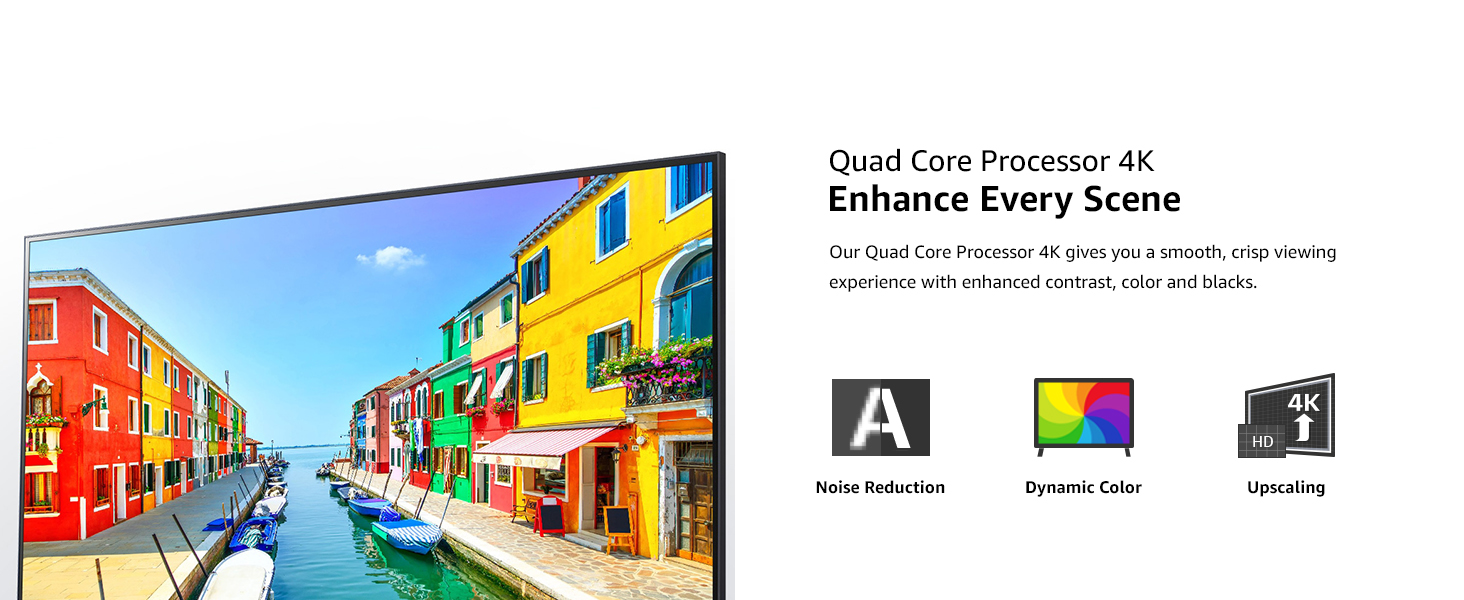
Figure 2.4: Quad Core Processor 4K features for enhanced picture quality.
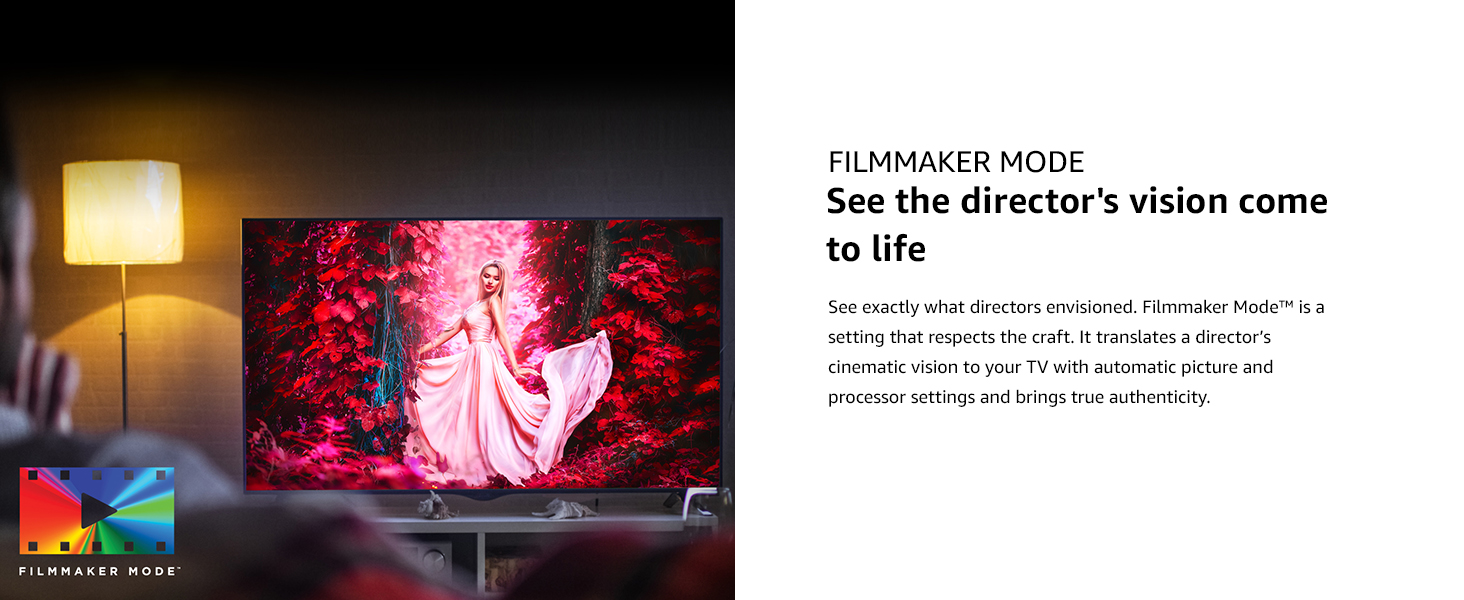
Figure 2.5: Filmmaker Mode™ for authentic cinematic viewing.
2.5 Zvučne funkcije
The TV features a 2.0 Channel 20W speaker system with Down Firing speakers. It supports AI Sound and TV Sound Mode Share. For an enhanced audio experience, the TV is Bluetooth Surround Ready, allowing connection of a single compatible Bluetooth speaker or up to two speakers, including LG XBOOM Speakers, wirelessly.
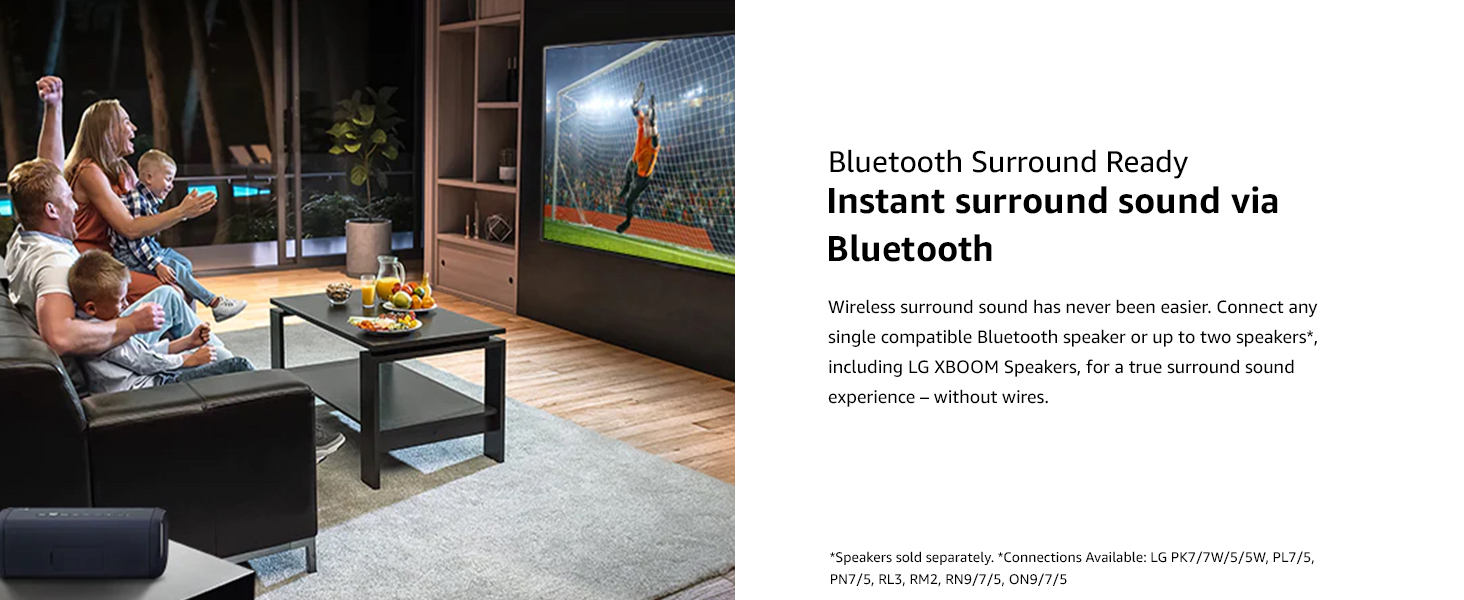
Figure 2.6: Bluetooth Surround Ready feature for wireless audio.
2.6 Funkcije za igranje
The LG NanoCell TV is optimized for gaming with features like Game Optimizer, Auto Low-Latency Mode (ALLM), and HGiG. Game Optimizer provides easy access to all your game settings for a smooth and responsive gaming experience.
Video 2.1: LG OLED Ultimate Gaming highlights the TV's capabilities for an immersive gaming experience.
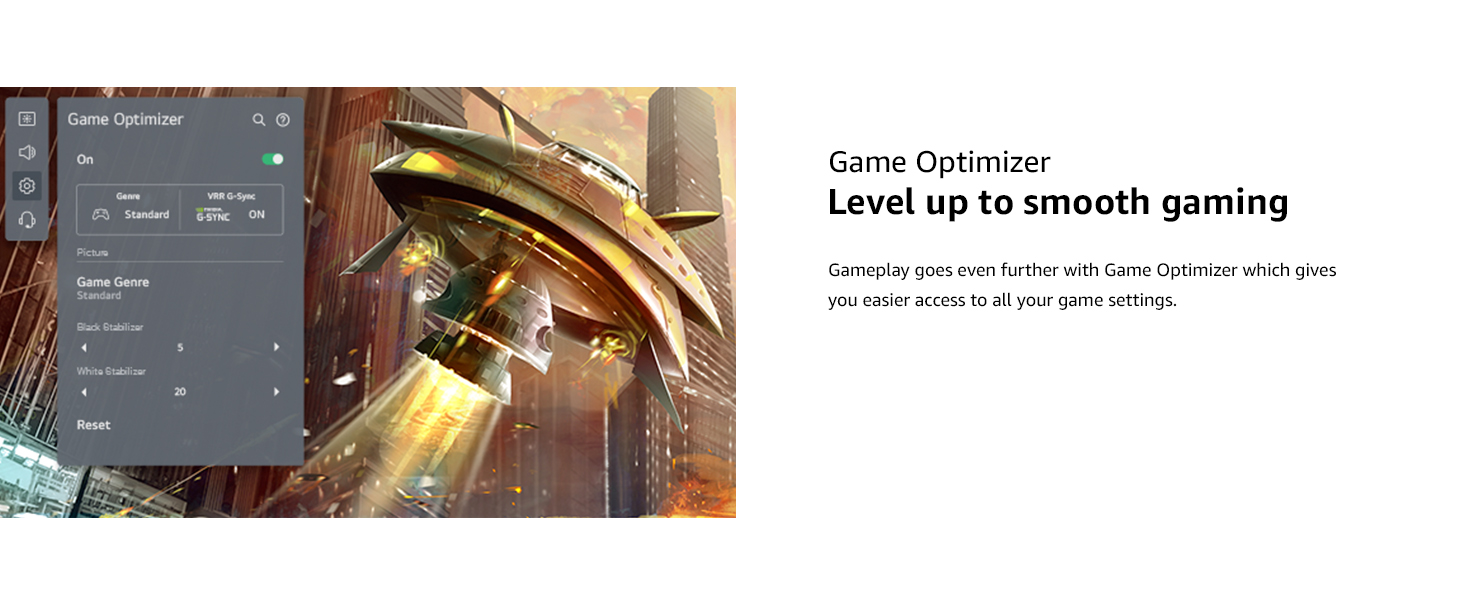
Figure 2.7: Game Optimizer menu for customizing gaming settings.
2.7 Sports Alert
With Sports Alert, you can set your favorite teams and players to receive updates before, during, and after games, even when watching other content. This ensures you never miss important moments.
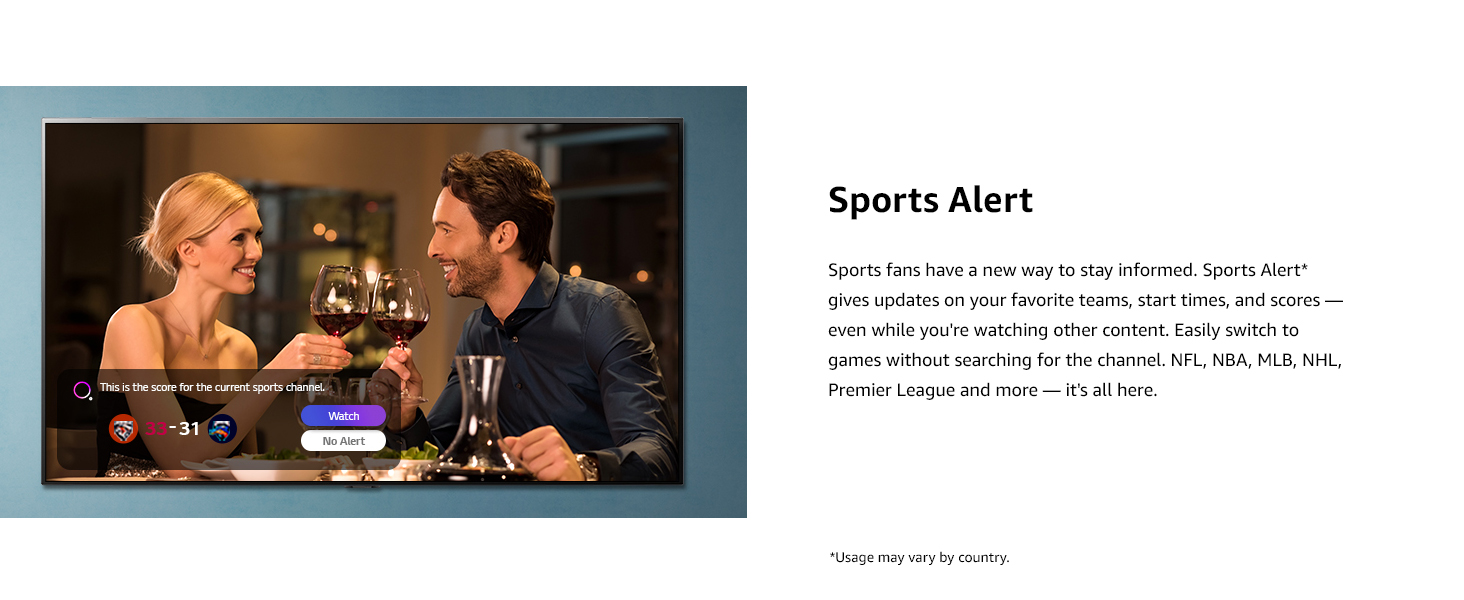
Figure 2.8: Sports Alert feature providing real-time game updates.
3. Održavanje
3.1 Čišćenje televizora
Da biste očistili ekran, nježno ga obrišite mekom, suhom krpom koja ne ostavlja dlačice. Za tvrdokorne mrlje, laganoampen the cloth with water or a screen-cleaning solution specifically designed for electronics. Avoid using harsh chemicals, abrasive cleaners, or spraying liquid directly onto the screen.
3.2 Opšta njega
Avoid placing heavy objects on the TV or exposing it to direct sunlight or extreme temperatures. Ensure proper ventilation around the TV to prevent overheating. When moving the TV, always lift it with at least two people and handle it carefully to prevent damage to the screen or frame.
4. Otkrivanje problema
If you encounter any issues with your LG NanoCell TV, please refer to the comprehensive e-manual available on the TV's interface or the LG support website. Common issues such as no picture, no sound, or remote control problems are typically addressed with simple solutions found in the e-manual. For persistent problems, contact LG customer support.
5. Specifikacije
| Feature | Specifikacija |
|---|---|
| Naziv modela | NanoCell 80 serija |
| Display Type | Pravi 4K NanoCell zaslon |
| Rezolucija ekrana | 4K Ultra HD (3,840 x 2,160) |
| Veličina ekrana | 65 inča |
| Refresh Rate | TruMotion 120 (60Hz izvorni) |
| Procesor slike | Quad Core procesor 4K |
| Operativni sistem | webOS |
| Glasovni asistenti | Google Assistant, Alexa Built-in |
| Sistem zvučnika | 2.0 Channel |
| Izlazna snaga | 20W |
| Povezivanje | Wi-Fi Certified 802.11ac, Bluetooth v5.0 |
| HDMI ulaz (HDCP 2.2) | 4 (sa strane) |
| USB portovi (v 2.0) | 1 (straga) / 1 (bočno) |
| Dimenzije televizora sa postoljem (ŠxVxD) | 57.2" x 35.7" x 11.6" |
| Težina televizora sa postoljem | 54.9 lbs |
| VESA nosač (Š x V) | 300 x 300 |
6. Jamstvo i podrška
6.1 Ograničena garancija
This product comes with a limited warranty. For full details on the limited warranty, please refer to the support tab on the LG website or the included User Manual. Warranty terms and conditions may vary.
6.2 Korisnička podrška
For further assistance, technical support, or service inquiries, please visit the official LG website or contact LG customer support directly. The e-manual provides detailed information and troubleshooting guides.