Uvod
The Olympus Tough TG-6 is a durable digital camera designed for use in challenging environments. It features a 12MP BSI CMOS sensor and TruePic VIII image processor, offering high-quality stills and 4K video recording. This camera is waterproof, crushproof, shockproof, freezeproof, and dustproof, making it suitable for various outdoor activities. This manual provides essential information for setting up, operating, maintaining, and troubleshooting your TG-6 camera.
Sigurnosne informacije
- Vodootporan integritet: Ensure all covers (battery/card compartment, USB/HDMI ports) are securely closed before exposing the camera to water. Clean and dry the camera thoroughly after underwater use.
- Sigurnost baterije: Use only the specified Olympus LI-92B battery. Do not expose batteries to excessive heat, fire, or attempt to disassemble them.
- Temperaturni ekstremi: While the camera is designed for extreme temperatures, avoid prolonged exposure to direct sunlight or extremely cold conditions when not in use to preserve battery life and internal components.
- čišćenje: Use a soft, lint-free cloth for cleaning. For the lens, use a specialized lens cleaning solution and cloth. Avoid harsh chemicals.
Sadržaj paketa
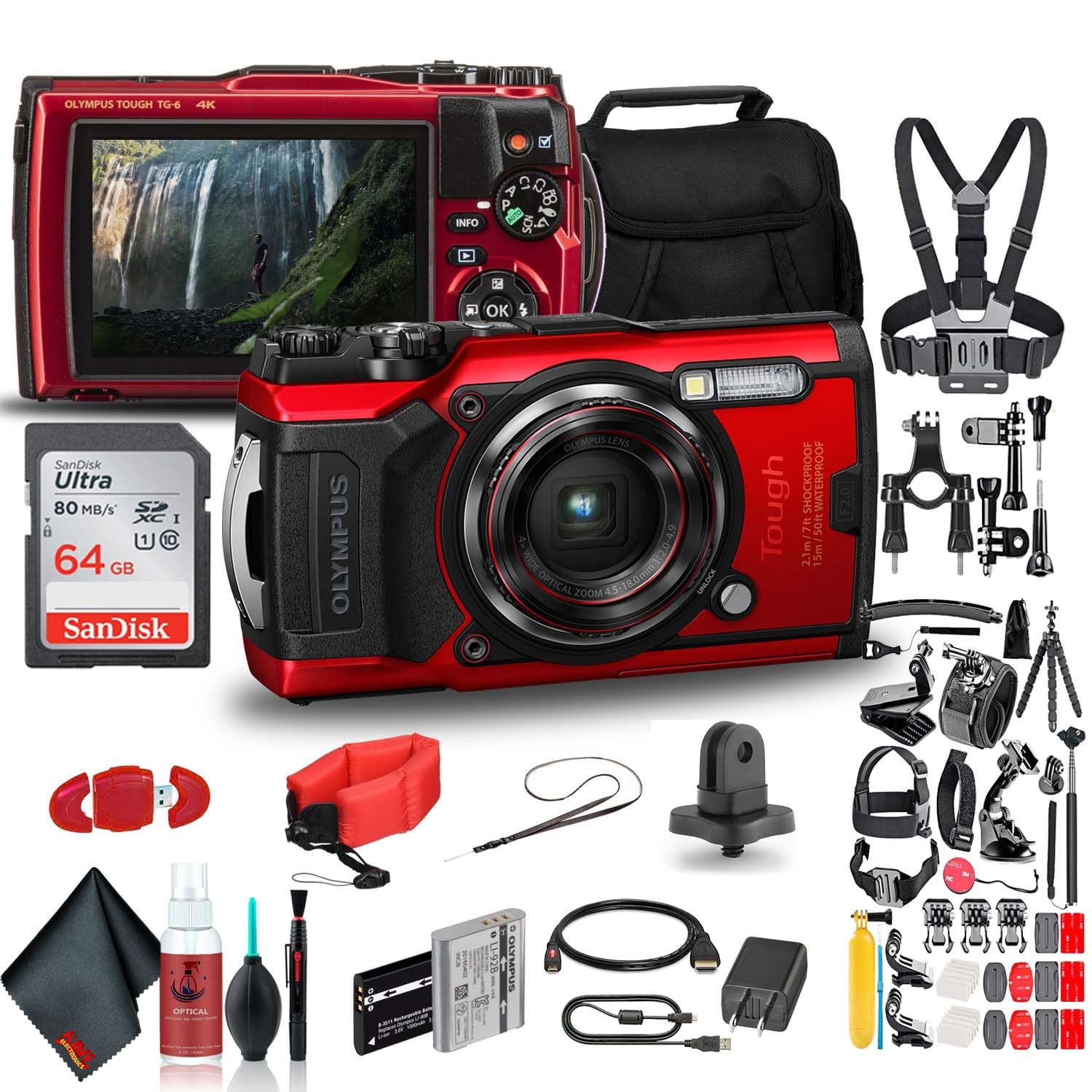
Verify that the following items are included with your Olympus Tough TG-6 camera:
- Olympus Tough TG-6 Digital Camera
- LI-92B Rechargeable Lithium-Ion Battery
- F-5AC Adapter (for charging)
- Micro-USB kabel
- Hand Strap
Camera Overview
Familiarize yourself with the camera's physical features and controls.
Slika 1: Prednja strana View. This image displays the front of the Olympus Tough TG-6 camera, highlighting the central lens, the built-in flash, and the prominent 'Tough' branding indicating its durable design.
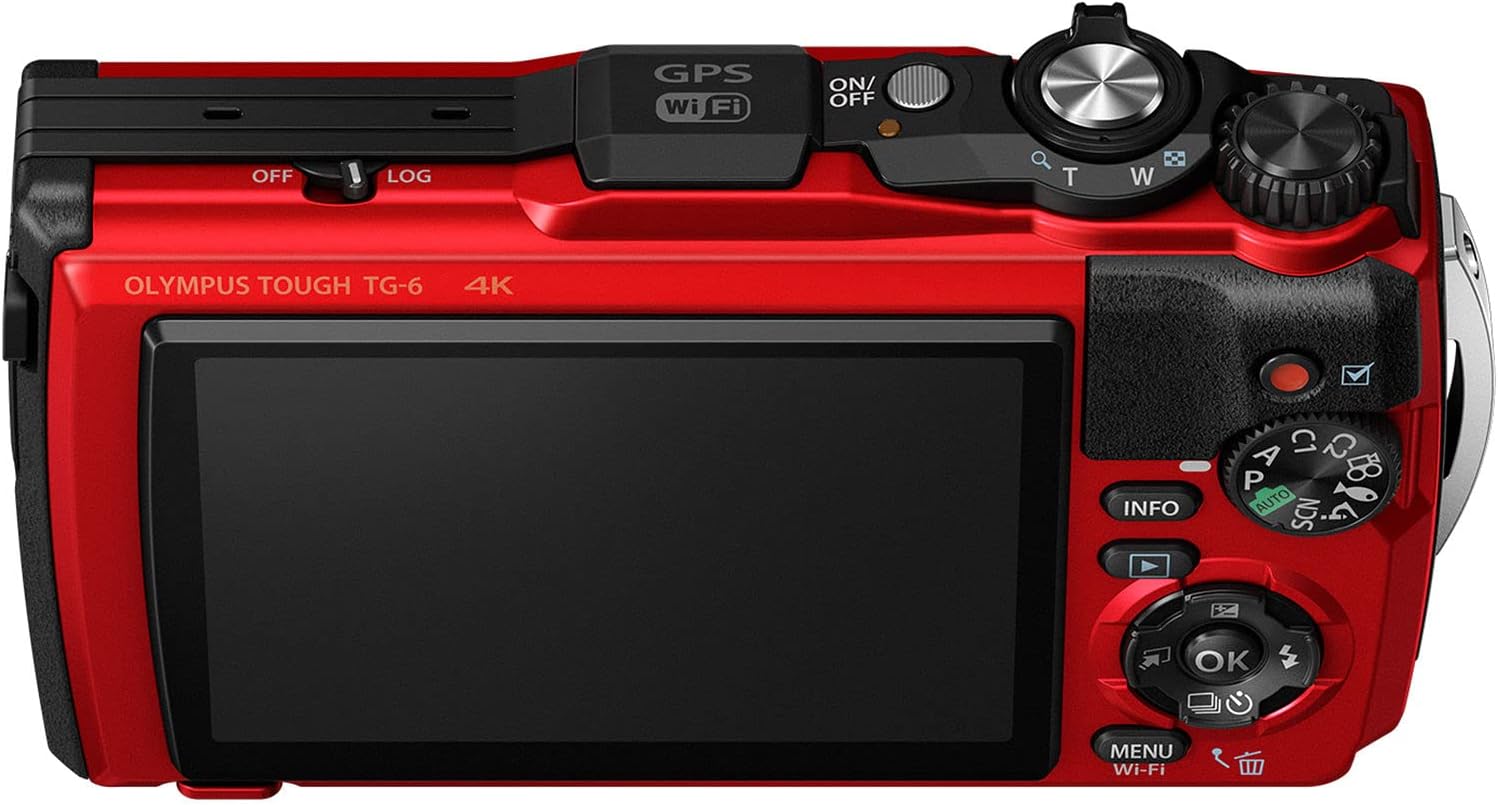
Slika 2: Natrag View. This image shows the rear of the Olympus Tough TG-6 camera, featuring the large LCD monitor and various control buttons for navigation and settings adjustments.

Slika 3: Vrh View. This image illustrates the top panel of the Olympus Tough TG-6 camera, including the power button, shutter release button, and the mode dial for selecting shooting modes.
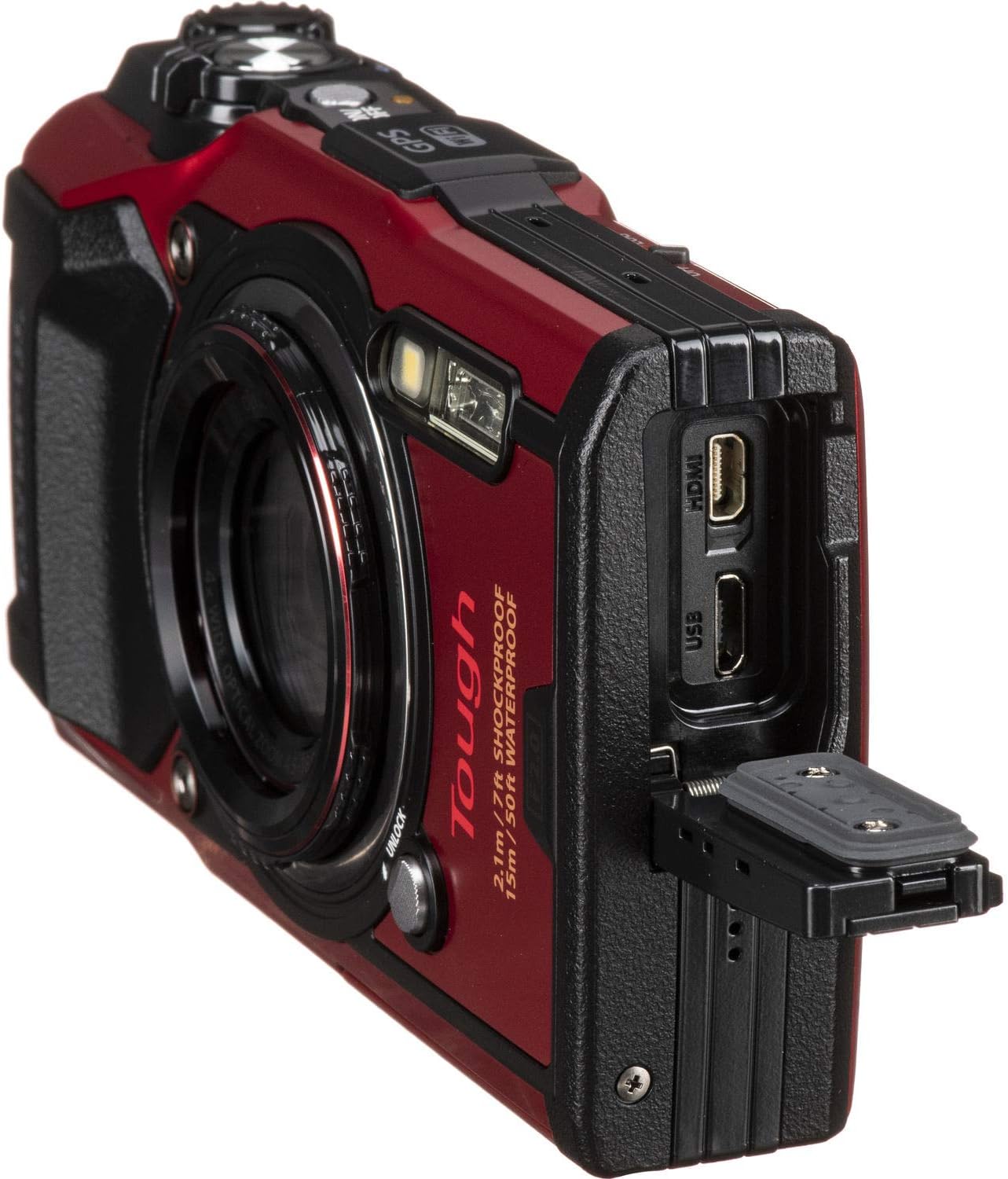
Slika 4: Bočna strana View s lukama. This image displays the side of the Olympus Tough TG-6 camera with the protective cover open, exposing the Micro USB and HDMI ports for connectivity.
Setup
1. Umetanje baterije i memorijske kartice
- Otvorite poklopac pretinca za bateriju/karticu na donjoj strani fotoaparata.
- Insert the LI-92B battery with the correct orientation until it clicks into place.
- Insert an SD, SDHC, or SDXC memory card (up to 64GB supported) into the card slot until it clicks.
- Close the compartment cover securely until it locks.
2. Punjenje baterije
- Connect the camera to the F-5AC adapter using the Micro-USB cable.
- Plug the adapter into a power outlet. The charging indicator will illuminate.
- Punjenje je završeno kada se indikatorska lampica ugasi.
3. Početne postavke
- Pritisnite ON/OFF dugme za uključivanje kamere.
- Pratite upute na ekranu da biste podesili jezik, datum i vrijeme.
Upravljanje kamerom
1. Osnovna fotografija
- Turn the mode dial to the desired shooting mode (e.g., i-Auto for automatic settings).
- Kadrirajte snimak pomoću LCD monitora.
- Press the shutter button halfway to focus. The focus frame will turn green when focus is achieved.
- Pritisnite dugme zatvarača do kraja da biste snimili sliku.
2. Video snimanje
- To start recording video, press the dedicated Dugme za snimanje filma.
- Press the button again to stop recording. The camera supports 4K video recording.
3. Funkcija zumiranja
- Koristite Zoom Lever (T/W) to adjust the optical zoom (4x) and digital zoom.
4. Vodootporna upotreba
- The TG-6 is waterproof to 15m (50ft). Ensure all covers are clean and free of debris before closing.
- After use in saltwater, rinse the camera with fresh water and dry thoroughly with a soft cloth.
Napredne funkcije
1. Wi-Fi povezivanje
- The built-in Wi-Fi allows you to connect the camera to a smartphone or tablet using the Olympus Image Share (OI.Share) app.
- This enables remote control of the camera and wireless transfer of images and videos.
2. GPS and Field Sensor System
- The camera features a Field Sensor System that records location (GPS), temperature, depth, and direction data.
- Ovi podaci mogu biti viewed on the camera or with the OI.Track app.
3. Microscope Mode
- Turn the mode dial to Mikroskop mode for extreme close-up photography.
- This mode allows focusing as close as 1cm from the subject.
Održavanje
1. Čišćenje kamere
- Obrišite kućište fotoaparata mekom, suhom krpom. Za tvrdokornu prljavštinu koristite blago suhu krpu.amp krpom, a zatim dobro osušite.
- For the lens, use a lens brush to remove dust, then gently wipe with a lens cleaning cloth and solution.
- Never use organic solvents like alcohol or paint thinner.
2. Održavanje baterije
- Uklonite bateriju ako se fotoaparat neće koristiti duži period.
- Čuvajte baterije na hladnom i suvom mestu.
3. Skladištenje
- Čuvajte kameru na suhom, dobro prozračenom mjestu, dalje od direktne sunčeve svjetlosti i visokih temperatura.
- Avoid storing the camera in areas with high humidity or corrosive chemicals.
Rješavanje problema
| Problem | Mogući uzrok / rješenje |
|---|---|
| Kamera se ne uključuje. | Battery is depleted. Charge the battery. Battery is inserted incorrectly. Reinsert the battery correctly. |
| Slike su mutne. | Lens is dirty. Clean the lens. Camera shake. Hold the camera steady or use a tripod. Subject is too close/far. Ensure subject is within focus range. |
| Voda unutar kamere. | Battery/card compartment cover was not securely closed. Immediately power off the camera, remove the battery, and contact Olympus service. |
| Greška memorijske kartice. | Memorijska kartica je puna. Izbrišite nepotrebne podatke. files or use a new card. Memory card is damaged. Try a different card. Format the card (this will erase all data). |
Specifikacije
| Feature | Detalj |
|---|---|
| Senzor | 12 MP BSI CMOS (1/2.3-inčni) |
| Procesor slike | TruePic VIII |
| Objektiv | 4x Optical Zoom (25-100mm equivalent), f/2.0 maximum aperture |
| Video Recording | 4K30p, Full HD 1080p at 120 fps |
| Kontinuirano snimanje | Do 20 fps |
| ISO osetljivost | 100-12800 (Prošireno) |
| Display | 3.0" 1.04m-Dot LCD Monitor |
| Trajnost | Waterproof to 15m (50ft), Crushproof to 100kgf, Shockproof to 2.1m (7ft), Freezeproof to -10°C (14°F), Dustproof |
| Povezivanje | Built-in Wi-Fi, GPS, Micro USB, HDMI (Type D) |
| Utor za memorijsku karticu | SD/SDHC/SDXC (UHS-I compatible) |
| Baterija | LI-92B Rechargeable Lithium-Ion |
Garancija i podrška
Your Olympus Tough TG-6 camera is covered by a manufacturer's warranty. Please refer to the warranty card included in your original packaging for specific terms and conditions. For technical support, service, or to download the full instruction manual, visit the official Olympus website or contact Olympus customer service in your region.
Online podrška: www.olympus-imaging.com


