1. Uvod
Thank you for choosing the Boult Audio Airbass Muse Buds True Wireless Earbuds. This manual provides essential information for setting up, operating, and maintaining your new earbuds. Please read it carefully before use.
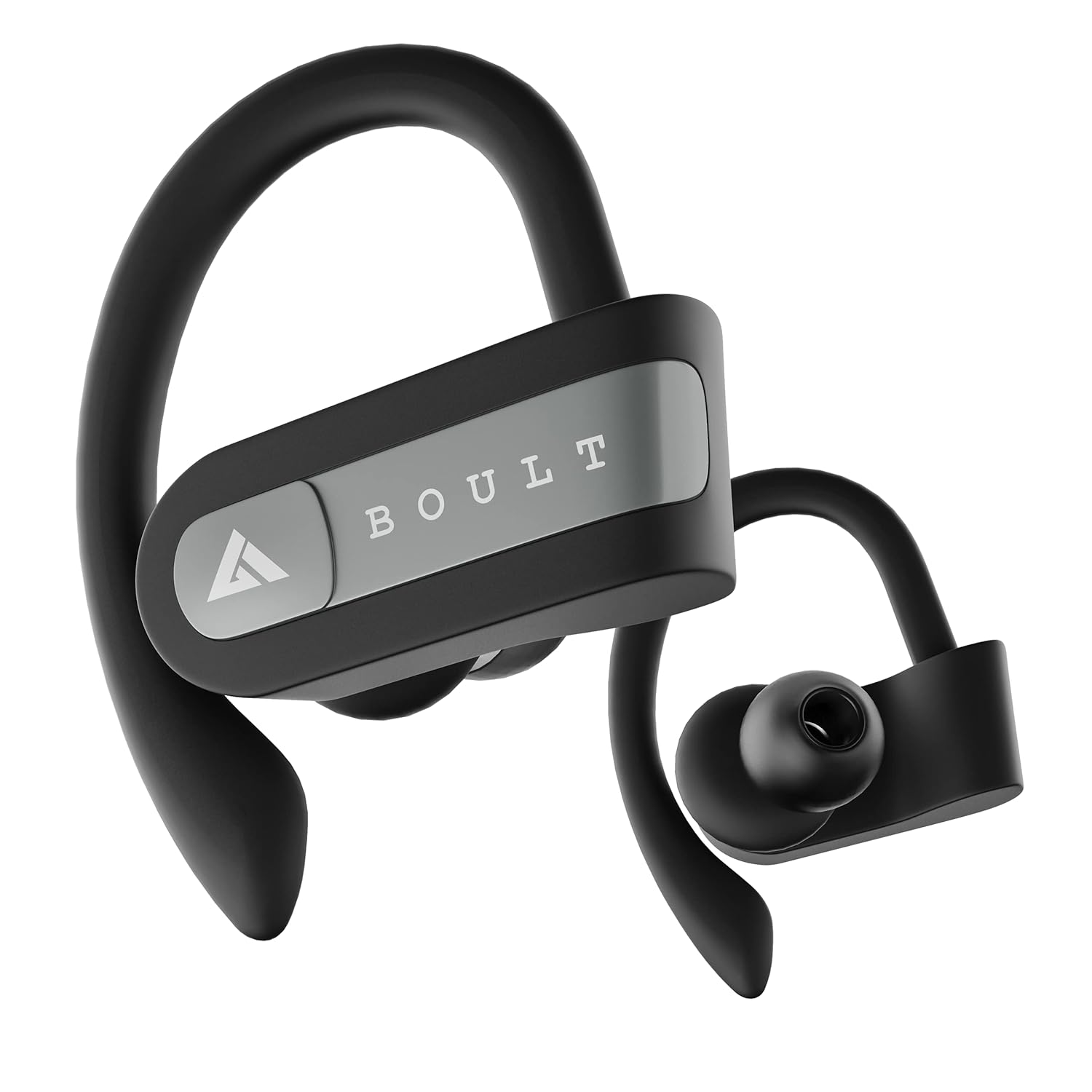
Image: Boult Audio Airbass Muse Buds True Wireless Earbuds in black, showcasing their ergonomic design with ear hooks.
2. Šta se nalazi u kutiji
Your Boult Audio Airbass Muse Buds package includes:
- MuseBuds Earphones (1 pair)
- Futrola za punjenje (1 jedinica)
- Extra Pair of Earbuds (silicon eartips)
- Charging Micro USB Cable (1 unit)
- Korisnički priručnik (ovaj dokument)

Image: The Boult Audio Airbass Muse Buds earbuds resting outside their charging case, highlighting their exquisite design.
3. Podešavanje i uparivanje
3.1 Početno uparivanje
- Izvadite obje slušalice iz kutijice za punjenje. One će se automatski uključiti i ući u način rada za uparivanje.
- Na svom mobilnom uređaju omogućite Bluetooth.
- Traži "Boult Audio Musebuds" in the list of available devices.
- Select "Boult Audio Musebuds" to connect. Once connected, you will hear a confirmation tone or see an LED indicator.
3.2 Automatsko uparivanje
Nakon početnog uparivanja, slušalice će se automatski povezati s posljednjim uparenim uređajem kada se izvade iz kućišta za punjenje, pod uvjetom da je Bluetooth omogućen na uređaju.
3.3 Monopod Feature (Single Earbud Use)
The earbuds can be used independently. Simply take one earbud out of the case, and it will connect to your device. The other earbud can remain in the case or be used with a different device if desired.
3.4 Reset Instructions
If you experience pairing issues, follow these steps to reset your earbuds:
- Izvadite obje slušalice iz torbice.
- Press and hold the touch control of both earbuds for 5 seconds until their LEDs flash red and blue.
- Press the touch control of the right earbud 4 times. The LED light will flash red and blue.
- Wait for 5 seconds. The LED of one earbud will flash blue, and the other earbud will flash red and blue.
- Vratite obje slušalice u futrolu za punjenje.
- Delete "Boult Audio Musebuds" from your phone's Bluetooth menu.
- Take both earbuds out of the case and connect with your phone through the Bluetooth menu as per initial pairing.

Image: Visual guide detailing the step-by-step process for resetting the Boult Audio Airbass Muse Buds.
4. Uputstvo za upotrebu
4.1 Uključivanje/isključivanje napajanja
- Uključeno: Izvadite slušalice iz kutije za punjenje. Oni će se automatski uključiti.
- Iskljuciti: Place the earbuds back into the charging case. They will power off automatically. Alternatively, long press the multifunction button for about five seconds to manually turn them off.
4.2 Kontrola poziva
- Odgovori/Završi poziv: Single click the multifunction button on either earbud.
- odbiti poziv: Long press the multifunction button on either earbud.
4.3 Kontrola muzike
- Pusti/pauza: Single click the multifunction button on either earbud.
- Sljedeća pjesma: Double click the multifunction button on the right earbud.
- Prethodni zapis: Double click the multifunction button on the left earbud.
4.4 Glasovni asistent
To activate your device's voice assistant (Siri/Google Assistant), press and hold the multifunction button for one second until you hear a "beep" sound.

Image: The earbuds with icons indicating voice assistant activation (Siri, Google Assistant) and inline controls for music and calls.
4.5 Kontrola jačine zvuka
- Povećajte jačinu zvuka: Triple click the multifunction button on the right earbud.
- Smanji jačinu zvuka: Triple click the multifunction button on the left earbud.
5. Punjenje
5.1 Punjenje slušalica
Place both earbuds into the charging case and close the lid. The earbuds will automatically begin charging.
5.2 Punjenje kutije
Connect the provided Micro USB charging cable to the charging port on the back of the case and to a power source. The case's LED indicator will show charging status.
A full charge provides up to 5.5 hours of playback time for the earbuds, with the charging case offering 4 additional charges, totaling up to 18 hours of combined playtime.

Image: An illustration highlighting the 18 hours of total playtime provided by the Boult Audio Airbass Muse Buds with their charging case.
6. Održavanje i njega
6.1 Otpornost na vodu
The Boult Audio Airbass Muse Buds feature an IPX5 water-resistant rating. This means the earbuds and the charging case's inner nano-coating are protected against water splashes and sweat, making them suitable for workouts and light rain. They can withstand water immersion up to 1 meter deep for 30 minutes. However, it is recommended to dry them thoroughly before placing them back in the charging case.
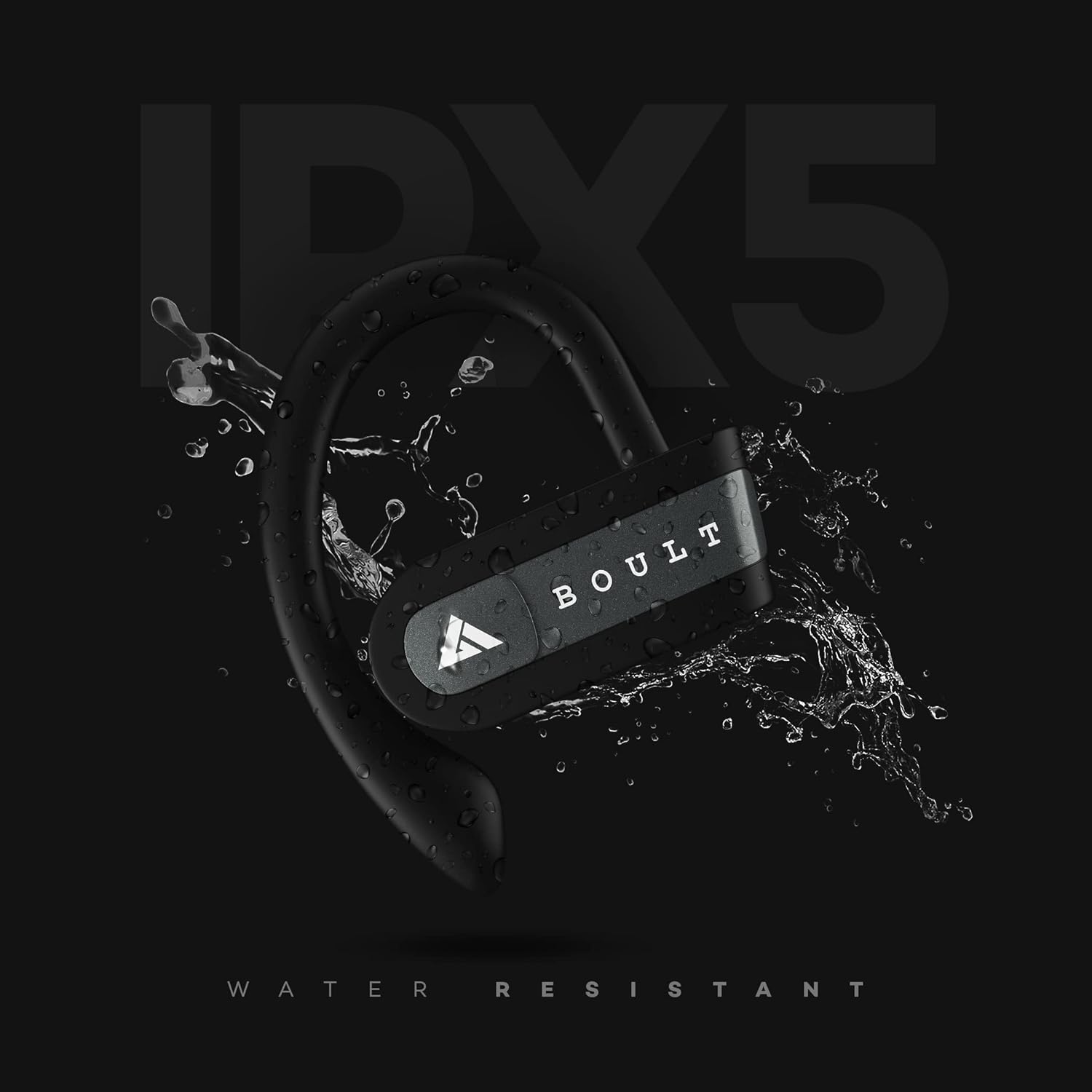
Image: The Boult Audio Airbass Muse Buds earbud with water splashing on it, illustrating its IPX5 water resistance.
6.2 Čišćenje
Redovno čistite slušalice i kućište za punjenje mekom, suhom krpom. Izbjegavajte upotrebu jakih hemikalija ili abrazivnih materijala.
7. Specifikacije
| Feature | Detalj |
|---|---|
| Naziv modela | AirBassMusebuds |
| Tehnologija povezivanja | Bluetooth 5.0 |
| bežični domet | 10 metara |
| Driver Size | 9mm |
| Total Playtime | Do 18 sata (s kućištem za punjenje) |
| Vrijeme reprodukcije slušalica | Do 5.5 sati (po punjenju) |
| Nivo vodootpornosti | IPX5 (otporan na znoj) |
| Tip kontrole | Voice Control, Touch Control (Multifunction Button) |
| Mikrofon | Yes (Improved high quality mic for both earbuds) |
| Form Factor | In-ear with ear hooks |
| Materijal | Plastika |
| Težina artikla | 30 grama |
8. Otkrivanje problema
- Slušalice se ne uparuju: Ensure both earbuds are fully charged. Try resetting the earbuds as described in Section 3.4.
- Nema zvuka: Provjerite nivoe jačine zvuka i na uređaju i na slušalicama. Uvjerite se da su slušalice pravilno povezane s uređajem.
- Povremena veza: Ensure there are no obstructions between your device and the earbuds. Keep the earbuds within the 10-meter wireless range.
- Problemi s punjenjem: Verify the charging cable is securely connected to both the case and the power source. Ensure the charging contacts on the earbuds and inside the case are clean.
9. Garancija i podrška
Your Boult Audio Airbass Muse Buds come with a 12-month warranty. For warranty claims, technical support, or any other inquiries, please contact Boult Audio customer service.
- Služba za korisnike: Refer to the warranty card included in your package for contact details.
- Online podrška: Visit the official Boult Audio webstranica za često postavljana pitanja i resurse podrške.


