1. Uvod
Thank you for choosing the VMAI 36-Inch Soundbar. This soundbar is designed to significantly enhance your home entertainment experience by delivering crystal clear, powerful audio. With multiple connectivity options and a sleek design, it integrates seamlessly into any living space. Please read this manual thoroughly before use to ensure proper setup and operation.

Image: The VMAI 36-inch soundbar in black, accompanied by its remote control, showcasing svojim kompaktnim i elegantnim dizajnom.
2. Sadržaj paketa
Molimo Vas da pažljivo provjerite paket kako biste bili sigurni da su svi artikli prisutni i u dobrom stanju:
- VMAI 36-Inch Soundbar
- Daljinski upravljač
- Adapter za napajanje
- Optički kabel
- Audio kabel RCA do 3.5 mm
- HDMI ARC kabl
- Wall Mounting Kit (screws, wall anchors, mounting brackets)
- Uputstvo za upotrebu
3. Značajke proizvoda
- Kristalno čist zvuk: 60W sound output with less than 1% total harmonic distortion, providing rich and detailed audio for an immersive experience.
- Napredni Bluetooth 5.0: Ensures stable and fast wireless connectivity with low power consumption, allowing seamless streaming from your smart devices.
- Više opcija povezivanja: Supports HDMI ARC, Optical, AUX input, and USB flash drive for versatile connection to various audio sources.
- Personalized Sound Settings: Adjust sound modes (Music, Movie, News, 3D) and fine-tune treble and bass levels using the included smart remote control.
- Fleksibilan dizajn montaže: Can be placed under your TV, on a cabinet, or easily mounted on the wall with the included premium mounting kit.
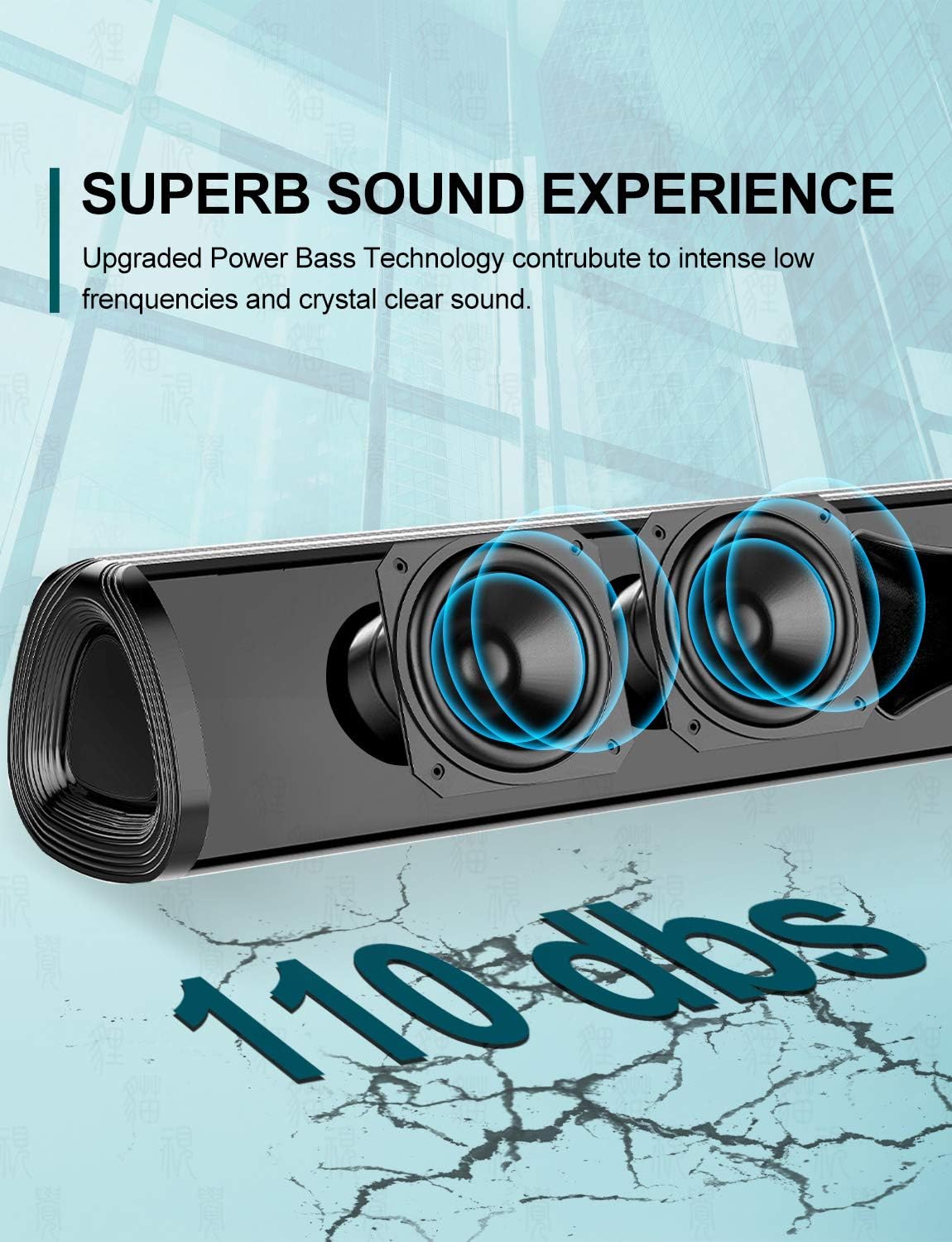
Slika: Krupni plan view of the soundbar's internal speakers, illustrating the powerful sound output with a visual representation of 110 decibels.
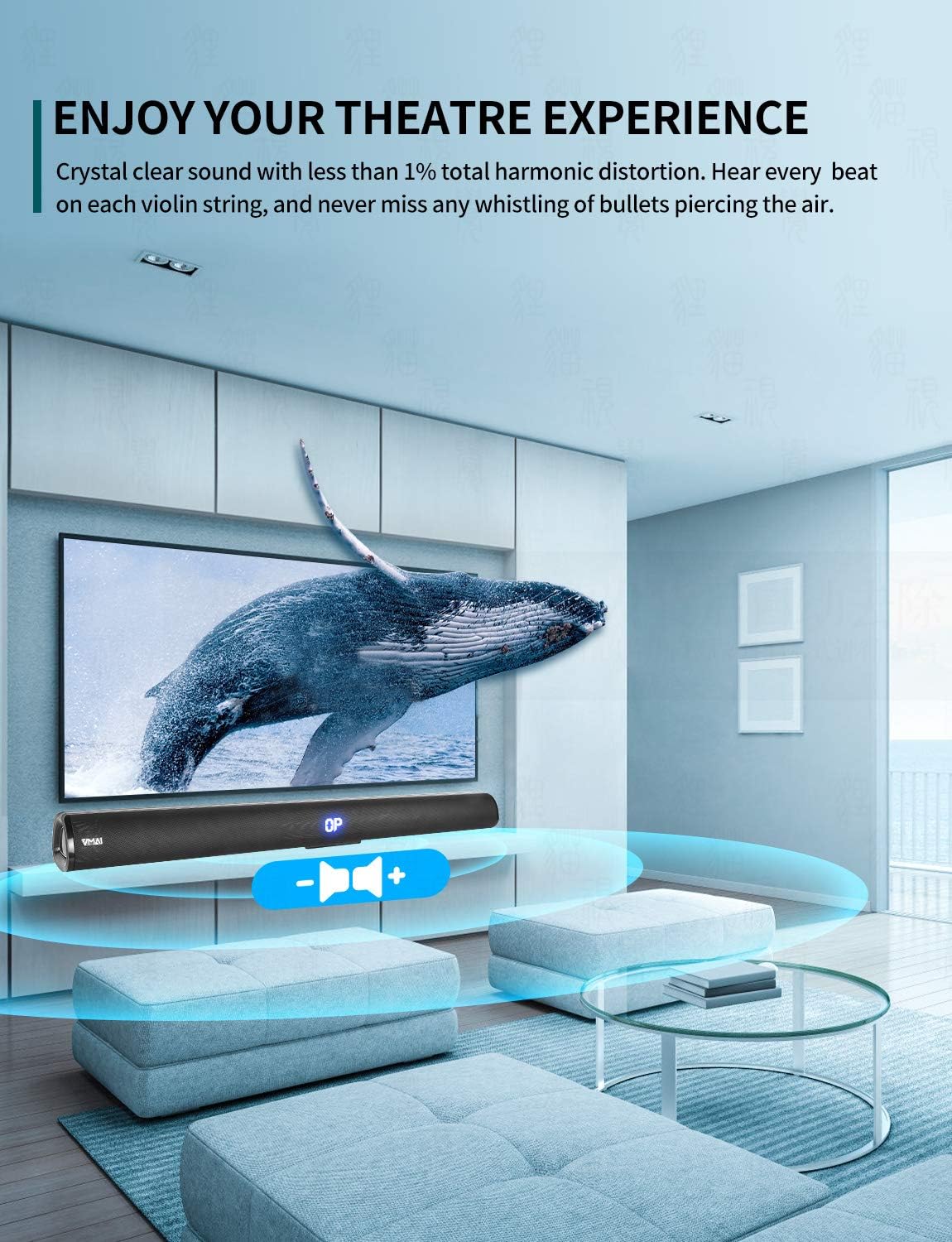
Image: A family enjoying a movie with the soundbar enhancing the audio experience, demonstrating its capability to create an immersive home theater environment.
4. Podešavanje
4.1 Opcije smještaja
The VMAI Soundbar offers versatile placement to suit your home setup:
- Položaj na radnoj površini: Place the soundbar on a flat, stable surface directly in front of your TV. Ensure there are no obstructions in front of the soundbar to allow for optimal sound projection.
- Montaža na zid: Use the included wall mounting kit to securely attach the soundbar to a wall below your TV. Refer to the detailed wall mounting instructions provided in the kit for proper installation.

Image: A visual guide demonstrating the two primary placement options for the soundbar: mounted on a wall below a television and placed on a desktop surface.
4.2 Priključak za napajanje
- Spojite adapter za napajanje na DC IN priključak na stražnjoj strani soundbara.
- Uključite drugi kraj adaptera za napajanje u zidnu utičnicu.
- The soundbar will enter standby mode, indicated by an LED light.
4.3 Povezivanje s vašim TV-om/uređajima
Choose the most suitable connection method for your device:

Image: The rear panel of the soundbar displaying its various input ports including HDMI ARC, Optical, AUX, and DC IN, along with the corresponding connection cables.
HDMI ARC veza (preporučeno)
- Connect one end of the HDMI cable (included) to the HDMI ARC port on the soundbar.
- Connect the other end to the HDMI ARC port on your TV.
- Ensure your TV's HDMI ARC function is enabled in its settings. This allows you to control the soundbar volume with your TV remote.
Optička veza
- Connect one end of the Optical cable (included) to the OPTICAL port on the soundbar.
- Connect the other end to the Optical Digital Audio Out port on your TV or audio source.
- Ensure your TV's audio output is set to 'PCM' format, as some TVs may default to other formats incompatible with optical input.
AUX konekcija
- Connect one end of the RCA to 3.5mm audio cable (included) to the AUX port on the soundbar.
- Connect the RCA ends to the corresponding audio output ports (usually red and white) on your TV or audio source.
Bluetooth veza
- Power on the soundbar and select 'Bluetooth' input mode using the remote or side buttons. The LED display will show 'BT'.
- Omogućite Bluetooth na svom pametnom telefonu ili drugom uređaju.
- Traži 'VMAI Soundbar' in the list of available devices and select it to pair.
- Once paired, the soundbar will indicate a successful connection, and you can play audio wirelessly.
USB (Flash Drive) Connection
- Umetnite USB fleš disk koji sadrži MP3 audio zapis files u USB port na soundbaru.
- The soundbar will automatically switch to USB mode and begin playing the audio files.
5. Uputstvo za upotrebu
5.1 Kontrole
The soundbar can be controlled via the side panel buttons or the included remote control.

Slika: Detaljna view of the soundbar's remote control and its side panel buttons, highlighting the various controls for power, volume, and input selection.
Side Panel Buttons:
- Dugme za napajanje: Press to turn the soundbar On/Off.
- Dugme za odabir ulaza: Press to cycle through input modes (HDMI ARC, Optical, AUX, Bluetooth, USB).
- Dugmad za jačinu zvuka - / +: Pritisnite za smanjenje ili povećanje glasnoće.
Funkcije daljinskog upravljača:
- Power (⏸): Uključuje/isključuje soundbar.
- Isključi zvuk (🔇): Isključuje ili uključuje zvuk.
- Unos: Ciklično prelazi kroz načine unosa.
- Volumen +/-: Podešava glavnu jačinu zvuka.
- Bas +/-: Podešava nivo basa.
- Visoki tonovi +/-: Podešava nivo visokih tonova.
- Načini zvuka:
- MUZIKA: Optimizirano za reprodukciju muzike.
- FILM: Enhanced for cinematic audio.
- VIJESTI: Clearer dialogue for news and talk shows.
- 3D: Creates a virtual surround sound effect.
- Bluetooth Pairing (PAIR): Pokreće Bluetooth način uparivanja.
- Playback Controls (for USB/Bluetooth): Reprodukcija/Pauza, Prethodna pjesma, Sljedeća pjesma.
6. Održavanje
To ensure the longevity and optimal performance of your VMAI Soundbar, follow these maintenance guidelines:
- čišćenje: Use a soft, dry cloth to wipe the surface of the soundbar. Do not use liquid cleaners, abrasive cleaners, or chemical sprays, as they may damage the finish or internal components.
- ventilacija: Ensure the soundbar's vents are not blocked to prevent overheating.
- Skladištenje: Ako skladištite soundbar duži period, isključite ga iz struje i čuvajte ga na hladnom i suhom mjestu, dalje od direktne sunčeve svjetlosti i ekstremnih temperatura.
- Izbjegavajte vlagu: Keep the soundbar away from water and high humidity environments. It is not waterproof.
7. Otkrivanje problema
If you encounter any issues with your soundbar, please refer to the following common problems and solutions:
| Problem | Mogući uzrok | Rješenje |
|---|---|---|
| Nema zvuka sa soundbara |
|
|
| Izobličen ili loš kvalitet zvuka |
|
|
| Daljinski upravljač ne radi |
|
|
| Problemi sa Bluetooth uparivanjem |
|
|
8. Specifikacije
| Feature | Detalj |
|---|---|
| Naziv modela | HD-019 |
| Vrsta zvučnika | Soundbar |
| Posebne karakteristike | Wireless, Bluetooth, Amplifier |
| Preporučena upotreba | Kućni bioskop |
| Kompatibilni uređaji | TV, Projector, Computer, Blu-ray player, Tablet, XBOX, PS5, AmpLifier, Smartphone |
| Tip kontrolera | Dugme, daljinski upravljač |
| Konfiguracija surround zvuka | 2.0 Channel |
| Boja | Jet Black |
| Dimenzije proizvoda (D x Š x V) | 7.8 cm x 90 cm x 7.6 cm |
| Težina artikla | 2 kilograma |
| Maksimalni Bluetooth domet | 15 metara |
| Maksimalna izlazna snaga zvučnika | 60 Watts |
| Tehnologija povezivanja | Wired (HDMI ARC, Optical, AUX, USB), Bluetooth (Wireless) |
| Vrsta montaže | Zidni nosač, Stoni |
9. Garancija i podrška
The VMAI 36-Inch Soundbar comes with a 12-mjesečna garancija od datuma kupovine. Ova garancija pokriva nedostatke u proizvodnji i izradi pri normalnoj upotrebi.
For technical support, warranty claims, or any questions regarding your product, please contact VMAI customer service through the retailer's platform or visit the official VMAI website for contact information. Please have your purchase receipt and product model number (HD-019) ready when contacting support.


