Product Overview
The full-size Logitech Wireless Mouse M510 provides enhanced control and comfort for laptop and PC users. Its ergonomic design with contoured shape and soft rubber grips ensures support for extended use. This mouse features three standard buttons, plus programmable Back/Forward buttons for efficient application switching and full-screen navigation. Side-to-side scrolling and zoom functionality allow for versatile horizontal and vertical navigation through various content types.
Ključne karakteristike
- Produženi vijek trajanja baterije: Up to 2 years of battery life, with an On/Off switch and smart sleep mode to conserve power.
- Logitech Unifiing prijemnik: A tiny USB receiver that stays in your laptop, allowing easy addition of compatible wireless mice or keyboards.
- Indikatorska lampica baterije: Top-mounted indicator to prevent unexpected power loss.
- Ergonomska udobnost: Contoured shape with soft rubber grips, gently curved sides, and a broad palm area for all-day support.
- Programabilne kontrole: Three standard buttons plus customizable Back/Forward buttons for enhanced productivity, including application switching and full-screen mode.
- Versatile Scrolling: Side-to-side scrolling and zoom for horizontal and vertical navigation.
- Široka kompatibilnost: Compatible with Windows 10, 11 or later, Linux, and Chrome OS.
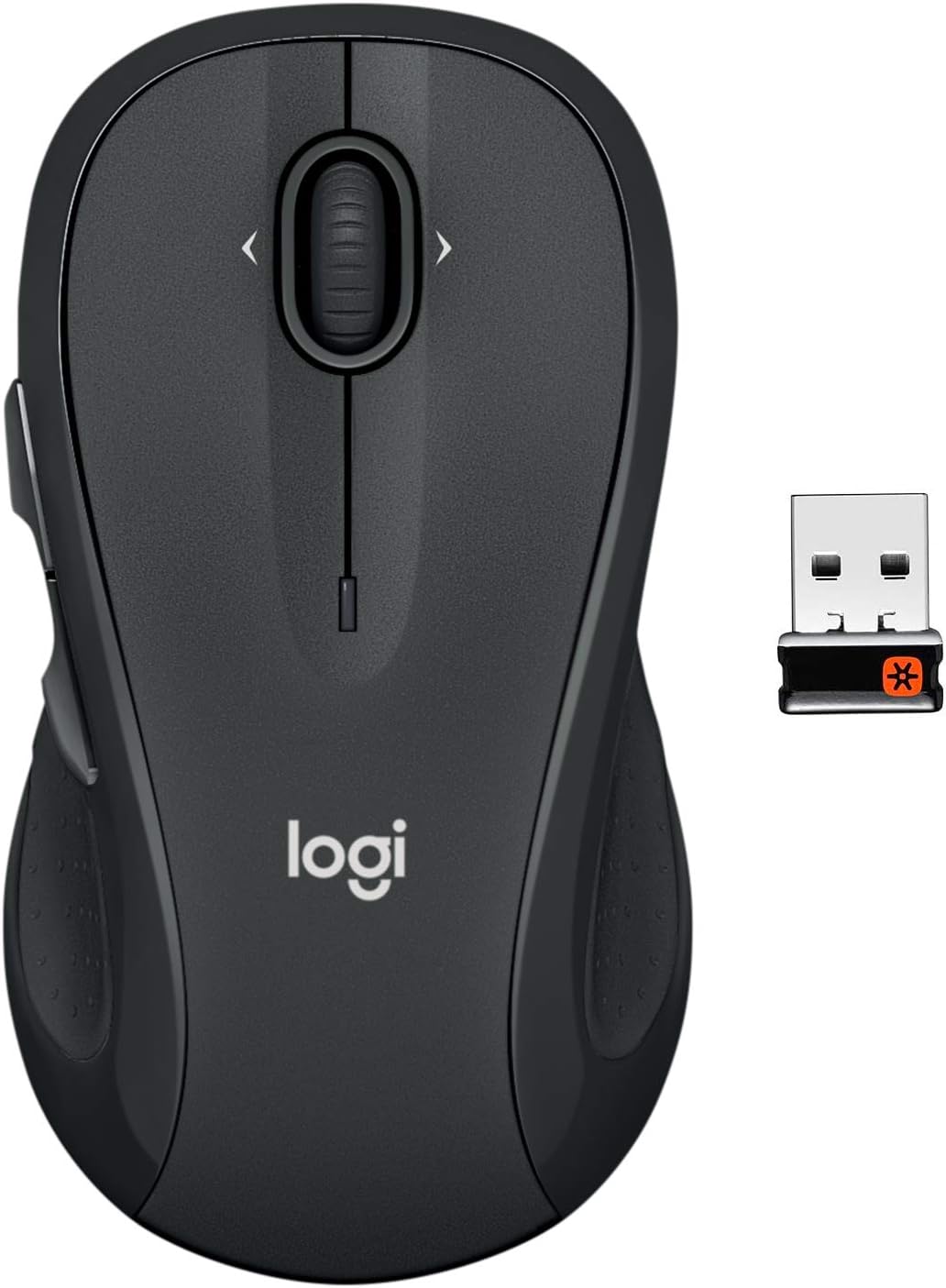
The Logitech M510 Wireless Mouse with its compact Unifying Receiver.
Setup
Sadržaj paketa
- Logitech Unifying prijemnik
- 2 AA baterija
Instalacija baterije
The Logitech M510 mouse comes with two AA batteries included. To install or replace batteries:
- Flip the mouse over to reveal the battery compartment on the underside.
- Skinite poklopac odeljka za baterije.
- Umetnite dvije AA baterije, pazeći na ispravan polaritet (+/-).
- Vratite poklopac odeljka za baterije.

Open the battery compartment to insert or replace AA batteries.
Connecting the Unifying Receiver
The tiny Logitech USB Unifying receiver allows for a reliable wireless connection. It is designed to stay plugged into your laptop without interference.
- Locate the Unifying receiver, typically stored inside the mouse's battery compartment.
- Priključite Unifying prijemnik u dostupan USB priključak na računaru.
- Uključite miš pomoću prekidača za uključivanje/isključivanje koji se nalazi na donjoj strani.
- Vaš računar bi trebao automatski prepoznati miš i povezati se s njim.

Key features and components of the Logitech M510 mouse.
Operating Your Logitech M510 Mouse
Ergonomski dizajn
The Logitech M510 is designed for comfort, allowing your hand to relax hour after hour. Its contoured shape with soft rubber grips and gently curved sides provides excellent support.

The ergonomic design ensures comfortable use for extended periods.
Funkcije dugmadi
The M510 features multiple buttons for enhanced control:
- Lijevi/Desni klik: Standardne funkcije miša.
- Točak za pomicanje: Za vertikalno skrolovanje.
- Programmable Back/Forward Buttons: Located on the side, these buttons can be customized to switch applications, go full screen, or perform other functions.

The M510 offers customizable controls for increased productivity.
Side-to-Side Scrolling and Zoom
The scroll wheel also supports side-to-side scrolling and zoom functionality, allowing you to navigate horizontally through documents, web pages, and images with ease.

Soft rubber grips and a versatile scroll wheel enhance usability.
Zvanični videozapisi proizvoda
There are no official
Povezani dokumenti - M510
 |
Vodič za podešavanje i karakteristike bežičnog miša Logitech M510 Get started with your Logitech Wireless Mouse M510. This guide provides step-by-step setup instructions, details on key features, and troubleshooting tips for optimal performance. Learn about the Unifying receiver and optional Logitech software. |
 |
Logitech bežični miš M510: Vodič za početak Ovaj vodič pruža upute za postavljanje i korištenje Logitech bežičnog miša M510. Saznajte kako povezati Unifying prijemnik, prilagoditi tipke pomoću opcionalnog softvera i riješiti uobičajene probleme. |
 |
Vodič za podešavanje bežičnog miša Logitech M510 Sveobuhvatan vodič za podešavanje Logitech bežičnog miša M510, koji obuhvata instalaciju, funkcije i rješavanje problema. |
 |
Logitech MX vertikalni napredni ergonomski miš - Vodič za početak Sveobuhvatan vodič za postavljanje i korištenje naprednog ergonomskog miša Logitech MX Vertical, koji pokriva načine povezivanja, ključne karakteristike, upravljanje napajanjem i dodatne informacije. |
 |
Logitech Marathon Mouse M705: Vodič za početak i funkcije Sveobuhvatan vodič za postavljanje i korištenje Logitech Marathon Mouse M705, uključujući funkcije, rješavanje problema i postavljanje Unifying prijemnika. |
 |
Vodič za podešavanje bežičnog miša Logitech M510 Vodič za podešavanje Logitech bežičnog miša M510, uključujući upute o povezivanju Unifying prijemnika, uključivanju uređaja i preuzimanju opcionalnog softvera za napredne funkcije. |