Uvod
The Divoom Ditoo is a versatile portable Bluetooth speaker featuring a 16x16 LED front panel for pixel art display, a smart alarm, and various app-controlled functions. This manual provides detailed instructions for setting up, operating, and maintaining your Ditoo speaker.

Image: The Divoom Ditoo speaker, showcasing its pixel art display and retro design.
Šta je u kutiji
Upon unboxing your Divoom Ditoo, please ensure all the following components are present:
- Divoom Ditoo Speaker
- USB-C kabl za punjenje
- Korisnički priručnik (ovaj dokument)
- Mini Wireless Microphone (if included with your specific package)
- Vodič za brzi početak
- Cute Sticker

Image: A visual representation of the Divoom Ditoo speaker and its included accessories, such as the USB-C cable and quick start guide.
Product Overview i kontrole
Familiarize yourself with the Ditoo's physical components and controls for optimal use.
Image: Detailed diagram of the Divoom Ditoo speaker, highlighting its various buttons, ports, and features.
| br. | Dugme/Port | Funkcija |
|---|---|---|
| 1 | "m" button | Press: Enter/Exit menu system. Hold: Turn On/Off the keyboard backlight. |
| 2 | Dugme "+" | Press: Increase volume. Hold: Increase brightness. |
| 3 | "*" Lighting button | Press: Change light function. Hold: Change light effects. |
| 4 | "<" button | Press: Previous song. Hold: Last light effect. |
| 5 | "-" Lower key | Press: Decrease volume. Hold: Lower brightness. |
| 6 | ">" button | Press: Next song. Hold: Next light effect. |
| 7 | Poluga | Short pull: Play/Pause. Long pull: Start voice memo recording. |
| 8 | Dugme izvora zvuka | Short pull: Switch between different audio sources. Double press: Disconnect Bluetooth connection. |
| 9 | Indikator baterije | Press any button to check the battery status. |
| 10 | Bas port | Enhances low-frequency sound output. |
| 11 | Stražnji poklopac | Protects the charging and TF card slots. |
| 12 | Resetujte rupu za iglu | Koristi se za resetovanje uređaja ako prestane da reaguje. |
| 13 | USB Type-C priključak za punjenje | Za punjenje uređaja. |
| 14 | Dugme ON/OFF | Hold: Power ON/OFF speaker. |
| 15 | Utor za TF karticu | Playback music from a TF (microSD) card. |
Setup
1. Charging the Ditoo
Before first use, fully charge your Divoom Ditoo speaker. Connect the provided USB-C cable to the charging port (13) on the back of the device and the other end to a USB power adapter (not included).
- The battery indicator (9) will show charging status.
- A full charge provides approximately 8 hours of playback. Playback time may vary depending on image complexity and brightness.
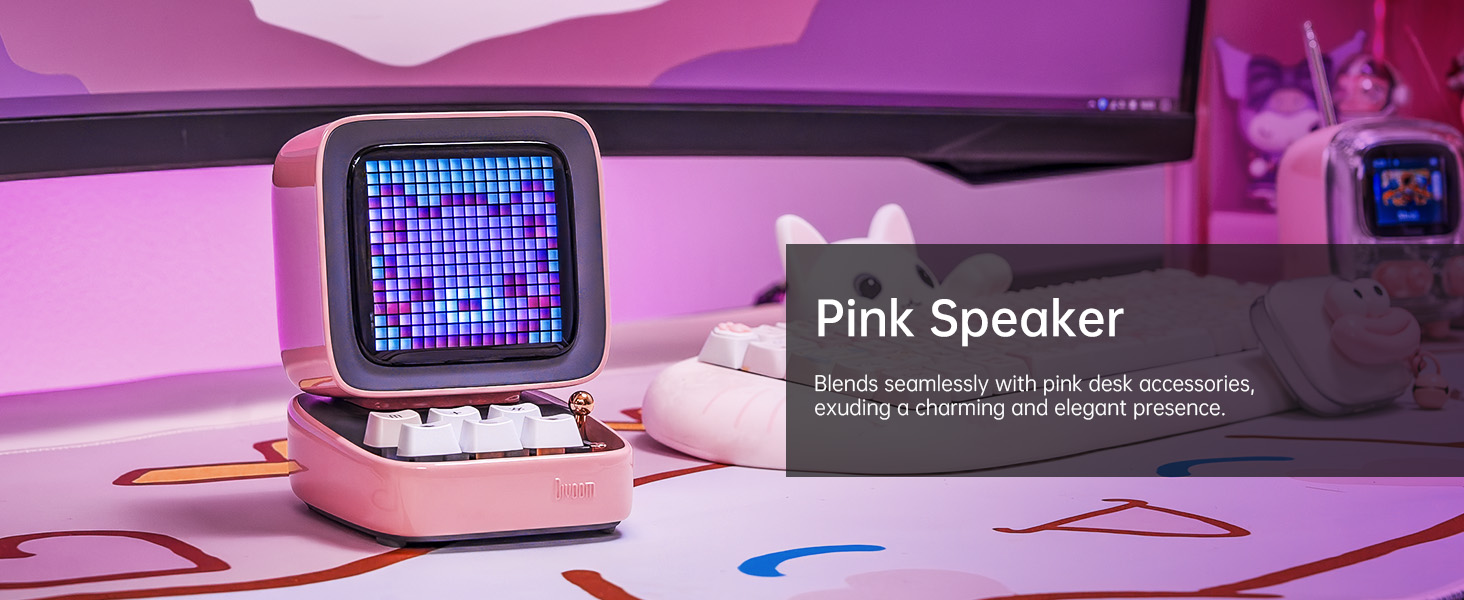
Image: The Divoom Ditoo speaker connected to a USB-C charging cable, illustrating the charging process.
2. Downloading the Divoom App
To unlock the full potential of your Ditoo speaker, download the official Divoom app. The app is available for both iOS and Android devices.
- Skenirajte QR kod na pakovanju proizvoda ili posjetite www.divoom.com/AppDownLoad za preuzimanje.
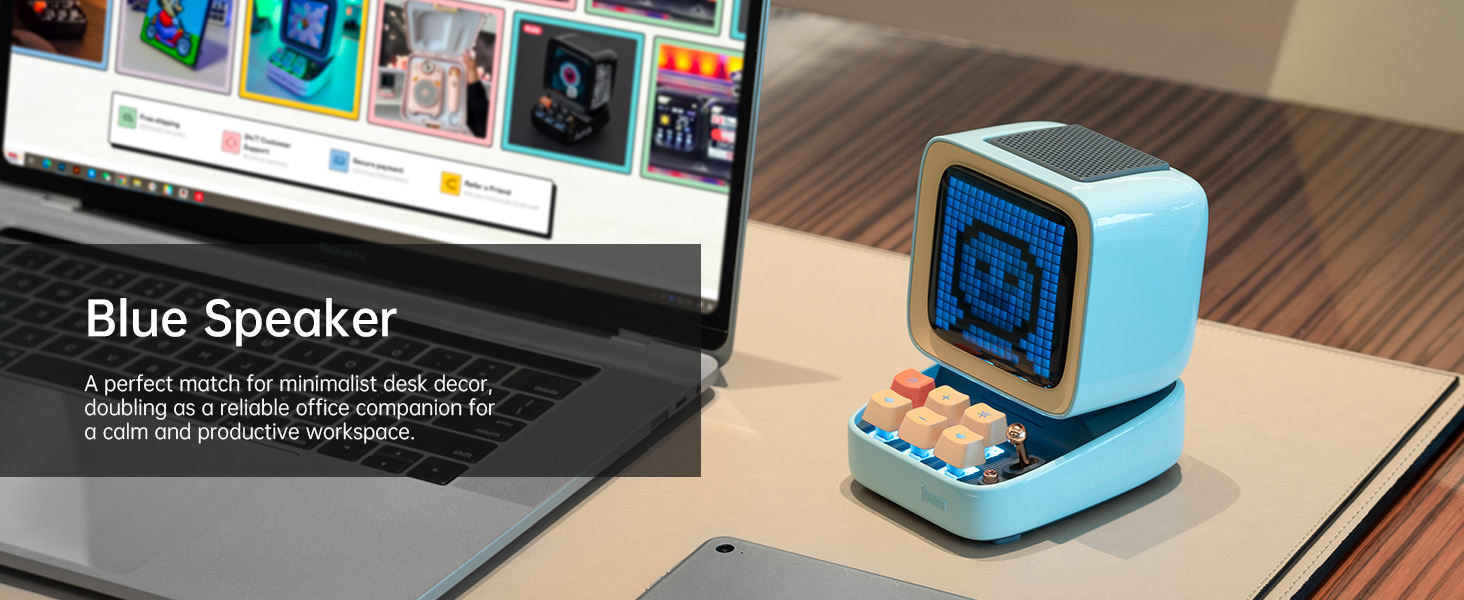
Image: A smartphone displaying the Divoom app, demonstrating its pixel art creation and gallery functionalities.
3. Bluetooth uparivanje
Once the Ditoo is charged and the app is installed:
- Hold the ON/OFF button (14) to power on the speaker.
- Omogućite Bluetooth na pametnom telefonu ili tabletu.
- Open the Divoom app and follow the on-screen instructions to connect to "Ditoo-Audio".
- Alternatively, you can pair directly through your device's Bluetooth settings.
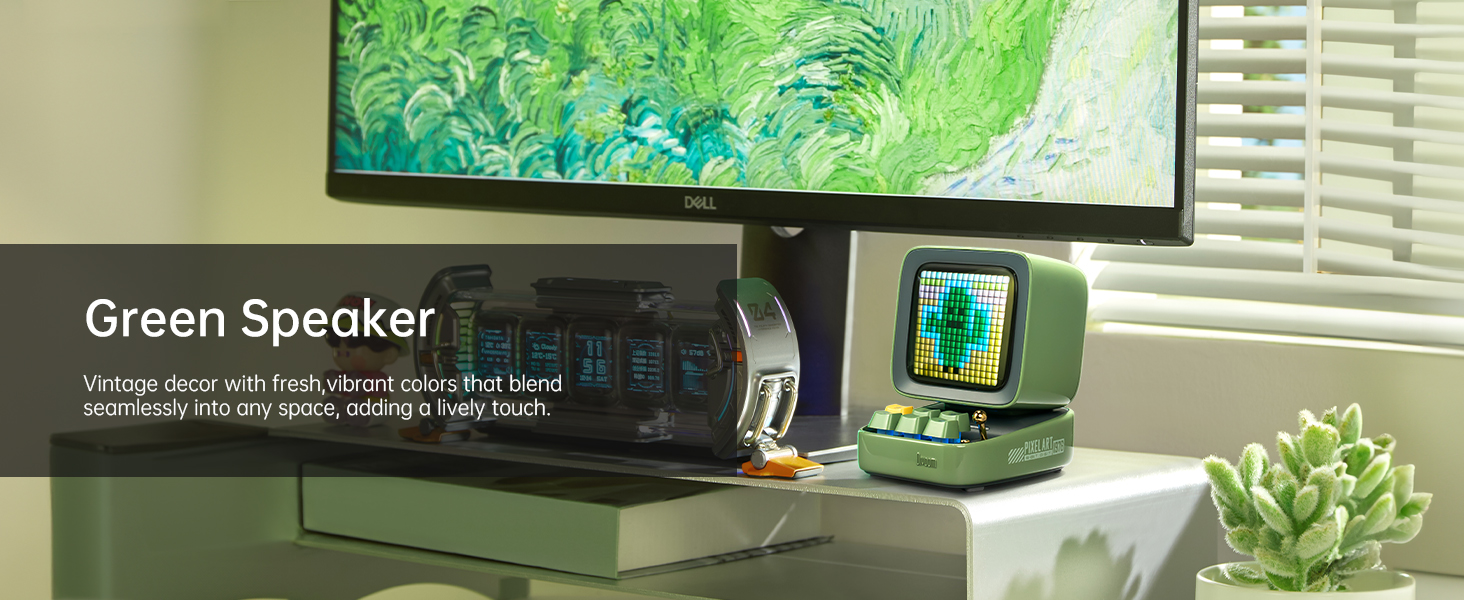
Image: A smartphone wirelessly connected to the Divoom Ditoo speaker, illustrating the Bluetooth pairing process and real-time pixel art display.
Uputstvo za upotrebu
Osnovna reprodukcija zvuka
- Kontrola jačine zvuka: Use the "+" (2) and "-" (5) buttons on the keyboard to adjust volume.
- Navigacija staza: Use the "<" (4) and ">" (6) buttons to skip between songs.
- Pusti/pauza: Short pull the Lever (7) to play or pause audio.
- Izvor zvuka: Short pull the Audio source button (8) to switch between Bluetooth and TF card playback.
Pixel Art and Lighting Functions
- Change Light Function: Press the "*" Lighting button (3) to cycle through different lighting modes.
- Promjena svjetlosnih efekata: Hold the "*" Lighting button (3) to change specific light effects within a mode.
- Pozadinsko osvetljenje tastature: Hold the "m" button (1) to turn the keyboard backlight on or off.
- Podešavanje svjetline: Hold the "+" (2) or "-" (5) buttons to adjust the screen brightness.

Image: The Divoom Ditoo speaker showcasing its vibrant pixel art display capabilities, including dynamic animations and color variations.
Using the Divoom App Features
The Divoom app provides extensive customization and functionality for your Ditoo speaker:
- Pixel Art Creation: Design your own pixel art or import images to display on the screen.
- Online Gallery: Access a vast community gallery of pixel art designs created by other users.
- Pametni alarm: Set alarms with customizable sounds and pixel art animations.
- Obavještenja: Receive social media and app notifications directly on the Ditoo's screen.
- igre: Play built-in pixel games using the joystick and keyboard buttons.
- Alati: Access various tools like a stopwatch, timer, and scorekeeper.
- Music Visualizer: Display dynamic pixel art visualizations that react to your music.
- bijeli šum: Choose from 24 soothing sounds for relaxation or sleep aid.

Image: Multiple screenshots of the Divoom mobile application, demonstrating its diverse features including pixel art design, clock face selection, and scheduling tools.
Voice Memo Recording
Long pull the Lever (7) to start recording a voice memo. Pull again to stop recording. Memos can be managed through the Divoom app.
Održavanje
- čišćenje: Za čišćenje površine zvučnika koristite meku, suhu krpu. Ne koristite tekuća sredstva za čišćenje ili aerosole.
- Skladištenje: Store the Ditoo in a cool, dry place away from direct sunlight and extreme temperatures.
- Održavanje baterije: Da biste produžili vijek trajanja baterije, izbjegavajte često potpuno pražnjenje baterije. Redovno je punite.
- Otpornost na vodu: The Divoom Ditoo is NOT waterproof. Avoid exposure to water or high humidity.
Rješavanje problema
| Issue | Mogući uzrok | Rješenje |
|---|---|---|
| Uređaj se ne uključuje. | Niska baterija. | Napunite uređaj pomoću USB-C kabla. |
| Nije moguće povezivanje putem Bluetootha. | Bluetooth not enabled on device; Ditoo not in pairing mode; interference. | Ensure Bluetooth is on. Double press the Audio source button (8) to disconnect and re-enter pairing mode. Move closer to the speaker. |
| Pixel art display is dim or unresponsive. | Brightness setting too low; software glitch. | Hold the "+" button (2) to increase brightness. If unresponsive, use a pin to press the Reset pin hole (12). |
| Distorzija zvuka pri velikoj jačini zvuka. | Jačina zvuka je previsoka. | Decrease the volume using the "-" button (5). |
| App features not syncing with speaker. | App not connected or outdated. | Ensure the app is connected to "Ditoo-Audio". Update the Divoom app to the latest version. |
Specifikacije
| Feature | Detalj |
|---|---|
| Naziv modela | Ditoo |
| Dimenzije (D x Š x V) | 90 mm x 114.2 mm x 121.2 mm |
| Težina artikla | 533 grama (1.18 funte) |
| Veličina zvučnika | 48 mm |
| Izlazna snaga | 15 Watts |
| Kapacitet baterije | 5000 mAh |
| Vrijeme reprodukcije | Do 8 sati |
| Bluetooth verzija | 5.0 |
| bežični domet | 10 metara |
| Frekvencijski odziv | 80 Hz (lower bound provided) |
| Odnos signala i šuma | 80 dB |
| Kontrolni metod | Aplikacija, Dugmad |
| Povezivanje | Bluetooth, TF Card, USB Type-C |
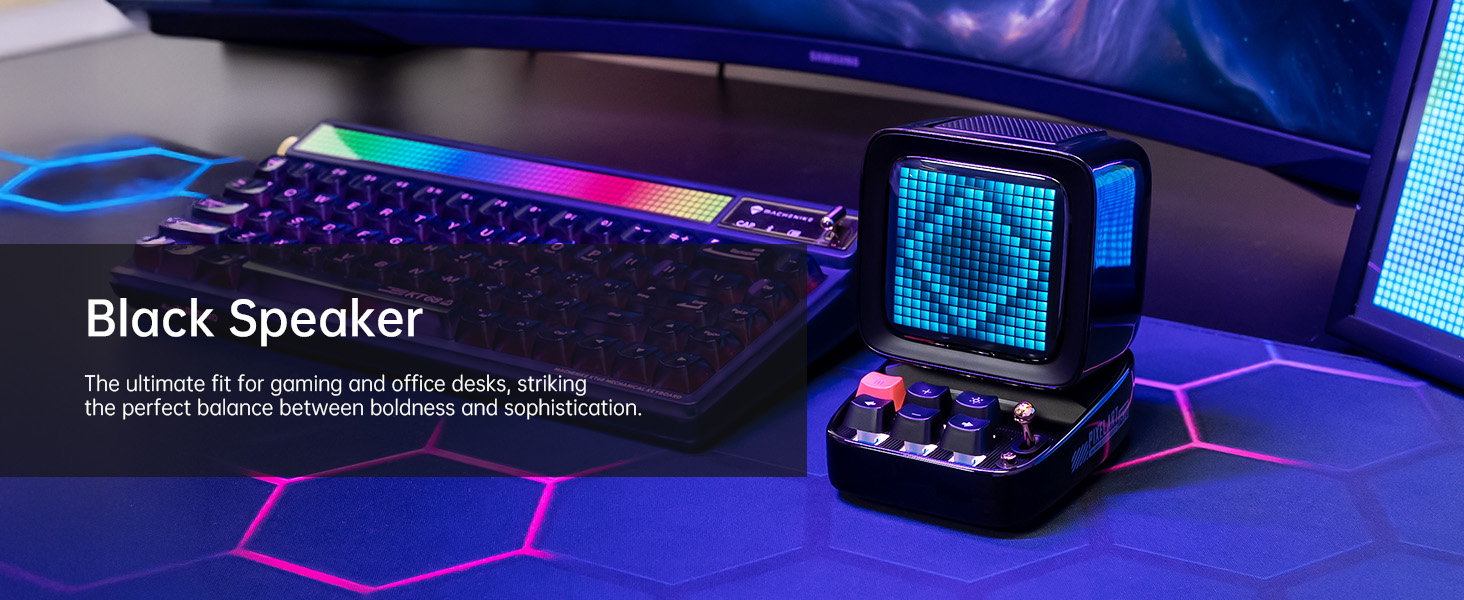
Image: A technical diagram illustrating the physical dimensions and key product parameters of the Divoom Ditoo speaker.
Garancija i podrška
Divoom products typically come with a standard manufacturer's warranty. For specific warranty details, please refer to the warranty card included in your product packaging or visit the official Divoom website. For technical support, troubleshooting assistance, or any product-related inquiries, please contact Divoom customer service through their official channels.
Official Divoom Webstranica: www.divoom.com
Također možete pogledati službeni korisnički priručnik (PDF) dostupan na: Divoom Ditoo User Manual PDF


