1. Uvod
This manual provides detailed instructions for the installation, operation, maintenance, and troubleshooting of your Thermaltake Toughpower iRGB Plus 750W 80+ Gold Power Supply. This fully modular digital power supply features a patented 16.8 million-color Ring Duo 14 RGB fan and supports Smart Power Management (SPM) for advanced control and monitoring.

Slika 1.1: Prednja strana view of the Thermaltake Toughpower iRGB Plus 750W Power Supply, showcasing its design and RGB fan.
2. Sigurnosne informacije
Please read and follow these safety guidelines carefully to prevent injury and damage to your equipment:
- Isključite napajanje: Always disconnect the AC power cord from the wall outlet before installing, removing, or performing any maintenance on the power supply or other computer components.
- Ne otvaraj: The power supply unit contains high voltage komponente. Ne otvarajte napajanje casing. Unutra nema dijelova koje korisnik može sam servisirati. Otvaranjem poklopcaasing voids the warranty.
- Pravilno uzemljenje: Osigurajte da je vaš računarski sistem pravilno uzemljen kako biste spriječili strujni udar.
- ventilacija: Ensure adequate ventilation around the power supply. Do not block the fan or ventilation openings.
- Moisture and Temperature: Avoid exposing the power supply to moisture, high humidity, or extreme temperatures. Operate within the specified operating temperature range (0°C to +50°C).
- Correct Cables: Koristite samo modularne kablove koji su isporučeni s ovim napajanjem. Korištenje nekompatibilnih kablova može oštetiti napajanje ili povezane komponente.
3. Značajke proizvoda
The Thermaltake Toughpower iRGB Plus 750W Power Supply offers several advanced features:
- Smart Power Management (SPM): Monitor real-time PSU, CPU, VGA, RAM, and HDD status, control lighting, and receive warning alerts via PC and mobile applications.
- Razer Chroma Compatibility: Synchronize gaming and RGB lighting effects with the Razer Chroma ecosystem for a unified lighting experience.
- Alexa glasovna kontrola: Control lighting or fan speed by speaking to an Alexa-enabled device.
- Smart Zero Fan: The fan activates only when the power supply reaches 30% of its rated load, minimizing noise during low-load operation.
- Built-in Ring Duo RGB Fan: Features a 16.8 million-color Ring Duo 140mm RGB fan with 18 addressable LEDs to customize your build's aesthetics.

Slika 3.1: Dva views of the power supply highlighting the built-in 140mm Riing Duo RGB fan with 18 addressable LEDs.

Slika 3.2: Od vrha prema dolje view of the power supply fan, showing the RGB lighting capabilities.
4. Sadržaj paketa
Provjerite da li vaš paket sadrži sljedeće stavke:
- Thermaltake Toughpower iRGB Plus 750W Power Supply Unit
- AC strujni kabl
- Modular Cable Set (as detailed below)
- Montažni vijci
- Korisnički priručnik (ovaj dokument)
Modularni set kablova:

Image 4.1: A table detailing the connector types, cable lengths, and quantities included with the 750W power supply.

Image 4.2: The power supply unit with its fully modular cable design, showing the various ports for connecting cables.
| Tip konektora | Dužina kabla | Količina |
|---|---|---|
| Glavni priključak za napajanje (24 pina) | 600mm | 1 |
| ATX 12V (4 + 4 Pin) | 650mm | 1 |
| SATA (5Pin) | 500mm+150mm+150mm+150mm+150mm | 9 |
| PCI-E (6 + 2 Pin) | 500mm+150mm+150mm | 4 |
| Peripheral (4 Pin) | 500mm+150mm+150mm+150mm | 4 |
| Disketni adapter (4 pinski) | 100mm | 1 |

Image 4.3: The power supply unit shown with a selection of its modular cables connected, demonstrating the flexibility of the design.
5. Postavljanje i instalacija
Slijedite ove korake za instalaciju napajanja:
- Pripremite svoj sistem: Provjerite je li računar potpuno isključen i iskopčan iz zidne utičnice. Otvorite kućište računara.
- Uklonite stari PSU (ako je primjenjivo): Isključite sve kablove iz starog napajanja i izvadite ga iz kućišta.
- Montiranje novog napajanja: Place the Thermaltake Toughpower iRGB Plus 750W into the power supply bay of your computer case. Secure it with the provided mounting screws. Ensure the fan is facing the correct direction for optimal airflow (typically facing down if your case has a bottom vent, or up if it's a top-mounted PSU).
- Spojite osnovne kablove:
- Povežite 24-pinski glavni konektor za napajanje na vašu matičnu ploču.
- Povežite 4+4-pin ATX 12V Connector to your motherboard's CPU power socket.
- Povežite potrebno 6+2-pin PCI-E Connectors to your graphics card(s).
- Povežite se SATA konektori za napajanje to your storage drives (HDDs, SSDs) and optical drives.
- Povežite se Peripheral (4-pin Molex) Connectors to any other components requiring them (e.g., case fans, fan controllers).
- Ako je potrebno, koristite Floppy adapter for older devices.
- Connect USB Cable for Digital Control: Locate the USB port on the power supply and connect one end of the provided USB cable. Connect the other end to an available USB 2.0 header on your motherboard. This connection is essential for Smart Power Management (SPM) and RGB control software.
- Upravljanje kablovima: Uredno provucite kablove kako biste poboljšali protok zraka i estetiku.
- Zatvorite kućište i uključite napajanje: Close your computer case, connect the AC power cord to the power supply, and then plug it into a wall outlet. Flip the power switch on the back of the PSU to the 'ON' position.

Image 5.1: Rear panel of the power supply, indicating the AC power inlet and the main power switch.
6. Uputstvo za upotrebu
Once installed, you can utilize the advanced features of your power supply:
6.1. Smart Power Management (SPM)
The SPM platform allows you to monitor and manage your power supply digitally. Download and install the Thermaltake SPM software from the official Thermaltake website. This software provides:
- Real-time monitoring of power consumption, efficiency, voltage, i temperaturu.
- Fan speed control and Smart Zero Fan mode management.
- Customizable warning alerts for abnormal conditions.
- Access via PC application and mobile app.
6.2. Kontrola RGB osvjetljenja
The iRGB Plus series offers extensive RGB lighting customization:
- TT RGB Plus Software: Use the Thermaltake TT RGB Plus software to customize the 16.8 million-color RGB fan. This software allows for various lighting modes, effects, and color synchronization with other compatible Thermaltake RGB products.
- Razer Chroma: Integrate your PSU's RGB lighting with the Razer Chroma ecosystem for synchronized effects across your Razer peripherals and other Chroma-compatible devices.
- Alexa glasovna kontrola: If configured, you can use voice commands through an Alexa-enabled device to change lighting colors, effects, or adjust fan speed.
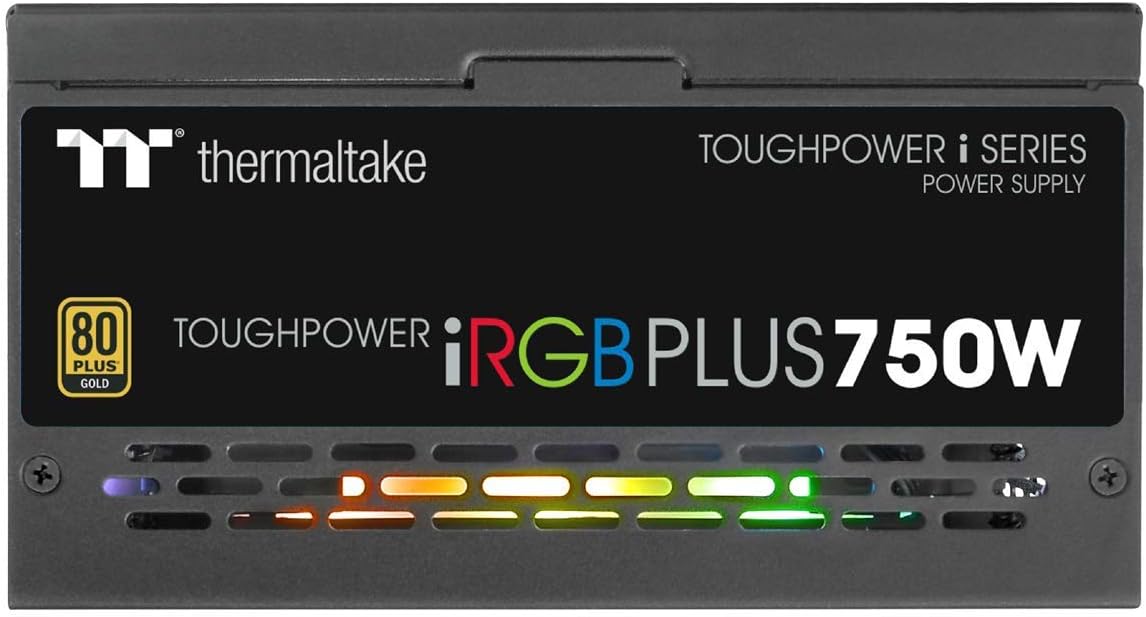
Slika 6.1: Bočna strana view of the power supply, illustrating the vibrant RGB lighting effects.
7. Održavanje
Redovno održavanje pomaže u osiguravanju dugotrajnosti i optimalnih performansi vašeg napajanja:
- Uklanjanje prašine: Povremeno čistite ventilator i ventilacijske rešetke napajanja komprimiranim zrakom. Prije čišćenja provjerite je li sistem isključen iz struje i iskopčan iz struje.
- Provjera kablova: Occasionally check all modular cable connections to ensure they are securely seated.
- Ažuriranja softvera: Keep the Thermaltake SPM and TT RGB Plus software updated to the latest versions for improved features and stability.
8. Otkrivanje problema
Ako naiđete na probleme s napajanjem, pogledajte sljedeće uobičajene korake za rješavanje problema:
- Nema napajanja:
- Provjerite je li kabel za napajanje naizmjeničnom strujom sigurno priključen i u PSU i u zidnu utičnicu.
- Provjerite je li prekidač za napajanje na stražnjoj strani PSU-a u položaju 'UKLJUČENO'.
- Check all modular cable connections, especially the 24-pin and 4+4-pin motherboard connectors.
- Testirajte zidnu utičnicu s drugim uređajem kako biste bili sigurni da ima napajanja.
- RGB rasvjeta ne radi:
- Ensure the internal USB cable from the PSU is correctly connected to a USB 2.0 header on your motherboard.
- Install or update the Thermaltake TT RGB Plus software.
- Check software settings to ensure RGB lighting is enabled and configured.
- Ponovo pokrenite računar.
- Smart Zero Fan Not Functioning / Fan Always On:
- The Smart Zero Fan feature only activates the fan when the PSU load exceeds 30%. If your system load is consistently above this threshold, the fan will remain on.
- Check the SPM software settings to ensure Smart Zero Fan mode is enabled.
- Ensure the internal USB cable is connected for software control.
- Software Glitches (SPM/TT RGB Plus):
- Ensure you have the latest version of the software installed from the official Thermaltake website.
- Temporarily disable any conflicting RGB software from other manufacturers.
- Check your firewall settings to ensure the software is not being blocked.
- Reinstall the software if issues persist.
9. Specifikacije
Detailed technical specifications for the Thermaltake Toughpower iRGB Plus 750W Power Supply:
| Feature | Specifikacija |
|---|---|
| Broj modela | PS-TPI-0750F3FDGU-1 |
| Tip | ATX 12V V2.4 and EPS V2.92 |
| Max. Izlazni kapacitet | 750W |
| Vršni izlazni kapacitet | 900W |
| Dimenzija (Š/V/D) | 150 mm (Š) x 86 mm (V) x 160 mm (D) |
| PFC (korekcija faktora snage) | Aktivni PFC |
| Efikasnost | 80 PLUS Gold at 115Vac Input |
| Sistem za hlađenje | 14cm Hydraulic bearing fan |
| MTBF (srednje vrijeme između kvarova) | 120,000 sati minimum |
| Sigurnosno odobrenje | CE/cTUVus/TUV/FCC/EAC/s-mark |
| Ulazna struja | 10A max. |
| Opseg ulazne frekvencije | 50Hz - 60Hz |
| Ulazni voltage | 100V – 240V~ |
| Radna temperatura | 0°C do +50°C |
| Radna vlažnost | 20% do 90%, bez kondenzacije |
| Temperatura skladištenja | -20°C do +70°C |
| Vlažnost skladištenja | 5% do 95%, bez kondenzacije |
| Kondenzatori | 100% Japanese 105°C/221°F |
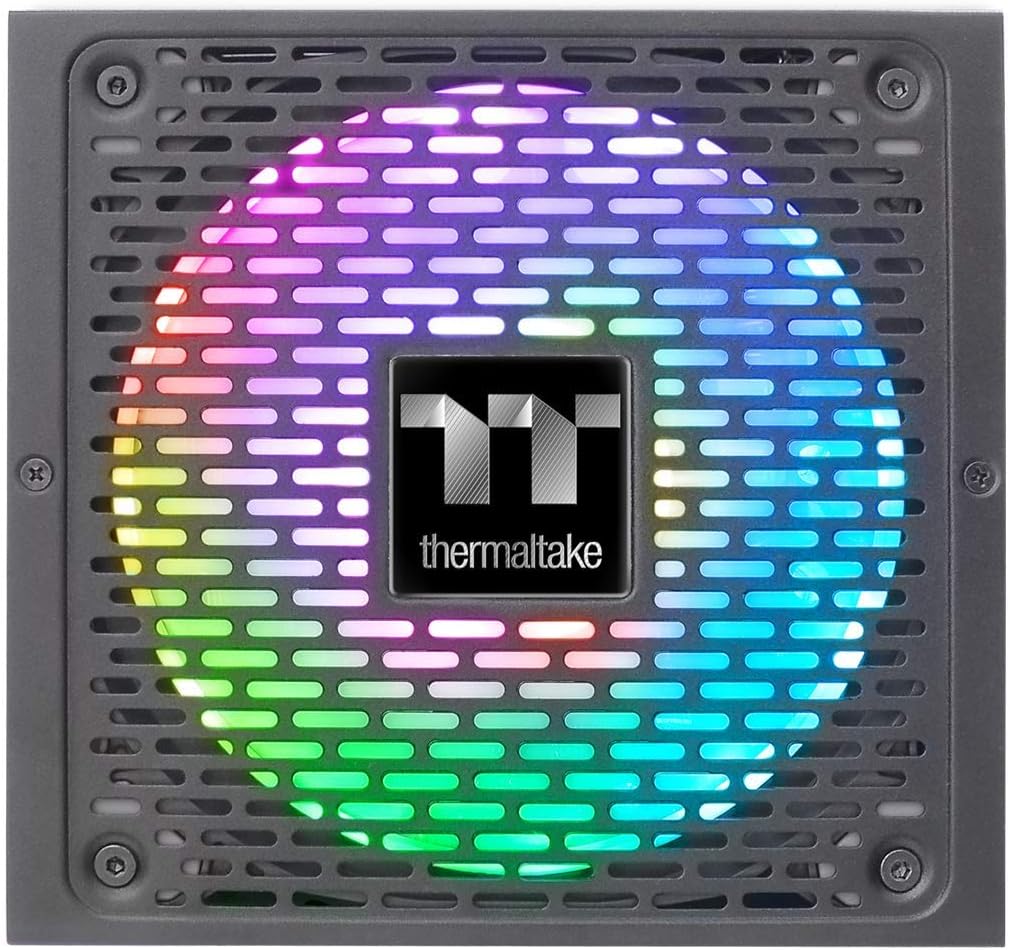
Image 9.1: Product label showing model number, input/output specifications, and safety warnings.

Image 9.2: Close-up internal view of the power supply, highlighting the 100% Japanese 105°C/221°F capacitors for enhanced durability and stability.

Slika 9.3: Unutrašnji view of the power supply's circuit board and components, demonstrating quality construction.
10. Informacije o garanciji
The Thermaltake Toughpower iRGB Plus 750W Power Supply comes with a 10 godine garancije. This warranty covers defects in materials and workmanship under normal use. Please retain your proof of purchase for warranty claims. For full warranty terms and conditions, please refer to the official Thermaltake webstranice ili kontaktirajte njihovu korisničku podršku.
11. Podrška
For further assistance, technical support, or to download the latest software and drivers, please visit the official Thermaltake webstranica:
Korisne resurse i često postavljana pitanja možete pronaći i na njihovim stranicama za podršku.
Zvanični video proizvoda:
Video 11.1: An official product video demonstrating features and functionality of the Thermaltake Toughpower iRGB Plus Power Supply. This video provides a visual overview za korisnike.


