1. Introduction to the Elite 750 ECU
The Haltech Elite 750 ECU is a state-of-the-art Engine Control Unit designed for advanced engine management. Recognized globally for its cutting-edge technology and robust performance, this ECU provides precise control over various engine parameters, ensuring optimal operation and tuning capabilities.
Key features of the Elite 750 ECU include:
- Plug'n'Play compatibility for simplified installation.
- Comprehensive quick start guide for initial setup.
- Detailed installation and configuration reference guide.
- Designed for professional programmers and tuners.
- Part of the Elite 750 ECU & Kits product line.

2. Sadržaj paketa
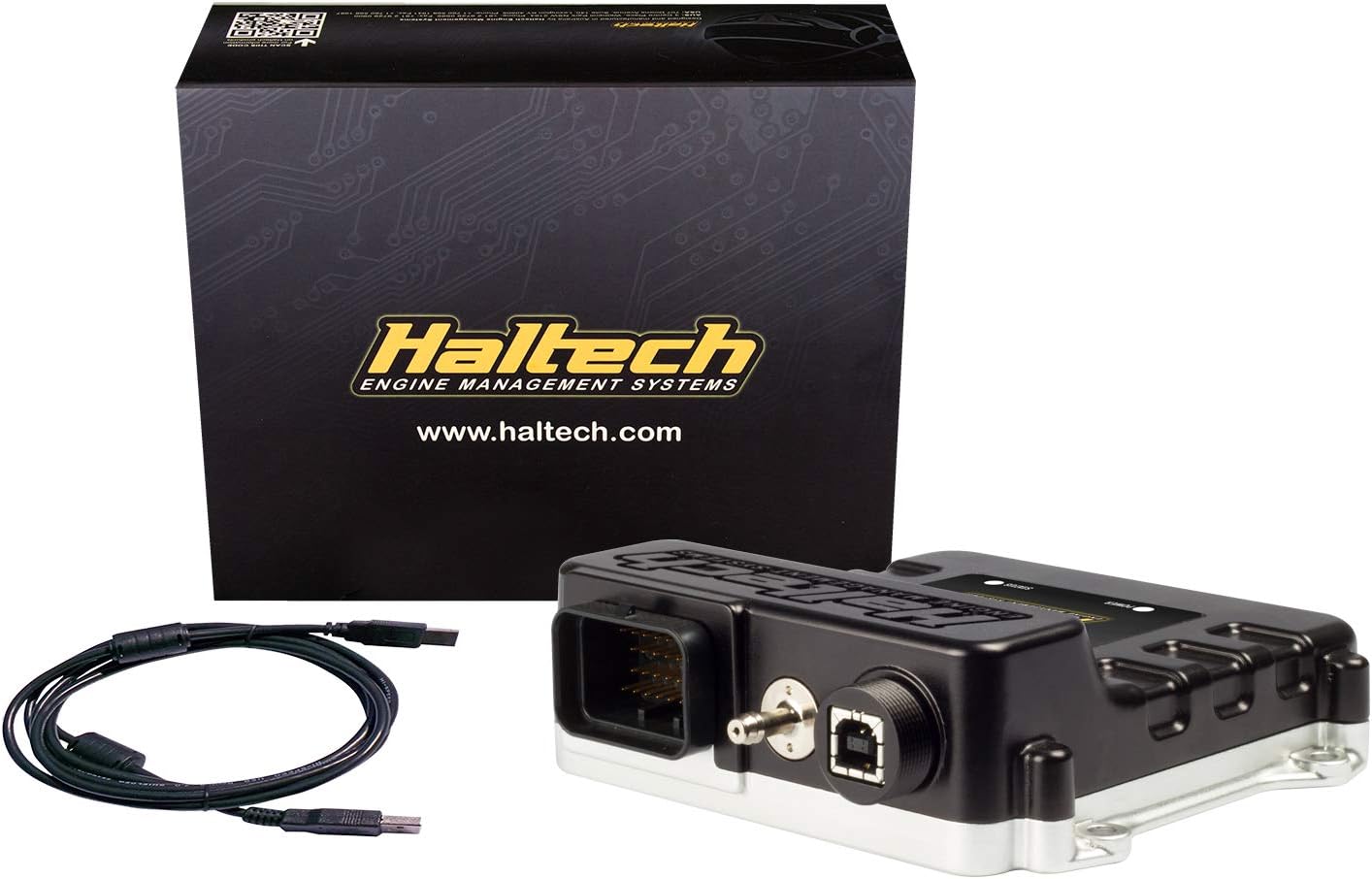
Upon opening your Haltech Elite 750 ECU package, please verify that all components listed below are present and in good condition.
- Elite 750 ECU Unit
- Associated Wiring Harness (if included in kit)
- USB komunikacijski kabel
- Vodič za brzi početak
- Priručnik za instalaciju i konfiguraciju
3. Postavljanje i instalacija
The Haltech Elite 750 ECU is designed for a straightforward Plug'n'Play installation process. It is recommended to consult the detailed installation guide provided with your unit for specific vehicle applications and wiring diagrams.
3.1 Kontrolna lista pred instalaciju
- Provjerite da li je akumulator vozila isključen.
- Verify all necessary tools are available.
- Read the entire installation manual before beginning.
- Confirm compatibility with your vehicle's existing systems.
3.2 Mounting the ECU
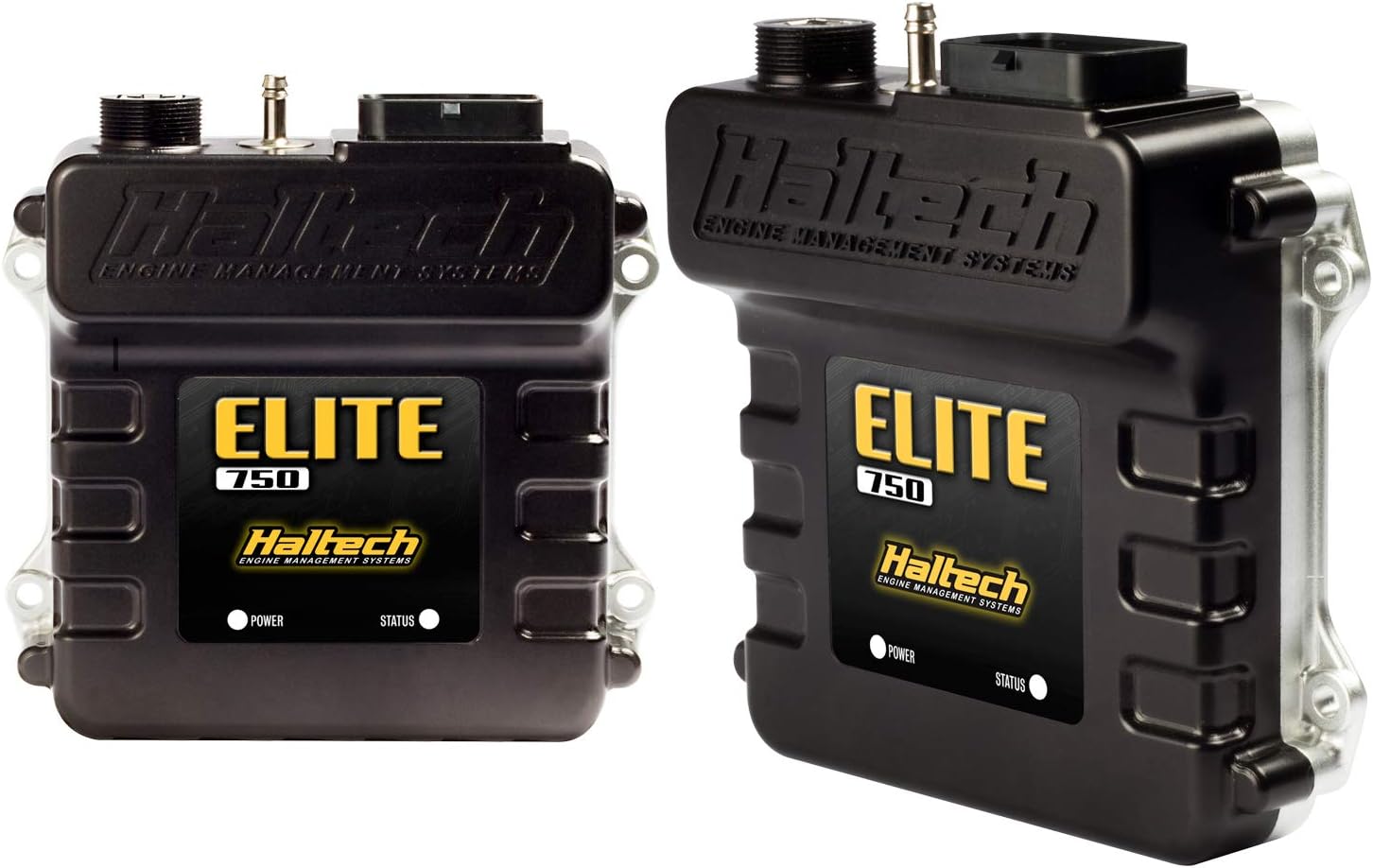
Select a secure and dry location within the vehicle, away from excessive heat, vibration, and moisture. Use appropriate mounting hardware to firmly secure the ECU.
3.3 Ožičenje i priključci
Connect the main wiring harness to the ECU. Ensure all connectors are fully seated and secured. Refer to the wiring diagrams in your comprehensive manual for correct pin assignments and sensor connections.

4. Rad i konfiguracija
Once installed, the Elite 750 ECU requires configuration using Haltech's proprietary software. This process involves loading base maps, calibrating sensors, and fine-tuning engine parameters for optimal performance.
4.1 Instalacija softvera
Install the latest version of Haltech ESP (Elite Software Package) on your computer. This software is essential for communicating with and configuring your ECU.
4.2 Connecting to the ECU
Connect the ECU to your computer using the provided USB communication cable. Ensure the vehicle's ignition is on (but the engine is not necessarily running) to power the ECU.
4.3 Početno podešavanje i podešavanje
Follow the on-screen prompts in the ESP software to perform initial setup, including sensor calibration and loading a suitable base map for your engine configuration. Professional tuning is highly recommended to achieve the best results and ensure engine safety.
5. Njega i održavanje
The Haltech Elite 750 ECU is designed for durability and reliability. Proper care will ensure its longevity and continued performance.
- Održavati suhom: Protect the ECU from moisture and direct water exposure.
- Izbjegavajte ekstremne temperature: While designed for automotive environments, prolonged exposure to extreme heat or cold can affect performance.
- Sigurne veze: Periodically check that all wiring harness connections are secure and free from corrosion.
- Ažuriranja softvera: Redovno provjeravajte Haltech website for firmware and software updates to ensure your ECU has the latest features and bug fixes.
- čistoća: Keep the ECU and its connectors clean and free from dust and debris. Use a soft, dry cloth for cleaning.
6. Otkrivanje problema
This section provides general guidance for common issues. For detailed troubleshooting, refer to the comprehensive manual or contact Haltech technical support.
6.1 ECU Not Powering On
- Check the main power and ground connections to the ECU.
- Verify the vehicle's ignition is on and providing power.
- Inspect fuses in the vehicle's electrical system.
6.2 Communication Issues with Software
- Ensure the USB cable is securely connected to both the ECU and the computer.
- Provjerite da li su na vašem računaru instalirani ispravni USB drajveri.
- Pokušajte s drugim USB portom ili kablom.
- Restart the ESP software and/or your computer.
6.3 Engine Running Issues After Installation
- Double-check all wiring connections against the manual's diagrams.
- Verify sensor calibrations in the ESP software.
- Ensure the correct base map is loaded for your engine.
- Check for diagnostic trouble codes (DTCs) within the ESP software.
7. Tehničke specifikacije
Below are the key technical specifications for the Haltech Elite 750 ECU (HT-150600).
| Specifikacija | Vrijednost |
|---|---|
| Proizvođač | Haltech |
| Brand | haltech |
| Model | Haltech - Elite 750 ECU (HT-150600) |
| Težina artikla | 1.82 funte |
| Broj modela stavke | HT-150600 |
| Eksterijer | Machined |
| Broj dijela proizvođača | HT-150600 |
| OEM broj dijela | HT-150600 |
| Voltage | 8 volti (DC) |
| Datum prve dostupnosti | 19. oktobar 2016 |
8. Garancija i podrška
Haltech products are manufactured to the highest standards and come with a manufacturer's warranty against defects in materials and workmanship. The specific terms and duration of the warranty may vary by region and product. Please retain your proof of purchase for warranty claims.
8.1 Garancijski zahtjevi
For warranty service, please contact your authorized Haltech dealer or Haltech directly with your product details and proof of purchase. Do not attempt to repair the unit yourself, as this may void the warranty.
8.2 Tehnička podrška
Haltech provides comprehensive technical support for its products. For assistance with installation, configuration, or troubleshooting, please visit the official Haltech webstranicu ili kontaktirajte njihov tim za podršku:
- Službeno Webstranica: www.haltech.com
- Pogledajte na webstranica za kontakt informacije, često postavljana pitanja i dodatne resurse.


