Uvod
This manual provides important information regarding the safe operation, installation, and maintenance of your Arctic-Pro Mini Desk Oscillating Tower Fan. Please read this manual thoroughly before using the product and retain it for future reference.
The Arctic-Pro Mini Desk Oscillating Tower Fan is designed to provide personal cooling with its compact size and quiet operation. It features two speed settings and a 75-degree oscillation function for effective air circulation in small spaces such as offices, bedrooms, and cubicles.
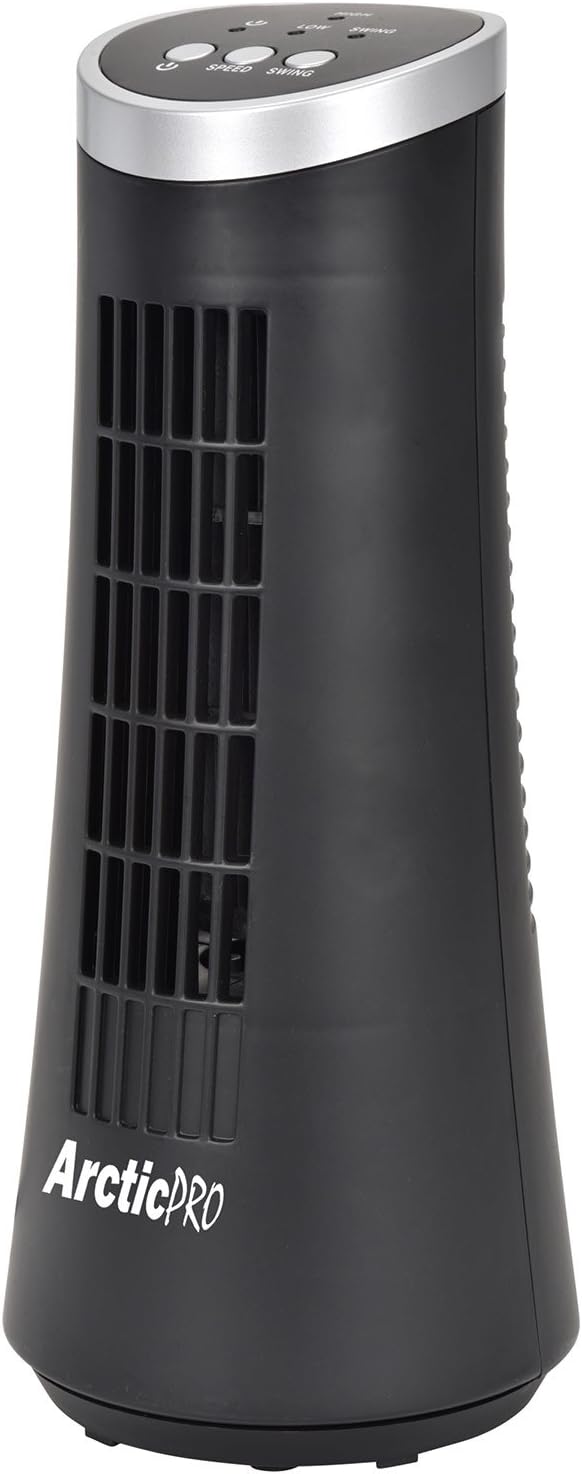
Figure 1: Arctic-Pro Mini Desk Oscillating Tower Fan, a compact black tower fan with a silver top panel.
Karakteristike i komponente proizvoda
Familiarize yourself with the key features and components of your fan for optimal use.
- Tih rad šapata: Engineered to produce minimal operational noise, ensuring no distractions during work or sleep.
- Prenosiv i kompaktan dizajn: Features a convenient carrying handle for easy transport between rooms. Ideal for desks, nightstands, and small spaces. Dimensions: 5 x 12 inches.
- Dvije postavke brzine: Adjustable airflow from Low to High wind via electronic touch controls with LED indicators.
- Oscilacija od 75 stepeni: Provides wide-angle air distribution and circulation to cool your entire area effectively.
- Electronic Touch Controls: Intuitive controls located on the top panel for power, speed, and oscillation.

Slika 2: Gotovoview of fan components, highlighting the user controls on top, the front grill, the handle on the back, and the oscillating base.
Setup
The Arctic-Pro Mini Desk Oscillating Tower Fan requires no assembly. Simply remove it from its packaging and place it on a stable, flat surface.
- Unpack the fan carefully from its box.
- Place the fan on a firm, level surface, ensuring adequate space around it for air circulation and oscillation.
- Plug the power cord into a standard electrical outlet (AC 120V, 60Hz).
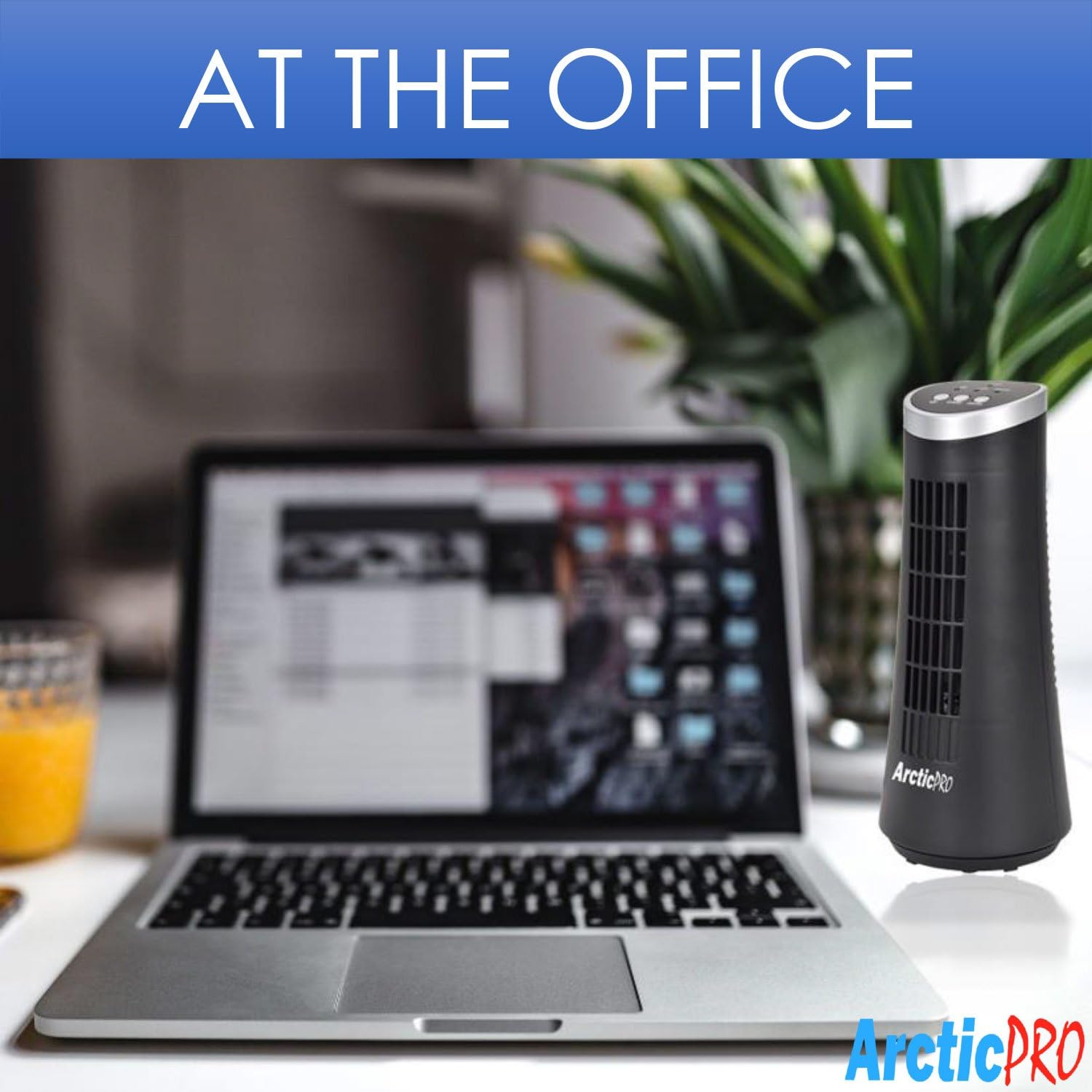
Figure 3: The product packaging, indicating the fan is ready to use out of the box.
Uputstvo za upotrebu
The fan is operated using the touch controls located on the top panel.

Slika 4: Detaljno view of the fan's touch control panel, showing buttons for On/Off, Speed (Low/High), and Oscillation (Swing).
- Uključivanje/isključivanje: Pritisnite Dugme za napajanje to turn the fan on or off. An LED indicator will illuminate when the fan is on.
- Podešavanje brzine: Pritisnite Dugme za brzinu to cycle between Low and High speed settings. Corresponding LED indicators will show the selected speed.
- Kontrola oscilacija: Pritisnite Dugme za zamah to activate or deactivate the 75-degree oscillation function. When active, the fan will rotate from side to side to distribute air across a wider area.
Održavanje i njega
Redovno čišćenje i pravilna njega osigurat će dugotrajnost i efikasan rad vašeg ventilatora.
- čišćenje:
- Uvijek isključite ventilator iz električne utičnice prije čišćenja.
- Koristite meku, damp krpu za brisanje vanjskih površina ventilatora. Ne koristite abrazivna sredstva za čišćenje ili rastvarače.
- To clean the fan grill, use a vacuum cleaner with a brush attachment to remove dust and debris. Do not attempt to disassemble the fan for cleaning.
- Skladištenje:
- If storing the fan for an extended period, clean it thoroughly and place it back in its original packaging or a suitable box.
- Store the fan in a cool, dry place, away from direct sunlight and extreme temperatures.
Note: Do not immerse the fan in water or allow water to drip into the motor housing.
Rješavanje problema
Ako naiđete na bilo kakve probleme s ventilatorom, pogledajte sljedeće uobičajene probleme i rješenja:
| Problem | Mogući uzrok | Rješenje |
|---|---|---|
| Ventilator se ne uključuje. | Not plugged in; power outlet not working; fan switch off. | Ensure the power cord is securely plugged into a working electrical outlet. Press the Power button. Test the outlet with another device. |
| Slab ili nikakav protok zraka. | Fan speed set to low; air intake/output blocked; excessive dust buildup. | Increase the fan speed using the Speed button. Ensure nothing is obstructing the front grill or rear air intake. Clean the fan grill to remove dust. |
| Ventilator ne oscilira. | Funkcija oscilacije je isključena. | Press the Swing button to activate the oscillation function. |
| Neobična buka tokom rada. | Fan not on a level surface; internal obstruction. | Place the fan on a stable, level surface. Unplug the fan and check for any visible obstructions in the grill. If the noise persists, discontinue use and contact customer support. |
Specifikacije
| Atribut | Detalj |
|---|---|
| Brand | Arctic-Pro |
| Broj modela | 21599 |
| Dimenzije proizvoda | 12.7 cm D x 12.7 cm Š x 30.48 cm V |
| Boja | Crna |
| Izvor napajanja | Corded Electric |
| Kontrolni metod | Dodirnite |
| Posebne karakteristike | Oscillating, Portable, Ultra-Quiet Operation |
| Težina artikla | 2.45 funti (1.11 kg) |
| UPC | 815691021599 |

Figure 5: Dimensions of the fan, indicating a height of 12.5 inches (31.75 cm) and a base width of 5 inches (12.7 cm).
Važne informacije o sigurnosti
Molimo pročitajte i slijedite sve sigurnosne upute kako biste spriječili ozljede ili štetu.
- Nemojte koristiti ventilator sa oštećenim kablom ili utikačem. Odbacite ventilator ili ga vratite u ovlašteni servis na pregled i/ili popravku.
- Ne provlačite kabl ispod tepiha. Nemojte prekrivati kabel prostirkama za bacanje, vodilicama ili sličnim pokrivačima. Ne provlačite kabl ispod nameštaja ili uređaja. Postavite kabl dalje od saobraćajne površine i na mestu gde se neće spotaknuti.
- Da biste isključili ventilator, isključite kontrole, a zatim izvucite utikač iz utičnice.
- Ne ubacujte prste ili strane predmete u bilo koji ventilacijski ili ispušni otvor jer to može uzrokovati strujni udar ili požar ili oštetiti ventilator.
- Ne blokirajte usise ili ispuhe zraka ni na koji način. Ne koristite na mekim površinama, poput kreveta, gdje se otvori mogu blokirati.
- Ovaj ventilator nije namijenjen za upotrebu na mokrom ili damp lokacijama.
- Always place the fan on a stable, flat surface during operation to prevent tipping.
- Neophodan je strogi nadzor kada bilo koji uređaj koriste djeca ili u blizini djece.
Korisnička podrška
For any questions, concerns, or assistance with your Arctic-Pro Mini Desk Oscillating Tower Fan, please contact your retailer or the manufacturer's customer service. While specific warranty details are not provided in this manual, the product is backed by a 30-day full money-back guarantee from the point of purchase, as per product information.
Molimo sačuvajte račun kao dokaz o kupovini za bilo kakve upite za podršku.


