Uvod
This manual provides detailed instructions for the setup, operation, and maintenance of your 1MORE H1005 VR Gaming Headset. Designed for an immersive audio experience, this headset features 7.1 stereo surround sound, a dual-mic noise cancellation system, and customizable LED lighting. Please read this manual thoroughly to ensure proper use and to maximize your headset's performance.
Sadržaj paketa
Provjerite da li se sve stavke nalaze u vašem paketu:
- 1MORE Spearhead VR Gaming Headset
- 3.5 mm audio kabl
- USB kabel
- Korisnički priručnik (ovaj dokument)
- Meka torba za nošenje

slika: The 1MORE H1005 VR Gaming Headset displayed with its included accessories: a 3.5mm audio cable, a USB cable, and a soft carry bag.
Setup
1. Connecting to a PC (USB)
- Connect the USB cable to the USB port on your 1MORE H1005 headset.
- Uključite drugi kraj USB kabla u slobodan USB port na računaru.
- Your computer should automatically detect the headset. For optimal performance and to customize LED lighting, download and install the 1MORE gaming software from the official 1MORE website.
- Ensure the headset is selected as the default audio input and output device in your computer's sound settings.
2. Connecting to Other Devices (3.5mm Audio Jack)
- Connect the 3.5mm audio cable to the audio jack on your 1MORE H1005 headset.
- Plug the other end of the 3.5mm audio cable into the headphone jack of your device (e.g., smartphone, tablet, gaming console controller).
- Note that some advanced features like 7.1 surround sound and LED customization may not be available when connected via the 3.5mm audio jack, as these typically require a USB connection and specific software.

slika: Okrenut prema naprijed view of the 1MORE H1005 VR Gaming Headset, highlighting its over-ear design and integrated microphone.
Uputstvo za upotrebu
1. Prilagođavanje za udobnost
- Podešavanje trake za glavu: The headset features an adjustable headband. Gently slide the earcups up or down to find a comfortable fit that rests securely on your head without excessive pressure.
- Jastučići za uši: The memory-foam ear pads are designed for extended wear. Ensure they fully cover your ears for optimal sound isolation and comfort.
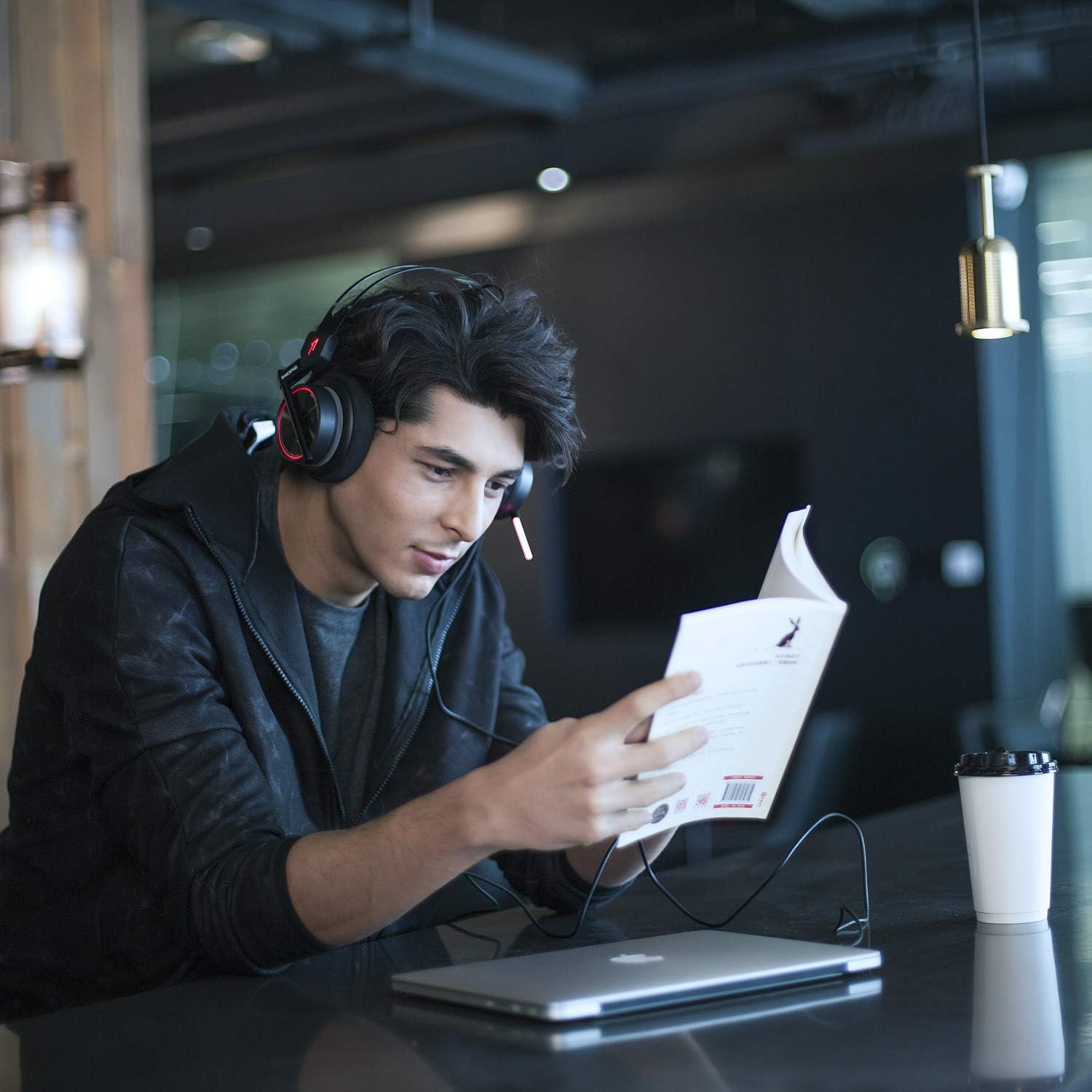
slika: A person wearing the 1MORE H1005 VR Gaming Headset, demonstrating its comfortable fit during use.
2. Audio kontrole
- Kontrola jačine zvuka: Locate the volume wheel or buttons on the headset or inline control (if applicable) to adjust the audio output level.
- Isključivanje mikrofona: A dedicated button or switch on the headset allows you to mute or unmute the microphone.
3. Upotreba mikrofona
- The headset features a retractable microphone with dual-mic noise cancellation. Extend the microphone boom when speaking.
- Position the microphone approximately 1-2 inches from your mouth for clear voice pickup.
- Uvjerite se da mikrofon nije isključen.
4. LED Lighting Customization
- When connected via USB to a PC, the LED lights can be customized using the 1MORE gaming software.
- The software allows you to select colors and twinkling modes to personalize your headset's appearance.
Održavanje
- čišćenje: Use a soft, dry cloth to wipe the headset. For ear pads, a slightly damp Krpe se mogu koristiti, ali se prije upotrebe uvjerite da su potpuno suhe. Nemojte koristiti jake hemikalije ili abrazivna sredstva za čišćenje.
- Skladištenje: Store the headset in the provided soft carry bag or a clean, dry place away from extreme temperatures and direct sunlight. Avoid placing heavy objects on the headset.
- Održavanje kablova: Izbjegavajte oštre savijanja ili pretjerano povlačenje kablova kako biste spriječili oštećenja.
Rješavanje problema
| Problem | Mogući uzrok | Rješenje |
|---|---|---|
| Nema zvuka iz slušalica |
|
|
| Mikrofon ne radi |
|
|
| LED lights not working/customizing |
|
|
If you encounter issues not listed here or if the suggested solutions do not resolve your problem, please contact 1MORE customer support for further assistance.
Specifikacije
| Naziv modela | H1005 |
| Tehnologija povezivanja | Žični (USB, 3.5 mm priključak) |
| Kontrola buke | Active Noise Cancellation (Dual-Mic) |
| Frekvencijski odziv | 20Hz - 20kHz |
| Impedansa | 32 Ohm |
| Priključak za slušalice | 3.5 mm Jack |
| Kompatibilni uređaji | PC, PS4, XBOX, Smartphones |
| Materijal | Stainless Steel (frame) |
| Težina artikla | 16 unci (približno 453 grama) |
| Dimenzije proizvoda (DxŠxV) | 54 x 6 x 8 inches (Note: These dimensions may refer to packaging.) |
Napomena: Specifikacije se mogu promijeniti bez prethodne najave.
Garancija i podrška
Your 1MORE H1005 VR Gaming Headset is covered by a limited warranty. For specific warranty terms and conditions, please refer to the warranty card included in your product packaging or visit the official 1MORE website.
For technical support, troubleshooting assistance, or to inquire about warranty service, please contact 1MORE customer support through their official webweb-mjesto ili kontakt informacije navedene u dokumentaciji vašeg proizvoda.
Online resursi: Posjetite 1MORE trgovinu na Amazonu


