1. Uvod
The HyperX Cloud Pro Gaming Headset is engineered for serious console and PC gamers, offering superior comfort and audio performance. Featuring a durable aluminum frame, memory foam ear cushions, and 53mm drivers, this headset delivers crystal clear highs, mids, and lows. The convenient in-line audio control provides easy access to volume adjustments and microphone muting, ensuring an immersive gaming experience.
2. Sadržaj paketa
- HyperX Cloud Pro Gaming Headset
- Odvojivi mikrofon za poništavanje buke
- In-line Audio Control Box
- PC Extension Cable (2M) with Stereo and Mic Plugs
- Torbica za nošenje

Image: All components included with the HyperX Cloud Pro Gaming Headset.
3. Proizvod je gotovview
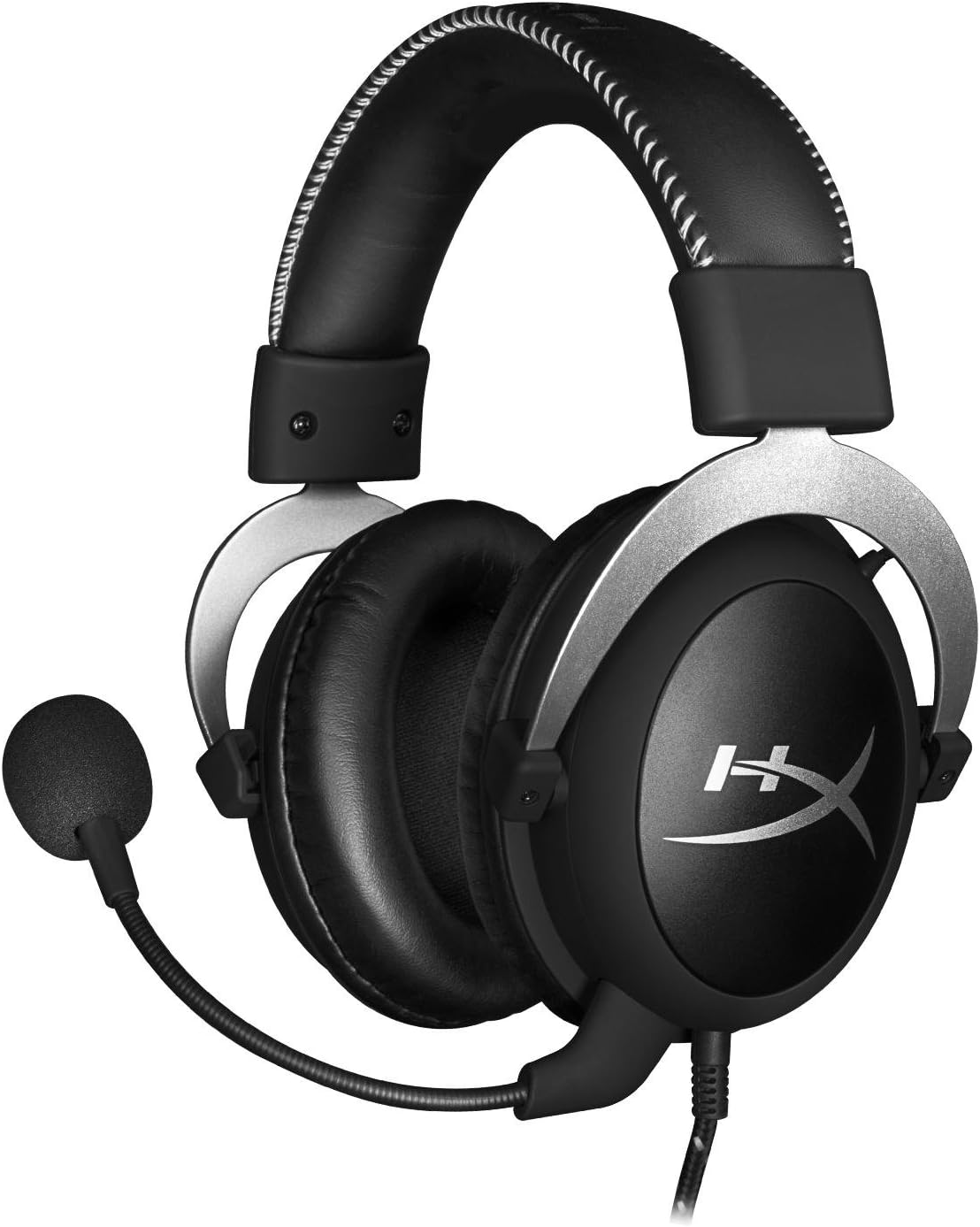
Front view of the headset with microphone.
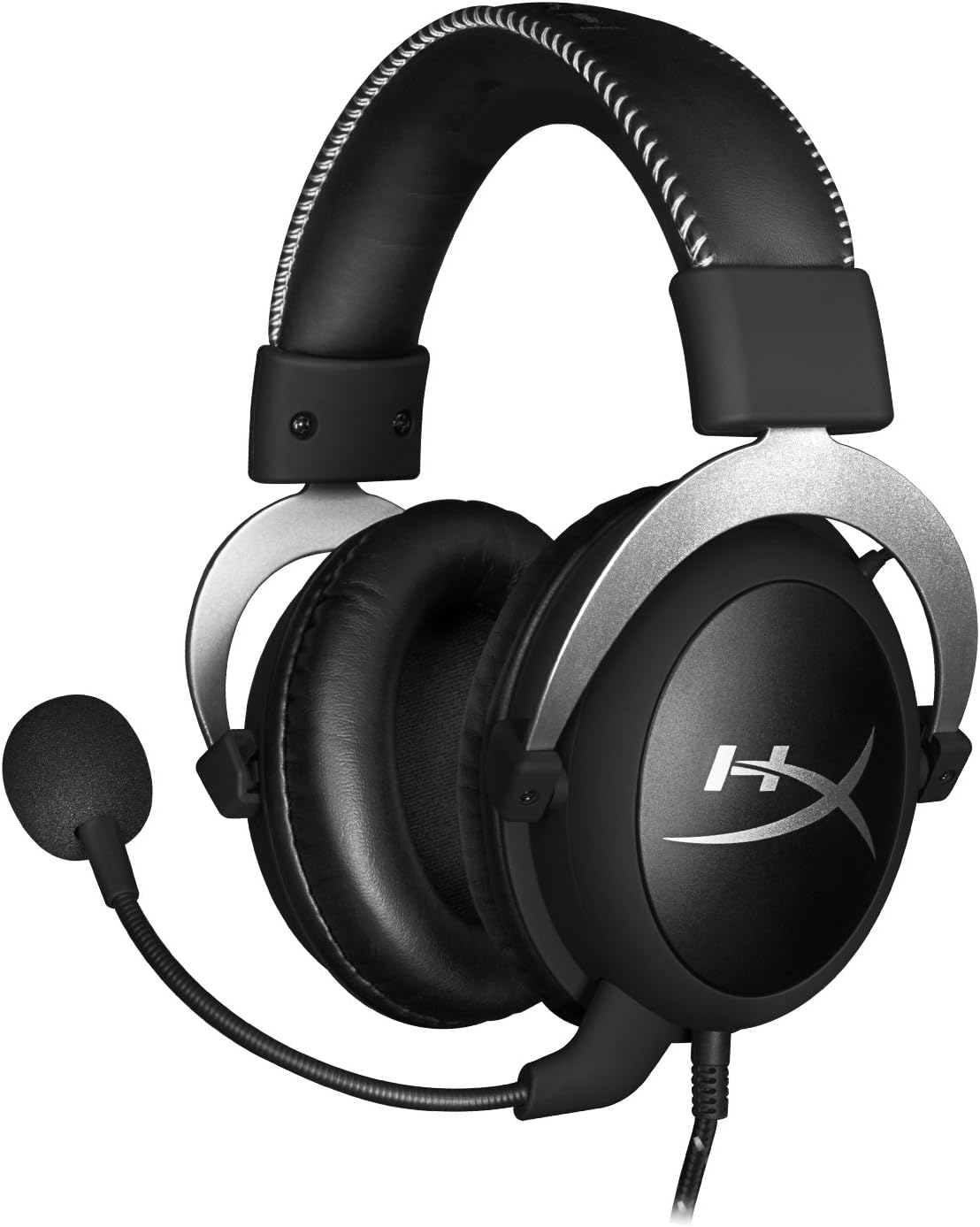
Side view slušalica.

Headset folded flat for storage.

Top view of the headband.
Ključne komponente:
- Traka za glavu: Padded with leatherette for comfort during extended use.
- Slušne školjke: Over-ear design with memory foam cushions, providing passive noise isolation.
- Odvojivi mikrofon: Flexible, noise-cancelling microphone for clear communication.
- In-line Audio Control: Integrated unit on the cable for volume adjustment and microphone mute.
4. Podešavanje i povezivanje
4.1 Povezivanje sa računarom
- Connect the headset's 3.5mm plug to the in-line audio control box.
- Attach the PC extension cable to the in-line audio control box.
- Plug the green audio jack of the extension cable into your PC's audio output (headphone) port.
- Plug the pink microphone jack of the extension cable into your PC's microphone input port.
- Ensure the detachable microphone is securely inserted into the headset's microphone port.
4.2 Console Connection (PS4, Xbox One, Wii U)
- Connect the headset's 3.5mm plug directly into your console controller's 3.5mm port.
- Ensure the detachable microphone is securely inserted into the headset's microphone port.
- Adjust audio settings on your console as needed to route chat and game audio through the headset.
4.3 Veza s mobilnim uređajem
- Connect the headset's 3.5mm plug directly into your mobile device's 3.5mm audio jack.
- The microphone can be attached for calls or detached if not needed.

Image: In-line audio control unit.
5. Uputstvo za upotrebu
5.1 Kontrola jačine zvuka
The in-line audio control features a rotary volume wheel. Rotate the wheel upwards to increase volume and downwards to decrease volume. This adjusts the headset's output volume independently of your device's master volume.
5.2 Isključivanje mikrofona
A switch on the in-line audio control allows you to quickly mute or unmute the microphone. Slide the switch to the 'Mute' position to disable the microphone, and slide it back to enable it. This is useful for privacy or when you do not wish your voice to be transmitted.
6. Održavanje i njega
- čišćenje: Koristite meku, suhu krpu za brisanje slušalica. Za jastučiće za uši, laganoamp Krpe se mogu koristiti, ali se prije upotrebe uvjerite da su potpuno suhe. Izbjegavajte jake hemikalije ili abrazivna sredstva za čišćenje.
- Skladištenje: When not in use, store the headset in the provided carrying pouch to protect it from dust and scratches. Avoid extreme temperatures and humidity.
- Održavanje kablova: Do not excessively bend or pull the cables. Store them neatly to prevent tangling and damage.
7. Otkrivanje problema
| Issue | Mogući uzrok | Rješenje |
|---|---|---|
| Nema zvuka iz slušalica | Incorrect connection; Volume too low; Device audio settings. | Ensure all cables are securely connected. Increase volume using the in-line control and device settings. Verify audio output settings on your PC/console. |
| Mikrofon ne radi | Microphone muted; Incorrect connection; Device microphone settings. | Check the microphone mute switch on the in-line control. Ensure the microphone is fully inserted. Verify microphone input settings on your PC/console. |
| Loš kvalitet zvuka / Statički zvuk | Loose connection; Interference; Damaged cable. | Reconnect all cables. Test on another device to rule out interference. If issues persist, the cable may be damaged. |
| Neudobne slušalice | Nepravilno pristajanje. | Adjust the headband for a comfortable fit. The memory foam ear cushions are designed for extended comfort. |
8. Tehničke specifikacije
- Naziv modela: HyperX Cloud Pro Gaming Headset - Silver - with In-Line Audio Control
- Broj modela: HX-HSCL-SR/NA
- Povezivanje: Žičano (3.5 mm priključak)
- Vozači: 53mm dinamički drajveri
- Frekvencijski odziv: 15 Hz - 25 kHz
- Materijal: Foam, Aluminum, Leather
- Težina artikla: 0.6 kilograma (1.32 funti)
- Kompatibilni uređaji: PS5, PS4, Xbox One, Wii U, Mac, Mobile Devices, PC
- Vrsta kontrole: Kontrola jačine zvuka, Isključivanje mikrofona
- Kontrola buke: Aktivno poništavanje buke (mikrofon)
9. Garancija i podrška
The HyperX Cloud Pro Gaming Headset is backed by a 2 godine garancije. For technical support or warranty claims, please contact HyperX customer service. You can also refer to the official Uputstvo za upotrebu (PDF) za dodatne informacije.


