1. Proizvod je gotovview
The Laserliner DistanceMaster Compact is a precise laser distance meter designed for accurate length, area, and volume measurements. It features a color display and a robust, ergonomically designed rubber casing, making it suitable for various environments, including construction sites and indoor applications.
Ključne karakteristike:
- Precise point-accurate laser measurement for accurate length determination.
- Area and volume functions for calculating room sizes and material quantities.
- Measured value memory for up to 10 entries.
- Measuring accuracy of ±3 mm up to 25 meters.
- Internal measuring range from 0.1 meters to 25 meters.
- Two selectable reference points for measurement: front and rear.
- Min/Max function for determining diagonals, vertical, and horizontal distances.
- Illuminated three-line color LCD display for clear readability.
- Robust, ergonomically designed rubber casing with IP54 protection against dust and splashing water.
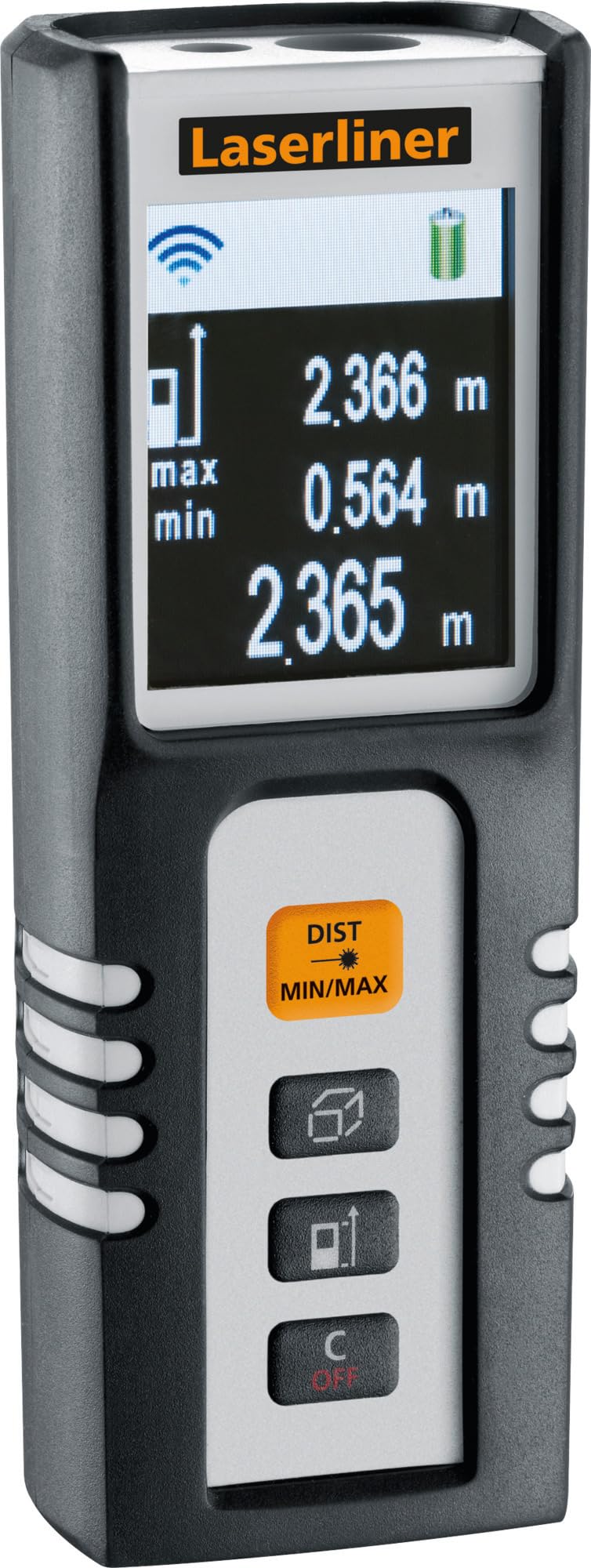
Image 1.1: The Laserliner DistanceMaster Compact laser rangefinder with its protective carrying case. The device features a clear digital display showing measurement readings and battery status.
2. Podešavanje
2.1 Instalacija baterije
The DistanceMaster Compact requires two AAA batteries for operation. These are typically included with the device.
- Pronađite poklopac odjeljka za bateriju na stražnjoj strani uređaja.
- Pomaknite ili otkačite poklopac da biste otvorili pretinac.
- Umetnite dvije AAA baterije, pazeći na ispravan polaritet (+/-) kao što je naznačeno unutar odjeljka.
- Čvrsto zatvorite poklopac odeljka za baterije.
2.2 Uključivanje/isključivanje
Da biste uključili uređaj, pritisnite DIST dugme. Za isključivanje, pritisnite i držite C/OFF dugme.
3. Uputstvo za upotrebu
3.1 Osnovno mjerenje udaljenosti
For a single distance measurement:
- Usmjerite laserski snop prema ciljanoj površini.
- Pritisnite DIST button once. The measured distance will appear on the display.
3.2 Mjerenje površine i zapremine
The device can calculate area and volume automatically after taking the necessary measurements.
- Pritisnite dugme sa square/cube icon to select area or volume mode.
- Follow the on-screen prompts to measure the required dimensions (length, width, height).
- The calculated area or volume will be displayed.

Image 3.1: The laser rangefinder being used to measure dimensions for calculating the area of a wall, illustrating its practical application for material estimation.
3.3 Min/Max Tracking
The Min/Max function allows for continuous measurement, displaying the minimum and maximum distances recorded during a sweep. This is useful for finding diagonals or precise horizontal/vertical distances.
- Pritisnite i držite DIST MIN/MAX dugme.
- Sweep the device across the desired area. The display will continuously update with the minimum and maximum measured values.
- Pritisnite DIST MIN/MAX again to stop tracking.

Slika 3.2: Detaljan view of the control panel, highlighting the 'DIST MIN/MAX' button used for continuous measurement and tracking.
3.4 Odabir referentne tačke
The measurement reference point can be switched between the front and rear of the device. This is important for accurate measurements depending on where the device is placed.
- Pritisnite dugme sa ikona strelice to toggle between front and rear reference points. The active reference point will be indicated on the display.
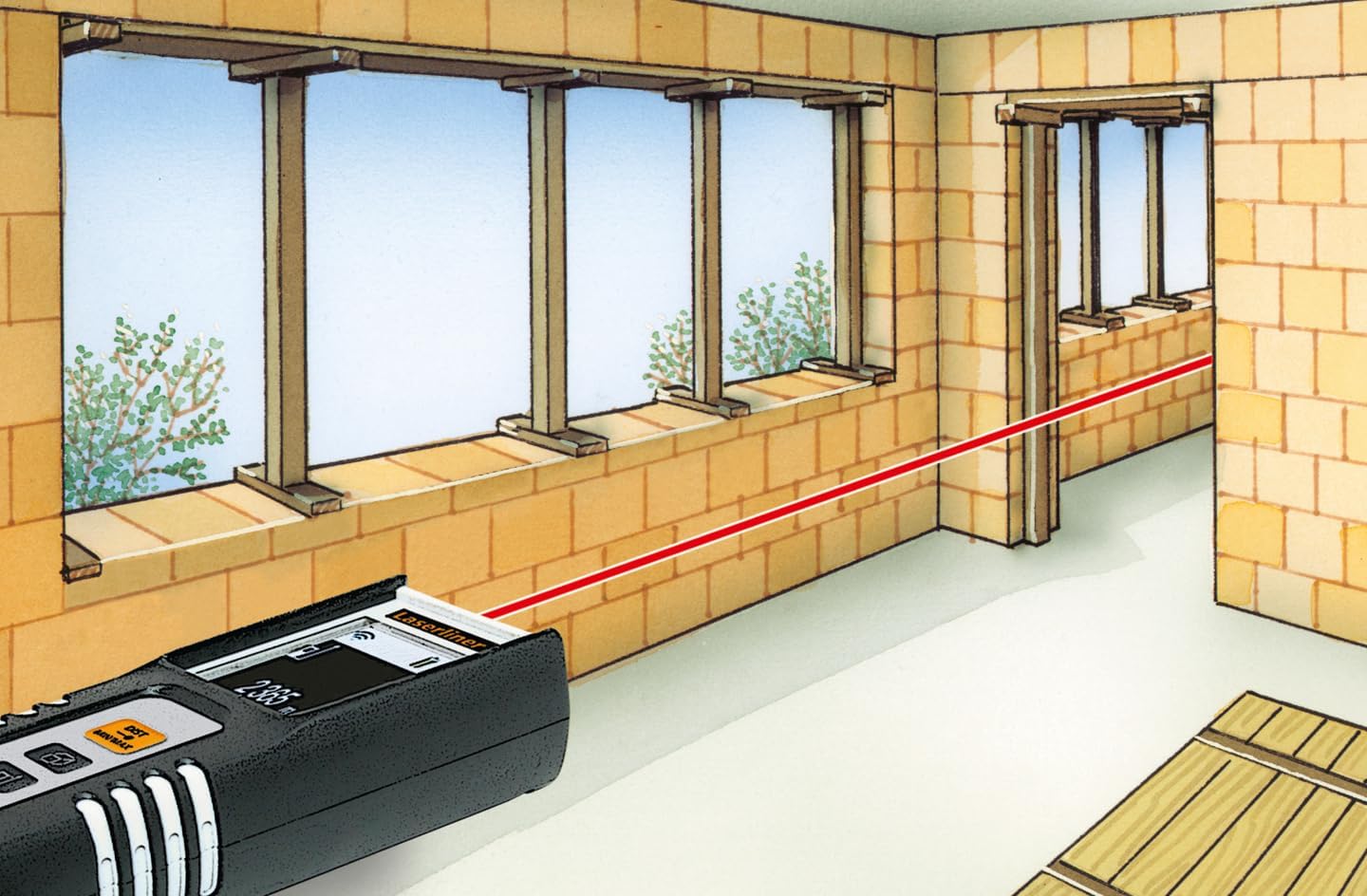
Image 3.3: The laser rangefinder in use, demonstrating a distance measurement across a room, emphasizing the importance of selecting the correct reference point.
3.5 Memorijska funkcija
The device can store up to 10 measured values. To access or clear the memory, refer to the on-screen menu or specific button combinations detailed in the full manual (not provided here).
4. Održavanje
4.1 Čišćenje
- Obrišite uređaj mekom krpom, damp tkanina. Nemojte koristiti abrazivna sredstva za čišćenje ili rastvarače.
- Održavajte lasersko sočivo čistim i bez prašine ili ostataka kako biste osigurali tačna mjerenja.
4.2 Skladištenje
- Uređaj čuvajte u zaštitnoj futroli kada se ne koristi.
- Izvadite baterije ako uređaj nećete koristiti duži period kako biste spriječili curenje.
- Čuvati na suvom mestu, daleko od ekstremnih temperatura.
5. Otkrivanje problema
- Uređaj se ne uključuje: Check battery polarity and ensure batteries are not depleted. Replace if necessary.
- Netačna mjerenja: Ensure the laser lens is clean. Verify the correct reference point is selected. Avoid measuring through transparent surfaces or highly reflective materials.
- Problemi sa prikazom: Ako je ekran taman ili treperi, zamijenite baterije.
6. Specifikacije

Image 6.1: The vibrant color LCD display of the DistanceMaster Compact, designed for clear visibility of measurements and functions.
| Feature | Specifikacija |
|---|---|
| Broj modela | 080.936A |
| Measuring Range | 0.1 m do 25 m (0.3 ft do 82 ft) |
| Preciznost | ±3 mm |
| Measuring Units | Metri (m), Stope (ft), Inči (in) |
| Laser Class | 2 |
| Talasna dužina | 650 nm |
| Memory Records | 10 |
| Display | Illuminated 3-line color LCD |
| Napajanje | 2 x AAA alkalne baterije (uključene) |
| Radna temperatura | -10 °C do 40 °C (14 °F do 104 °F) |
| Ocjena zaštite | IP54 (zaštićen od prašine i prskanja vode) |
| Materijal | Guma casing |
| Boja | Crni, bijeli |
| Dimenzije proizvoda | 110 mm (V) x 43 mm (Š) x 27 mm (D) |
| Težina proizvoda | 100 grama |

Image 6.2: The robust design of the laser rangefinder, featuring anti-shock rubber for durability and protection in demanding environments, indicated by the IP54 rating.
7. Garancija i podrška
For warranty information, technical support, or service inquiries regarding your Laserliner DistanceMaster Compact, please refer to the official Laserliner webweb-mjesto ili kontaktirajte njihovu službu za korisnike. Sačuvajte račun kao dokaz o kupovini za reklamacije u slučaju garancije.
Za dodatnu pomoć, možete posjetiti Laserliner official website.


