1. Podešavanje
This section guides you through the initial setup of your NEC VY24G/D-9 laptop.
1.1 Raspakivanje i početni pregled
Pažljivo izvadite sve komponente iz ambalaže. Provjerite da li su sljedeće stavke prisutne:
- NEC VY24G/D-9 Laptop
- AC adapter i kabl za napajanje
- Recovery CD
- Any additional software CDs (e.g., WinDVD, Roxio Creator)
Inspect the laptop and accessories for any visible damage. Note that the exterior casing and LCD screen may have minor cosmetic scratches from previous use, which do not affect functionality.
1.2 Povezivanje AC adaptera
Before first use, connect the AC adapter to the laptop and a power outlet to charge the battery and provide power.
- Plug the DC output connector of the AC adapter into the power input port on the side of the laptop.
- Priključite kabl za napajanje u mrežni adapter.
- Uključite drugi kraj kabla za napajanje u uzemljenu električnu utičnicu.
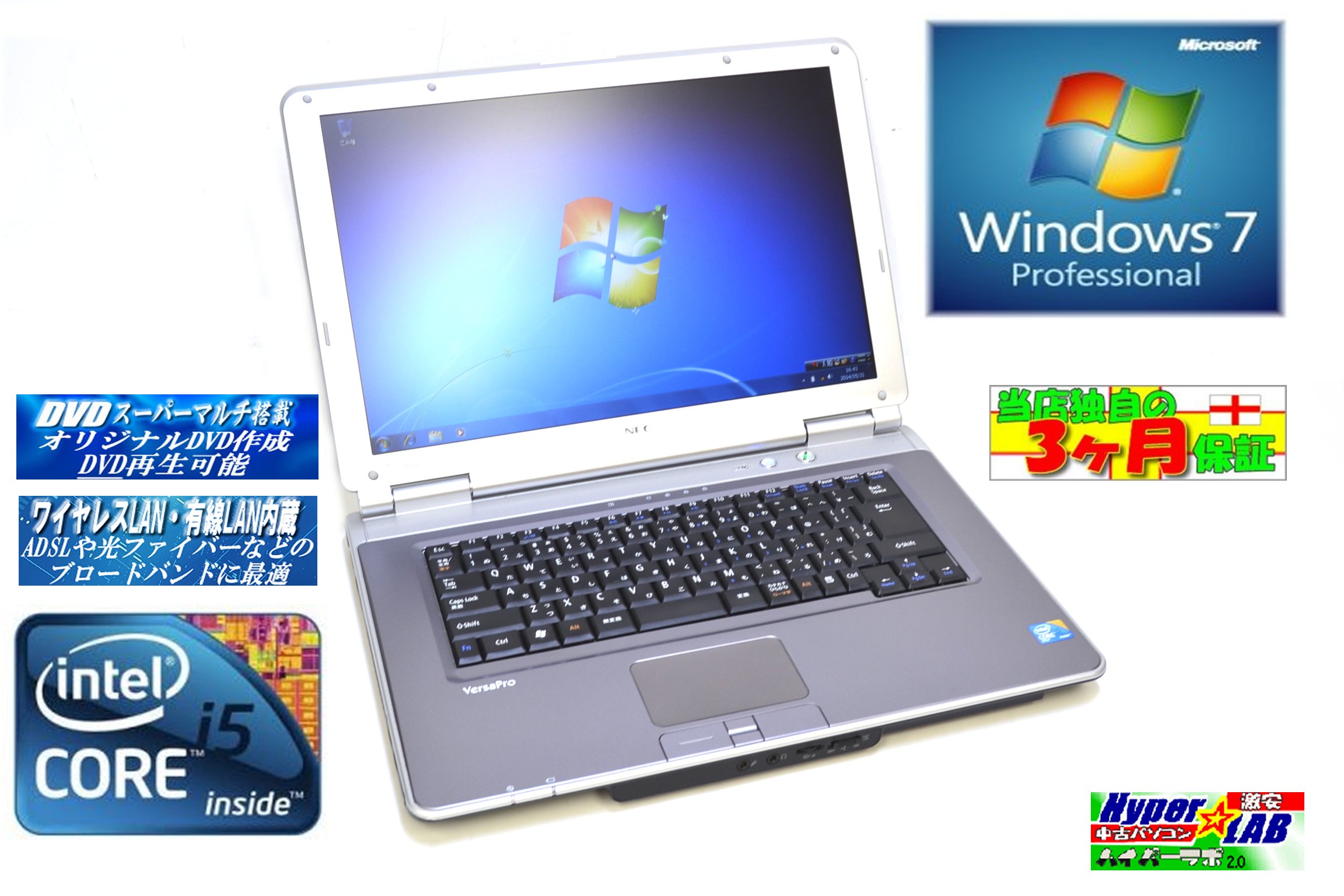
Image 1.1: The NEC VY24G/D-9 laptop shown with its AC adapter and included software/recovery CDs. The laptop is silver with a black base, and the AC adapter is a black rectangular unit with a power cord.
1.3 Početno uključivanje i podešavanje operativnog sistema
Press the power button to turn on the laptop. The system comes with Windows 7 Professional 32-bit pre-installed. Follow the on-screen prompts to complete the initial operating system setup, which may include setting up user accounts, time zone, and network connections.
2. Uputstvo za upotrebu
This section covers the basic operation of your NEC VY24G/D-9 laptop.
2.1 Uključivanje/isključivanje napajanja
- Za uključivanje: Pritisnite dugme za napajanje koje se nalazi na laptopu.
- Za isključivanje: Click the Start button in Windows, then select "Shut Down."
- Za ponovno pokretanje: Click the Start button, then select "Restart."
- Za spavanje: Click the Start button, then select "Sleep."
2.2 Using the DVD Multi Drive
The laptop is equipped with a DVD Multi optical drive for reading and writing CDs and DVDs.
- Pritisnite dugme za izbacivanje na optičkoj disk jedinici da otvorite ležište.
- Place a CD or DVD onto the tray with the label side facing up.
- Lagano gurnite ladicu nazad u laptop dok se ne zatvori.
- The operating system will typically detect the disc automatically.
2.3 Povezivanje na mrežu
The laptop supports both wired and wireless network connections.
- Ožičeni LAN: Connect an Ethernet cable to the LAN port on the side of the laptop.
- Wireless LAN (802.11bgn): Use the Windows network settings to connect to available Wi-Fi networks. Ensure the wireless adapter is enabled (check for a physical switch or function key combination if Wi-Fi is not detected).
2.4 Using USB Ports and PC Card Slot
The laptop features multiple USB 2.0 ports and a PC Card slot for connecting external devices.
- USB 2.0 portovi (x5): Povežite USB uređaje kao što su miševi, tastature, eksterni tvrdi diskovi ili fleš diskovi.
- PC Card Slot (x1): Insert compatible PC Cards for expanded functionality, such as additional network adapters or storage.

Slika 2.1: Strana A view of the NEC VY24G/D-9 laptop, illustrating the arrangement of its various ports, including USB, LAN, and potentially VGA or serial ports.
3. Održavanje
Pravilno održavanje osigurava dugotrajnost i optimalne performanse vašeg laptopa.
3.1 Čišćenje laptopa
- Eksterijer: Koristite meku krpu koja ne ostavlja dlačiceampOperite vodom ili blagim rastvorom za čišćenje. Izbjegavajte jake hemikalije.
- ekran: Koristite krpu od mikrovlakana posebno dizajniranu za ekrane elektronskih uređaja. Ne prskajte tekućinu direktno na ekran.
- tastatura: Koristite komprimirani zrak za uklanjanje prašine i ostataka između tipki.
3.2 Ažuriranja softvera
Regularly check for and install updates for Windows 7 Professional and any installed applications to ensure security and performance.
3.3 Njega baterija
To maximize battery life, avoid extreme temperatures and allow the battery to discharge partially before recharging. If storing the laptop for an extended period, ensure the battery is charged to about 50%.
4. Otkrivanje problema
Ovaj odjeljak pruža rješenja za uobičajene probleme s kojima se možete susresti.
4.1 Laptop se ne uključuje
- Provjerite je li AC adapter sigurno priključen i na laptop i na ispravnu utičnicu.
- Provjerite da li je utičnica funkcionalna tako što ćete uključiti drugi uređaj.
- Ako koristite napajanje iz baterija, provjerite je li baterija napunjena.
4.2 Nema prikaza na ekranu
- Provjerite da li je laptop uključen.
- Adjust the screen brightness using the function keys (Fn + brightness keys).
- Connect an external monitor to determine if the issue is with the laptop's internal display.
4.3 Problemi s mrežnom vezom
- Ožičeno: Ensure the Ethernet cable is properly connected and the network router/modem is working.
- bežični: Verify that Wi-Fi is enabled and you are connecting to the correct network with the correct password. Restart your router/modem.
4.4 Oporavak sistema
If the operating system becomes unstable or corrupted, you can use the provided Recovery CD to restore the system to its factory settings. Refer to the instructions included with the Recovery CD for detailed steps.
5. Specifikacije
Detailed technical specifications for the NEC VY24G/D-9 laptop.
| Feature | Specifikacija |
|---|---|
| Brand | NEC |
| Naziv modela | VY24G/D-9 (VersaPro VY24G/D-9) |
| Veličina ekrana | 15.4 inča |
| Rezolucija | 1280 x 800 |
| Marka CPU-a | Intel |
| CPU Type | Core i5 (520M) |
| Brzina procesora | 2.4 GHz |
| Procesor Count | 1 |
| Veličina RAM-a | 2 GB |
| HDD Capacity | 160 GB |
| HDD interfejs | Serial ATA |
| Optical Drive | DVD Multi |
| Bežični tip | 802.11bgn |
| Žični LAN | Da |
| USB portovi | USB 2.0 x 5 |
| Utor za PC karticu | x 1 |
| Operativni sistem | Windows 7 Professional (32-bitni) |
| Hardverska platforma | PC |
6. Jamstvo i podrška
This section provides information regarding the product warranty and how to obtain support.
6.1 Jamstvo za proizvod
This NEC VY24G/D-9 laptop comes with a 3-mjesečna garancija from the date of purchase. This warranty covers manufacturing defects and hardware malfunctions under normal use. It does not cover damage caused by misuse, accidents, unauthorized modifications, or normal wear and tear.
6.2 Tehnička podrška
For technical assistance or warranty claims, please contact your retailer or the authorized NEC service center. Have your purchase receipt and the laptop's serial number ready when contacting support.


