Uvod
This manual provides essential information for the safe and efficient installation, operation, and maintenance of your Dinuy M34364 Lumen Musical Chime. Please read these instructions carefully before using the product and retain this manual for future reference.
Product Overview
The Dinuy M34364 Lumen Musical Chime is a 220V musical doorbell designed for residential or commercial use. It provides an audible signal when activated, offering a clear and distinct sound.
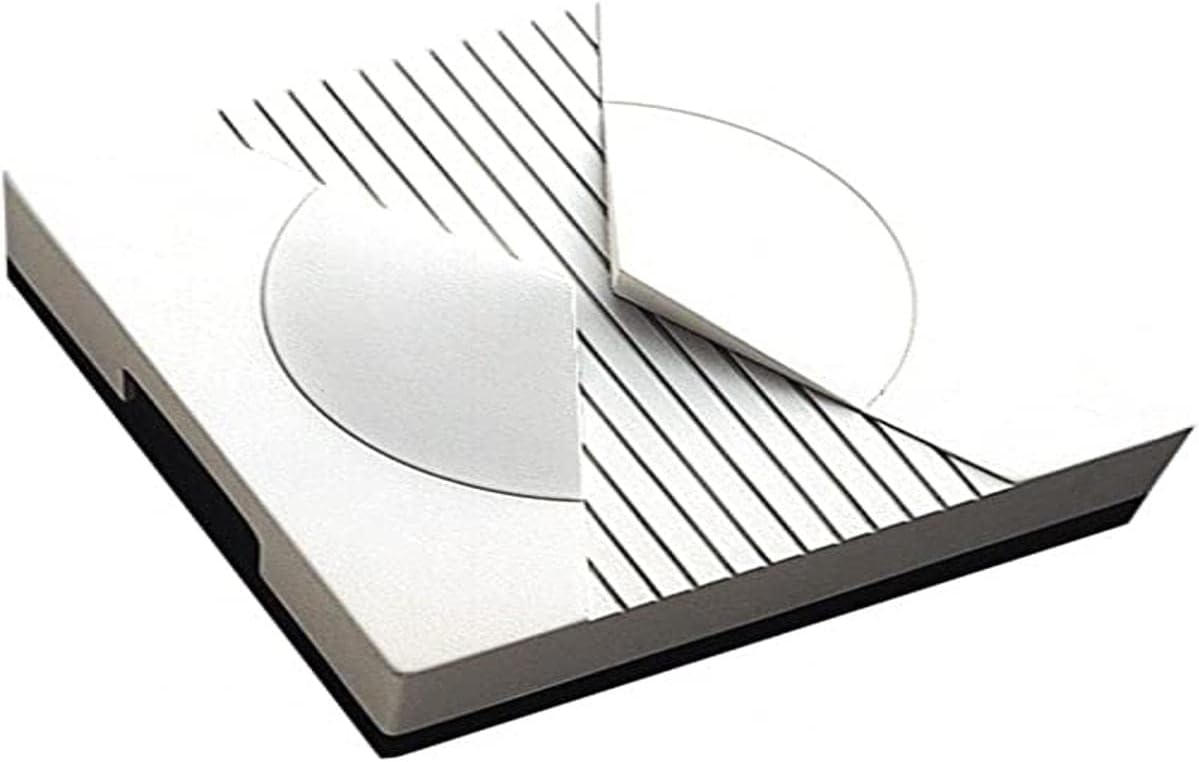
This image displays the Dinuy M34364 Lumen Musical Chime, a compact, square-shaped device with a white finish. The top surface features a circular design element and parallel black lines, suggesting a modern aesthetic. The device has a dark base.
Uputstva za postavljanje
Proper installation is crucial for the safe and correct functioning of the chime. If you are unsure about any steps, consult a qualified electrician.
- Sigurnost na prvom mjestu: Before beginning any installation, ensure the main power supply to the installation area is turned off at the circuit breaker to prevent electrical shock.
- Lokacija montaže: Choose a suitable indoor location for the chime, away from direct moisture or extreme temperatures. Ensure the mounting surface is stable.
- Montiranje zvona: Secure the chime to the wall using appropriate screws and wall plugs (not included), ensuring it is level and firmly attached.
- Ožičenje: Connect the 220V power supply wires to the designated terminals on the chime. Refer to the wiring diagram usually found inside the chime's casing or on its back. Ensure all connections are secure and insulated.
- Connect Push Button: Connect the doorbell push button (not included) to the chime's input terminals as per the wiring diagram.
- Vrati snagu: Once all connections are made and secured, restore power at the circuit breaker.
- Test funkcionalnost: Press the doorbell push button to verify that the chime sounds correctly.
Uputstvo za upotrebu
The Dinuy M34364 Lumen Musical Chime operates simply once installed.
- Aktivacija: The chime will sound when the connected doorbell push button is pressed.
- Izbor zvuka: If your model includes multiple melodies, there may be a small button or switch on the side or back of the unit to cycle through available sounds. Consult the specific markings on your device.
- Podešavanje jačine zvuka: Some models may feature a volume control dial or button. Adjust as needed for your environment.
Održavanje
The Dinuy M34364 Lumen Musical Chime requires minimal maintenance to ensure long-lasting performance.
- čišćenje: Periodically wipe the exterior of the chime with a soft, dry cloth. Do not use abrasive cleaners, solvents, or excessive moisture, as these can damage the unit.
- inspekcija: Occasionally check the wiring connections to ensure they remain secure. If any damage is observed, disconnect power immediately and consult a qualified technician.
- Nema dijelova koje može servisirati korisnik: The internal components of the chime are not user-serviceable. Do not attempt to open or repair the unit yourself.
Rješavanje problema
If you encounter issues with your chime, refer to the following table for common problems and solutions.
| Problem | Mogući uzrok | Rješenje |
|---|---|---|
| Chime does not sound. | No power, loose wiring, faulty push button. | Check power supply at the circuit breaker. Verify all wiring connections are secure. Test the push button for functionality. |
| Chime sounds intermittently. | Loose connections, faulty push button. | Inspect all wiring connections for tightness. Test or replace the push button. |
| Sound is distorted or weak. | Internal component issue, incorrect voltage. | Ensure the chime is receiving the correct 220V power. If the issue persists, contact customer support. |
Tehničke specifikacije
- Proizvođač: Dinuy
- Broj modela: M34364
- referenca: TI.LUM.220
- Napajanje: 220V (prema opisu proizvoda)
- Dimenzije paketa: 12.4 x 12 x 6.2 cm
- Težina: 60 grama
- Quantity per package: 1
- ASIN: B00J0ARR8E
Garancija i podrška
For information regarding warranty coverage, technical support, or spare parts availability, please refer to the documentation provided with your purchase or contact Dinuy customer service directly. Keep your proof of purchase for warranty claims.


