1. Proizvod je gotovview
The Lutron Maestro MS-OPS6M2N-DV-WH is an advanced occupancy/vacancy sensor switch designed to automatically control lighting in a room. This device utilizes passive infrared (PIR) technology to detect human motion and presence, ensuring lights are only on when needed. It combines the functionality of a standard light switch with an integrated motion sensor, offering convenience and energy savings.
Ključne karakteristike:
- Passive infrared motion detection with Lutron XCT technology for fine motion sensing.
- 180-degree sensor field-of-view for comprehensive room coverage.
- Requires a neutral wire for installation.
- Occupancy version supports both auto-on/auto-off and manual-on/auto-off modes.
- Vacancy version is available to comply with CA Title 24 requirements.
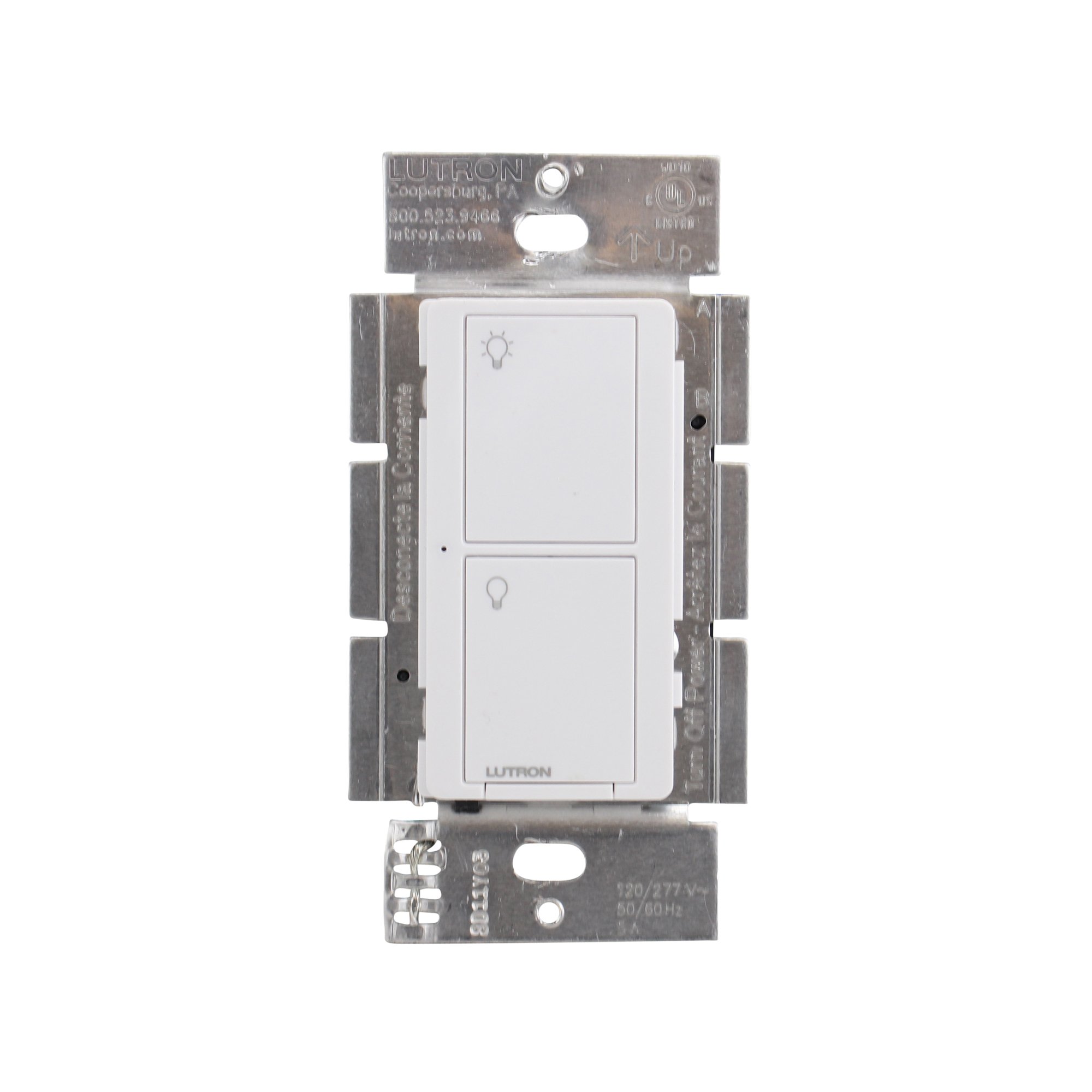
Slika 1: Prednja strana view of the Lutron Maestro MS-OPS6M2N-DV-WH sensor switch.
2. Postavljanje i instalacija
Važne informacije o sigurnosti: Before beginning installation, turn off power at the circuit breaker or fuse box. Incorrect installation can lead to electrical shock or fire. If you are unsure about any part of these instructions, consult a qualified electrician.
Potreban alat: Screwdriver (Phillips and flathead), wire strippers, electrical tape.
2.1 Upute za ožičenje
- Isključite napajanje: Pronađite prekidač koji kontrolira prekidač koji zamjenjujete i isključite ga. Provjerite je li napajanje isključeno pomoću regulatora glasnoće.tage tester.
- Uklonite postojeći prekidač: Pažljivo uklonite zidnu ploču i odvrnite postojeći prekidač iz zidne kutije. Isključite žice sa starog prekidača.
- Identifikujte žice:
- Hot (Line) Wire: Typically black, brings power from the circuit breaker.
- Žica za opterećenje: Typically black, connects to the light fixture.
- Neutralna žica: Typically white, required for this switch.
- Žica za uzemljenje: Typically bare copper or green.
Note: If you are replacing a 3-way switch, you will also have traveler wires. This model supports 3-way circuits. Refer to the detailed wiring diagram for 3-way installations.
- Connect Wires to Maestro Switch:
- Povežite žica za uzemljenje from the wall box to the green ground wire on the Maestro switch.
- Povežite neutralna žica from the wall box to the white neutral wire on the Maestro switch.
- Povežite hot (line) wire i load wire from the wall box to the two black wires on the Maestro switch. If the light does not function correctly, swap these two black wires.
- For 3-way applications, connect the traveler wires as per the specific 3-way wiring diagram provided with the product packaging.
- Sigurni prekidač: Carefully push the wired switch into the wall box, ensuring wires are not pinched. Screw the switch into place.
- Instalirajte zidnu ploču: Attach the decorative wall plate.
- Vrati snagu: Ponovo uključite napajanje na prekidaču.

Slika 2: Prample wiring diagram for a single-pole installation. Consult the included manual for 3-way wiring.
3. Uputstvo za upotrebu
The Maestro sensor switch offers flexible operation modes to suit various needs.
3.1 Načini rada
- Occupancy Mode (Auto-On/Auto-Off): In this mode, the lights automatically turn ON when motion is detected and automatically turn OFF after a set time delay when no motion is detected. This is ideal for high-traffic areas where hands-free operation is desired.
- Vacancy Mode (Manual-On/Auto-Off): In this mode, the lights must be manually turned ON by pressing the switch button. They will then automatically turn OFF after a set time delay when no motion is detected. This mode is often used to meet energy codes and provides more control over when lights are initially activated.
3.2 Podešavanje postavki
The Maestro sensor switch typically has small buttons or dip switches behind the wall plate for adjusting settings such as:
- Vremensko kašnjenje: How long the lights remain on after the last detected motion (e.g., 1, 5, 15, 30 minutes).
- Osjetljivost: The level of motion required to trigger the sensor.
- Način rada: Switching between Occupancy (Auto-On) and Vacancy (Manual-On) modes.
Refer to the detailed instructions included with your product for specific steps on how to access and adjust these settings.
4. Održavanje
The Lutron Maestro sensor switch requires minimal maintenance to ensure optimal performance.
- čišćenje: Za čišćenje površine prekidača koristite meku,amp krpom. Ne koristite abrazivna sredstva za čišćenje, rastvarače ili jake hemikalije, jer mogu oštetiti završnu obradu ili unutrašnje komponente.
- Ometanje senzora: Ensure the sensor lens is not obstructed by furniture, curtains, or other objects that could block its field of view. A clear path to the sensor is crucial for accurate motion detection.
- Nakupljanje prašine: Periodically wipe the sensor lens to prevent dust accumulation, which can reduce sensitivity.
5. Otkrivanje problema
If you encounter issues with your Maestro sensor switch, refer to the following common troubleshooting steps:
- Lights do not turn ON automatically (Occupancy Mode):
- Verify the sensor's field of view nije ometano.
- Check the sensitivity setting; it might be too low.
- Ensure the switch is in Occupancy (Auto-On) mode.
- Confirm power is supplied to the switch.
- Lights do not turn OFF:
- Ensure there is no continuous motion within the sensor's range.
- Check the time delay setting; it might be set too long.
- Verify the switch is correctly wired, especially the load wire.
- Lights flicker or behave erratically:
- Confirm that a neutral wire is properly connected. This switch requires a neutral wire for stable operation.
- Uvjerite se da su sve žičane veze sigurne.
- If in a 3-way setup, ensure compatible companion switches are used and wired correctly.
- Prekidač ne reaguje:
- Turn off power at the circuit breaker for 15 seconds, then restore power. This can reset the switch.
- Provjerite sve spojeve ožičenja da li su labavi ili nepravilno postavljeni.
If these steps do not resolve the issue, contact Lutron customer support for further assistance.
6. Specifikacije
| Feature | Detalj |
|---|---|
| Broj modela | MS-OPS6M2N-DV-WH |
| Brand | Lutron |
| Način rada | Automatski |
| Vrsta kontakta | Normalno otvoren |
| Tip konektora | Vijčani terminali |
| Terminal | Screw |
| Dimenzije artikla (D x Š x V) | 2.2 x 2.2 x 4.5 inča |
| Tip kruga | 3-way |
| Tip aktuatora | Pritisnite dugme |
| Kontakt materijal | Bakar |
| Međunarodna ocjena zaštite | IP54 |
| Kontrolni metod | Dodirnite |
| Connectivity Protocol | Infracrveni |
| Boja | Bijelo |
| Težina artikla | 3.52 unce |
| Potrebna je neutralna žica | Da |
7. Videozapisi proizvoda
7.1 Lutron Maestro Sensor Switch Overview
Video 1: Overview of the Lutron Maestro sensor switch features and benefits. This video provides a general introduction to the product's capabilities.
7.2 Advanced Features and Configuration
Video 2: A detailed look into the advanced features and configuration options of the Lutron Maestro sensor switch, including setting adjustments.
8. Informacije o garanciji
Lutron products typically come with a limited warranty covering defects in materials and workmanship. For specific warranty terms and conditions applicable to your MS-OPS6M2N-DV-WH sensor switch, please refer to the warranty card included in the product packaging or visit the official Lutron webSačuvajte dokaz o kupovini za slučaj reklamacije.
9. Korisnička podrška
For technical assistance, troubleshooting, or product inquiries, please contact Lutron customer support. You can find contact information on the official Lutron webweb-mjestu ili u dokumentaciji proizvoda.
Online resursi:
- Posjetite zvaničnika Lutron Store on Amazon za više proizvoda i informacija.
- Refer to the comprehensive FAQs and support documents available on the Lutron corporate website.