1. Uvod i krajview
The AOC e1659Fwu is a 15.6-inch (15.6" viewable) LED-backlit portable monitor designed to expand your workspace. It features a 1366x768 resolution and is powered and receives signal via a single USB 3.0 cable, ensuring convenient plug-and-play functionality. Its ultra-slim and lightweight design enhances portability, making it suitable for various on-the-go applications.
Key features include a 60Hz refresh rate, 8ms response time, and 200 cd/m² brightness. The monitor is equipped with a removable base and a foldable flexi-stand, allowing for viewing in both landscape and portrait modes. An auto-pivot feature automatically adjusts the display orientation. It is compatible with Windows and Mac operating systems.

Slika 1: Prednja strana view of the AOC e1659Fwu portable monitor.
2. Podešavanje
To set up your AOC e1659Fwu monitor, follow these steps:
- Raspakujte monitor: Pažljivo izvadite monitor i svu dodatnu opremu iz ambalaže.
- Pričvrstite postolje: The monitor includes a foldable flexi-stand. Position the monitor on a flat surface and adjust the stand to your desired viewing angle. The stand can be removed if you plan to wall-mount the monitor.
- Povežite se na svoj uređaj: Use the provided USB 3.0 cable to connect the monitor to your laptop or desktop computer. The monitor is powered and receives video signal through this single cable.
- Instalacija drajvera: For initial setup, it may be necessary to install drivers. A CD containing drivers and AOC software is included in the box. Insert the CD and follow the on-screen instructions. The installation process may take approximately 20 minutes.
- Uključeno: Once connected, the monitor should power on automatically. If not, press the power button located on the side of the monitor.

Slika 2: Pozadi view of the monitor with its integrated foldable stand.
Video tutorijal za postavljanje
Video 1: An official AOC tutorial demonstrating the setup process for the e1659Fwu monitor.
3. Operativni
The AOC e1659Fwu monitor offers flexible operating modes to enhance productivity.
Načini prikaza
- Pejzažni način rada: Ideal for presentations, spreadsheets, and general computing tasks.
- Portretni način: Convenient for viewing instant messaging programs, sidebars, or long documents, providing an easy vertical view.
The monitor features an auto-pivot function that automatically adjusts the image orientation when switching between landscape and portrait modes, eliminating the need for manual settings adjustments.
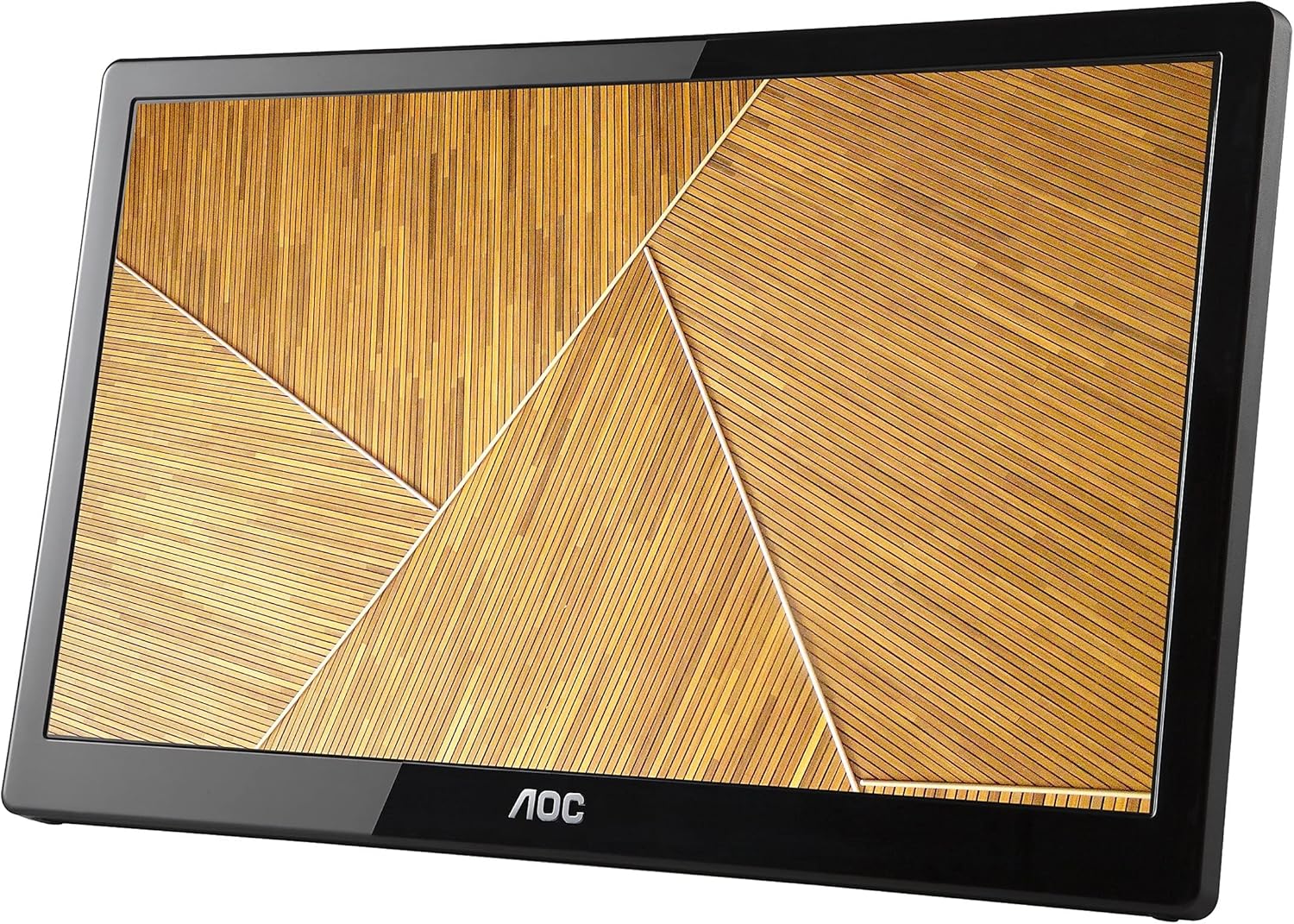
Figure 3: The monitor displayed in portrait orientation, suitable for vertical content.
Kontrola svjetline
Adjust the brightness using the dedicated controls on the side of the monitor to suit your viewing environment. The monitor offers 200 cd/m² brightness for clear visibility.
Multi-Monitor Setup
Thanks to built-in DisplayLink technology, multiple AOC USB monitors can be simultaneously connected to a single laptop or desktop to function as a multi-monitor setup. Simply install the DisplayLink software on your PC or Mac to easily add external displays without additional hardware complications.
4. Održavanje
To ensure the longevity and optimal performance of your AOC e1659Fwu monitor, follow these maintenance guidelines:
- Čišćenje ekrana: Nježno obrišite ekran mekom krpom koja ne ostavlja dlačice. Za tvrdokorne mrlje, lagano prebrišiteampOperite krpu vodom ili sredstvom za čišćenje ekrana posebno namijenjenim za elektroniku. Izbjegavajte jake hemikalije ili abrazivne materijale.
- Čišćenje C-aasing: Koristite meku, suhu krpu za čišćenje površine monitoraasing. Ne koristite tekuća sredstva za čišćenje direktno na casing.
- Skladištenje: When not in use, especially during travel, store the monitor in its provided carrying case to protect it from dust, scratches, and minor impacts.
- Izbjegavajte ekstremne uslove: Do not expose the monitor to extreme temperatures, humidity, or direct sunlight for prolonged periods.
- Pažljivo rukujte: Avoid dropping the monitor or subjecting it to strong vibrations. When connecting or disconnecting cables, do so gently to prevent damage to the ports.
5. Otkrivanje problema
If you encounter issues with your AOC e1659Fwu monitor, refer to the following common troubleshooting tips:
- Nema prikaza/Crni ekran:
- Ensure the USB 3.0 cable is securely connected to both the monitor and your computer.
- Verify that your computer's USB 3.0 port is functioning correctly.
- Provjerite je li monitor uključen.
- Confirm that the necessary drivers are installed. Reinstall if unsure.
- Image Flickering or Instability:
- Ensure the USB 3.0 cable is not damaged and is properly connected.
- Try connecting to a different USB 3.0 port on your computer.
- Ažurirajte grafičke drajvere vašeg računara.
- Incorrect Resolution or Orientation:
- Adjust the display settings in your operating system (Windows Display Settings or Mac System Preferences).
- Ensure the auto-pivot feature is enabled if you want automatic orientation changes.
- Bez zvuka (ako je primjenjivo):
- Check your computer's sound output settings to ensure the monitor is selected as the playback device.
- Adjust the volume controls on the monitor and your computer.
If problems persist, consult the full user manual on the included CD or contact AOC customer support.
6. Specifikacije
| Feature | Specifikacija |
|---|---|
| Veličina prikaza na stalnom ekranu | 16 inča |
| Rezolucija ekrana | 1366x768 |
| Maksimalna rezolucija ekrana | 1366 x 768 |
| Broj USB 3.0 portova | 1 |
| Brand | AOC |
| Serije | AOC Portable Monitor |
| Broj modela artikla | E1659FWU |
| Težina artikla | 2.4 funte |
| Dimenzije proizvoda | 8.63 x 14.56 x 0.87 inča |
| Dimenzije artikla DxŠxV | 8.63 x 14.56 x 0.87 inča |
| Boja | Crna |
| Broj procesora | 1 |
| Voltage | 5 Volts |
| Proizvođač | AOC |
| ASIN | B00CMKOVMO |
| Proizvođač je ukinuo | br |
| Datum prve dostupnosti | 18. jul 2013 |
| Veličina ekrana | 16 inča |
| Rezolucija | XGA Wide |
| Aspect Ratio | 16:9 |
| Opis površine ekrana | Sjajni |
7. Šta se nalazi u kutiji
The AOC e1659Fwu monitor package includes the following items:
- 15.6" monitor
- USB 3.0 kabel
- Torbica za nošenje
- CD (Drivers, AOC Software, User’s Manual, Warranty)
8. Garancija i podrška
The AOC e1659Fwu monitor comes with a warranty. Details regarding the warranty period and terms can be found on the warranty card included in the product packaging or within the User's Manual on the provided CD.
For technical support, troubleshooting assistance, or warranty claims, please refer to the contact information provided in your User's Manual or visit the official AOC Monitors website.


