1. Uvod
The Escali Pico N115S is a compact digital kitchen and office scale designed for precise measurements. Despite its pocket-sized design, it offers an 11 lb (5 kg) capacity, making it suitable for various weighing tasks from food portioning to hobby use. Key features include tare functionality, parts counting, display hold, and automatic shut-off to conserve battery life.

Image: Escali Pico N115S Digital Scale highlighting its features such as pocket size, parts counting, unit selection, easy-to-read display, tare function, and audio control.
2. Podešavanje
2.1 Instalacija baterije
The Escali Pico N115S scale requires 3 AAA batteries (included). To install or replace batteries:
- Pronađite odeljak za baterije na donjoj strani vage.
- Otvorite poklopac odeljka za baterije.
- Umetnite 3 AAA baterije, pazeći na ispravan polaritet (+/-).
- Čvrsto zatvorite poklopac odeljka za baterije.
2.2 Početna upotreba
Place the scale on a flat, stable surface before turning it on to ensure accurate readings.
3. Uputstvo za upotrebu
3.1 Uključivanje/isključivanje napajanja
Pritisnite UKLJUČENO/NULA button to turn the scale on. The display will show '0.00' when ready. To turn the scale off, press and hold the UKLJUČENO/NULA button for a few seconds, or it will automatically shut off after five minutes of inactivity.
3.2 Funkcija tare
The tare feature allows you to reset the scale to zero weight, enabling you to measure multiple items consecutively or subtract the weight of a container.
- Postavite praznu posudu na vagu. Na ekranu će se prikazati njena težina.
- Pritisnite UKLJUČENO/NULA dugme. Prikaz će se resetovati na '0.00'.
- Add items to the container; only the weight of the added items will be displayed.
3.3 Izbor jedinice
The scale can measure in various units. Press the JEDINICA button to cycle through available measurement units: grams (g), pounds (lb), ounces (oz), and pounds + ounces (lb:oz).
3.4 Parts Counting (PCS)
This feature allows you to count large quantities of small items with accuracy.
- Place asample of 10 items on the scale.
- Pritisnite PCS button to enter counting mode. The scale will calibrate based on the sample.
- Add the remaining items; the display will show the total quantity.
3.5 Display Hold
The display hold function allows you to view weight measurements on screen even after removing large items that might obstruct the display.
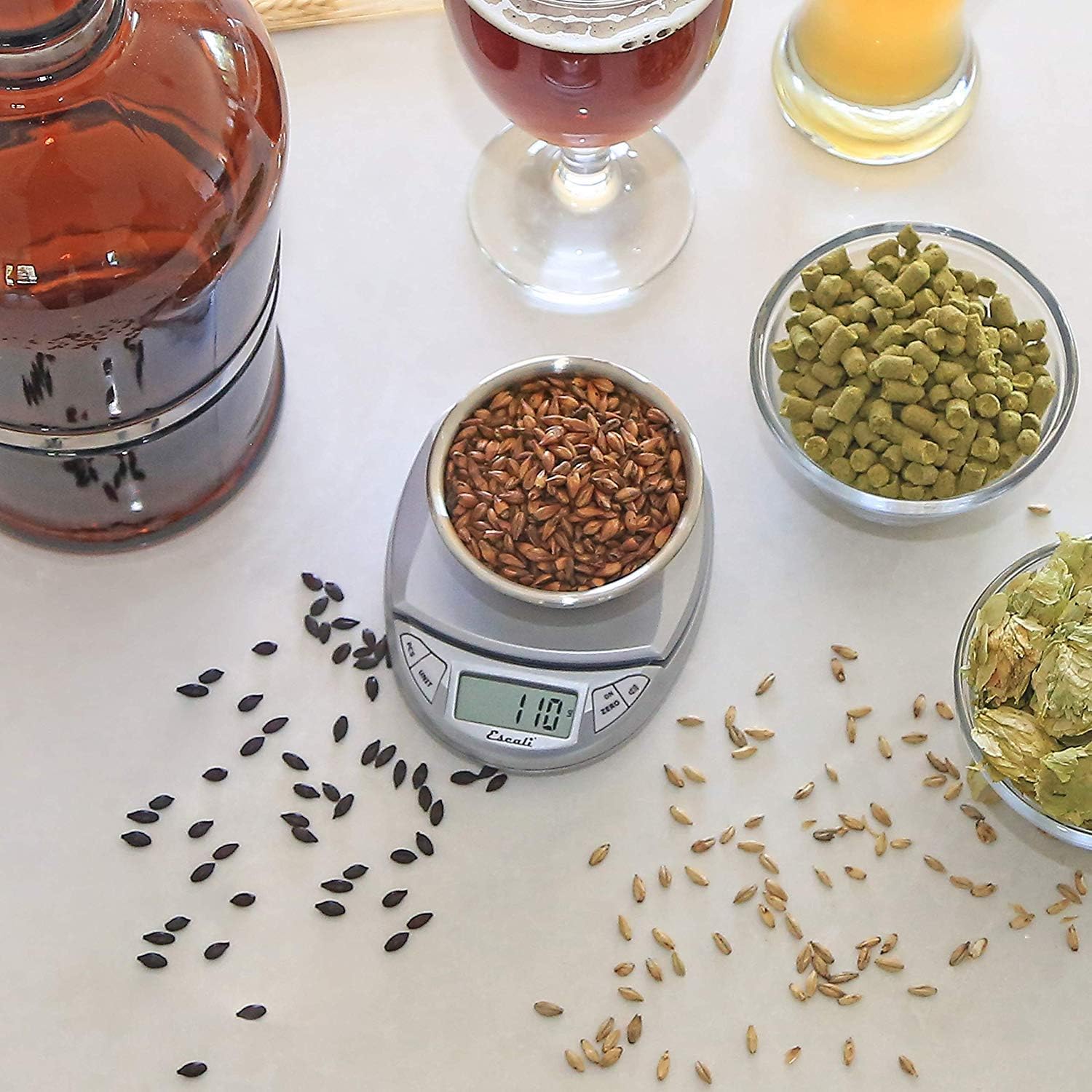
Image: Escali Pico N115S Digital Scale accurately weighing grains in a bowl, demonstrating its use for precise ingredient measurement in brewing.
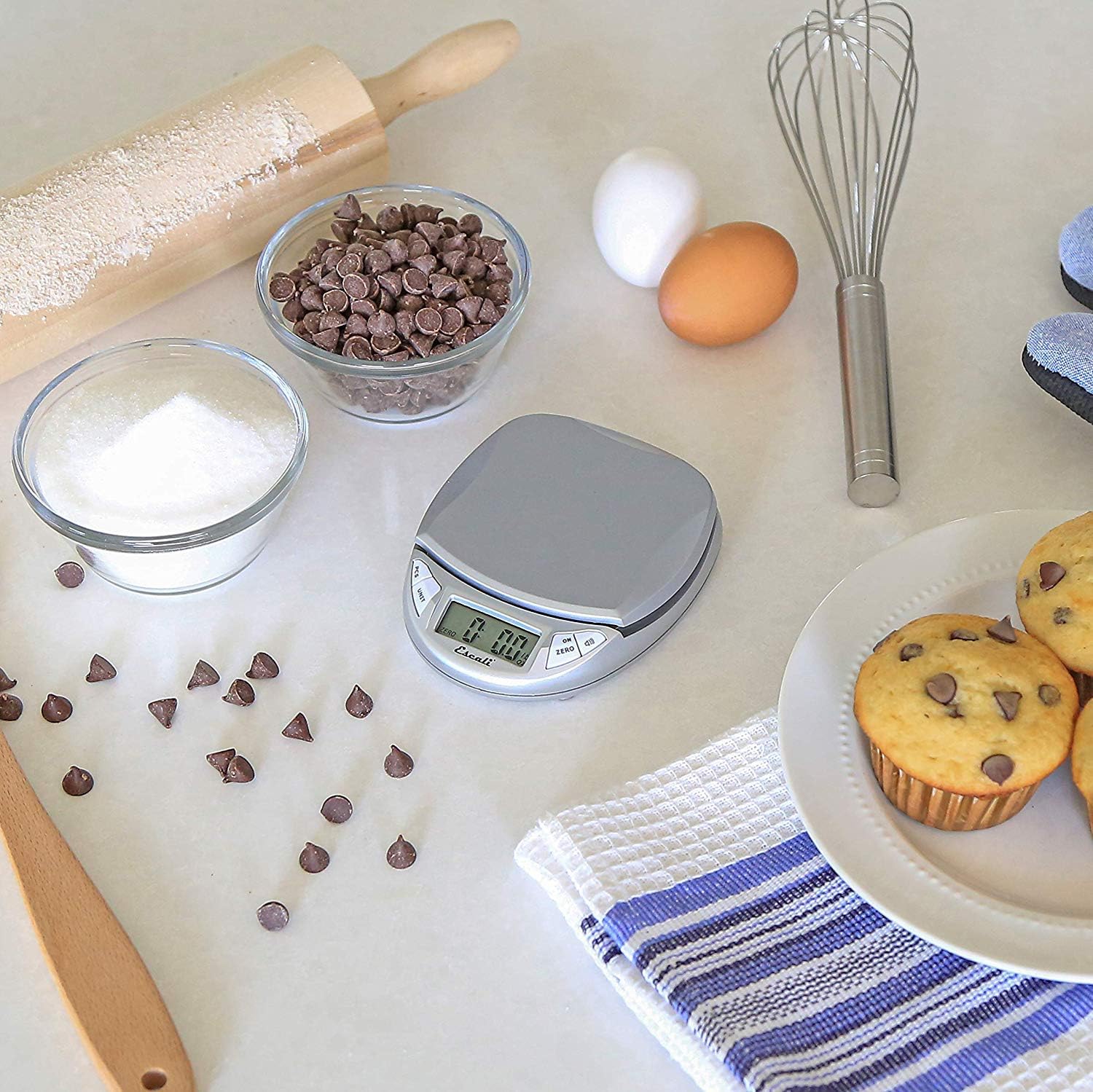
Image: Escali Pico N115S Digital Scale weighing sugar in a bowl, surrounded by other baking ingredients like chocolate chips, eggs, and muffins, illustrating its utility in baking.
3.6 Zvanični videozapisi proizvoda
Video: Prekorview of the Escali Pico Digital Scale, demonstrating its compact design, tare function, unit conversion, and parts counting capabilities. This video highlights the scale's versatility for various weighing needs.
Video: A detailed demonstration of the Escali Pico Scale's features, including how to use the tare function, switch between measurement units (grams, pounds, ounces), and utilize the parts counting feature for small items. The video emphasizes the scale's ease of use and accuracy.
4. Održavanje
4.1 Čišćenje
Da biste očistili vagu, obrišite je oglasomamp cloth. Do not immerse the scale in water or use abrasive cleaners, as this can damage the electronic components.
4.2 Skladištenje
Store the scale in a dry, cool place. Its compact design allows for easy storage in a drawer or cabinet.
5. Otkrivanje problema
5.1 Netačna očitavanja
- Osigurajte da je vaga postavljena na ravnu, stabilnu i vodoravnu površinu.
- Izbjegavajte postavljanje vage u blizinu jakih elektromagnetnih polja ili vibrirajuće opreme.
- Check battery level; replace batteries if the low battery indicator appears.
5.2 Ekran ne radi
- Verify that the batteries are correctly installed and not depleted.
- If the display shows an error message, refer to the specific error codes in the full product manual (if available) or contact customer support.
6. Specifikacije
- Brand: Escali
- Model: N115S
- Boja: Srebrna/Siva
- Ograničenje težine: 11 funti (5 kg)
- Preciznost očitavanja: 0.1 unce
- Vrsta prikaza: LCD
- Materijal: Plastika
- Dimenzije proizvoda: 4.5 x 3.75 x 1 inča
- Težina artikla: 6.2 unce
- baterije: Potrebne 3 AAA baterije (uključene)
- Posebne karakteristike: Auto Shut Off, Tare Feature, Parts Counting, Display Hold
7. Garancija i podrška
7.1 Informacije o garanciji
The Escali Pico N115S Digital Kitchen Scale is backed by a Doživotna ograničena garancija, reflecting its superior build quality and design for lasting performance. For detailed warranty terms and conditions, please refer to the official Escali websajtu ili kontaktirajte korisničku podršku.
7.2 Korisnička podrška
For further assistance, technical support, or warranty claims, please visit the official Escali webweb-mjesto ili kontaktirajte njihovu službu za korisnike. Kontakt informacije se obično mogu pronaći na pakovanju proizvoda ili na proizvođačevim website.


