Uvod
The CAD Audio USB U7 Boundary Omnidirectional Condenser Microphone is designed for clear audio capture in various settings, including home and office use. Its omnidirectional pickup pattern ensures 360-degree coverage, making it ideal for dictation, online meetings, and recording. This plug-and-play device offers high sensitivity and is compatible with both PC and Mac systems.

Slika 1: Prednja strana view of the CAD Audio USB U7 microphone with its USB cable connected, showcasing its compact, triangular design.
Sigurnosne informacije
- Ne izlažite mikrofon ekstremnim temperaturama ili vlazi.
- Izbjegavajte ispuštanje ili izlaganje mikrofona jakim udarcima.
- Keep the device away from liquids to prevent electrical shock or damage.
- Koristite samo priloženi USB kabel ili kompatibilnu zamjensku kopiju.
- Do not attempt to disassemble or modify the microphone. Refer all servicing to qualified personnel.
Sadržaj paketa
Provjerite da li se sve stavke nalaze u vašem paketu:
- CAD Audio USB U7 Boundary Omnidirectional Condenser Microphone
- 10-foot USB Cable
Setup
The CAD Audio USB U7 microphone is designed for simple plug-and-play operation. No additional drivers are typically required for most operating systems.
- plasman: Place the microphone on a flat, stable surface, such as a desk or conference table. Its low-profile design allows for unobtrusive placement.
- Povežite USB kabl: Insert the small end of the included 10-foot USB cable into the USB port on the microphone.
- Povežite se na računar: Insert the standard USB-A end of the cable into an available USB port on your PC or Mac computer.
- Prepoznavanje sistema: Your computer's operating system should automatically detect and install the necessary drivers for the microphone. A blue LED indicator on the microphone will illuminate when it is powered and ready for use.
- Odaberite kao ulazni uređaj:
- Windows: Idi na Postavke zvuka > Input and select "CAD Audio USB U7" or similar as your input device.
- macOS: Idi na Sistemske postavke > Zvuk > Input and select "CAD Audio USB U7" or similar.

Slika 2: Od vrha prema dolje view of the CAD Audio USB U7 microphone, highlighting its triangular shape and the USB connection point.
Uputstvo za upotrebu
The U7 microphone is designed for optimal performance in various audio capture scenarios.
- Omnidirectional pickup: The microphone features an omnidirectional pickup pattern, meaning it captures sound equally from all directions (360 degrees). This makes it suitable for recording multiple speakers around a table or capturing ambient sound.
- Speech Tailored Frequency Response: The U7's frequency response is specifically tailored for speech, ensuring clear and intelligible voice capture for dictation, online meetings, and voiceovers.
- Upotreba aplikacije: Once connected and selected as your input device, the microphone will work with any audio recording or communication software (e.g., Skype, Zoom, Microsoft Teams, voice recorders, dictation software).
- Audio za praćenje: Most software applications allow you to monitor the microphone's input level. Adjust the input gain within your software settings to prevent clipping (distortion) or ensure adequate volume.
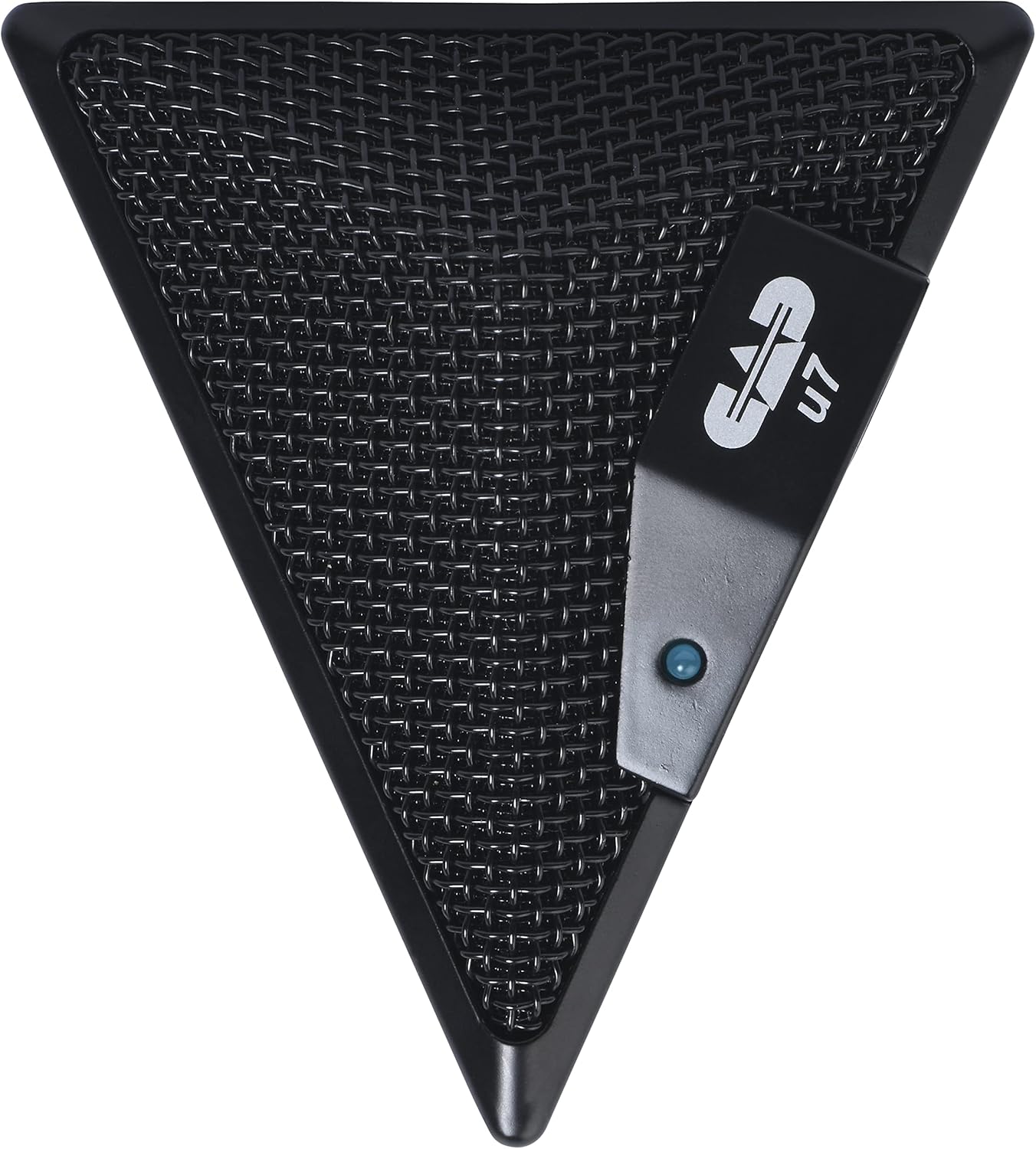
Figure 3: An overhead perspective of the CAD Audio USB U7 microphone, showing its mesh grille and the CAD U7 logo.
Održavanje
- čišćenje: Use a soft, dry cloth to clean the exterior of the microphone. Do not use abrasive cleaners, solvents, or chemical sprays.
- Skladištenje: When not in use, store the microphone in a clean, dry environment, away from dust and extreme temperatures.
- Održavanje kablova: Izbjegavajte oštre savijanja ili uvrtanja USB kabla kako biste spriječili unutrašnja oštećenja.
Rješavanje problema
| Problem | Mogući uzrok | Rješenje |
|---|---|---|
| Microphone not detected / No sound input |
|
|
| Niska jačina zvuka ili loš kvalitet zvuka |
|
|
| Izobličen zvuk |
|
|
Specifikacije
| Naziv modela | CAD Audio U7 |
| Broj modela stavke | AMS-U7 |
| Tehnologija povezivanja | USB |
| Tip konektora | USB |
| Polar Pattern | Omnidirectional |
| Mikrofon Form Faktor | Samo mikrofon |
| Hardverska platforma | PC, Mac compatible |
| Težina artikla | 9.6 unci (približno 272 grama) |
| Dimenzije proizvoda (D x Š x V) | 6.2 x 8.5 x 3 inča (približno 15.7 x 21.6 x 7.6 cm) |
| Materijal | Plastika, metal |
| Odnos signala i šuma | 78 dB |
| Izvor napajanja | Električni sa kablom (napajanje putem USB-a) |
| Uključene komponente | Microphone, USB Cable |

Slika 4: Dno view of the CAD Audio USB U7 microphone, showing its textured base and mounting points.
Garancija i podrška
For warranty information and technical support, please refer to the official CAD Audio webweb-mjesto ili direktno kontaktirajte njihovu korisničku službu. Sačuvajte račun kao dokaz o kupovini za reklamacije u slučaju garancije.
CAD Audio Official Webstranica: www.cadaudio.com
Za dodatnu pomoć, možete se obratiti i stranica proizvoda na Amazonu for additional resources and customer reviews.


