Uvod
This manual provides detailed instructions for the setup, operation, maintenance, and troubleshooting of your Escali Primo Digital Food Scale, Model P115. Designed for precise weight measurement in the kitchen, this scale is a versatile tool for cooking, baking, and portion control. Please read this manual thoroughly before using your scale to ensure optimal performance and longevity.
Product Overview
The Escali Primo Digital Food Scale features a simple two-button operation, a sealed control panel for easy cleaning, and a compact design. It offers accurate measurements for various ingredients.
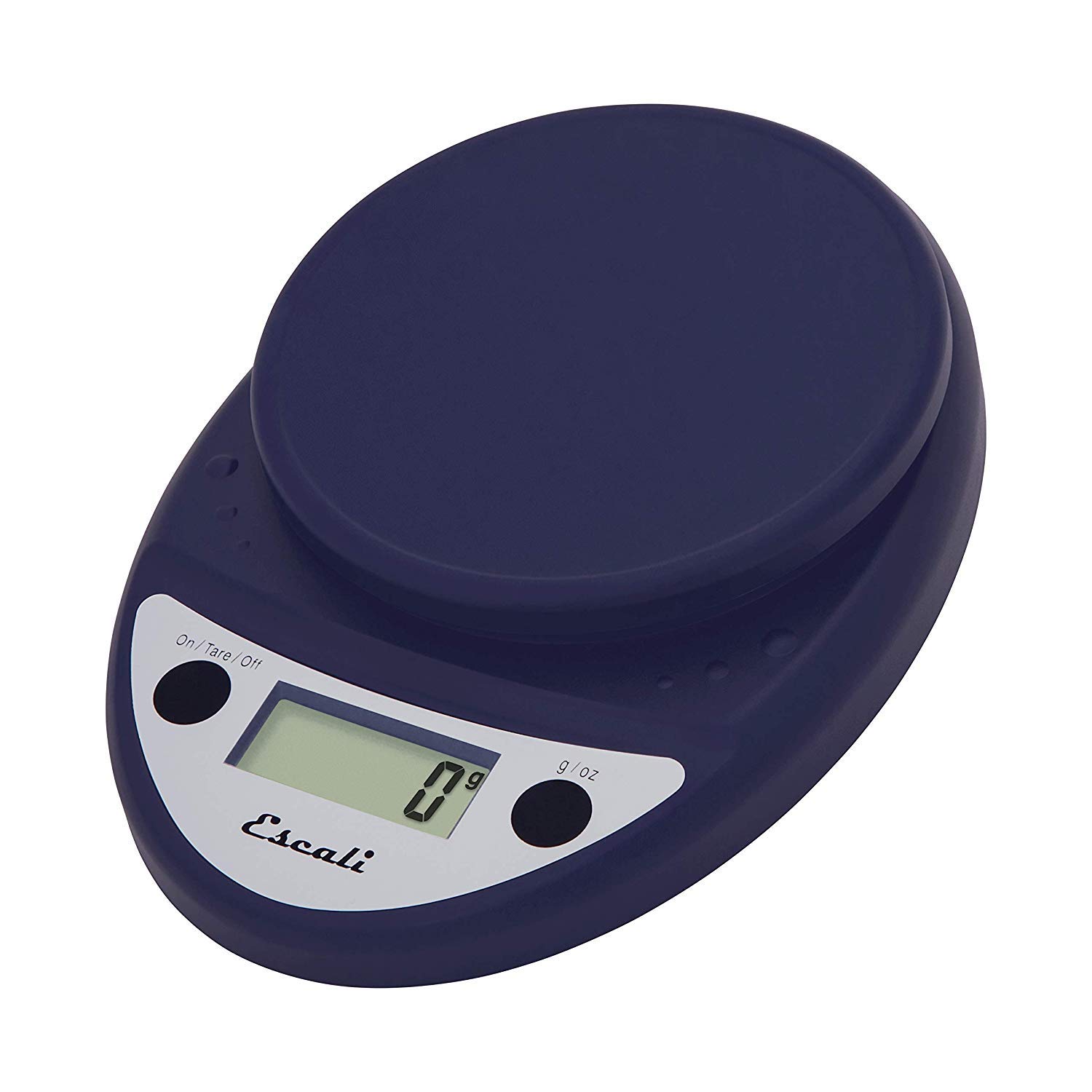
This image displays the Escali Primo Digital Food Scale in royal blue, showcasing its oval shape, weighing platform, digital display, and two control buttons.
Ključne karakteristike:
- Izdržljiv dizajn: Lightweight and rounded for enhanced durability.
- Accurate & Capable: Measures up to 11 lb (5,000 g) in 0.1 oz (1 g) increments.
- Karakteristika tare: Allows you to reset the scale to zero weight to measure multiple items or subtract container weight.
- Lako za čitanje: Features a crisp digital display.
- Odabir jedinice: Measures in pounds + ounces, ounces, and grams.
- Spill Guard: A clear plastic shield covers the control panel for easy cleaning.
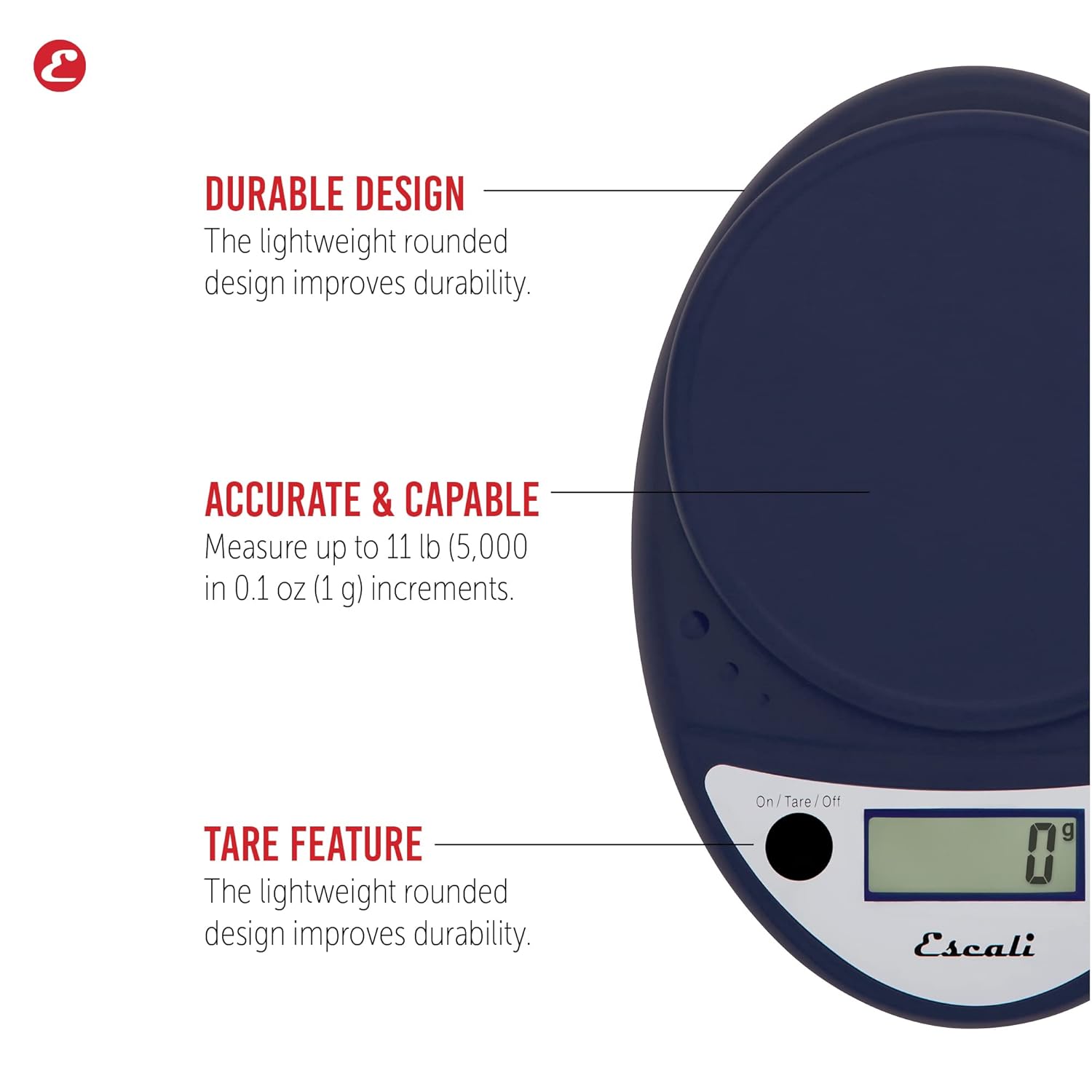
This image highlights the durable design, accurate measurement capabilities (up to 11 lbs / 5000g in 0.1 oz / 1g increments), and the tare feature of the scale.

This image illustrates the easy-to-read digital display, the unit selection function (pounds+ounces, ounces, grams), and the spill guard protecting the control panel.
Setup
- Instalacija baterije: The scale requires two (2) AA batteries, which are included. Open the battery compartment on the underside of the scale, insert the batteries according to the polarity indicators (+/-), and close the compartment securely.
- plasman: Postavite vagu na tvrdu, ravnu i stabilnu površinu. Neravne površine mogu uticati na tačnost.
Uputstvo za upotrebu
Uključivanje/isključivanje
- Da preokrenem vagu ON, pritisnite On/Tare/Off button. The display will show "0".
- Da preokrenem vagu OFF, pritisnite i držite On/Tare/Off button for approximately 3 seconds. The scale also features an automatic shut-off after four minutes of inactivity to conserve battery life.
Odabir jedinice
- Pritisnite g/oz button to cycle through the available measurement units: grams (g), ounces (oz), and pounds:ounces (lb:oz). Select your desired unit before weighing.
Vaganje stavki
- Turn on the scale. Ensure the display shows "0" in your desired unit.
- Carefully place the item(s) to be weighed onto the center of the weighing platform.
- Pročitajte težinu prikazanu na ekranu.
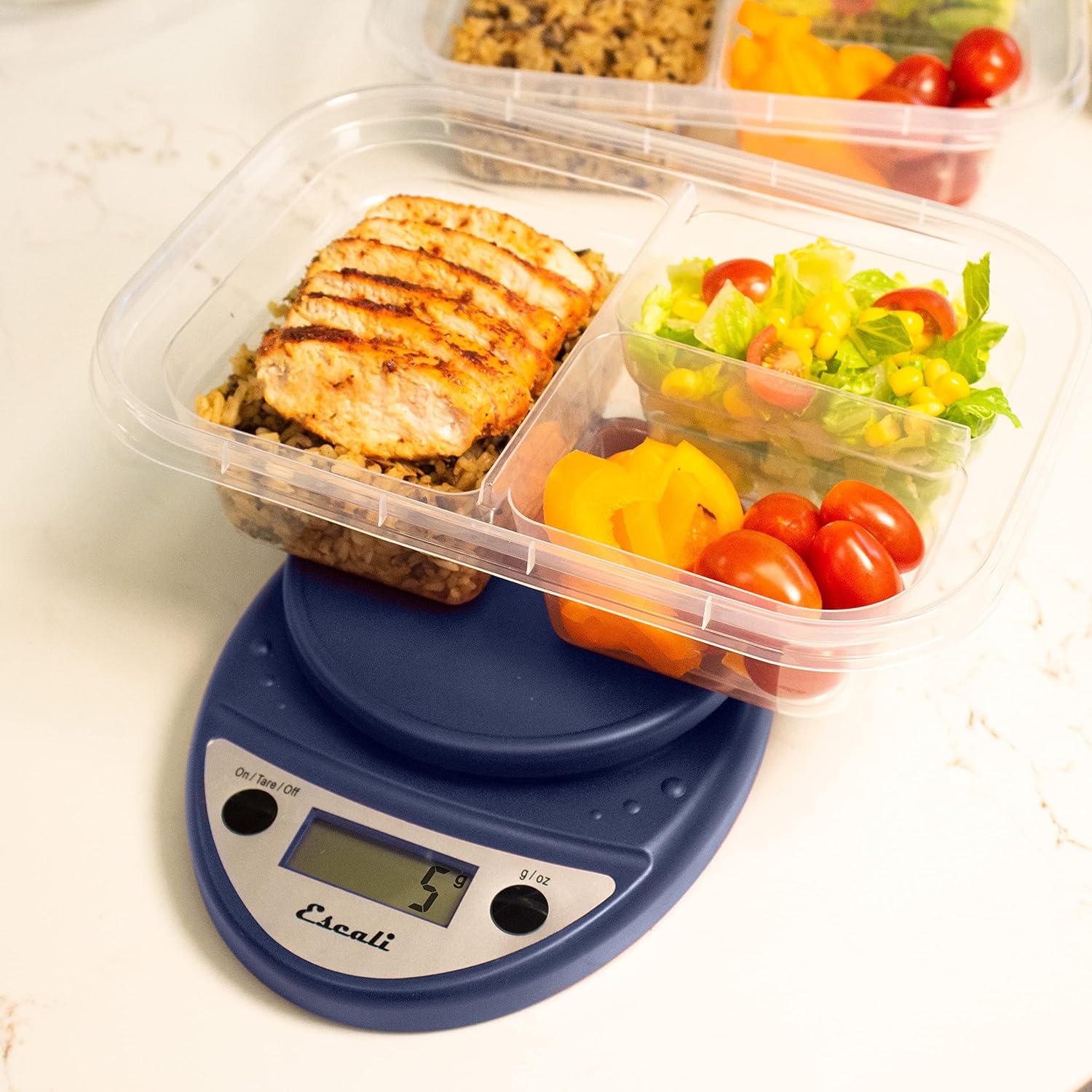
This image shows the Escali Primo Digital Food Scale being used to weigh meal prep containers filled with food, demonstrating its practical application for portion control.
Funkcija tare
The tare function allows you to subtract the weight of a container or to weigh multiple ingredients consecutively in the same bowl.
- Postavite praznu posudu na platformu za vaganje. Na ekranu će se prikazati njena težina.
- Pritisnite On/Tare/Off dugme. Prikaz će se resetovati na "0".
- Dodajte sastojak(ke) u posudu. Na ekranu će se prikazati samo težina dodanog(ih) sastojka(aka).
- Ponovite korake 2 i 3 za dodatne sastojke.

This image illustrates the scale being used to weigh flour in a glass bowl, demonstrating the tare function's utility in baking by zeroing out the bowl's weight.
Održavanje i njega
- čišćenje: The sealed control panel and rounded design make the scale easy to clean. Wipe the scale with a damp tkanina. Ne uranjajte vagu u vodu niti koristite abrazivna sredstva za čišćenje.
- Skladištenje: Vagu čuvajte na suhom mjestu na sobnoj temperaturi.
- Zamjena baterije: When the battery indicator appears on the display, replace the two AA batteries.
Rješavanje problema
| Problem | Mogući uzrok | Rješenje |
|---|---|---|
| Vaga se ne uključuje | Prazne ili neispravno postavljene baterije | Zamijenite baterije ili provjerite ispravan polaritet. |
| Netačna očitavanja | Uneven surface, overloaded scale, or interference | Place on a flat, stable surface. Do not exceed maximum capacity. Remove any electronic devices nearby. |
| Na ekranu se prikazuje "Greška" | Skala je preopterećena | Remove items immediately. Do not exceed 11 lb (5,000 g). |
Ako naiđete na probleme koji nisu ovdje navedeni, molimo vas da se obratite odjeljku za podršku za pomoć.
Specifikacije
- Model: P115
- Kapacitet: 11 lb (5,000 g)
- Povećanja: 0.05 oz (1 g)
- jedinice: oz, lb:oz, g
- Dimenzije: 8.5 x 6 x 1.5 inča
- Izvor napajanja: 2 AA baterije (uključene)
- Vrsta prikaza: LED
- Posebne karakteristike: Auto Shut Off, Sealed Control Panel, Tare Function
Garancija i podrška
Informacije o garanciji
The Escali Primo Digital Food Scale is backed by a Doživotna garancijaOva garancija pokriva nedostatke u materijalu i izradi pri normalnoj upotrebi. Molimo sačuvajte dokaz o kupovini za potrebe reklamacije.
Korisnička podrška
For further assistance, technical support, or warranty inquiries, please visit the official Escali webweb-stranicu ili kontaktirajte njihovu službu za korisnike. Kontakt informacije se obično mogu pronaći na pakovanju proizvoda ili na službenoj stranici brenda webstranica: www.escali.com


