Uvod
Ovaj priručnik pruža detaljne upute za MATRIX MR600 metronom sa štimerom. Ovaj uređaj kombinuje metronom za vježbanje ritma i štimer za preciznost visine tona instrumenta, dizajniran da pomogne muzičarima u vježbanju i sviranju.
Product Overview
MATRIX MR600 ima LED displej u obliku klatna za vizuelnu indikaciju ritma, hromatski izlaz visine tona za štimovanje i podesivu funkciju snižavanja takta za različite taktovske oznake.
Komponente
- Podešavanje tempa: Veliki rotirajući brojčanik za precizno podešavanje tempa.
- Prekidač za napajanje/režim rada: Odabira između načina rada Isključeno, Metronom i Zvuk (Tuner).
- Postavke ritma/visine tona: Kontrole za obrasce ritma metronoma i referentnu visinu tona štimera.
- Kontrola jačine zvuka: Podešava izlaznu jačinu zvuka.
- LED indikatori ritma: Vizuelni prikaz ritma metronoma.
- Ugrađeni zvučnik: Za čujne klikove metronoma i tonove štimera.
- Priključak za slušalice: Za privatno slušanje.
- Podnožje: Za uspravno pozicioniranje.

Setup
Instalacija baterije
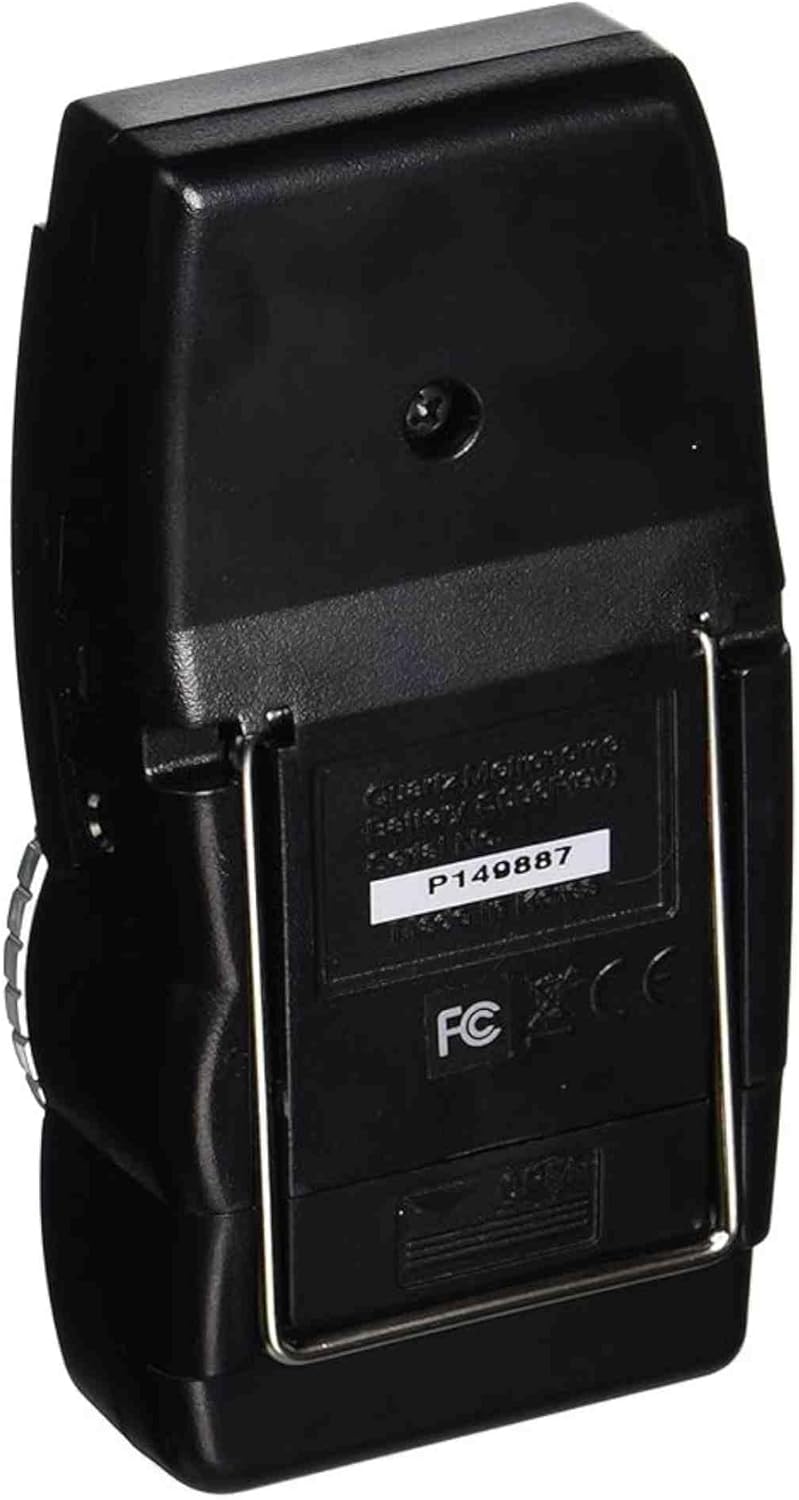
- Pronađite odjeljak za baterije na stražnjoj strani uređaja.
- Otvorite poklopac odeljka za baterije.
- Umetnite jednu bateriju od 9 V, pazeći na ispravan polaritet (+/-).
- Čvrsto zatvorite poklopac odeljka za baterije.
Uputstvo za upotrebu
Metronome Funkcija
- Postavite prekidač za napajanje/režim rada na "METRO".
- Podesite tempo pomoću velikog okretnog dugmeta. Raspon tempa je obično od 40 do 208 otkucaja u minuti (BPM).
- Koristite selektor "BEAT" za odabir željenog takta (npr. 0, 2, 3, 4, 5, 6 za različite taktove). Prvi takt odabranog takta imat će poseban ton.
- Podesite jačinu zvuka pomoću dugmeta za kontrolu jačine zvuka.
- Pratite LED indikatore za vizuelni prikaz ritma.
Funkcija štimera (hromatski izlaz visine tona)
- Postavite prekidač za napajanje/režim rada na "SOUND".
- Koristite selektor "PITCH" da biste odabrali željenu referentnu visinu tona (npr. A440, A441, A442, A443, A444, A445 Hz).
- Uređaj će emitovati kontinuirani ton odabrane visine. Koristite ovaj ton za naštimovanje instrumenta po sluhu.
- Podesite jačinu zvuka po potrebi.

Održavanje
- čišćenje: Obrišite uređaj mekom, suhom krpom. Izbjegavajte upotrebu abrazivnih sredstava za čišćenje ili rastvarača.
- Zamjena baterije: Zamijenite bateriju od 9 V kada se performanse uređaja smanje ili se ne uključi. Izvadite bateriju ako se uređaj neće koristiti duži period kako biste spriječili curenje.
- Skladištenje: Metronom čuvajte na suhom mjestu, dalje od ekstremnih temperatura i direktne sunčeve svjetlosti.
Rješavanje problema
- Nema napajanja: Provjerite je li baterija od 9 V ispravno instalirana i nije prazna. Zamijenite bateriju ako je potrebno.
- Nema zvuka: Provjerite kontrolu jačine zvuka. Pazite da je prekidač za napajanje/režim postavljen na "METRO" ili "SOUND", a ne na "OFF".
- Netačan tempo/visina tona: Provjerite da li je odabran ispravan uzorak ritma ili referentna visina tona.
- Intermitentni rad: Provjerite spojeve baterije. Ako problemi potraju, obratite se korisničkoj podršci.
Specifikacije
| Feature | Detalj |
|---|---|
| Broj modela | MR600 |
| Težina artikla | 5.6 unce |
| Dimenzije proizvoda | 8 x 5.5 x 1.4 inča |
| Izvor napajanja | 9V baterija (nije uključena) |
| Tempo Range | 40-208 BPM (otkucaja u minuti) |
| Referentni Pitch | A440-A445 Hz (podesivo) |
| Display | LED dioda u stilu klatna |
Garancija i podrška
Specifične informacije o garanciji za MATRIX MR600 metronom sa štimerom nisu navedene u ovom priručniku. Za detalje o garanciji pogledajte ambalažu proizvoda ili prodavača od kojeg je proizvod kupljen.
Za dodatnu pomoć ili podršku, posjetite službenu stranicu Prodavnica robne marke MATRIX.