📘 TEKLEAD manuals • Free online PDFs
TEKLEAD logo

TEKLEAD Manuals & User Guides

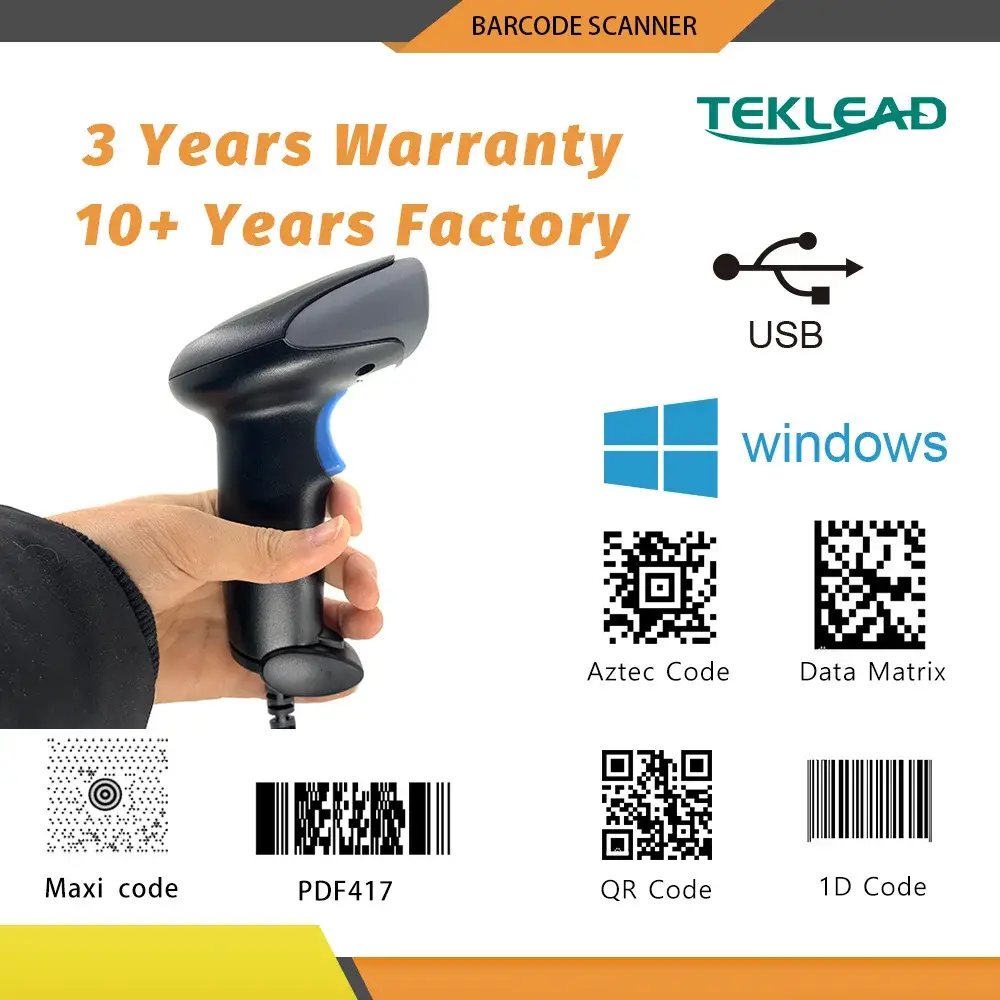
TEKLEAD specializes in barcode identification technology, offering high-performance wireless and wired barcode scanners for retail, logistics, and industrial use.

Tip: include the full model number printed on your TEKLEAD label for the best match.

About TEKLEAD manuals on Manuals.plus

TEKLEAD (Guangzhou Teklead Electronic Technology Co., Ltd.) is a specialized manufacturer and solutions provider in the field of barcode identification. The company designs and produces a wide variety of scanning devices, including handheld 1D and 2D barcode scanners, desktop scanning platforms, and wearable ring scanners. TEKLEAD products are widely utilized in retail, warehousing, logistics, medical liability, and manufacturing sectors.

Known for their versatility, TEKLEAD scanners often feature multiple connectivity modes such as Bluetooth, 2.4G wireless, and wired USB, ensuring compatibility with major operating systems like Windows, macOS, iOS, and Android. The brand focuses on delivering durable, ergonomic, and efficient data capture tools to streamline inventory management and point-of-sale operations.

TEKLEAD manuals

Najnoviji priručnici od manuals+ kreirano za ovaj brend.

TEKLEAD manuals from online retailers

TEKLEAD T-D9PRO Desktop QR Barcode Scanner User Manual

T-D9PRO • February 19, 2026
Comprehensive instruction manual for the TEKLEAD T-D9PRO Desktop QR Barcode Scanner, covering setup, operation, maintenance, troubleshooting, and technical specifications for efficient 1D and 2D code scanning.

TEKLEAD USB Barcode Scanner T-D7 Instruction Manual

T-D7 • January 27, 2026
Instruction manual for the TEKLEAD T-D7 USB 2D Mini QR Code Reader, covering setup, operation, specifications, and troubleshooting for various applications like mobile payment and self-service machines.

TEKLEAD T-3020pro 2D Wireless Barcode Scanner User Manual

T-3020pro • January 19, 2026
Comprehensive user manual for the TEKLEAD T-3020pro Handheld 2D Wireless Barcode Scanner with Charging Base. Includes setup, operation, maintenance, troubleshooting, and specifications for this high-speed 1D/2D QR code…

TEKLEAD T-1902L Barcode Scanner User Manual

T1902L • November 21, 2025
The TEKLEAD T-1902L is a versatile barcode scanner capable of reading 1D and 2D barcodes, including QR codes, from various surfaces like paper, plastic, and mobile phone screens.…

TEKLEAD Ručni 1D 2D skener barkodova Uputstvo za upotrebu

T-2009W • October 15, 2025
Uputstvo za upotrebu za TEKLEAD ručni 1D 2D skener barkodova (model T-2009W), koje obuhvata podešavanje, rad, održavanje, rješavanje problema i specifikacije za žičane USB, Bluetooth i 2.4G bežične modele.

TEKLEAD T-1902L Barcode Scanner User Manual

T1902L • 15. oktobar 2025.
Comprehensive user manual for the TEKLEAD T-1902L barcode scanner, covering setup, operation, maintenance, troubleshooting, and specifications for this versatile 1D/2D/QR code reader.

TEKLEAD support FAQ

Česta pitanja o priručnicima, registraciji i podršci za ovaj brend.

  • How do I pair my TEKLEAD wireless scanner using the 2.4G dongle?

    To pair via 2.4G, scan the 'Wireless 2.4G Mode' setting code from your manual, then scan the 'One-click Pairing' code. Finally, plug the USB receiver into your host computer within 1 minute. You should hear a beep indicating a successful connection.

  • How do I connect the scanner via Bluetooth HID?

    Scan the 'Bluetooth HID Mode' code, followed by the 'One-click Pairing' code. The scanner's LEDs will flash. On your host device (phone or computer), search for 'BarCode Scanner HID' in the Bluetooth settings and select it to pair.

  • What does it mean if the blue LED lights are flashing individually?

    If Blue LED1 flashes rapidly, the scanner is in 2.4G pairing mode. If Blue LED2 flashes rapidly, it is in Bluetooth SPP pairing mode. If both flash alternately, it is in Bluetooth HID pairing mode.

  • Can TEKLEAD scanners read barcodes from mobile screens?

    Yes, many TEKLEAD models, such as the T-D8 and T-2011B, are equipped with CMOS 2D sensors capable of reading barcodes and QR codes from digital screens like smartphones.

  • Kako da resetujem skener na fabrička podešavanja?

    Refer to your specific model's user manual (e.g., T3030) and scan the 'Restore Factory Settings' or 'Initialization' barcode provided in the configuration guide.