
Uvod
This comprehensive guide is designed to help you understand and utilize all the features, settings, and functionalities of your Moto G Power 2026 smartphone. Whether you are a new user or looking to explore advanced capabilities, this manual provides clear, step-by-step instructions to enhance your device experience.
The Moto G Power 2026 is a versatile smartphone designed for everyday use. This manual covers essential topics from initial setup to advanced features, ensuring you can make the most of your device.
1. Početno podešavanje
Follow these steps to power on and configure your Moto G Power 2026 for the first time.
- Uključivanje: Press and hold the power button located on the side of the device until the Motorola logo appears.
- Odabir jezika: Izaberite željeni jezik sa liste.
- Povežite se na Wi-Fi: Select your Wi-Fi network and enter the password to connect to the internet. This is crucial for initial setup and updates.
- Postavljanje Google računa: Sign in with your existing Google account or create a new one. This is necessary for accessing the Google Play Store, Gmail, and other Google services.
- Prijenos podataka (opciono): If you are upgrading from another device, follow the on-screen prompts to transfer your data.
- Sigurnosna postavka: Set up a screen lock (PIN, pattern, password, or fingerprint) to protect your device.
- Personaliziraj postavke: Adjust settings such as date and time, display preferences, and notification sounds.
Once these steps are completed, your Moto G Power 2026 is ready for use.
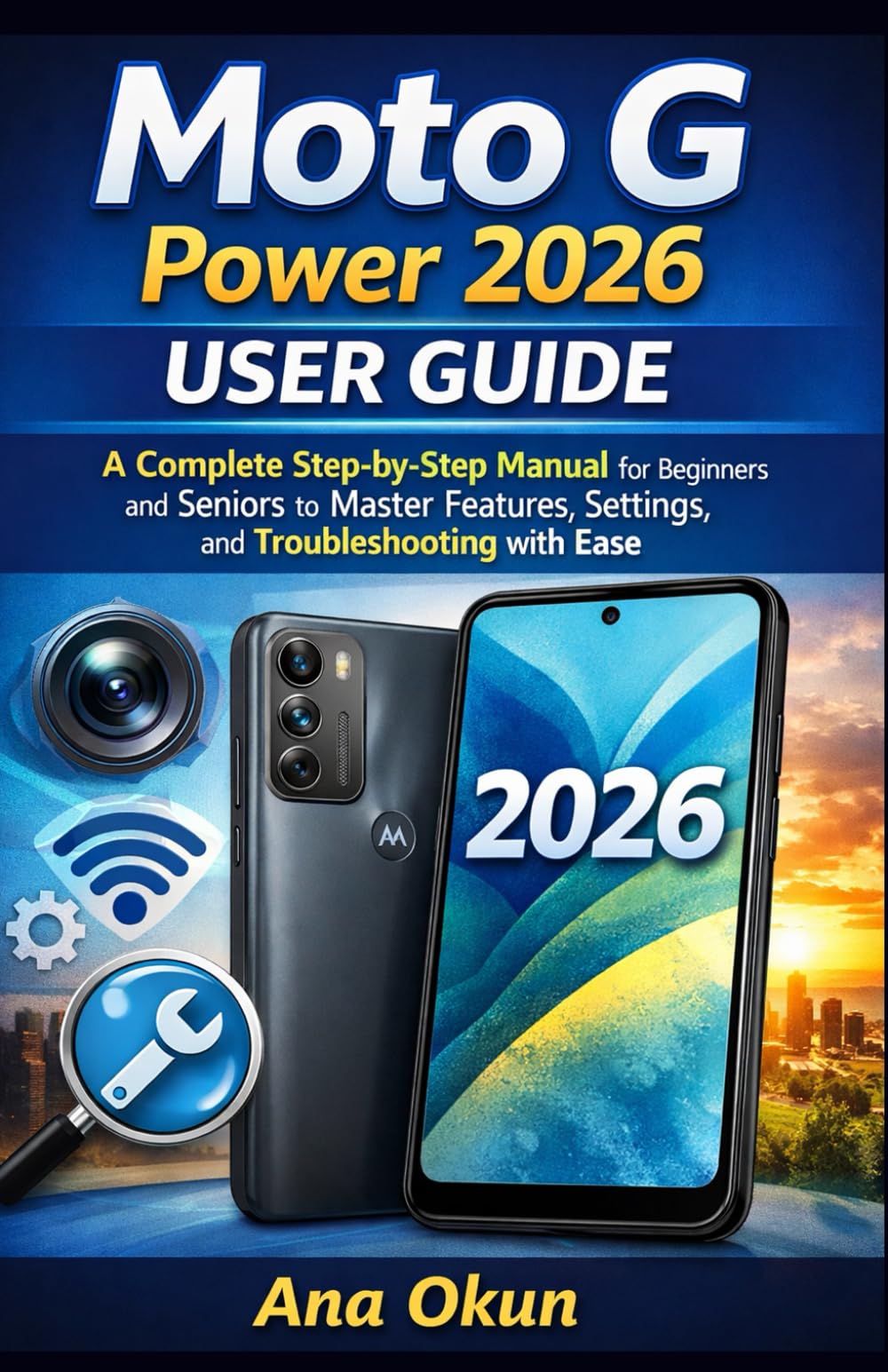
Image 1.1: Front cover of the Moto G Power 2026 User Guide. This image shows the book's title and overall design.
2. Upravljanje vašim uređajem
2.1 Navigacija po početnom ekranu
The home screen is your central hub for accessing applications and information. Swipe left or right to view additional home screens. Swipe down from the top of the screen to access quick settings and notifications.
- Ladica za aplikacije: Swipe up from the bottom of the home screen to open the app drawer, which contains all installed applications.
- Widgets: Long-press on an empty area of the home screen to add widgets for quick access to information like weather, calendar, or music controls.
- Fascikle: Drag one app icon over another to create a folder, helping you organize your applications.
2.2 Pozivi i poruke
Staying connected is a primary function of your Moto G Power 2026.
- Upućivanje poziva: Dodirnite Telefon icon, enter the number, and tap the call button. You can also select a contact from your address book.
- Upravljanje kontaktima: Koristite Kontakti app to add, edit, or delete contacts. You can sync contacts from your Google account.
- Slanje poruka: Otvorite Poruke aplikaciju, dodirnite ikonu nove poruke, unesite broj primaoca ili odaberite iz kontakata i upišite poruku.
2.3 Internet Connectivity and Apps
Your device supports both Wi-Fi and mobile data for internet access.
- Wi-Fi: Idi na Postavke > Mreža i internet > Wi-Fi da se povežete na dostupne mreže.
- Mobilni podaci: Ensure your SIM card is inserted and mobile data is enabled in Postavke > Mreža i internet > Mobilna mreža.
- Google asistent: Activate Google Assistant by saying "Hey Google" or long-pressing the power button (if configured). Use voice commands for tasks, information, and device control.
- Upravljanje aplikacijama: Download new apps from the Google Play Store. Manage installed apps in Postavke> Aplikacije i obavijesti to adjust permissions, clear cache, or uninstall.
3. Karakteristike kamere
The Moto G Power 2026 camera allows you to capture high-quality photos and videos. Open the Kamera app to begin.
- Slikati: Dodirnite dugme okidača da biste snimili sliku.
- Snimanje video zapisa: Prebacite se u video mod i dodirnite dugme za snimanje da biste započeli/zaustavili snimanje.
- Načini rada kamere: Explore various modes such as Portrait, Night Vision, Panorama, and Pro Mode for different photographic effects.
- Postavke: Access camera settings to adjust resolution, aspect ratio, timer, and other preferences.
4. Rješavanje uobičajenih problema
This section addresses common problems you might encounter with your Moto G Power 2026.
- Uređaj ne reagira: If your device freezes, press and hold the power button for about 10-15 seconds to force a restart.
- Baterija se brzo prazni: Provjerite potrošnju baterije u Postavke> Baterija to identify power-hungry apps. Reduce screen brightness, disable unnecessary features like GPS or Bluetooth when not in use, and close background apps.
- Connectivity Problems (Wi-Fi/Mobile Data):
- Uključite i isključite Wi-Fi ili mobilne podatke.
- Ponovo pokrenite ruter zbog problema s Wi-Fi mrežom.
- Ensure your mobile data plan is active and you have signal coverage.
- Rušenje aplikacije: Obrišite keš memoriju i podatke aplikacije u Postavke > Aplikacije i obavještenja > [Naziv aplikacije] > Pohrana i keš memorijaAko problem i dalje postoji, deinstalirajte i ponovo instalirajte aplikaciju.
- Malo prostora za pohranu: Izbrišite nepotrebno files, photos, and videos. Uninstall unused apps. Move large files to cloud storage or an external SD card (if supported). Check storage usage in Postavke > Pohrana.
5. Održavanje i njega
Proper maintenance ensures the longevity and optimal performance of your Moto G Power 2026.
- Ažuriranja softvera: Regularly check for and install system updates in Postavke> Sistem> Ažuriranja sistema. Updates often include performance improvements and security patches.
- čišćenje: Za čišćenje ekrana i kućišta uređaja koristite meku krpu koja ne ostavlja dlačice. Izbjegavajte jake hemikalije ili abrazivne materijale.
- Zdravlje baterije: Avoid extreme temperatures. Do not leave the device charging for extended periods after it reaches 100%.
- Sigurnosna kopija podataka: Regularly back up your important data to a cloud service (like Google Drive) or a computer to prevent data loss.
- fizička zaštita: Razmislite o korištenju zaštitne futrole i zaštitne folije za ekran kako biste ga zaštitili od padova i ogrebotina.
6. Specifikacije
Key technical specifications for the Moto G Power 2026:
| Feature | Detalj |
|---|---|
| ASIN | B0GP71KXZ1 |
| Izdavač | Nezavisno objavljeno |
| Datum objave | 18. februara 2026 |
| Jezik | engleski |
| Dužina štampe | 144 stranice |
| ISBN-13 | 979-8248918850 |
| Težina artikla | 8.6 unce |
| Reading age | 12 - 18 godina |
| Dimenzije | 5.5 x 0.33 x 8.5 inča |
Image 6.1: Back cover of the Moto G Power 2026 User Guide. This image displays the ISBN barcode and other publication information.
7. Garancija i podrška
Za informacije o garanciji i korisničkoj podršci, molimo vas da se obratite službenom Motorola website or the documentation included with your device at the time of purchase. This manual provides general operational guidance and does not replace official warranty statements or specific support channels.
- Službeno Webstranica: Visit the Motorola official webstranica za najnovije resurse podrške, često postavljana pitanja i kontakt informacije.
- Služba za korisnike: Contact Motorola customer service for technical assistance or warranty claims.
- Online resursi: Many common issues can be resolved by consulting online forums or support communities.