
Uvod
Thank you for choosing the CRUA 34-inch Curved Gaming Monitor. This manual provides essential information for setting up, operating, maintaining, and troubleshooting your new monitor. Please read this manual thoroughly before use to ensure optimal performance and to prevent damage.

Slika: Front view of the CRUA 34-inch Curved Gaming Monitor.
Sadržaj paketa
Provjerite da li se u vašem paketu nalaze sve dolje navedene stavke:
- CRUA 34-inch Curved Gaming Monitor
- Stalak za monitor (baza i vrat)
- Adapter za napajanje i kabl
- HDMI kabl
- DisplayPort (DP) kabel
- Uputstvo za upotrebu
- Vijci za montažu (za montažu postolja)
Setup
1. Sastavljanje postolja
- Pažljivo izvadite monitor iz ambalaže, držeći ga zaštićenim na mekoj površini.
- Pričvrstite vrat postolja na ploču monitora pomoću priloženih vijaka.
- Pričvrstite bazu postolja na vrat postolja.
- Postavite sastavljeni monitor na stabilnu, ravnu površinu.
2. Povezivanje kablova
Spojite potrebne kablove na zadnje portove monitora:
- Kabl za napajanje: Spojite adapter za napajanje na DC ulaz monitora, a zatim na utičnicu.
- Video ulaz: Connect either an HDMI cable (HDMI 2.0) or a DisplayPort cable (DP 1.4) from your computer's graphics card to the corresponding port on the monitor.
- Audio izlaz: If using external speakers, connect them to the 3.5mm audio output jack.
3. Montiranje na zid (opciono)
The monitor supports VESA 100x100mm wall mounts. Remove the stand before attaching a compatible wall mount bracket (not included).

Slika: Stražnja strana view of the monitor detailing HDMI, DP, Audio, DC ports, and the 100x100mm VESA wall bracket area.
Uputstvo za upotrebu
1. Uključivanje/isključivanje
Pritisnite dugme za napajanje, koje se obično nalazi na dnu ili zadnjoj strani monitora, da biste ga uključili ili isključili. Indikator napajanja će svijetliti kada je monitor uključen.
2. On-Screen Display (OSD) meni
Use the control buttons (joystick or individual buttons) located on the monitor to navigate the OSD menu. This menu allows you to adjust various display settings.
3. Podešavanje postavki ekrana
Unutar OSD menija možete mijenjati postavke kao što su:
- Svjetlina/kontrast: Podesite ukupni nivo svjetline i kontrasta.
- Postavke boja: Fine-tune color temperature, gamma, and individual RGB values.
- Izvor ulaza: Ručno odaberite između HDMI i DisplayPort ulaza.
- Brzina osvježavanja: Ensure your system is configured to utilize the monitor's 165Hz refresh rate for smooth visuals.
- AMD FreeSync: Enable or disable FreeSync to synchronize the monitor's refresh rate with your GPU's frame rate, reducing screen tearing and stuttering.
Karakteristike
The CRUA 34-inch Curved Gaming Monitor is designed to provide an immersive visual experience with high performance and versatile connectivity.
- 34-inch UltraWide WQHD Display: Experience a vast panoramic view with a 3440x1440 resolution and a 21:9 aspect ratio. This provides ample screen space for multitasking, content creation, and immersive gaming.
- Brzina osvježavanja od 165 Hz i AMD FreeSync: Enjoy ultra-smooth gameplay and responsive visuals with a high 165Hz refresh rate. AMD FreeSync technology eliminates screen tearing and motion blur by synchronizing the monitor's refresh rate with your graphics card.
- 3800R Ultra-Curved Immersion: The 3800R curvature wraps the screen around your natural field of view, enhancing immersion and providing a more comfortable viewing experience during extended sessions.
- Živa reprodukcija boja: The VA panel offers 120% sRGB color gamut coverage, 16.7 million display colors, 355 cd/m² brightness, and a 4000:1 contrast ratio, delivering rich, accurate, and vivid visuals.
- Integrated Speakers & Flexible Connectivity: Built-in speakers provide convenient audio without additional hardware. Multiple connectivity options include HDMI 2.0 and DisplayPort 1.4 inputs, ensuring compatibility with various devices.
- Ergonomski dizajn: The stand supports tilt adjustment for comfortable viewing angles. VESA 100x100mm compatibility allows for flexible mounting options in home offices, gaming rooms, or studios.

Image: Visual comparison demonstrating the higher detail of UWQHD (3440x1440) resolution versus FHD (1920x1080).

Image: Depiction of 165Hz refresh rate and the visual difference with AMD FreeSync enabled versus disabled, showing reduced tearing.
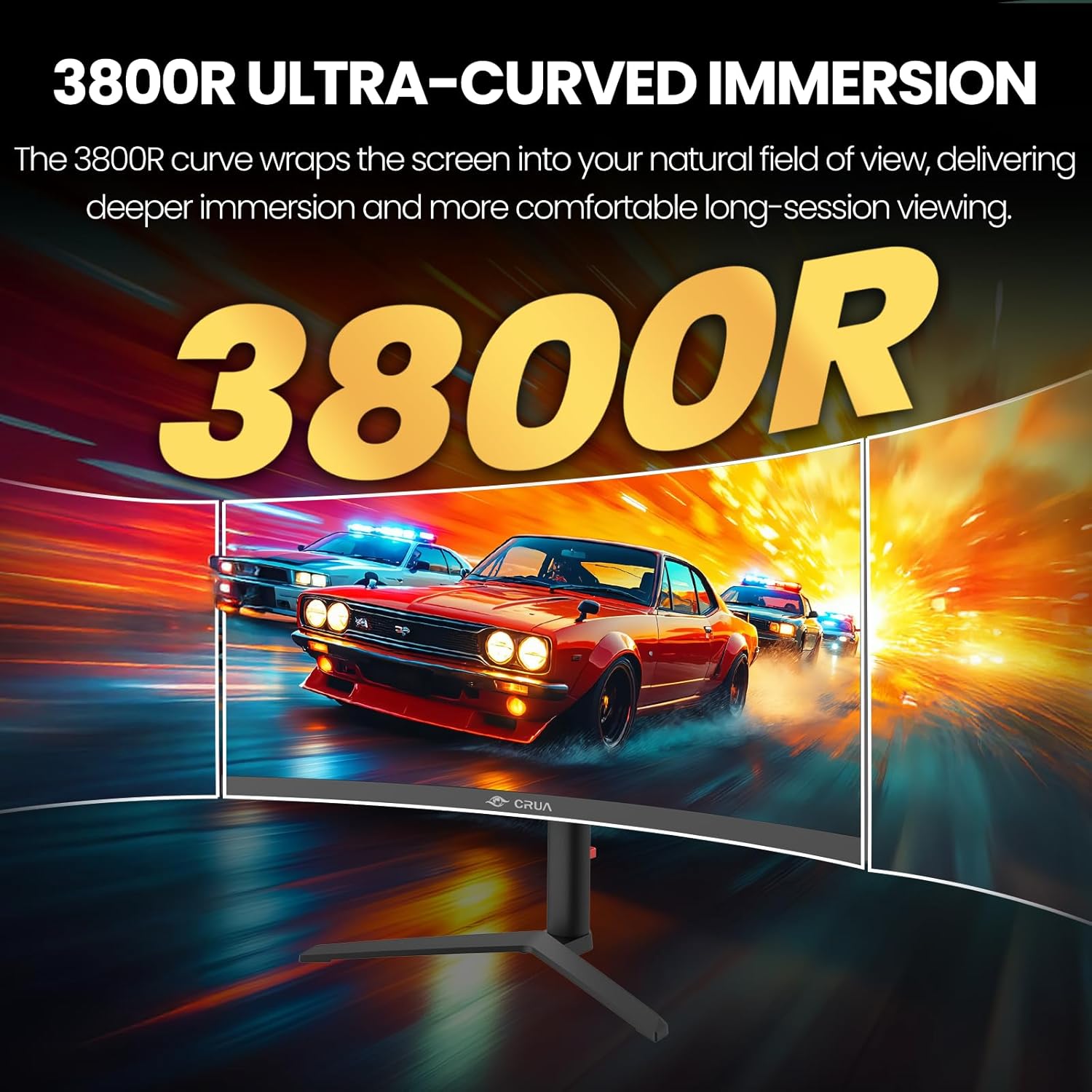
Image: Visual representation of the 3800R ultra-curved screen, demonstrating how it enhances immersion.
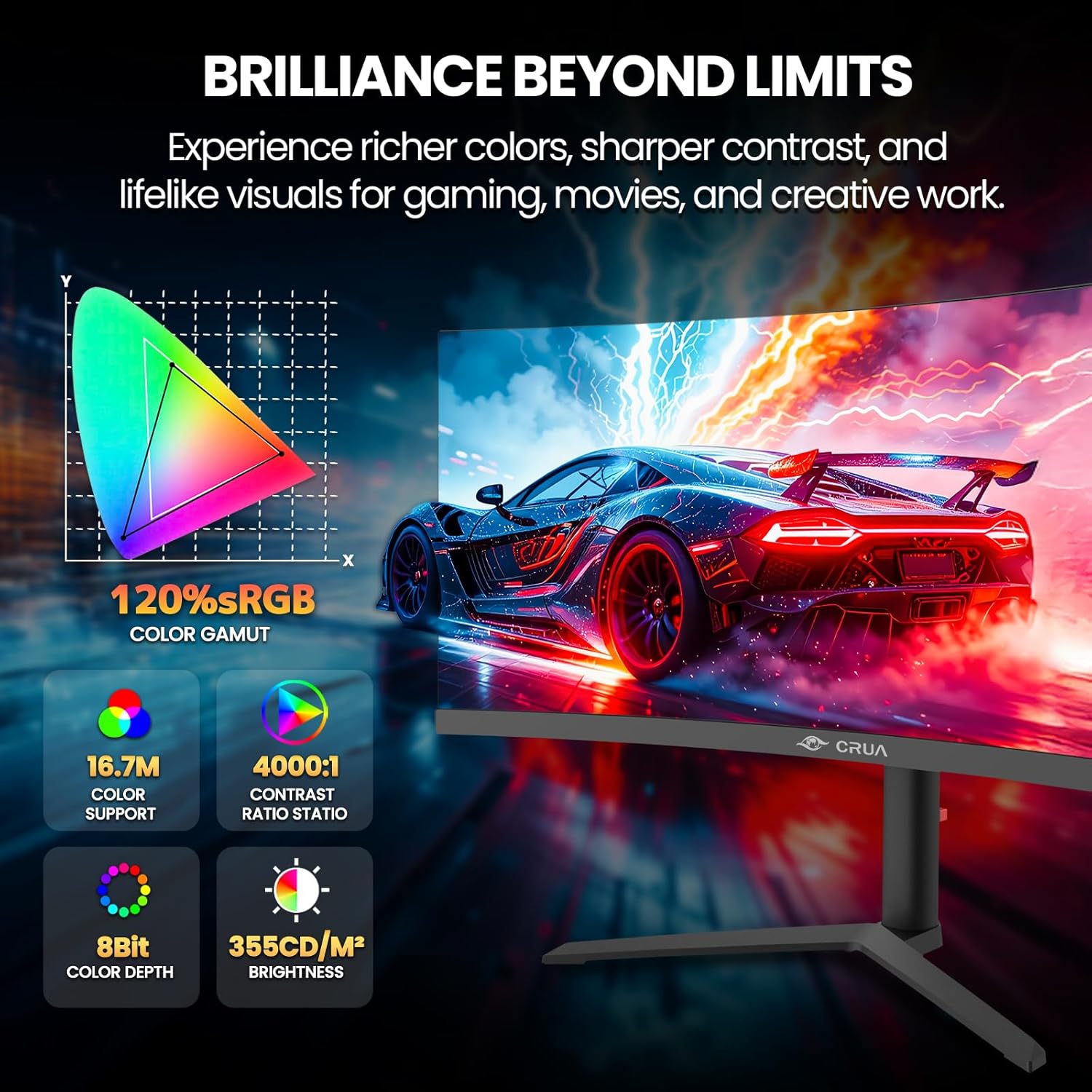
Image: Details on the monitor's color performance, highlighting 120% sRGB, 16.7 million colors, 4000:1 contrast ratio, and 355 cd/m² brightness.
Specifikacije
| Feature | Specifikacija |
|---|---|
| Brand | CRUA |
| Broj modela | CR340QA |
| Veličina ekrana | 34 inča |
| Rezolucija | 3440 x 1440 (WQHD Ultra Wide) |
| Aspect Ratio | 21:9 |
| Zakrivljenost | 3800R |
| Tip panela | VA |
| Refresh Rate | 165 Hz |
| Vrijeme odgovora | 1 ms |
| Osvetljenost | 355 cd/m² |
| Kontrast Ratio | 4000:1 |
| Gamut boja | 120% sRGB |
| Viewing Angle | 178° (H) / 178° (V) |
| Adaptive Sync Technology | AMD FreeSync |
| Povezivanje | 2x HDMI 2.0, 2x DisplayPort 1.4, 1x 3.5mm Audio Out |
| Ugrađeni zvučnici | Da |
| Kompatibilnost VESA nosača | 100 x 100 mm |
| Dimenzije (D x Š x V) | 10.2 x 81.3 x 35.6 cm (otprilike) |
| Težina | 20 lbs (približno) |
Rješavanje problema
Ako imate problema s monitorom, pogledajte sljedeće uobičajene probleme i rješenja:
- Nema napajanja:
- Uverite se da je kabl za napajanje bezbedno priključen i na monitor i na ispravnu utičnicu.
- Provjerite da li adapter za napajanje ispravno funkcioniše.
- Nema signala:
- Check that the HDMI or DisplayPort cable is firmly connected to both the monitor and your computer.
- Odaberite ispravan ulazni izvor putem OSD menija.
- Ensure your computer's graphics card is properly installed and drivers are up to date.
- Treperenje ili iskrivljena slika:
- Provjerite video kabel da li ima oštećenja ili labavih spojeva. Pokušajte s drugim kabelom ako je dostupan.
- Adjust the refresh rate settings on your computer.
- Disable or enable AMD FreeSync in the OSD menu to see if it resolves the issue.
- No Audio from Built-in Speakers:
- Ensure the monitor's volume is not muted or set too low in the OSD menu.
- Check your computer's audio output settings to ensure the monitor is selected as the playback device.
Održavanje
Proper maintenance helps prolong the life of your monitor:
- Čišćenje ekrana: Nježno obrišite ekran mekom krpom koja ne ostavlja dlačice. Za tvrdokorne mrlje koristite sredstvo za čišćenje specifično za monitore naneseno na krpu, a ne direktno na ekran.
- Čišćenje C-aasing: Koristite meku, suhu krpu za čišćenje monitora casing. Izbjegavajte abrazivna sredstva za čišćenje ili rastvarače.
- ventilacija: Pazite da ventilacijski otvori monitora nisu blokirani kako biste spriječili pregrijavanje.
- Isključite kada nije u upotrebi: Turn off the monitor when not in use for extended periods to save energy and extend its lifespan.
Garancija i podrška
CRUA is committed to providing high-quality computer monitors and premium customer service. If you have any questions, concerns, or require assistance with your product, please do not hesitate to contact our support team. We are dedicated to helping our customers and resolving any issues you may encounter.
Please refer to your purchase documentation or the official CRUA webweb-stranicu za specifične uvjete garancije i kontakt informacije.