
1. Uvod
This manual provides essential information for the proper setup, operation, and maintenance of your MESWAO 15.6-inch Android 14 Tablet (Model MES-B3). Please read this manual thoroughly before using the device to ensure optimal performance and longevity. Keep this manual for future reference.
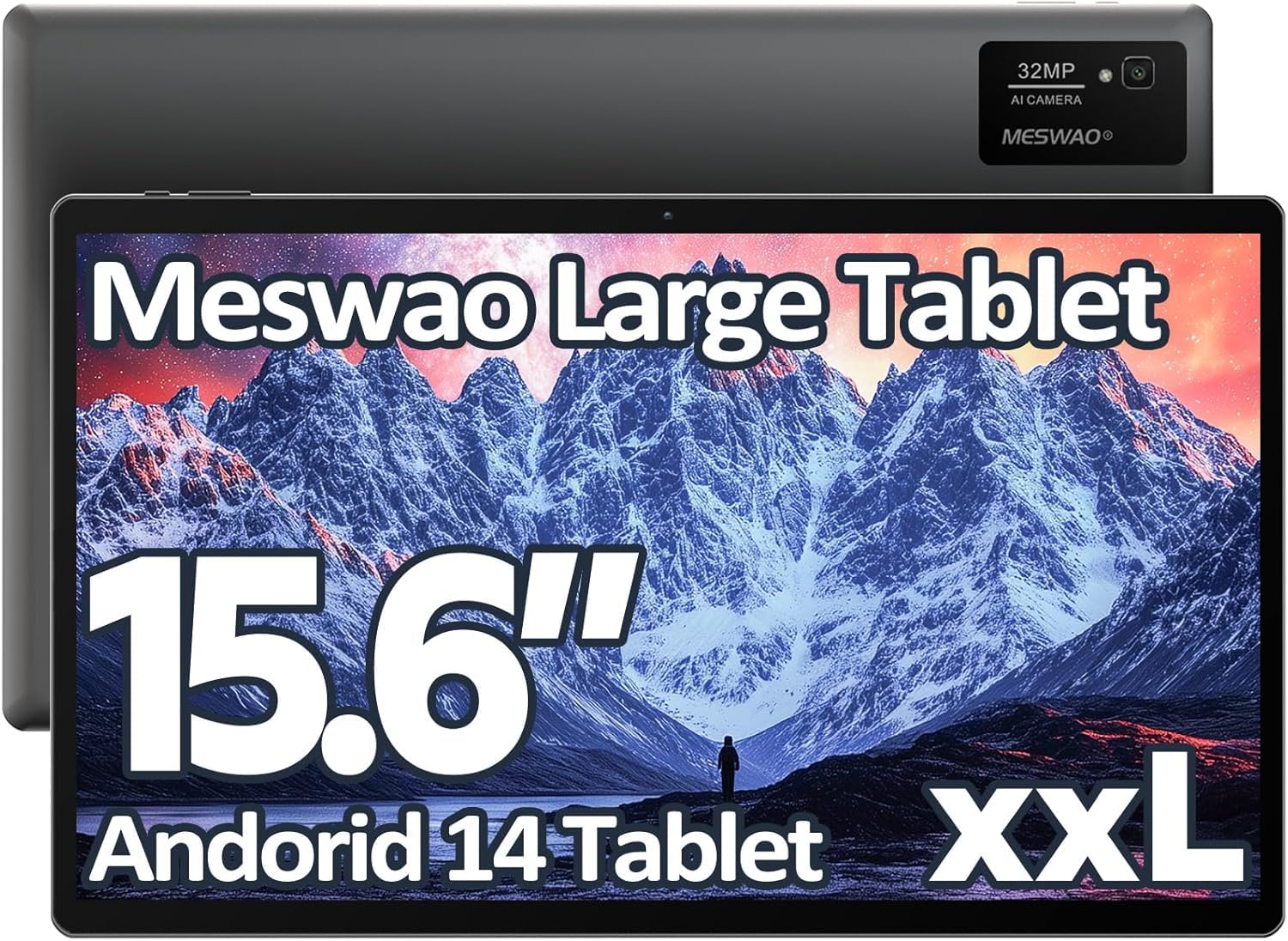
Image: The MESWAO 15.6-inch Android 14 Tablet, showcasinnjegov veliki ekran i elegantan dizajn.
2. Podešavanje
2.1 Raspakivanje i početni pregled
Pažljivo izvadite sve komponente iz pakovanja. Provjerite da li su sve stavke navedene u sadržaju pakovanja prisutne i da li su neoštećene. Ako bilo koje stavke nedostaju ili su oštećene, odmah se obratite korisničkoj podršci.
2.2 Punjenje tableta
Before first use, fully charge the tablet. Connect the provided USB-C cable to the tablet's charging port and the other end to the power adapter. Plug the power adapter into a wall outlet. The charging indicator will illuminate. A full charge typically takes approximately 3 hours with the 30W fast charging capability.
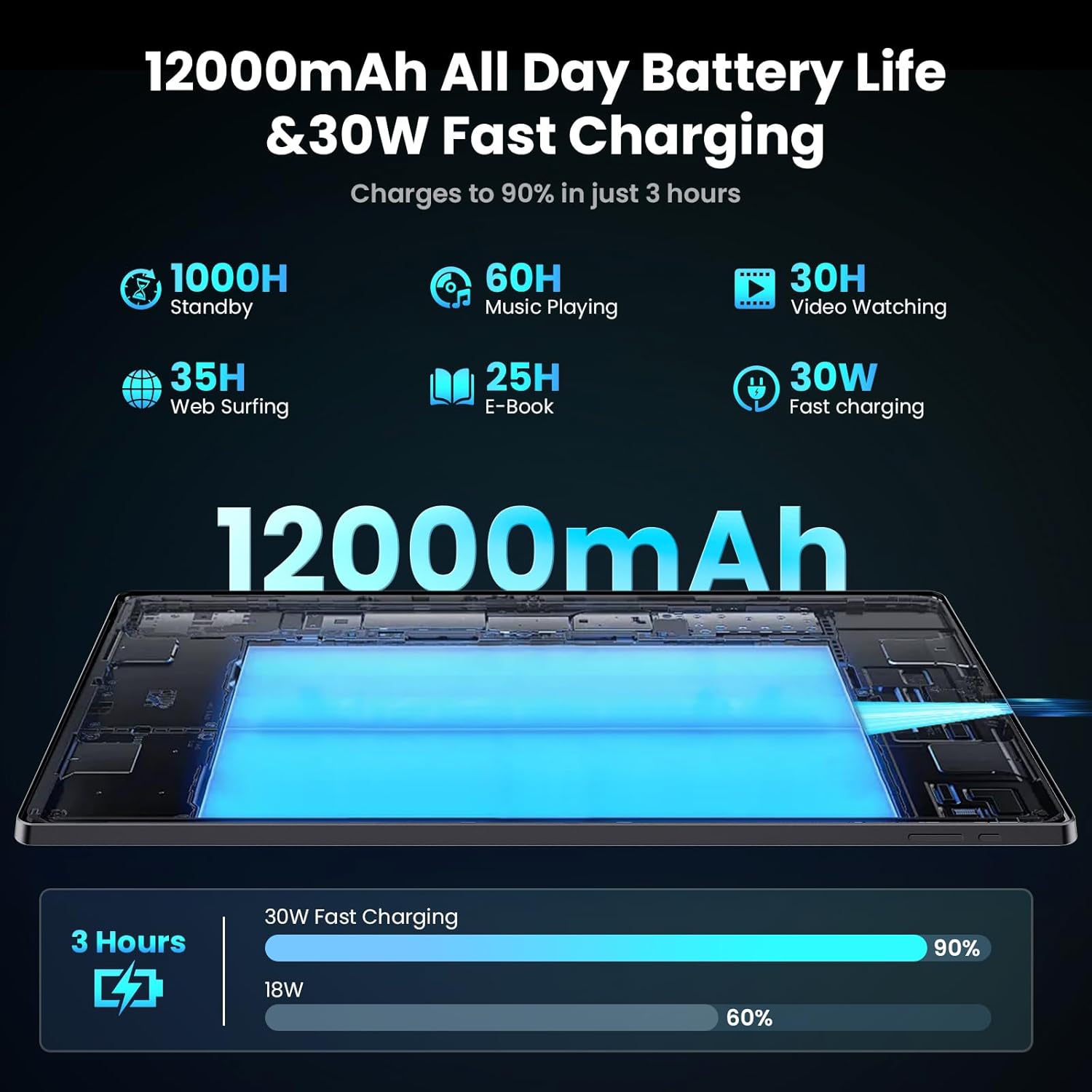
Image: Diagram illustrating the 12000mAh battery capacity and 30W fast charging feature, showing a charge to 90% in 3 hours.
2.3 Uključivanje i početna konfiguracija
- Press and hold the Power button until the MESWAO logo appears.
- Slijedite upute na ekranu da biste odabrali jezik, regiju i povezali se na Wi-Fi mrežu.
- Prijavite se sa svojim Google računom ili kreirajte novi da biste pristupili Google Play trgovini i drugim uslugama.
- Complete any remaining setup steps, such as setting up a screen lock (PIN, pattern, or password) and reviewpostavke privatnosti.
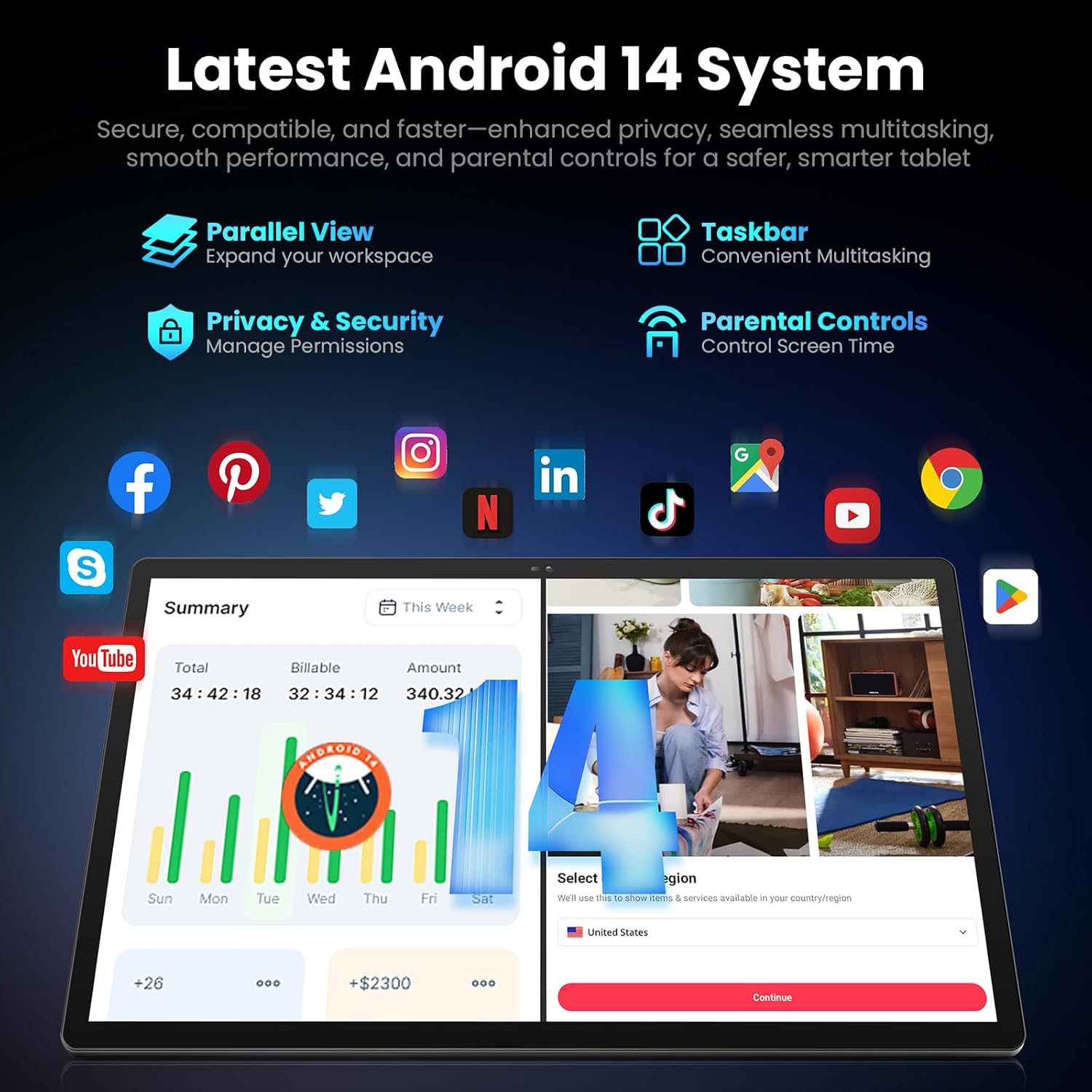
Image: Screenshot of the Android 14 system interface on the MESWAO tablet, highlighting features like Parallel View, Taskbar, Privacy & Security, and Parental Controls.
3. Uputstvo za upotrebu
3.1 Osnovna navigacija
- Pokreti dodirom: Dodirnite za odabir, prevucite prstom za pomicanje, uštipnite za zumiranje.
- Početni ekran: Pristupite aplikacijama, widgetima i obavještenjima.
- Panel sa obavještenjima: Prevucite nadole od vrha ekrana do view obavještenja i brza podešavanja.
- Ladica za aplikacije: Prevucite prstom prema gore od dna ekrana da biste pristupili svim instaliranim aplikacijama.
3.2 Prikaz i vizualno iskustvo
The 15.6-inch Full HD (1920x1080) IPS display offers vivid colors and wide viewing angles. Adjust brightness and display settings in the Settings menu under "Display" for optimal viewing comfort. The large screen is ideal for multitasking and immersive media consumption.

Image: The MESWAO tablet displaying a high-definition image, emphasizing the 1920x1080P Full HD IPS display with eye protection features.
3.3 Performanse i pohrana
Equipped with an Octa-Core Helio G99 processor and Android 14, the tablet provides smooth performance for various applications. It includes 8GB RAM and 256GB internal storage, expandable up to 1TB via a TF (microSD) card. To insert a TF card, locate the card slot on the side of the tablet, open the tray, and carefully place the card into the designated slot before reinserting the tray.
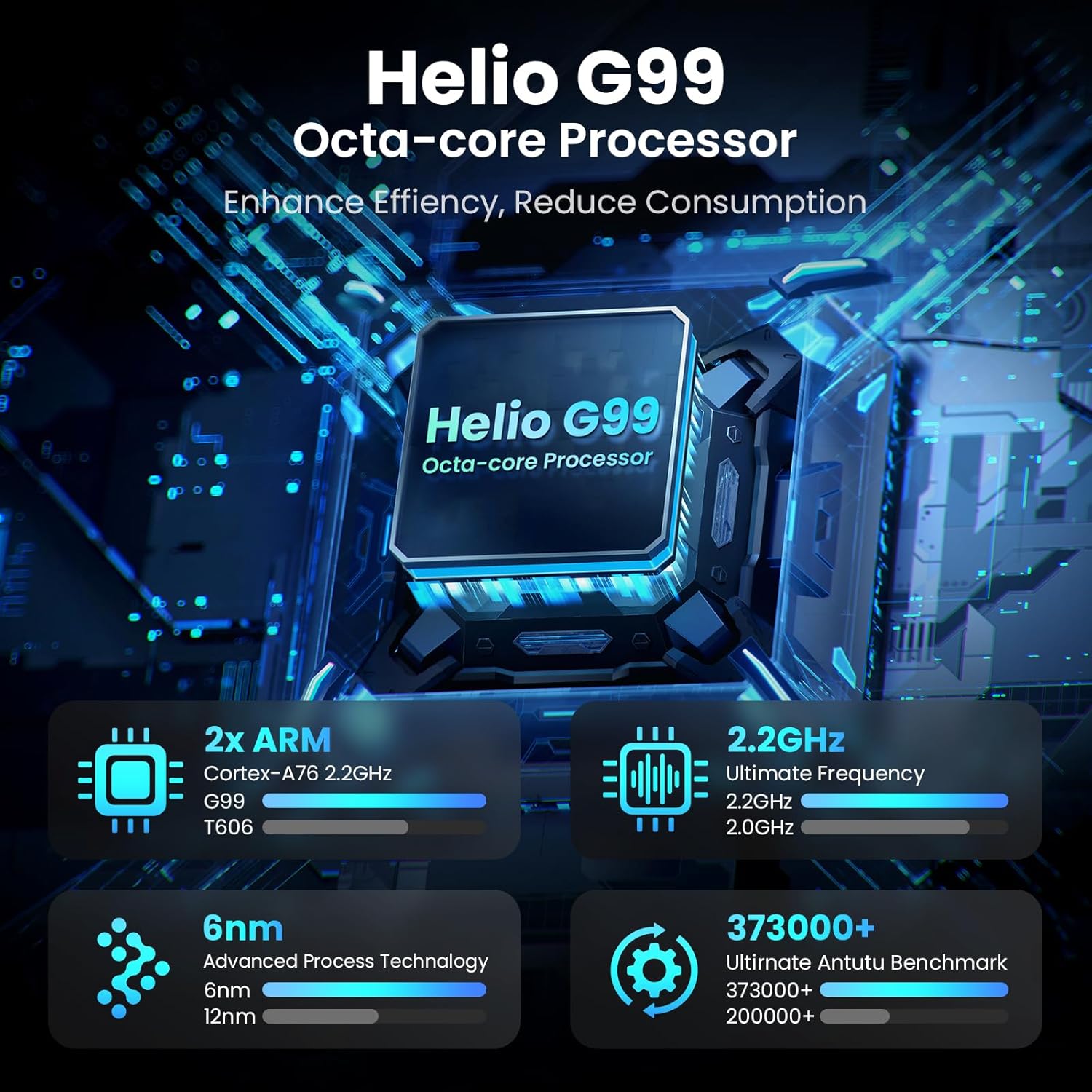
Image: Visual representation of the Helio G99 Octa-core Processor, detailing its architecture and performance metrics like 2.2GHz frequency and 6nm process technology.

Image: The MESWAO tablet screen showing multiple open applications and storage capacity details: 8GB RAM, 256GB ROM, and support for up to 1TB external storage.
3.4 Korištenje kamere
The tablet features a 32MP rear camera with flash and a 5MP front camera. Open the Camera application to capture photos, record videos, or engage in video calls. Ensure good lighting for best results.

Image: A visual demonstrating the MESWAO tablet's 5MP front camera and 32MP rear camera, showing a family photo being taken and a video call in progress.
3.5 Povezivanje
The tablet supports dual-band Wi-Fi (2.4GHz & 5GHz) for stable internet connectivity. Bluetooth is also available for connecting wireless accessories. Access these settings via the Notification Panel or the main Settings app.
4. Održavanje
4.1 Čišćenje tableta
Za čišćenje ekrana i kućišta tableta koristite meku krpu koja ne ostavlja dlačice. Za tvrdokorne mrlje, lagano obrišiteampOperite krpu vodom ili sredstvom za čišćenje ekrana. Izbjegavajte upotrebu jakih hemikalija ili abrazivnih materijala.
4.2 Ažuriranja softvera
Redovno provjeravajte i instalirajte sistemska ažuriranja kako biste osigurali da vaš tablet ima najnovije funkcije, sigurnosne zakrpe i poboljšanja performansi. Idite na Postavke > Sistem > Ažuriranje sistema da provjerite ažuriranja.
4.3 Njega baterija
- Izbjegavajte ekstremne temperature, jer mogu smanjiti vijek trajanja baterije.
- Ne dozvolite da se baterija često potpuno isprazni.
- Koristite samo priloženi punjač ili certificirani kompatibilni punjač.
5. Otkrivanje problema
5.1 Tablet se ne uključuje
- Provjerite je li tablet dovoljno napunjen. Spojite ga na punjač najmanje 30 minuta prije nego što ga ponovo pokušate uključiti.
- Pritisnite i držite dugme za napajanje 10-15 sekundi da biste izvršili prisilno ponovno pokretanje.
5.2 Problemi s Wi-Fi povezivošću
- Check if Wi-Fi is enabled in the Quick Settings or Settings menu.
- Ponovo pokrenite Wi-Fi ruter i tablet.
- Zaboravite mrežu u Wi-Fi postavkama i ponovo se povežite.
- Provjerite da li ste u dometu Wi-Fi signala.
5.3 Spore performanse
- Zatvorite nepotrebne pozadinske aplikacije.
- Obrišite podatke keš memorije za često korištene aplikacije (Postavke > Aplikacije > [Naziv aplikacije] > Pohrana i keš memorija > Obriši keš memoriju).
- Ensure sufficient free storage space. Delete unused files ili aplikacije.
- Povremeno ponovo pokrenite tablet.
5.4 Ekran ne reaguje
- Izvršite prisilno ponovno pokretanje (držite dugme za napajanje 10-15 sekundi).
- Provjerite je li ekran čist i bez vlage ili prljavštine.
6. Specifikacije
| Feature | Detalj |
|---|---|
| Naziv modela | MES-B3 |
| Veličina ekrana | 15.6 inča |
| Maksimalna rezolucija ekrana | 1920 x 1080 Pixels (Full HD IPS) |
| Operativni sistem | Android 14 |
| Procesor | Octa-Core Helio G99 (up to 2.2 GHz) |
| RAM | 8GB |
| Interna pohrana (ROM) | 256GB |
| Proširiva pohrana | Do 1TB (TF kartica) |
| Kapacitet baterije | 12000mAh |
| Punjenje | 30W brzo punjenje |
| Zadnja kamera | 32MP sa blicem |
| Prednja kamera | 5MP |
| Povezivanje | Dual-band Wi-Fi (2.4GHz & 5GHz), Bluetooth |
| Dimenzije (DxŠxV) | 14.53 x 8.78 x 0.43 inča |
| Težina artikla | 3.84 funte |
7. Garancija i podrška
7.1 Informacije o garanciji
MESWAO products are covered by a limited warranty. Please refer to the warranty card included in your product packaging for specific terms and conditions. Keep your proof of purchase for warranty claims.
7.2 Korisnička podrška
For technical assistance, troubleshooting, or warranty inquiries, please contact MESWAO customer support. Contact information can typically be found on the official MESWAO websajtu ili na garantnom listu.
Online resources such as FAQs and support forums may also be available on the MESWAO website.