1. Proizvod je gotovview
The Generic USB Rechargeable Portable Soldering Iron is a versatile and cordless tool designed for precision soldering tasks. Its compact and portable design makes it suitable for various applications, including electronic repairs, jewelry work, and general household DIY projects. This soldering pen features adjustable temperature settings to accommodate different welding requirements, ensuring efficient and accurate results.
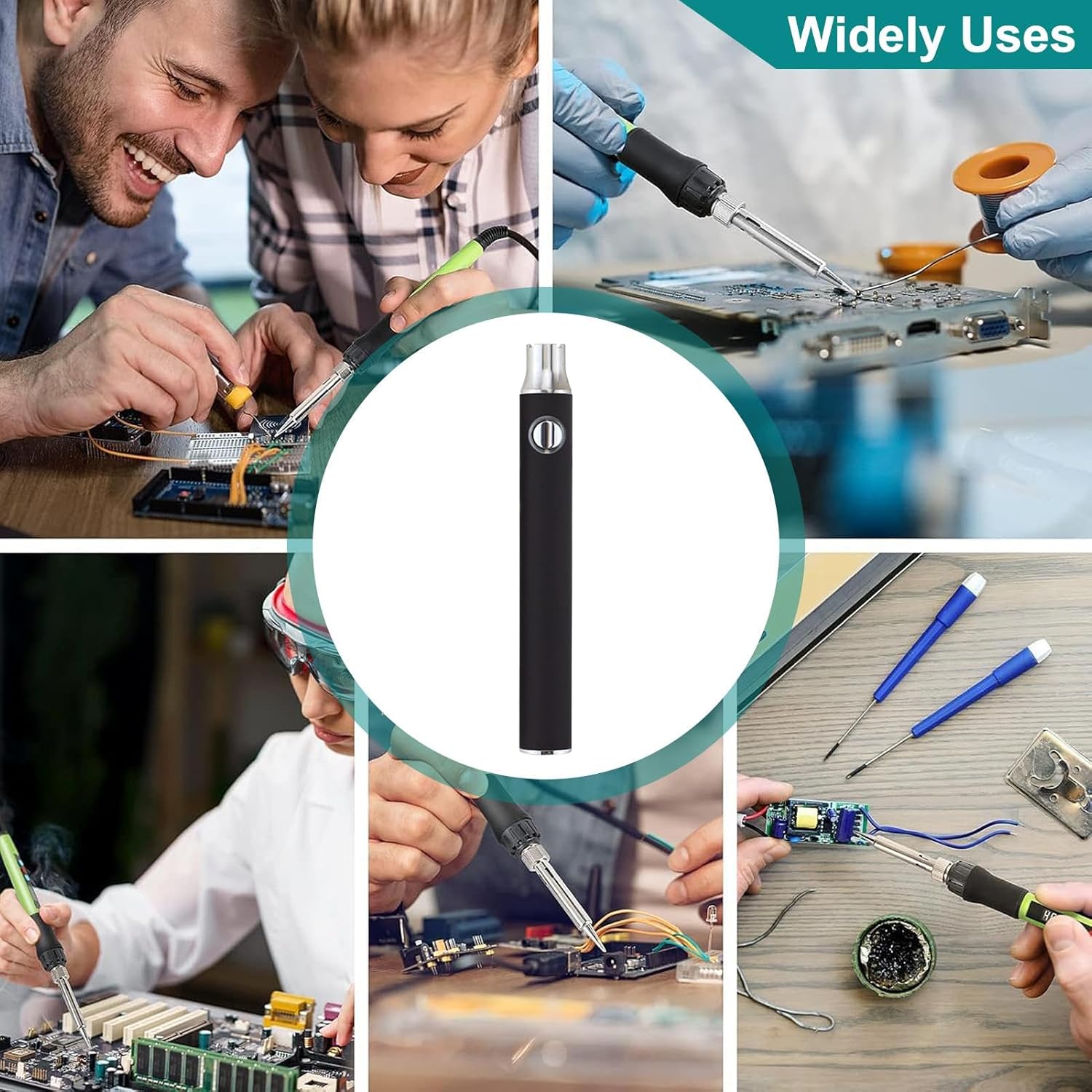
Image 1.1: The portable soldering iron in various application scenarios.
2. Komponente proizvoda
Paket obično uključuje sljedeće komponente:
- Portable Soldering Iron Pen
- USB adapter za punjenje
- Soldering Tip (pre-installed or separate)

Image 2.1: Main components of the soldering iron kit.
3. Postavljanje i prva upotreba
- Napunite uređaj: Before first use, fully charge the soldering iron using the provided USB charging adapter. Connect the adapter to a standard USB power source (e.g., computer, wall adapter) and then connect the soldering iron. The charging indicator will typically show the charging status.
- Attach Soldering Tip: Ensure the soldering tip is securely attached to the heating element. If it's a new tip, ensure it is properly seated.
- Pripremite radno područje: Work in a well-ventilated area. Have all necessary soldering materials (solder, flux, desoldering braid, safety glasses) ready.
4. Uputstvo za upotrebu
- Uključeno: Press and hold the power button (usually located on the body of the pen) for a few seconds until the indicator light illuminates.
- Podesite temperaturu: This soldering iron features a three-gear adjustable temperature function. Press the power button repeatedly to cycle through the temperature settings. The indicator light color will change to reflect the current setting:
- crveno: Maximum heat setting.
- zeleno: Minimum heat setting.
- (Other colors may indicate intermediate settings if available)
- Predgrevanje: Allow the soldering iron to preheat for approximately 10-30 seconds until it reaches the desired temperature. The temperature display, if present, will show the current temperature.
- lemljenje: Apply the heated tip to the joint to be soldered, then touch the solder to the tip and the joint. Allow the solder to flow smoothly. Avoid applying excessive pressure.
- Iskljuciti: After use, press and hold the power button until the indicator light turns off. Allow the tip to cool completely before storing.

Image 4.1: Demonstrating the soldering iron in use on a circuit board.
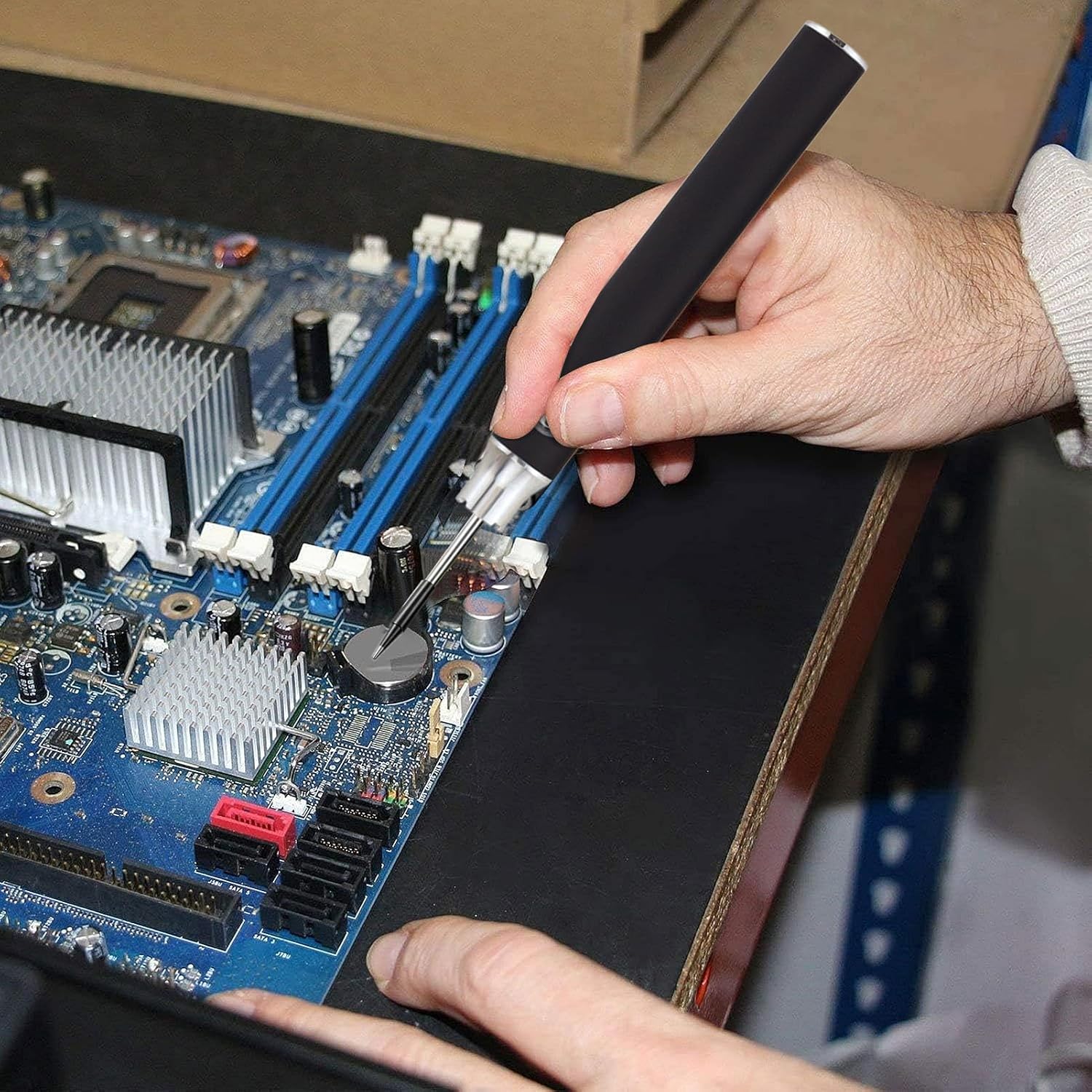
Slika 4.2: Detaljno view of the soldering iron being used for precision work.
5. Punjenje uređaja
The soldering iron is conveniently charged via a USB connection. Use the provided USB charging adapter to connect the device to any standard USB power source. The indicator light will typically show the charging status (e.g., solid light for charging, light off or changing color for fully charged). A full charge ensures portability and extended use without the need for additional batteries.
6. Održavanje
- Čišćenje vrha: Redovno čistite vrh lemilice pomoćuamp sponge or brass wool to remove excess solder and oxidation. A clean tip ensures efficient heat transfer and better solder joints.
- Skladištenje: Store the soldering iron in a dry, cool place away from direct sunlight and moisture. Ensure the tip is cool before storing.
- Održavanje baterije: To prolong battery life, avoid completely draining the battery frequently. Charge the device when the power is low.
7. Otkrivanje problema
- Uređaj se ne zagrijava:
- Uvjerite se da je uređaj potpuno napunjen.
- Verify the power button has been pressed and held until the indicator light is on.
- Check if the soldering tip is securely attached.
- Loši lemni spojevi:
- Clean the soldering tip thoroughly.
- Ensure the correct temperature setting is selected for the solder type.
- Use appropriate flux if necessary.
- Uređaj se ne puni:
- Verify the USB charging adapter and cable are functioning correctly.
- Osigurajte da su spojne tačke čiste i bez ostataka.
8. Specifikacije
| Feature | Detalj |
|---|---|
| Broj modela | QOP7CKSB56PKAU2LXGRR |
| Brand | Generic |
| Izvor napajanja | USB punjivi |
| Postavke temperature | Three-gear adjustable (Red: Max, Green: Min) |
| Dužina stavke | 10.6 centimetra (4.17 inča) |
| Težina artikla | 1.76 unce |
| Specifične upotrebe | Jewellery Soldering, Residential Use, Electronic Repair |
| Stil | Olovka |

Image 8.1: Dimensions of the portable soldering iron.
9. Sigurnosne informacije
Molimo vas da pročitate i slijedite ove sigurnosne upute kako biste spriječili ozljede ili štetu:
- Always wear appropriate eye protection when soldering.
- Radite u dobro prozračenom prostoru kako biste izbjegli udisanje isparenja od lema.
- The soldering tip becomes extremely hot. Avoid direct contact with skin or flammable materials.
- Use a stable, heat-resistant surface for soldering.
- Čuvati van domašaja djece i kućnih ljubimaca.
- Unplug or power off the device when not in use and allow it to cool completely before handling or storing.
- Do not attempt to modify or disassemble the soldering iron.
10. Garancija i podrška
For warranty information or technical support, please refer to the product packaging or contact the manufacturer directly. Keep your purchase receipt as proof of purchase.