
1. Uvod
This manual provides essential information for setting up, operating, maintaining, and troubleshooting your HP Pavilion 16-inch 2K Laptop. Please read this guide thoroughly to ensure optimal performance and longevity of your device.
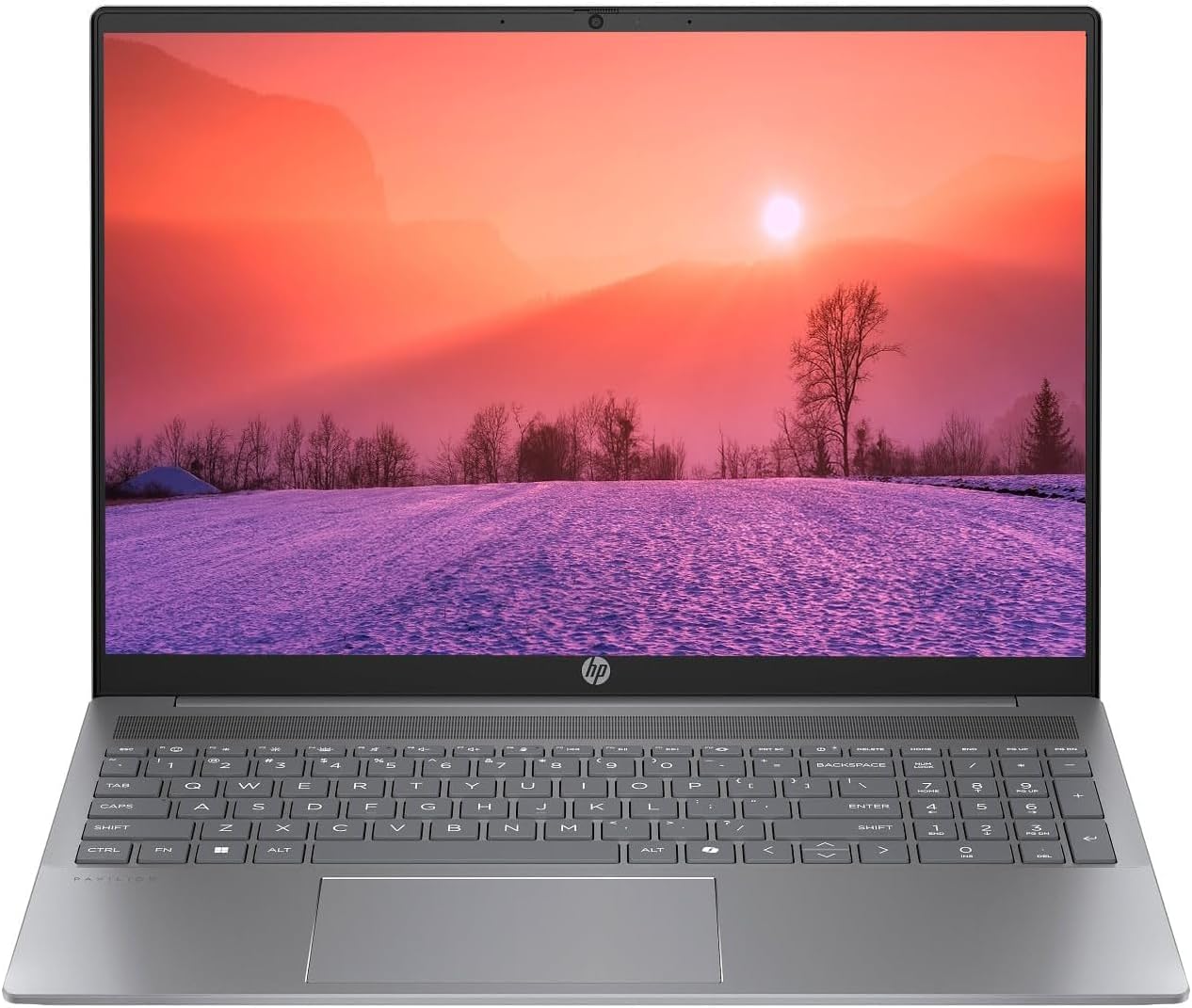
Figure 1.1: HP Pavilion 16-inch Laptop (Angled View)
This image displays the HP Pavilion 16-inch laptop in an open, angled position, highlighting its display and keyboard layout.
2. Podešavanje
2.1 Raspakivanje i početni pregled
Carefully remove the laptop and all accessories from the packaging. Inspect for any signs of damage. If any components are missing or damaged, contact your retailer or HP support immediately.
2.2 Povezivanje napajanja
- Connect the AC adapter to the power connector on the side of your laptop.
- Uključite kabl za napajanje u električnu utičnicu.
- Allow the laptop to charge for at least 30 minutes before initial use, especially if the battery is completely drained.
2.3 Početno pokretanje i podešavanje Windowsa 11
Press the power button to turn on your laptop. Follow the on-screen instructions to complete the Windows 11 Home OS setup, including language selection, network connection, and user account creation.
2.4 Povezivanje perifernih uređaja
Vaš laptop ima različite portove za povezivanje eksternih uređaja:
- USB Type-C Ports (2): For data transfer, charging compatible devices, and video output.
- USB Type-A Ports (2): Za povezivanje standardnih USB uređaja poput miševa, tastatura ili eksternih diskova.
- HDMI priključak (1): Za povezivanje s vanjskim ekranima ili projektorima.
- Headphone/Microphone Combo Jack (1): Za povezivanje slušalica, eksternih zvučnika ili slušalica sa mikrofonom.
3. Uputstvo za upotrebu
3.1 Uključivanje/isključivanje i režim spavanja
- Uključeno: Pritisnite dugme za napajanje koje se nalazi na ploči tastature.
- Isključi: Kliknite na dugme Start u sistemu Windows, a zatim izaberite Napajanje > Isključi.
- Režim spavanja: Zatvorite poklopac laptopa ili kliknite na dugme Start, a zatim odaberite Napajanje > Spavanje.
3.2 Korištenje tastature i touchpada
Laptop ima tastaturu pune veličine i preciznu tačped.
- Tastatura sa pozadinskim osvetljenjem: To activate or adjust the keyboard backlight, use the dedicated function key (usually F5 or F4, look for a keyboard icon).
- Pokreti na dodirnoj ploči: Refer to Windows 11 settings for customizable touchpad gestures (e.g., two-finger scroll, pinch-to-zoom).
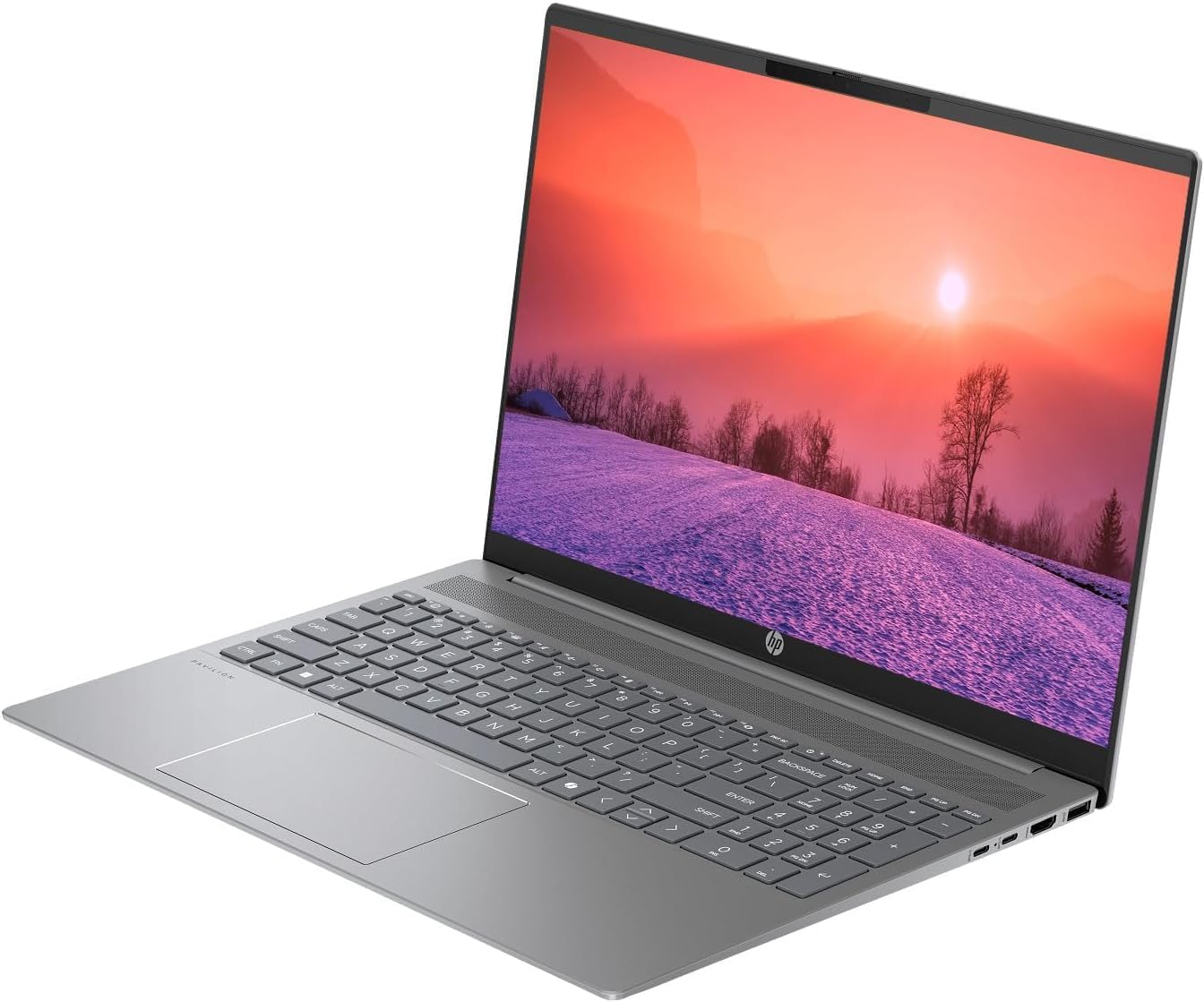
Figure 3.1: HP Pavilion 16-inch Laptop (Front View)
This image shows the HP Pavilion 16-inch laptop from a direct front view, highlighting the screen and keyboard.
3.3 Bežično povezivanje
- Wi-Fi 6: Da biste se povezali na bežičnu mrežu, kliknite na ikonu Wi-Fi u programskoj traci, odaberite svoju mrežu i unesite lozinku.
- Bluetooth: To pair Bluetooth devices, go to Windows Settings > Bluetooth & devices, and turn on Bluetooth.
3.4 Pomoću Webcam
Integrisani HD webcam can be used for video calls and conferences. Access it through applications like Camera, Microsoft Teams, or Zoom.
4. Održavanje
4.1 Čišćenje laptopa
- Koristite meku krpu koja ne ostavlja dlačiceampočišćen vodom ili sredstvom za čišćenje ekrana.
- Za tastaturu i kućište koristite meku krpu. Izbjegavajte jake hemikalije.
- Use compressed air to clear dust from vents periodically.
4.2 Njega baterija
- Izbjegavajte često potpuno pražnjenje baterije.
- Laptop čuvajte na hladnom i suhom mjestu ako ga ne koristite duži period.
- For optimal battery health, avoid continuous charging at 100% for prolonged durations.
4.3 Ažuriranja softvera
Regularly check for and install Windows updates to ensure system stability, security, and performance. Go to Windows Settings > Windows Update.
4.4 Upravljanje skladištem
Povremeno čistite nepotrebno files and applications to maintain optimal performance of the 512GB SSD. Use Windows built-in tools like Disk Cleanup or Storage Sense.
5. Otkrivanje problema
This section addresses common issues you might encounter with your HP Pavilion laptop.
5.1 Laptop se ne uključuje
- Provjerite je li AC adapter sigurno priključen i na laptop i na ispravnu utičnicu.
- Provjerite da li je utičnica funkcionalna tako što ćete priključiti drugi uređaj.
- Ako je baterija potpuno prazna, ostavite je da se puni najmanje 30 minuta prije nego što je pokušate uključiti.
5.2 Problemi s Wi-Fi vezom
- Provjerite je li Wi-Fi omogućen u postavkama Windowsa.
- Ponovo pokrenite ruter i modem.
- Provjerite jeste li u dometu Wi-Fi mreže.
- Pokušajte zaboraviti mrežu i ponovo se povezati.
5.3 Keyboard Backlight Not Working
- Press the dedicated keyboard backlight function key (e.g., F5 or F4) to toggle or adjust the brightness.
- Check Windows Mobility Center settings (search for it in the Start menu) for backlight options.
5.4 Spore performanse
- Zatvorite nepotrebne aplikacije koje rade u pozadini.
- Provjerite da li je Windows ažuriran.
- Run a disk cleanup and check for malware.
- Verify that the laptop is not overheating.
6. Specifikacije
| Feature | Specifikacija |
|---|---|
| Naziv modela | HP 16" Laptop |
| Procesor | AMD Ryzen 5 8540U (Up to 4.89GHz) |
| RAM | 8GB LPDDR5 |
| Skladištenje | 512GB SSD |
| Display | 16-inch WUXGA 2K (1920 x 1200 pixels) LED |
| Grafika | AMD Radeon Graphics (Dedicated) |
| Operativni sistem | Windows 11 Home OS |
| Luke | 2x USB Type-C, 2x USB Type-A, 1x HDMI, 1x Headphone/Microphone Combo Jack |
| Bežično povezivanje | Wi-Fi 6 (802.11ax), Bluetooth |
| Tastatura | Pozadinsko osvetljenje |
| Webcam | Da |
| Dimenzije (D x Š x Debljina) | 14.17" x 9.2" x 0.7" |
| Baterija | Lithium Ion, 4 Watt Hours |
| UPC | 197961359091 |
7. Garancija i podrška
7.1 Informacije o garanciji
This HP Pavilion laptop comes with a 30-dnevno jamstvo. Please retain your proof of purchase for any warranty claims. The warranty covers manufacturing defects under normal use conditions.
7.2 Korisnička podrška
For further assistance, technical support, or warranty inquiries, please visit the official HP support website or contact their customer service. You can typically find contact information and support resources by searching for "HP Support" online.