
Uvod
The Wanbo Cube 2 Pro is a smart home cinema projector that combines sophisticated design with intelligent functionality. This mini projector features automatic ToF correction for precise focus and alignment in under a second, eliminating manual adjustments. Its compact design allows for vertical storage, making it suitable for small spaces. Equipped with advanced WiFi and Bluetooth connectivity, integrated Android TV, and an 8-watt speaker, it provides seamless entertainment. The 230° rotating base offers versatile placement options. The Cube 2 Pro delivers high-quality home cinema performance in a compact form.
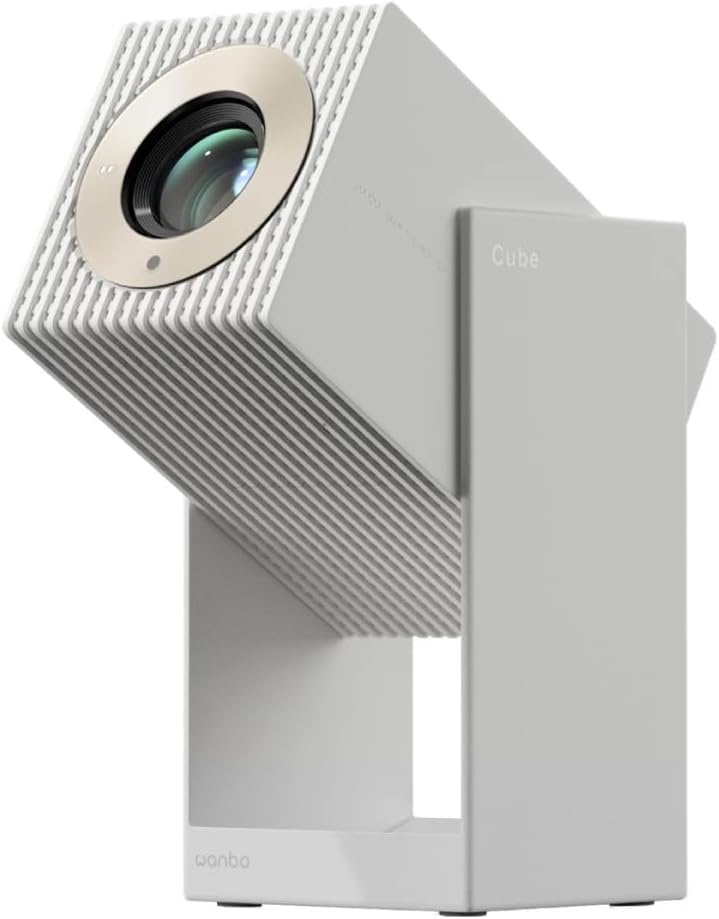
Slika 1: Prednja strana view of the Wanbo Cube 2 Pro Smart Projector.
Šta je u kutiji
Molimo Vas da provjerite sadržaj paketa nakon raspakivanja:
- Wanbo Cube 2 Pro Projector
- Daljinski upravljač
- Kabel za naizmjeničnu struju
- Uputstvo za upotrebu
Vodič za postavljanje
1. Početno postavljanje i priključak za napajanje
Place the projector on a stable, flat surface. The 230° rotating base allows for flexible projection angles onto walls or ceilings. Connect the AC power cable to the projector's power input port and then to a power outlet.

Slika 2: Pozadi view of the projector with power and HDMI ports.
2. Powering On and Automatic Adjustment
Press the power button on the projector or the remote control to turn it on. The projector will automatically perform ToF (Time-of-Flight) auto-focus and keystone correction. This process ensures a clear and properly aligned image in less than one second, eliminating manual adjustments.
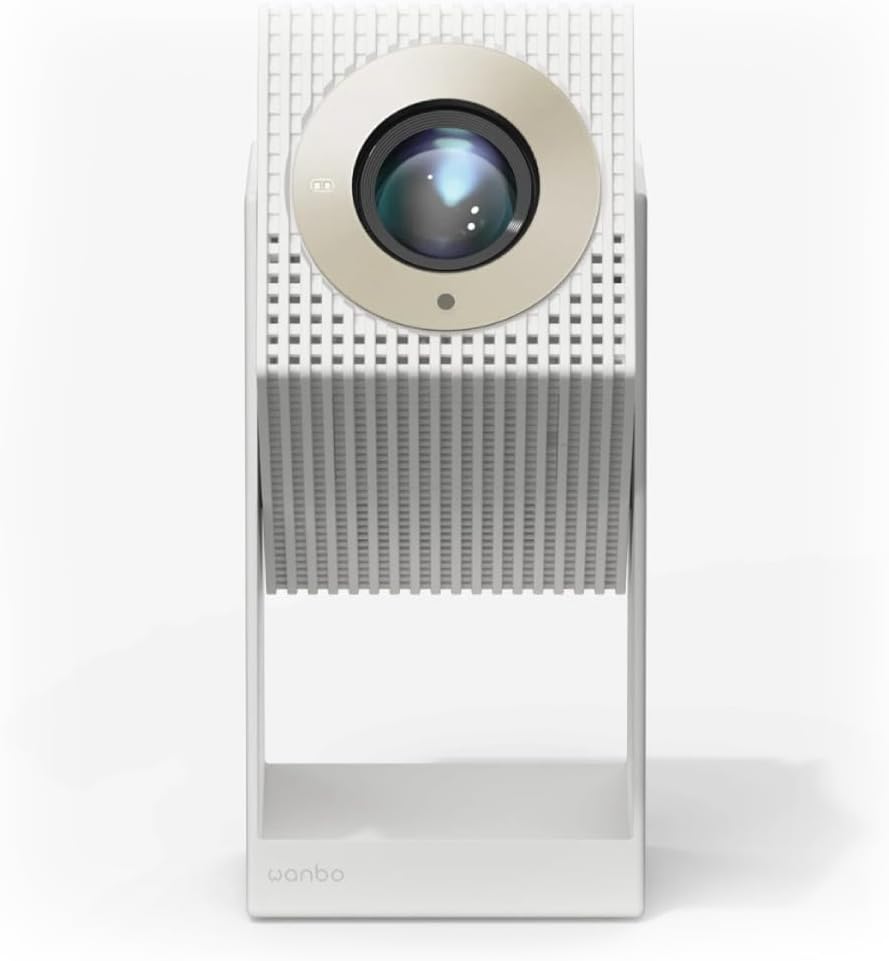
Figure 3: Projector angled for flexible projection.
3. Mrežna i Bluetooth veza
- Wi-Fi: Navigate to the settings menu on the Android TV interface, select Network & Internet, and connect to your Wi-Fi network.
- Bluetooth: For connecting external audio devices or using the projector as a standalone Bluetooth speaker, go to Bluetooth settings and pair your device.
Uputstvo za upotrebu
1. Navigacija Android TV-om
The projector comes with integrated Android TV. Use the provided remote control to navigate the interface. You can access pre-installed apps like Netflix and YouTube, or download more from the Google Play Store.

Slika 4: Vrh view of the projector with control buttons.
2. Podešavanje projekcije
The projector features multi-point sensors that automatically adjust image clarity and alignment as you move it. For manual adjustments, if needed, refer to the display settings within the Android TV interface.
3. Using as a Bluetooth Speaker
When not projecting, the device can function as a standalone 8-watt Bluetooth speaker. Activate Bluetooth mode through the settings or a dedicated button (if available) and connect your audio source.
4. Povezivanje vanjskih uređaja
Use the HDMI port to connect external devices such as laptops, gaming consoles, or Blu-ray players. Select the appropriate HDMI input source from the Android TV menu.
Održavanje
1. Čišćenje objektiva
Pažljivo obrišite sočivo projektora mekom krpom koja ne ostavlja dlačice, posebno dizajniranom za optičke površine. Nemojte koristiti abrazivna sredstva za čišćenje ili prekomjernu silu.
2. Čišćenje eksterijera
Obrišite vanjski dio projektora mekom, suhom krpom. Za tvrdokorne mrlje, laganoamp Može se koristiti krpa, a zatim suha krpa. Izbjegavajte upotrebu jakih hemikalija.
3. Skladištenje
When not in use for extended periods, store the projector in a cool, dry place, away from direct sunlight and extreme temperatures. Its compact design allows it to be stored vertically like a book.
Rješavanje problema
- Nema napajanja: Ensure the AC power cable is securely connected to both the projector and the power outlet. Check if the power outlet is functional.
- Nema slike: Verify that the projector is powered on. If using an external device, ensure it is connected via HDMI and the correct input source is selected on the projector.
- Zamućena slika: The projector features automatic focus. If the image remains blurry, try moving the projector slightly or restarting it. Ensure the lens is clean.
- Nema zvuka: Check the volume settings on both the projector and any connected external devices. If using Bluetooth, ensure the device is properly paired.
- Daljinski upravljač ne reaguje: Check the battery in the remote control (1 AAAA battery required). Ensure there are no obstructions between the remote and the projector.
- Android TV Freezing: If Android TV becomes unresponsive, try restarting the projector. Ensure a stable Wi-Fi connection.
Specifikacije
| Broj modela | 6970885351044 |
| Brand | WANBO |
| Dimenzije (D x Š x V) | 11.1 x 11.6 x 21.2 cm |
| Težina | 1.4 kg |
| Display Technology | LED |
| Native Resolution | 1920 x 1080 (Full HD) |
| Osvetljenost | 2000 lm |
| Udaljenost projekcije | 1.2 - 3.5 metara |
| Povezivanje | Bluetooth, HDMI, Wi-Fi |
| Operativni sistem | Android TV |
| Audio izlaz | 8-watt Built-in Speaker |
| Potrošnja energije | 50 vati |
| Vrsta baterije za daljinsko upravljanje | 1 AAAA (not included) |
Garancija i podrška
Za informacije o garanciji i tehničkoj podršci, molimo vas da se obratite službenom WANBO-u. webweb-mjesto ili kontaktirajte prodavača. Sačuvajte račun za kupovinu u slučaju reklamacije.
Proizvođač: Wanbo
ASIN: B0FT8R519V