
Uvod
This manual provides detailed instructions for the operation and maintenance of your Dekala Digital Alarm Clock, Model TAC. Please read this manual thoroughly before using the device to ensure proper function and longevity.
Ključne karakteristike
- High-Sensitivity Temperature and Humidity Detection: Displays real-time temperature (-4°F to 140°F) and humidity (1% to 99% RH) to help monitor indoor climate.
- Dual Alarms with Weekday/Weekend Mode: Set two independent alarms, configurable for weekdays, weekends, or all seven days. Includes a one-tap snooze function for an additional 9 minutes of sleep, up to 5 times.
- Extra Loud Alarm with 9 Ringtones: Features 10 adjustable volume levels (65dB to 100dB) and a selection of 9 natural tones for effective waking.
- Large Display with Auto Dimmer: A clear 1.6-inch digit display on a 7.08" x 3.5" x 1.29" screen. Brightness settings include Auto, Day, Night, and Off modes for optimal visibility and comfort.
- Sleep Sound Machine: Offers 9 soothing sleep sounds with an adjustable auto-off timer (5 to 120 minutes) or continuous play for a relaxing sleep environment.
Setup
- Priključak za napajanje: Connect the provided USB-C cable to the clock and a suitable power adapter (not included). The clock will power on automatically.
- Početno podešavanje vremena:
- Press and hold the "Time Set" button (often indicated by a clock icon) to enter time setting mode.
- Use the "+" and "-" buttons to adjust hours and minutes.
- Press the "Time Set" button again to confirm each setting (e.g., 12/24-hour format, year, month, day).
- Postavljanje alarma:
- Press the "Alarm 1" or "Alarm 2" button (bell icons) to select an alarm.
- Pritisnite i držite odabrano dugme alarma da biste ušli u režim podešavanja alarma.
- Use the "+" and "-" buttons to set the alarm time.
- Press the alarm button again to select the alarm frequency (e.g., Mon-Fri, Sat-Sun, Mon-Sun).
- Press the alarm button once more to confirm and activate the alarm. An alarm icon will appear on the display.
- Podešavanje svjetline ekrana:
- Press the "Brightness" button (sun icon) to cycle through brightness levels: Off, Dim, Bright, Auto.
- In Auto mode, the display brightness adjusts automatically based on ambient light.
- Setting Sleep Sounds:
- Press the "Sound" button (music note icon) to activate sleep sounds.
- Press the "+" or "-" buttons to cycle through the 9 available sleep sounds.
- Press the "Sound" button again to set the auto-off timer (5, 15, 30, 60, 90, 120 minutes, or continuous play).
Uputstvo za upotrebu
- Funkcija odgode: When an alarm sounds, press the large "SNOOZE" button on top of the clock to temporarily silence the alarm for 9 minutes. This can be repeated up to 5 times.
- Turning Alarms On/Off: Briefly press the "Alarm 1" or "Alarm 2" button to toggle the respective alarm on or off. The bell icon will appear or disappear from the display.
- Podešavanje jačine zvuka alarma: While an alarm is sounding, use the "+" or "-" buttons to adjust the alarm volume.
- Provjera temperature i vlažnosti: The current temperature and humidity are continuously displayed on the right side of the screen.
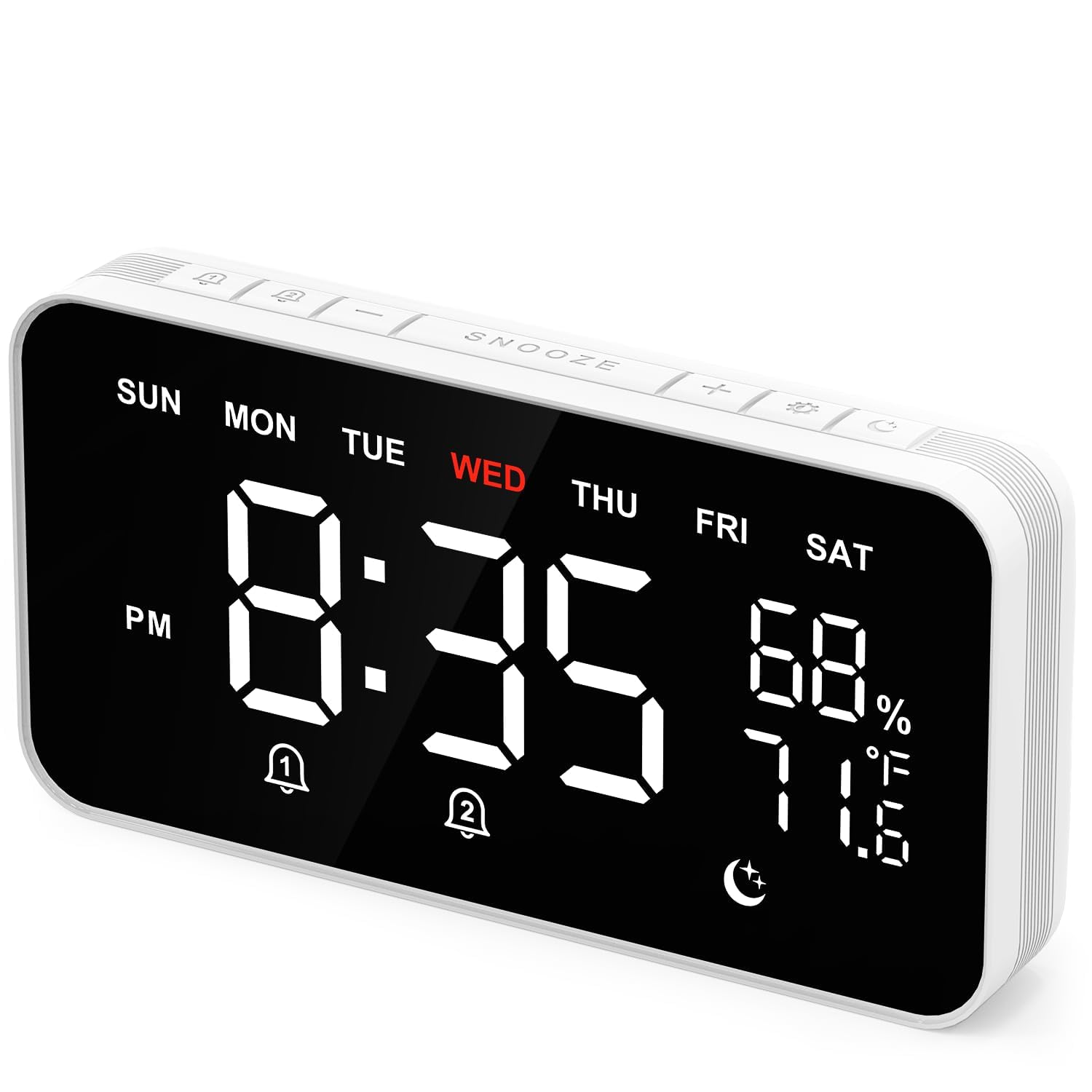
Image: The clock's display showing time, day of the week, temperature, and humidity.

Image: The clock's display highlighting the dual alarm settings for different days.

Image: A hand interacting with the large snooze button located on the top of the alarm clock.
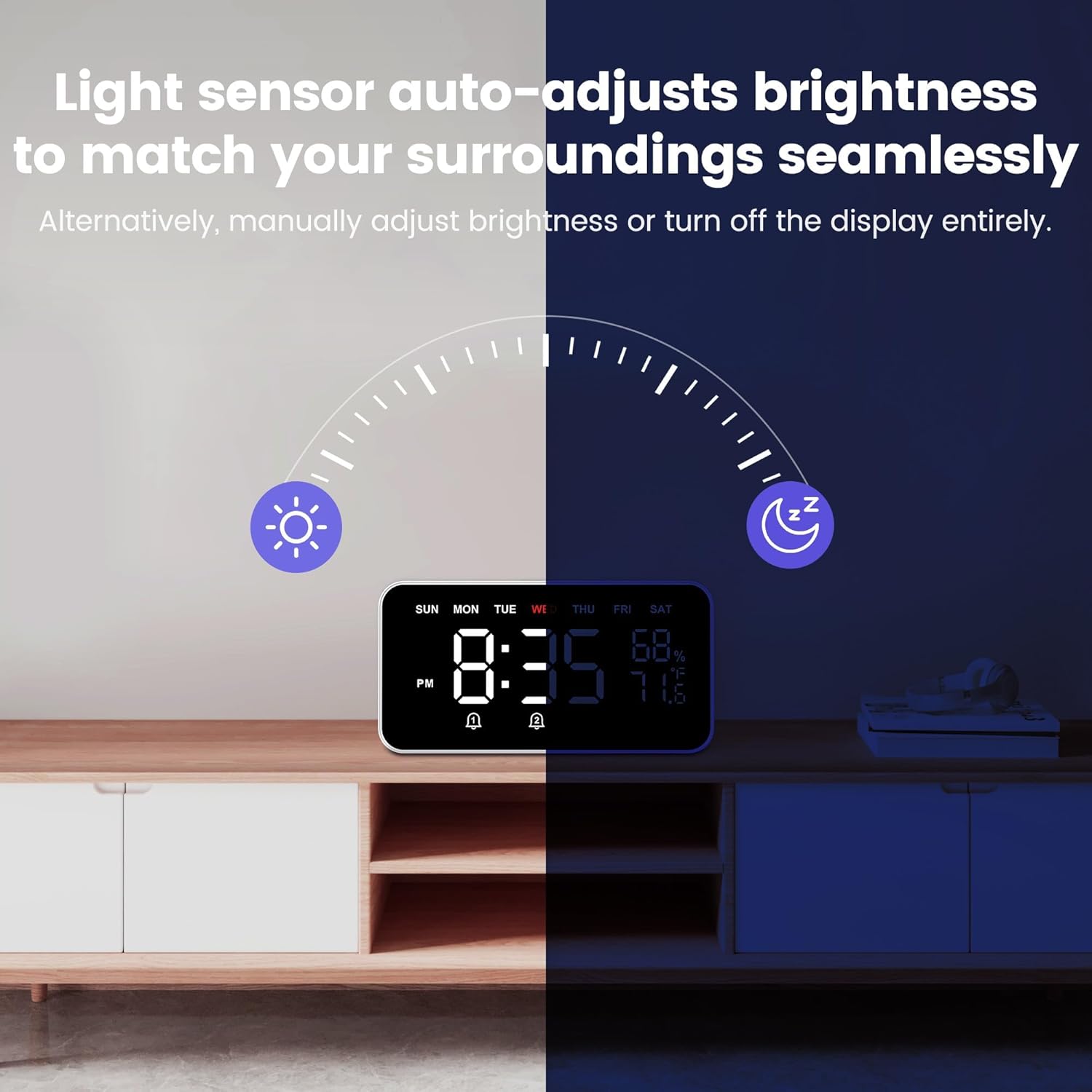
Image: The clock's display demonstrating its auto-dimming capability in varying light environments.

Image: The clock displaying musical notes, indicating the sleep sound function is active.

Image: The clock's display showing icons for 9 soothing sounds and the auto-off timer feature.
Održavanje
- čišćenje: Use a soft, dry cloth to clean the clock's display and body. Avoid abrasive cleaners or solvents that may damage the surface.
- plasman: Place the clock on a stable, flat surface away from direct sunlight, extreme temperatures, and high humidity to ensure accurate sensor readings and prevent damage.
- Snaga: Always use the provided USB-C cable for power. Ensure the power source is stable.
Rješavanje problema
| Problem | Mogući uzrok | Rješenje |
|---|---|---|
| Clock not powering on. | Nema napajanja ili je kabel neispravan. | Ensure the USB-C cable is securely connected to both the clock and a working power adapter. Try a different power outlet or adapter. |
| Alarm se ne oglašava. | Alarm is off, volume is too low, or incorrect time set. | Verify the alarm icon is displayed. Check alarm volume settings. Confirm the alarm time is correctly set for the desired day(s). |
| Ekran je previše taman ili previše svijetao. | Brightness setting is incorrect or Auto mode is active. | Press the "Brightness" button to cycle through manual brightness levels (Dim, Bright) or select Auto mode. |
| Vrijeme je netačno. | Vrijeme nije bilo ispravno podešeno ili je došlo do prekida struje. | Re-set the time following the "Initial Time Setting" instructions. The clock does not have a battery backup for timekeeping during power outages. |
Specifikacije
- Brand: Dekala
- Model: TAC
- Boja: Crna
- Vrsta prikaza: Digital
- Dimenzije proizvoda: 8.7 cm Š x 4.7 cm V
- Izvor napajanja: Električni uređaj sa kablom (USB-C)
- Materijal okvira: Plastika
- Alarm: Da (dvostruki alarmi)
- Raspon temperature: -4°F do 140°F
- Raspon vlažnosti: 1% do 99% RH
- Posebne karakteristike: Auto Dimmable, Sleep Sound Machine, Temperature & Humidity Display
Garancija i podrška
For warranty information, technical support, or further assistance, please refer to the product packaging or visit the official Dekala website. Contact details for customer service are typically provided with your purchase documentation.