
Uvod
Welcome to the GravaStar Mercury K1 75% Wireless Mechanical Gaming Keyboard user manual. This guide provides essential information for setting up, operating, maintaining, and troubleshooting your new keyboard. The Mercury K1 combines a futuristic design with high-performance features, including an aluminum alloy frame, hot-swappable linear switches, and customizable RGB backlighting.
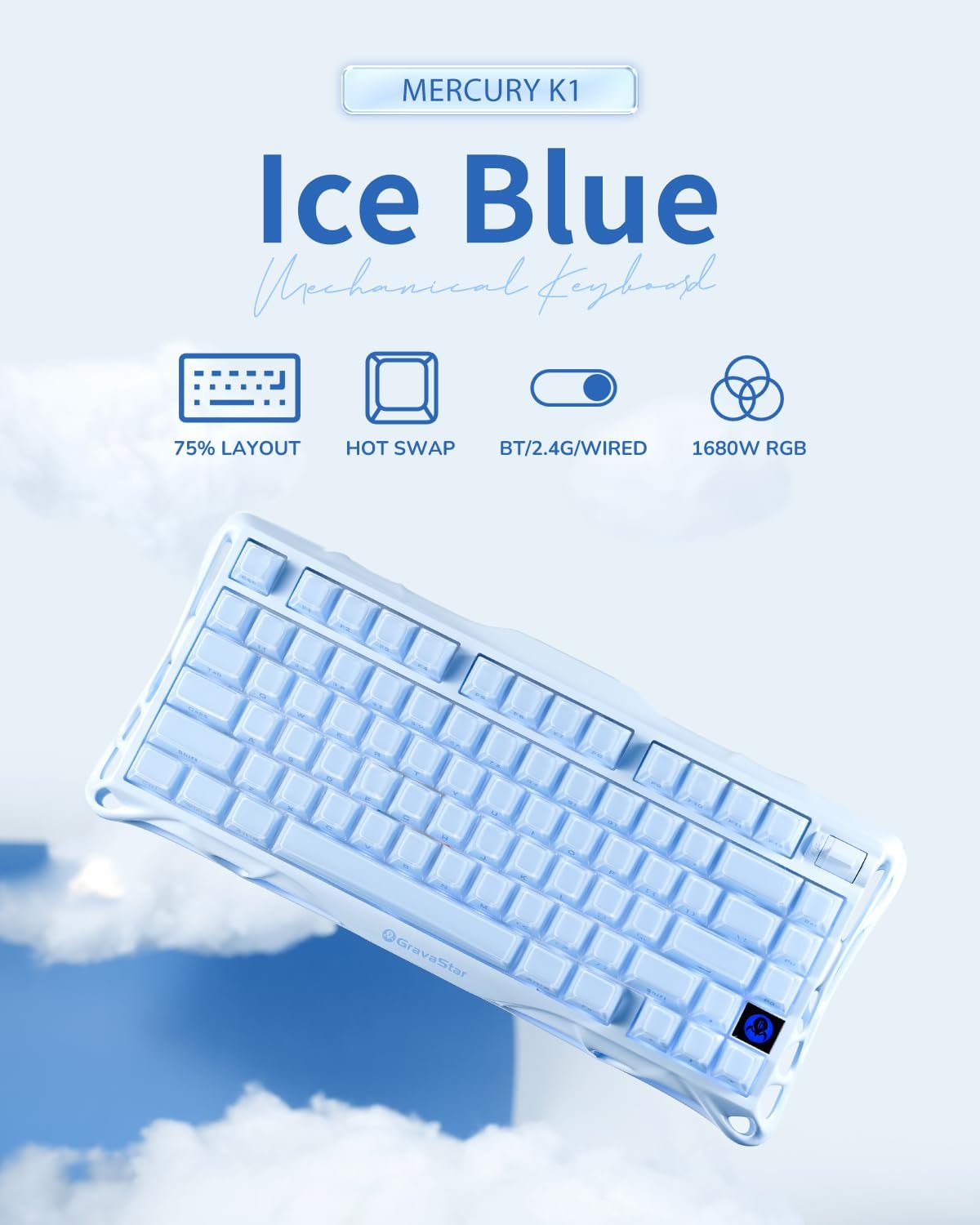
Image: The GravaStar Mercury K1 keyboard showcasing its 75% layout, hot-swap capability, triple connectivity modes (Bluetooth, 2.4GHz, wired), and 16.8 million color RGB lighting.
Šta je u kutiji
- 1 x GravaStar Mercury K1 Keyboard
- 1 x Type-A 2.4GHz Receiver
- 1 x kabel tipa A na tip C
- 1 x Izvlakač za tipke i prekidače
- 1 x četka za čišćenje
- 4 x Extra Switches (Kailh Platycodon, Kailh Crackle Ice Box, KTT Silent Blue, KTT Baby White)
Video: An unboxing video of the GravaStar Mercury K1 75% Blue Gaming Keyboard, showing the contents of the package.
Setup
Initial Charge
Before first use, fully charge your Mercury K1 keyboard using the provided USB-C cable. Connect the USB-C end to the keyboard and the USB-A end to a power source (e.g., computer USB port, wall adapter). The battery indicator will show charging status.
Načini povezivanja
The Mercury K1 supports three connection types: Wired (USB-C), 2.4GHz Wireless, and Bluetooth 5.0. Use the switch located on the back of the keyboard to select your desired mode.

Slika: Detaljna view of the keyboard's rear, highlighting the switches for 2.4GHz wireless, Bluetooth 5.0, and wired USB-C connections, along with Windows/Mac compatibility switch.
- Žična veza: Connect the USB-C cable from the keyboard to your computer. The keyboard will automatically switch to wired mode.
- 2.4GHz bežična veza:
- Locate the 2.4GHz receiver stored in the magnetic compartment on the underside of the keyboard.
- Priključite prijemnik u dostupan USB-A priključak na računaru.
- Switch the keyboard to 2.4GHz mode using the selector switch. The keyboard should connect automatically.
- Bluetooth 5.0 veza:
- Prebacite tastaturu u Bluetooth način rada pomoću prekidača za odabir.
- On your device (PC, laptop, tablet, gaming console), go to Bluetooth settings and search for new devices.
- Select "GravaStar K1" from the list of available devices to pair.
Kompatibilnost operativnog sistema
Use the dedicated switch on the back of the keyboard to toggle between Windows and Mac operating system layouts for optimal key functionality.
Uputstvo za upotrebu
Osnovne funkcije
- kucanje: The 75% layout provides a compact yet functional typing experience.
- Kontrola jačine zvuka: Use the dedicated control knob for quick volume adjustments.
RGB kontrola osvetljenja
The Mercury K1 features dual RGB ecosystems with 16.8 million colors and 13 dynamic effects. Use the following key combinations to customize your lighting:
- Fn + /!: Promjena načina rada pozadinskog osvjetljenja.
- Fn + Tab: Cycle through side light modes.
- Fn + strelica lijevo/desno: Podesite brzinu osvjetljenja.
- Fn + strelica gore/dolje: Podesite jačinu osvjetljenja.
- Fn + Shift: Toggle side light mode.
- Fn + >: Cycle brightness levels.
- Fn + /? Cycle switch colors.
- Fn + <.: Cycle speed settings.
Video: Demonstrates the various RGB lighting effects and typing sounds of the GravaStar K1 75% Blue Gaming Keyboard in a dark environment.
Prekidači za vruću zamjenu
The Mercury K1 features a hot-swappable socket, allowing you to change switches without soldering. Use the provided keycap and switch puller tool to replace switches.

Slika: Eksplodirala view diagram illustrating the internal components of a Kailh linear switch, including outer housing, inner housing, stem, extended spring, housing, high-transmittance light guide, and base.
- Pažljivo uklonite kapicu tipke pomoću alata za izvlačenje kapica tipke.
- Koristite alat za izvlačenje prekidača da pažljivo uhvatite i izvučete prekidač.
- Poravnajte pinove novog prekidača s otvorima na PCB ploči i čvrsto pritisnite dok ne klikne na svoje mjesto.
- Zamijenite poklopac tipke.
Održavanje
Čišćenje
Redovno čišćenje pomaže u održavanju performansi i izgleda tastature.
- Use the provided cleaning brush to remove dust and debris from between the keycaps.
- For deeper cleaning, remove keycaps and gently wipe the keyboard surface with a soft, damp krpu. Izbjegavajte prekomjernu vlagu.
Battery Care
Da produžite vijek trajanja baterije:
- Avoid fully discharging the 8000mAh battery frequently.
- Tastaturu čuvajte na hladnom i suhom mjestu kada je ne koristite duži period.
- If using wired mode predominantly, consider turning off wireless modes to conserve battery health.
Rješavanje problema
- Tastatura ne reaguje: Ensure the keyboard is charged and correctly connected (wired, 2.4GHz receiver, or Bluetooth paired). Try restarting the keyboard and your device.
- RGB svjetla ne rade: Check lighting settings using Fn key combinations. Ensure the keyboard is not in a low-power mode that disables lighting.
- Problemi s povezivanjem: For 2.4GHz, ensure the receiver is securely plugged in and within range. For Bluetooth, ensure the keyboard is in pairing mode and your device's Bluetooth is enabled. Try re-pairing.
- Ključevi se ne registruju: If specific keys are not working, try hot-swapping the switch with one of the extra switches provided to determine if the switch is faulty.
Specifikacije
| Feature | Detalj |
|---|---|
| Dimenzije proizvoda | 16.34 x 7.39 x 2.27 inča (41.5 x 18.77 x 5.77 cm) |
| Težina artikla | 3.52 funte (1.6 kg) |
| Tehnologija povezivanja | Bluetooth 5.0, 2.4GHz bežični, USB-C žični |
| Raspored tipkovnice | 75% (79 ključ) |
| Prekidači | GravaStar × Kailh Linear Switches (Hot-Swappable) |
| RGB pozadinsko osvjetljenje | 16.8 Million Colors, 13 Dynamic Effects, Dual RGB Ecosystems |
| Kapacitet baterije | 8000mAh |
| Kapice | Dual-layer PBT |
| Kompatibilnost | Windows, Mac, Gaming Consoles, Laptops, PCs, Tablets |
Garancija i podrška
For warranty information and customer support, please refer to the official GravaStar webweb-mjesto ili kontaktirajte prodavača. Sačuvajte dokaz o kupovini za bilo kakve reklamacije u vezi s garancijom.