This manual provides essential information for setting up, operating, maintaining, and troubleshooting your NIMO 17.3" IPS FHD Gaming Laptop. Please read this guide thoroughly to ensure optimal performance and longevity of your device.
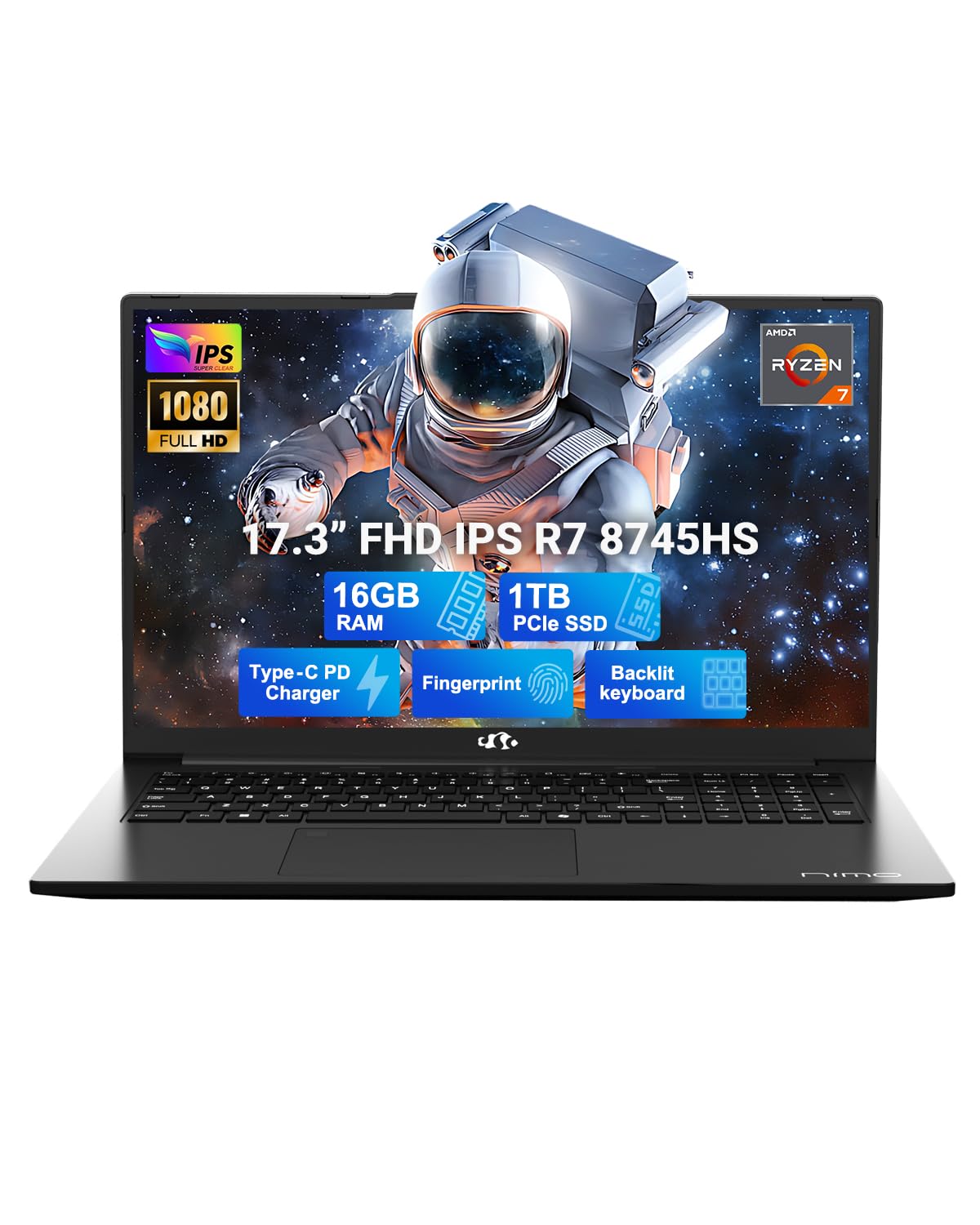
Slika 1: NIMO 17.3" IPS FHD Gaming Laptop
1. Podešavanje
1.1 Raspakivanje i početno uključivanje
Carefully remove the laptop and its accessories from the packaging. Ensure all components listed in the 'What's in the Box' section are present. Connect the 100W USB-C PD fast charger to the laptop and a power outlet. The laptop will guide you through the initial Windows 11 setup process.
Video 1: NIMO 17.3" Gaming Laptop with PD 100W Ultra-Fast Charging - Demonstrates connecting the charger and initial power-on sequence.
1.2 Charging the Laptop
The NIMO laptop comes with a 100W PD fast charger and a 6.56ft USB-C cable. A 15-minute charge can provide up to 2 hours of use. The USB-C charger is universally compatible and can charge other devices like phones and tablets.
Figure 2: The 100W USB-C fast charger included with the NIMO laptop.
1.3 Povezivanje
The laptop features a variety of high-speed interfaces for versatile connectivity:
USB 2.0 port
3x USB 3.0 porta
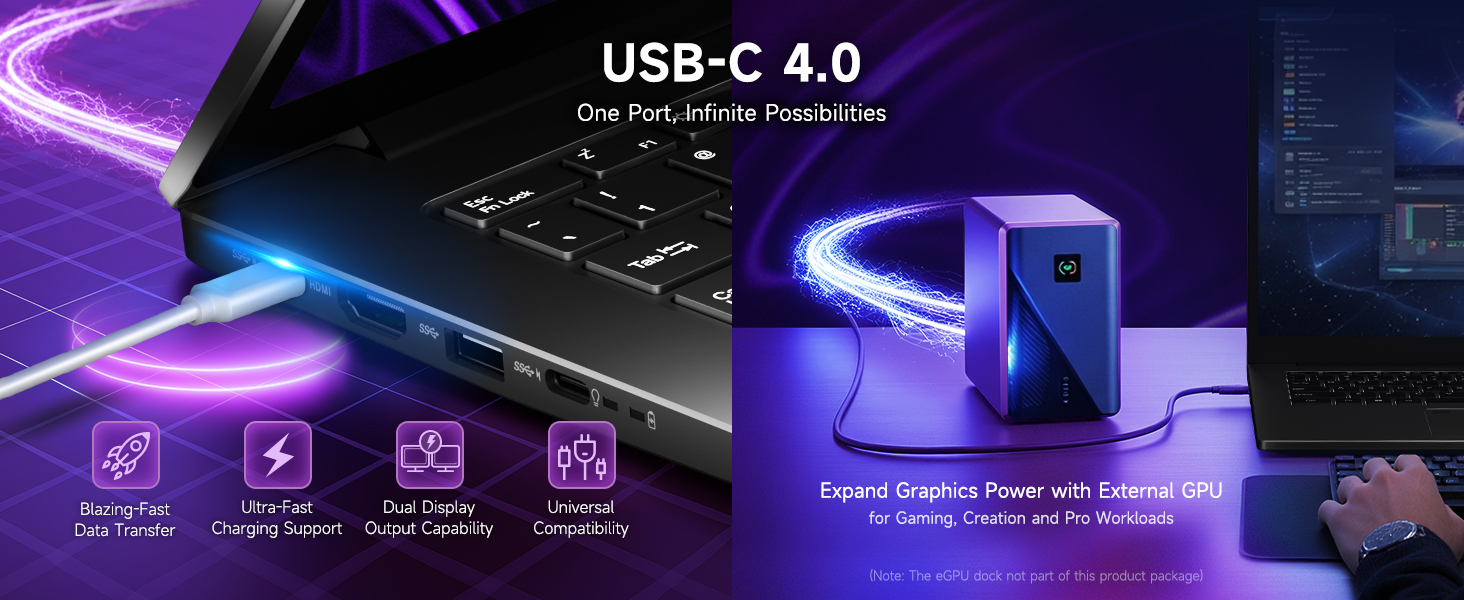
USB 4.0 Type-C Port (supports external GPU docks, high-speed drives, multiple displays)
HDMI port
Priključak za slušalice
Čitač SD kartica
Utor za zaključavanje Kensington
Slika 3: Gotovoview of the NIMO laptop's high-speed interfaces.
2. Upravljanje laptopom
2.1 Performanse
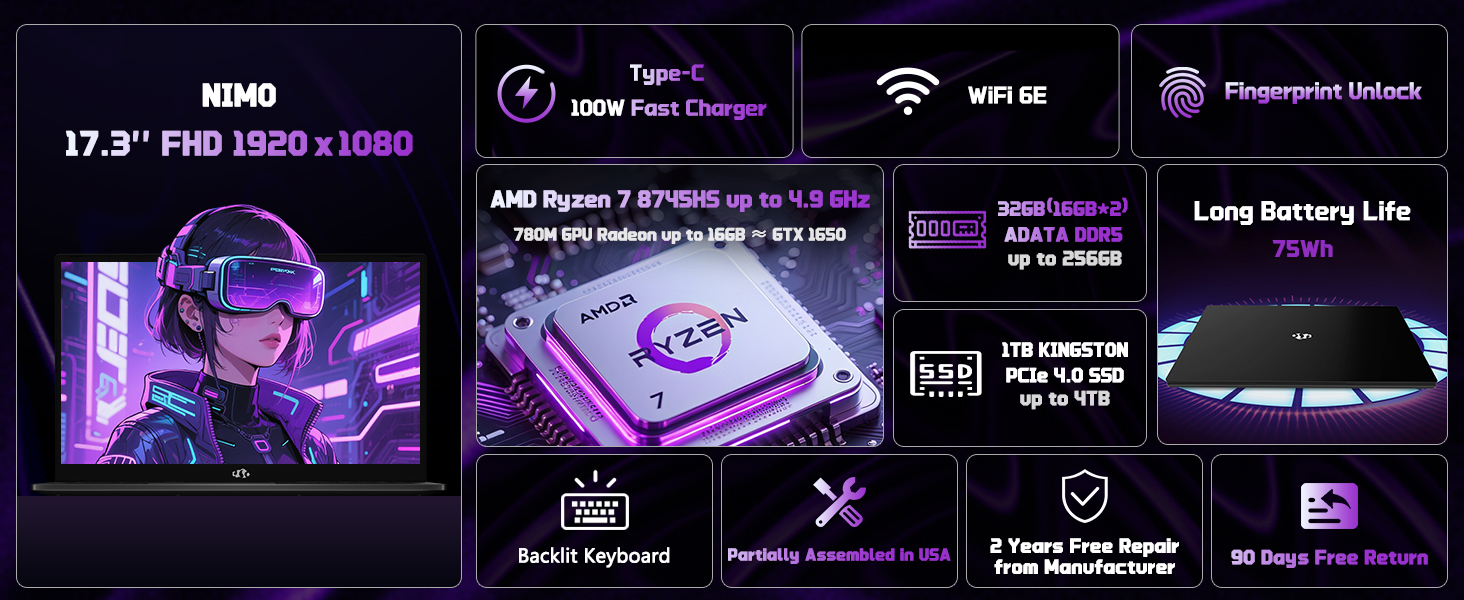
The NIMO laptop is equipped with an AMD Ryzen 7 8745HS processor (8-core/16-thread) with turbo speeds up to 4.9GHz, and AMD Radeon 780M Graphics. This configuration is designed for seamless gaming, content creation, and productivity, handling both single and multi-threaded tasks efficiently. It also includes a built-in NPU for AI-powered tools.
Video 2: NIMO Gaming-Laptop Ryzen 9 8945HS Engineered for performance - Highlights the laptop's processing power.
Figure 4: AMD Ryzen 7 8745HS Processor details.
2.2 Prikaz
Doživite impresivno viewing on the 17.3" FHD IPS anti-glare display with a 1920x1080 resolution and an ultra-thin 85% screen-to-body ratio. This display offers bright views and eye protection, making it suitable for both work and entertainment.
Figure 5: The 17.3" FHD IPS display provides a large, sharp visual experience.
2.3 Tastatura i tačped
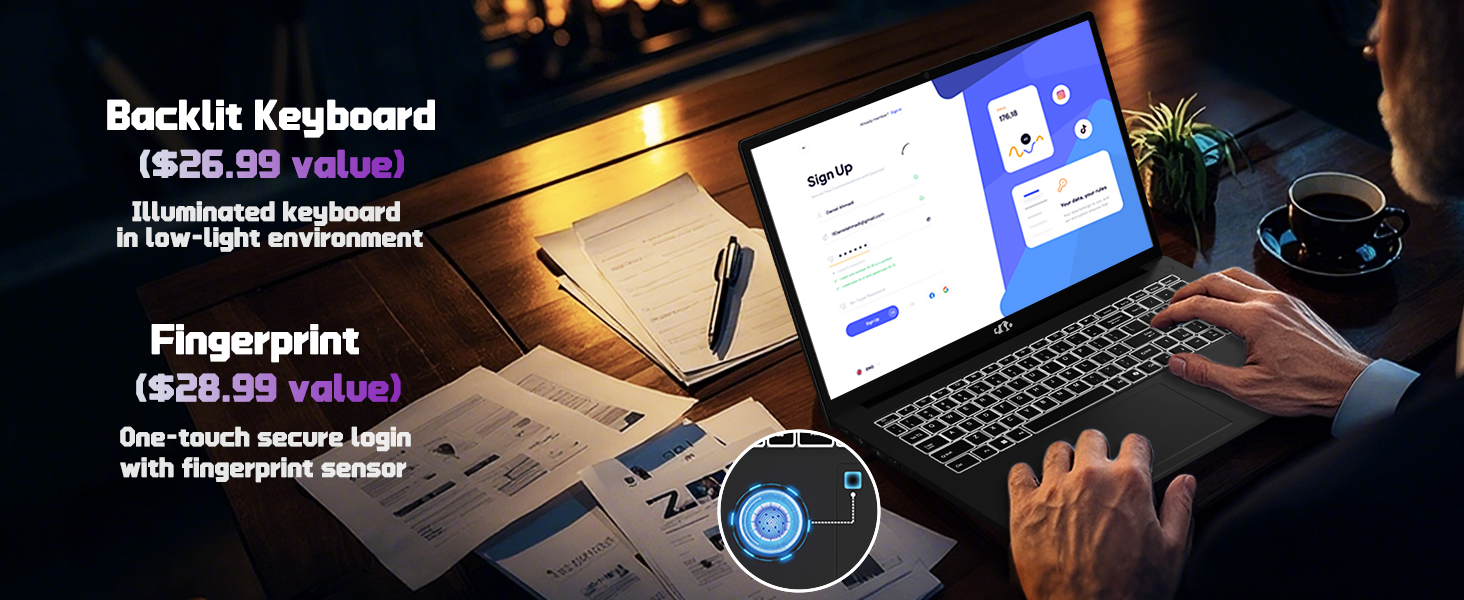
The laptop features a backlit keyboard for comfortable typing in any lighting condition and a precision gesture touchpad with an integrated fingerprint reader for instant, secure unlocking.
Figure 6: Backlit keyboard and fingerprint unlock feature on the NIMO laptop.
2.4 Webcam
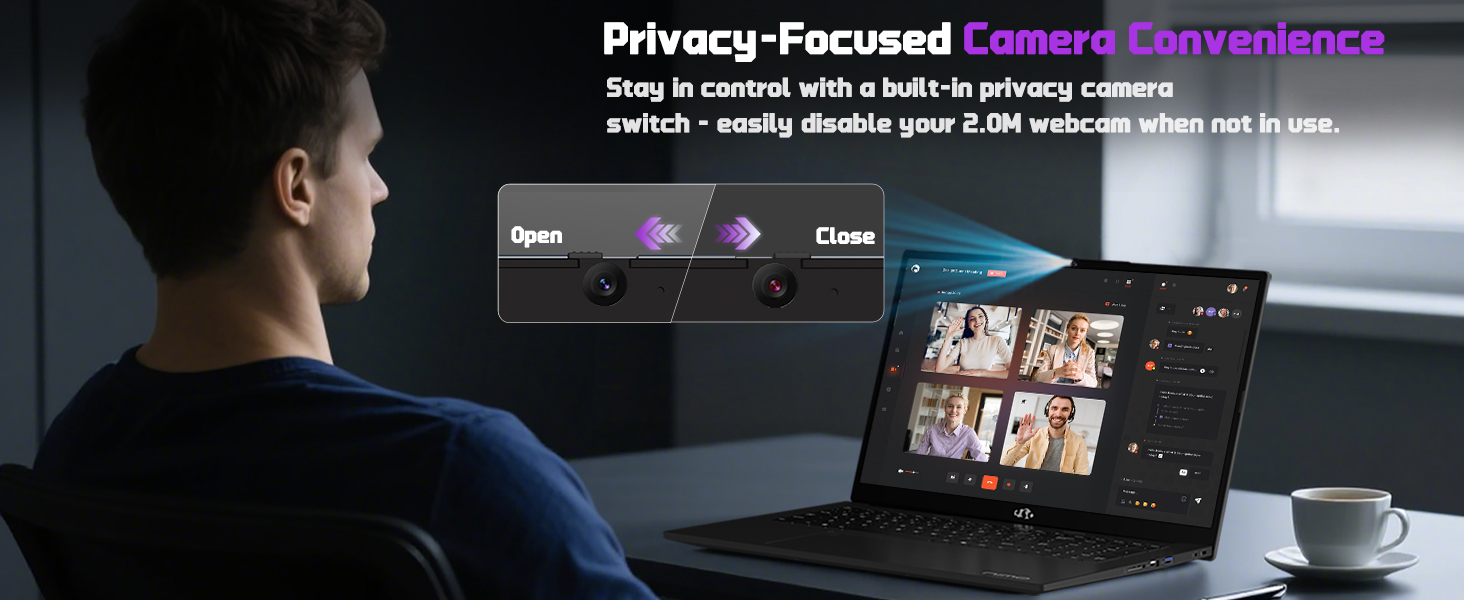
Integrisana 2 MP kamera webcam includes a built-in privacy switch, allowing you to easily disable it when not in use for enhanced privacy.
Slika 7: Webcam with privacy switch for user control.
2.5 Gaming and Productivity
The NIMO laptop is designed to handle demanding tasks, including gaming and creative work, with its powerful AMD Ryzen 7 8745HS processor and Radeon 780M Graphics. It provides a smooth and responsive experience for various applications.
Video 3: NIMO Gaming-Laptop: Think What You Will, Do As You Do - Showcases the laptop's capabilities for gaming and creative tasks.
3. Održavanje
3.1 Nadogradnja
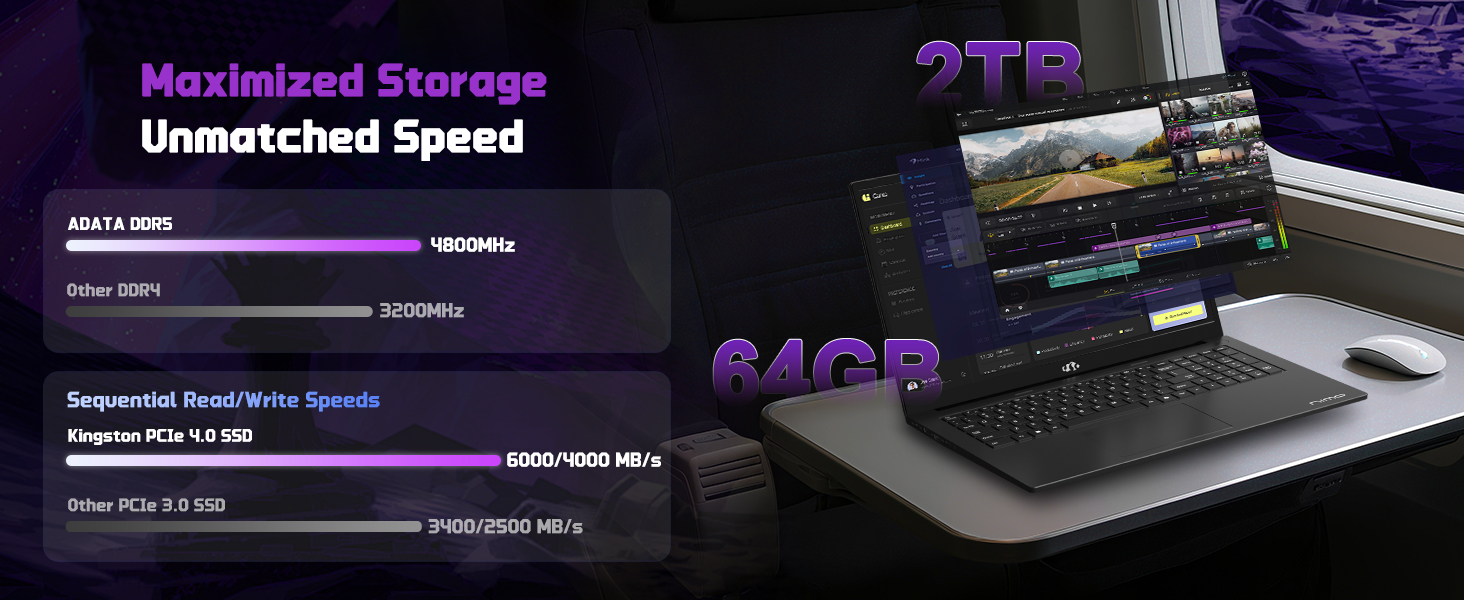
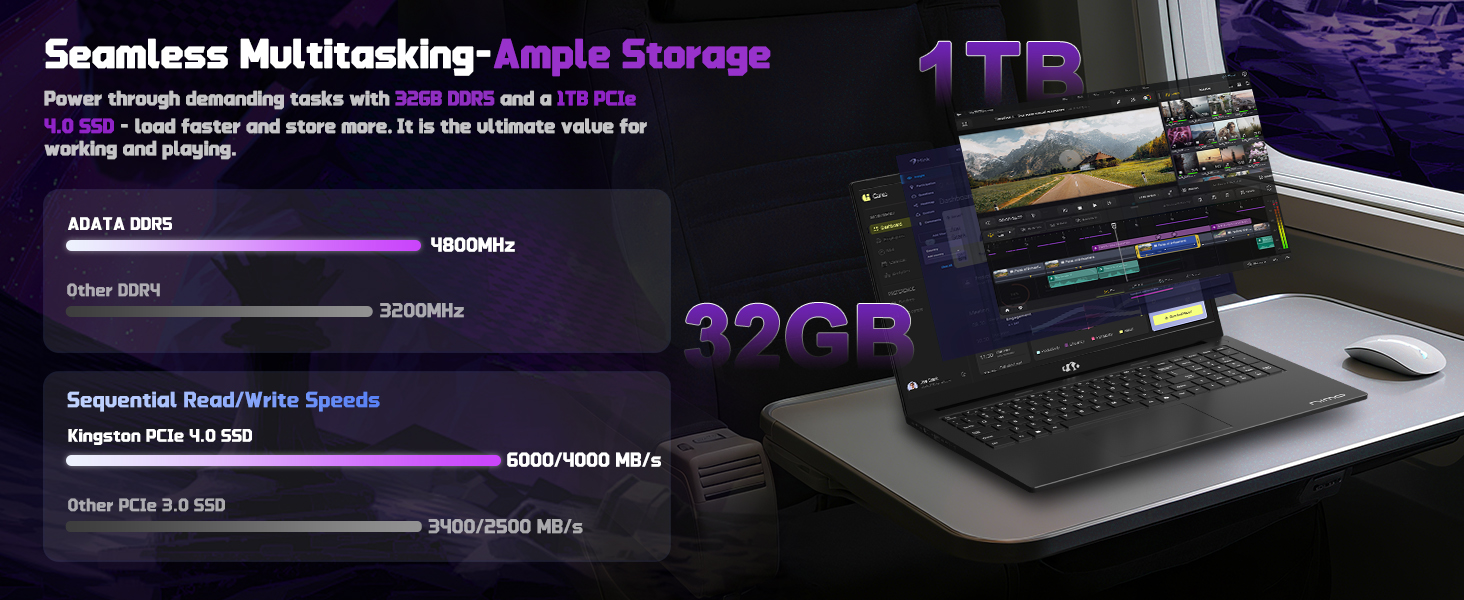
The NIMO laptop is equipped with 16GB DDR5 RAM and a 1TB PCIe 4.0 SSD. Its user-friendly design allows for effortless memory and storage expansion to meet your evolving needs.
Figure 8: Illustration of the laptop's upgradable RAM and SSD components.
3.2 Njega baterija
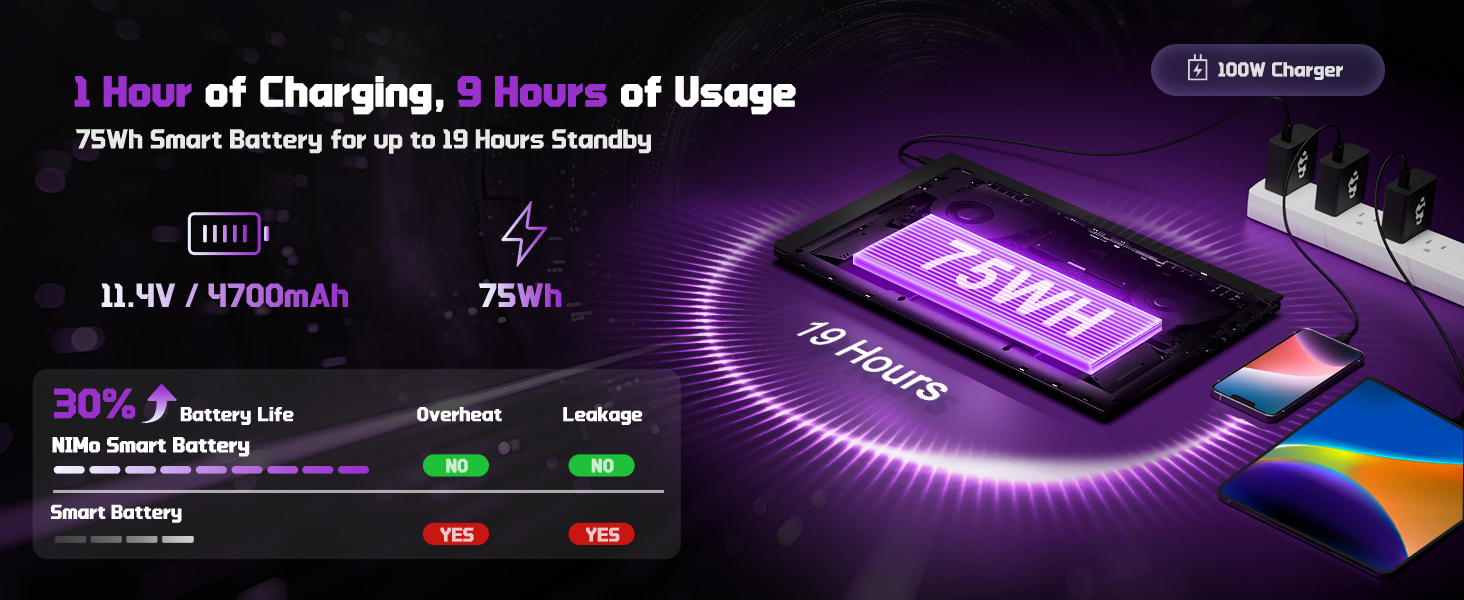
The laptop features a 75Wh Smart Battery designed for up to 15.5 hours of average battery life. To maximize battery lifespan, avoid extreme temperatures and fully discharging the battery frequently.
Figure 9: Information on NIMO Smart Battery and charging efficiency.
4. Otkrivanje problema
If you encounter any issues with your NIMO laptop, please refer to the following general troubleshooting steps before contacting support:
Nema napajanja: Ensure the charger is securely connected to both the laptop and a working power outlet. Check the charging indicator light.
Problemi s prikazom: Ako je ekran prazan, pokušajte spojiti vanjski monitor kako biste provjerili je li problem u ekranu ili grafičkom izlazu laptopa.
Spore performanse: Close unnecessary applications, check for background processes, and ensure your operating system is up to date. Consider performing a system scan for malware.
Problemi s povezivanjem: For Wi-Fi issues, restart your router and the laptop. For peripheral issues, try connecting the device to a different port or another computer to isolate the problem.
For more complex issues, please contact NIMO customer support.
Pozadinsko osvjetljenje tastature, čitač otiska prsta, HD audio, numerička tastatura
Bežični tip
802.11a/b/g/n/ac
USB portovi
1x USB 2.0, 3x USB 3.0, 1x USB 4.0 Type-C
Prosječno trajanje baterije
15.5 sati (75 Wh)
Težina artikla
3.84 funte
Dimenzije proizvoda
15.66 x 9.99 x 0.74 inča
Boja
Crna
Pozadi Webcam Resolution
2 MP
6. Jamstvo i podrška
6.1 Informacije o garanciji
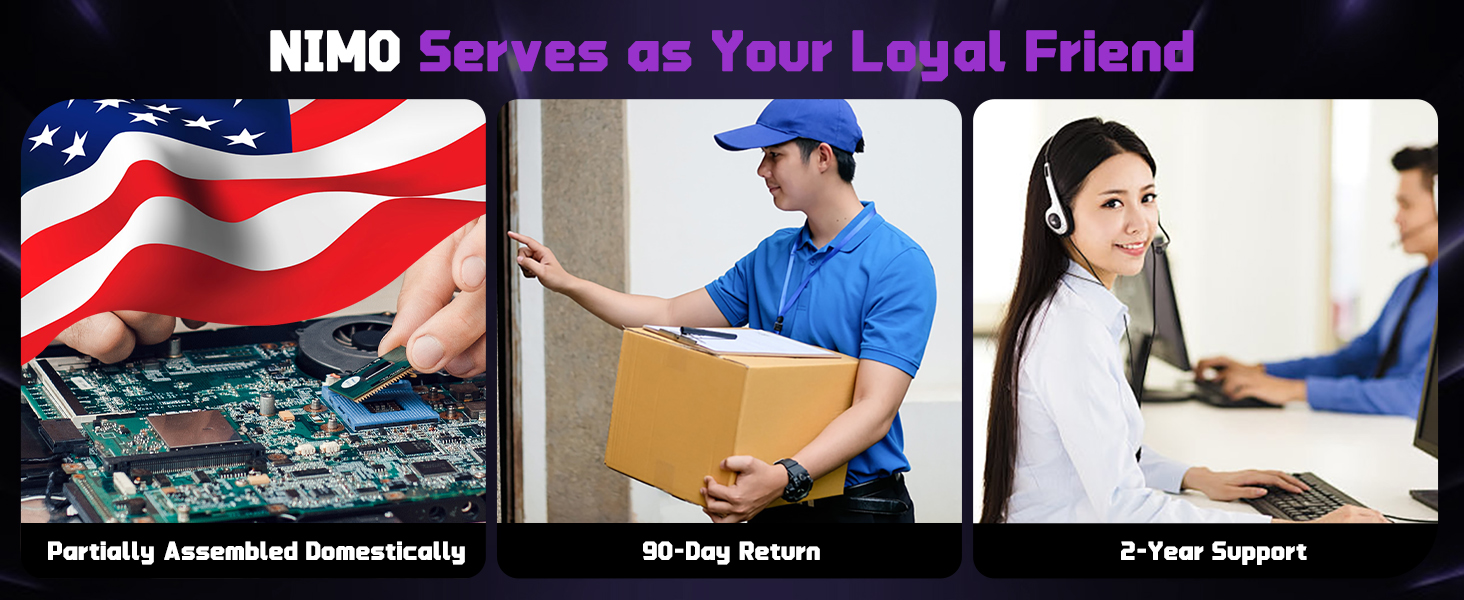
Vaš NIMO laptop ima podršku 2 godine garancije from NIMO Direct Inc. This warranty covers manufacturing defects and ensures your satisfaction.
Figure 10: NIMO products are covered by a 2-year support warranty.
6.2 Politika povrata
NIMO offers hassle-free 90-dnevni povrat. You may return any NIMO product for any reason within 90 days of purchase.
Figure 11: NIMO's 90-day return policy for customer satisfaction.
6.3 Korisnička podrška
Our dedicated support team is available to ensure quick solutions for a worry-free experience. For product-related questions or assistance, you can contact us through our official website, email, or telephone. We aim to reply to your inquiries as soon as we receive them.
Figure 12: NIMO provides professional customer assistance.
Ask a question about this manual
Ask about setup, troubleshooting, compatibility, parts, safety, or missing instructions. Manuals+ will review the question and use this page’s manual context to help answer it.