
Uvod
Thank you for choosing the Earbay BT786CD Wireless Headset. This manual provides essential information for setting up, operating, and maintaining your headset to ensure optimal performance and longevity. Please read these instructions carefully before use.
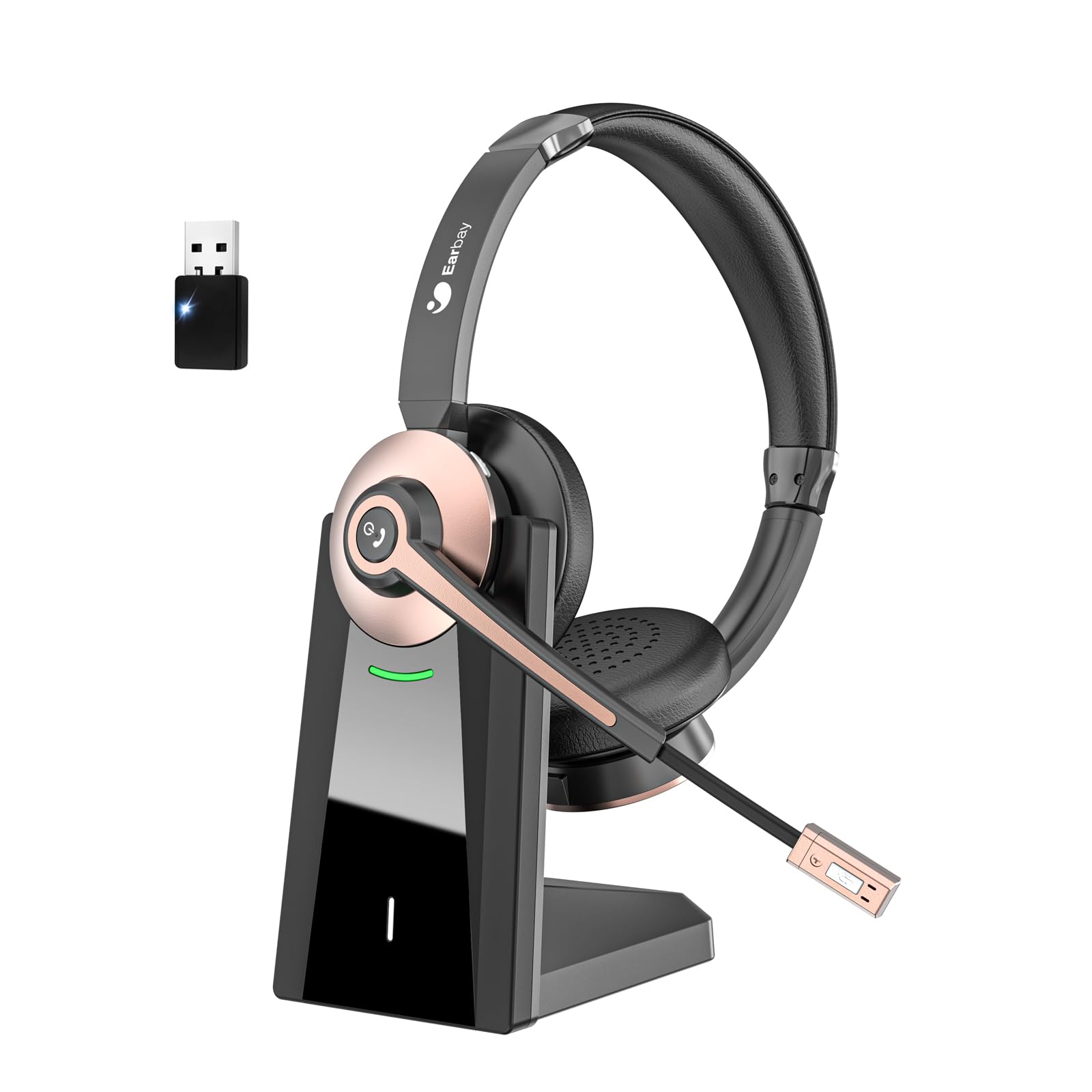
The Earbay BT786CD Wireless Headset is designed for comfort and clear communication during extended use.
Šta je u kutiji
- 1 × Wireless Headset with Mic
- 1 × USB Charging Cable (USB-C)
- 1 × USB Dongle
- 1 × Baza za punjenje
- 1 × Uputstvo za upotrebu
The package includes the headset, charging base, USB dongle, and necessary cables for charging and connection.
Product Overview
Komponente i kontrole
Familiarize yourself with the key components and controls of your Earbay BT786CD headset:
- Podesiva traka za glavu: Za udobno i sigurno prianjanje.
- Soft Leather Ear Pads: Dizajnirano za produženu udobnost nošenja.
- Fleksibilni mikrofon: 270° rotatable with noise-cancelling technology.
- Kontrola jačine zvuka: Integrated buttons for easy audio adjustment.
- Dugme za napajanje: For turning the headset on/off.
- Višefunkcionalno dugme (MFB): For call management and other functions.
- Dugme za isključivanje zvuka: Located on the microphone for quick muting.
- USB-C priključak za punjenje: Za direktno punjenje.

Detaljno view of the headset's controls and adjustable microphone.

The headset features an adjustable headband and a flexible microphone for personalized comfort and clear audio.
Podešavanje i povezivanje
Bluetooth Connection (for Mobile Devices/Tablets)
- Provjerite jesu li slušalice napunjene i isključene.
- Press and hold the Power Button until the LED indicator flashes blue and red, indicating pairing mode.
- On your device (phone/tablet), go to Bluetooth settings and search for "BT786CD".
- Select "BT786CD" to connect. The LED will turn solid blue once connected.
USB Dongle Connection (for PC/Laptop)
- Plug the USB dongle into an available USB port on your PC/laptop.
- LED indikator na dongleu će treptati plavo.
- Power on your headset. It will automatically pair with the dongle. The LED on the dongle will turn solid blue once connected.
- On your PC, navigate to Sound Settings and set "BT786CD" as the default input and output device.

Visual guide for connecting the headset to a PC using either Bluetooth or the USB dongle.
Official Product Video: Setup and Features
This video from Earbay-Direct provides a visual guide to the headset's features and setup process, including Bluetooth connectivity.
Uputstvo za upotrebu
Uključivanje/isključivanje
- Uključeno: Press and hold the Power Button for 3 seconds until the LED indicator flashes blue.
- Iskljuciti: Press and hold the Power Button for 3 seconds until the LED indicator flashes red and then turns off.
Kontrola jačine zvuka
- Povećajte jačinu zvuka: Pritisnite dugme za pojačavanje zvuka.
- Smanji jačinu zvuka: Pritisnite dugme za smanjenje jačine zvuka.
Isključivanje mikrofona
- Press the Mute Button on the microphone to mute or unmute your voice during calls.

The microphone features a convenient one-key mute button for quick control during calls.
Punjenje
Charge your headset using the provided USB-C cable and charging base:
- Connect the USB-C cable to the charging base and a power source.
- Place the headset on the charging base, ensuring the charging contacts align.
- Alternatively, plug the USB-C cable directly into the headset's charging port.
- LED indikator će prikazivati status punjenja (npr. crvena za punjenje, plava za potpuno napunjeno).
- Potpuno punjenje traje otprilike 2 sati.

The headset can be charged conveniently using the included charging base or directly via the USB-C cable.
Karakteristike i prednosti
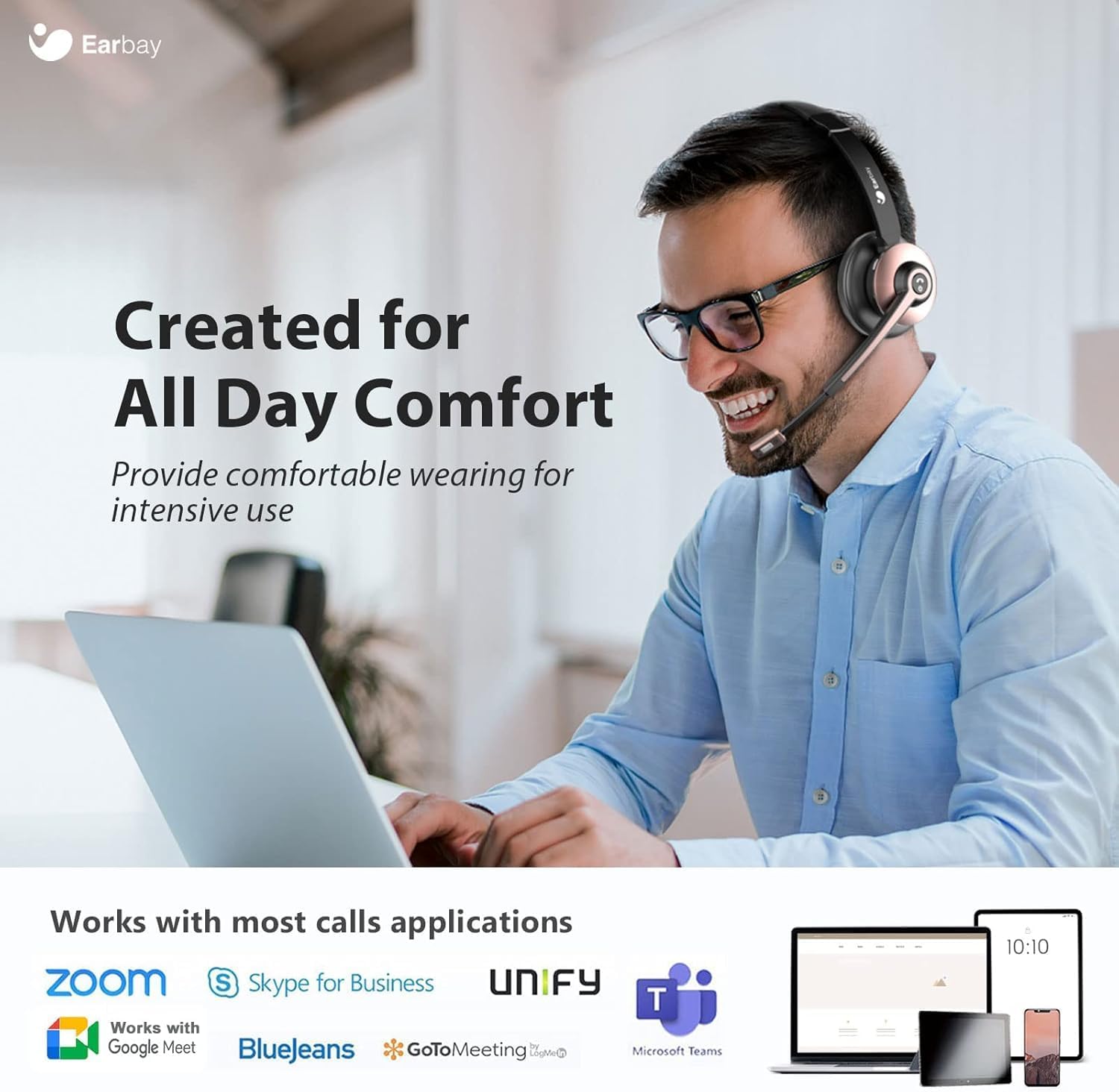
- Cjelodnevna udobnost: Designed with soft leatherette ear cushions and an adjustable headband for comfortable wearing during intensive use.
- AI poništavanje buke: Blocks out up to 99% of ambient noise on calls, ensuring crystal-clear communication.
- Dual Device Connection: Connects to two devices simultaneously for seamless switching between calls and media.
- Dugotrajna baterija: Offers up to 26 hours of talk time and 200 hours of standby time on a single 1.5-hour charge.
- Široka kompatibilnost: Works with various devices including computers, PCs, laptops, mobile phones, tablets, VoIP, and desktops. Compatible with popular meeting apps like Zoom, Skype for Business, Unify, Microsoft Teams, Google Meet, Bluejeans, GoToMeeting, 3CX, FaceTime, WhatsApp, and Slack.
- Kontrole jednostavne za upotrebu: Intuitive volume control, power button, and microphone mute for convenient operation.

The headset is engineered for all-day comfort, making it ideal for prolonged use in various work environments.

AI Noise Cancellation ensures clear audio by blocking out ambient sounds, as depicted in the 'Before' and 'After' sound wave comparison.

Enjoy extended usage with up to 26 hours of talk time and 200 hours of standby time on a single charge.
Održavanje
- Redovno čistite slušalice mekom, suhom krpom.
- Izbjegavajte izlaganje slušalica ekstremnim temperaturama, vlazi ili korozivnim supstancama.
- Store the headset in its soft storage pouch when not in use to protect it from dust and damage.
- Do not attempt to disassemble or repair the headset yourself. Contact customer support for assistance.
Rješavanje problema
Nema zvuka/Loš kvalitet zvuka
- Ensure the headset is powered on and properly connected (Bluetooth or USB dongle).
- Provjerite nivoe jačine zvuka i na slušalicama i na povezanom uređaju.
- Verify that the headset is selected as the default audio input/output device in your computer's sound settings.
- Približite se povezanom uređaju kako biste bili sigurni da ste unutar dometa Bluetooth veze od 15 metara.
- If using the USB dongle, try plugging it into a different USB port.
Mikrofon ne radi
- Ensure the microphone is not muted (check the mute button on the mic).
- Verify that the headset's microphone is selected as the default input device in your computer's sound settings or meeting application settings.
- Adjust the microphone's position closer to your mouth for better pickup.
Slušalice se ne uparuju
- Provjerite jesu li slušalice u načinu rada za uparivanje (LED treperi plavo i crveno).
- Isključite i uključite Bluetooth na uređaju, a zatim pokušajte ponovo upariti uređaj.
- If using a PC, ensure your Bluetooth drivers are up to date or use the provided USB dongle.
Specifikacije
| Naziv modela | BT786CD |
| Tehnologija povezivanja | Bežično (Bluetooth 6.0) |
| Bluetooth domet | 15 metara |
| Kontrola buke | Passive Noise Cancellation, Active Noise Control |
| Trajanje baterije (vrijeme razgovora) | 26 sata |
| Vrijeme punjenja | 2 sata |
| Priključak za slušalice | USB-C |
| Oblik slušalice | On Ear |
| Materijal | Aluminijum |
| Težina artikla | 1.06 funte |
Garancija i podrška
For warranty information or technical support, please refer to the contact details provided with your purchase or visit the official Earbay website. If you have any questions or concerns, please contact customer service for prompt assistance.