
1. Uvod
Thank you for choosing the Earbay BT681CD-2025 Wireless Headset. This headset is designed for clear communication in various environments, featuring Bluetooth 5.2 connectivity, a noise-canceling microphone, and a comfortable design. This manual provides detailed instructions for setup, operation, and maintenance to ensure optimal performance.
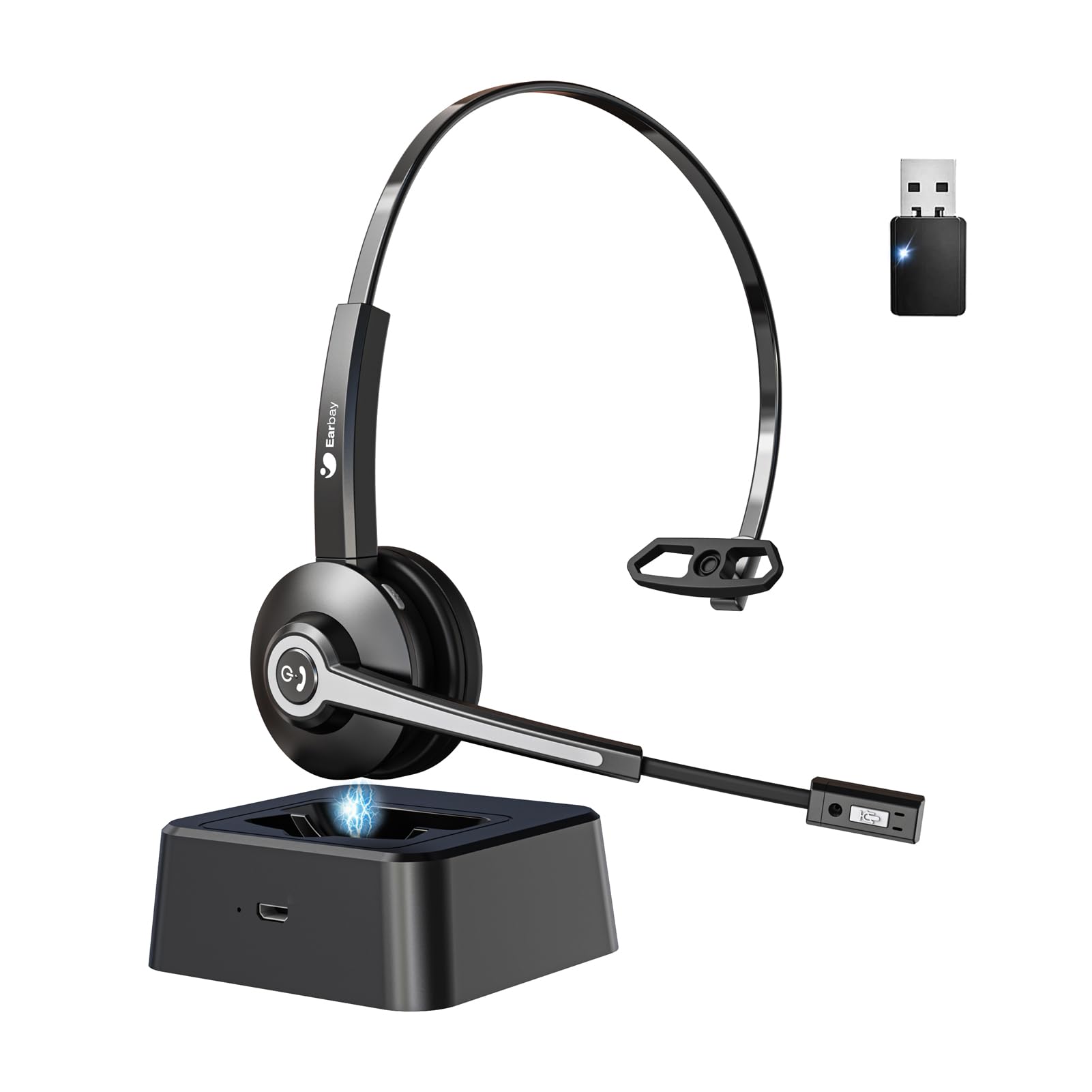
Image 1.1: Earbay BT681CD-2025 Wireless Headset with charging base and USB dongle.
2. Sadržaj paketa
Molimo Vas da provjerite paket za sljedeće stavke:
- Earbay BT681CD-2025 Wireless Headset
- Baza za punjenje
- USB Dongle
- USB-C kabl za punjenje
- Uputstvo za upotrebu
3. Upute za postavljanje
3.1. Punjenje slušalica
Before first use, fully charge the headset. The headset can be charged using the included USB-C cable or by placing it on the charging base.
- Korištenje USB-C kabla: Connect the USB-C cable to the headset's charging port and the other end to a USB power source (e.g., computer, wall adapter).
- Korištenje baze za punjenje: Place the headset onto the charging base. Ensure the charging contacts align.
A full charge takes approximately 1.5 to 2 hours. The LED indicator on the headset will show charging status (e.g., red for charging, blue for fully charged).

Image 3.1: Headset charging options: USB-C cable and charging base.
3.2. Povezivanje putem USB adaptera
For optimal compatibility and stable connection with computers, use the provided USB dongle.
- Umetnite USB adapter u dostupan USB port na računaru.
- Power on the headset. It will automatically attempt to connect to the dongle.
- Once connected, the LED indicator on both the headset and dongle will show a stable blue light.
- Ensure the headset is selected as the default audio input and output device in your computer's sound settings.
3.3. Povezivanje putem Bluetooth-a
The headset can connect to two devices simultaneously (e.g., computer via dongle and phone via Bluetooth).
- Power on the headset. It will enter pairing mode if not already connected to a device. The LED will flash blue and red.
- Na svom uređaju (npr. pametnom telefonu, tabletu) omogućite Bluetooth i potražite dostupne uređaje.
- Select "Earbay BT681CD-2025" from the list of devices.
- Kada se upare, LED indikator na slušalicama će svijetliti plavo.
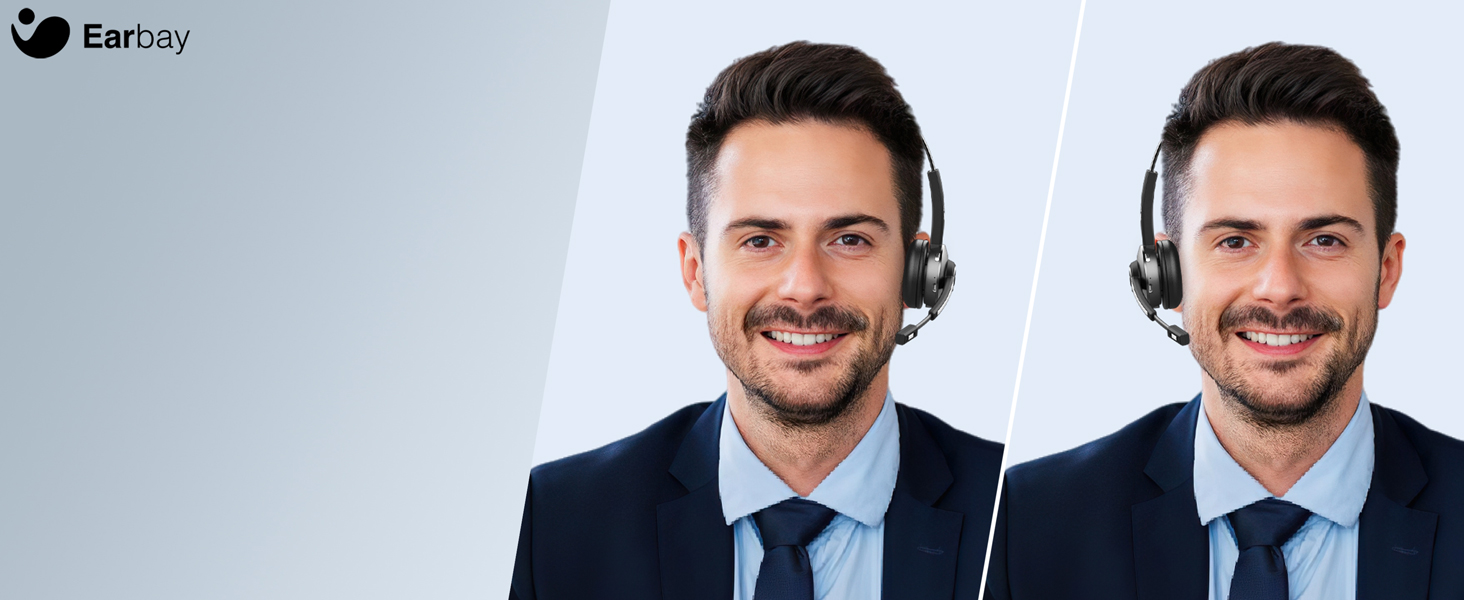
Image 3.2: The headset supports two connection methods: Bluetooth 5.2 and USB Dongle, allowing connection to two devices simultaneously.
4. Uputstvo za upotrebu
4.1. Uključivanje/isključivanje
- Uključeno: Press and hold the Multi-function Button (MFB) for 3 seconds until the LED flashes blue.
- Iskljuciti: Press and hold the MFB for 5 seconds until the LED flashes red and then turns off.
4.2. Upravljanje pozivima
- Odgovori/Završi poziv: Pritisnite MFB jednom.
- odbiti poziv: Pritisnite i držite MFB 2 sekunde.
- Isključivanje mikrofona: Press the dedicated mute button on the microphone arm. The LED on the microphone will indicate mute status.
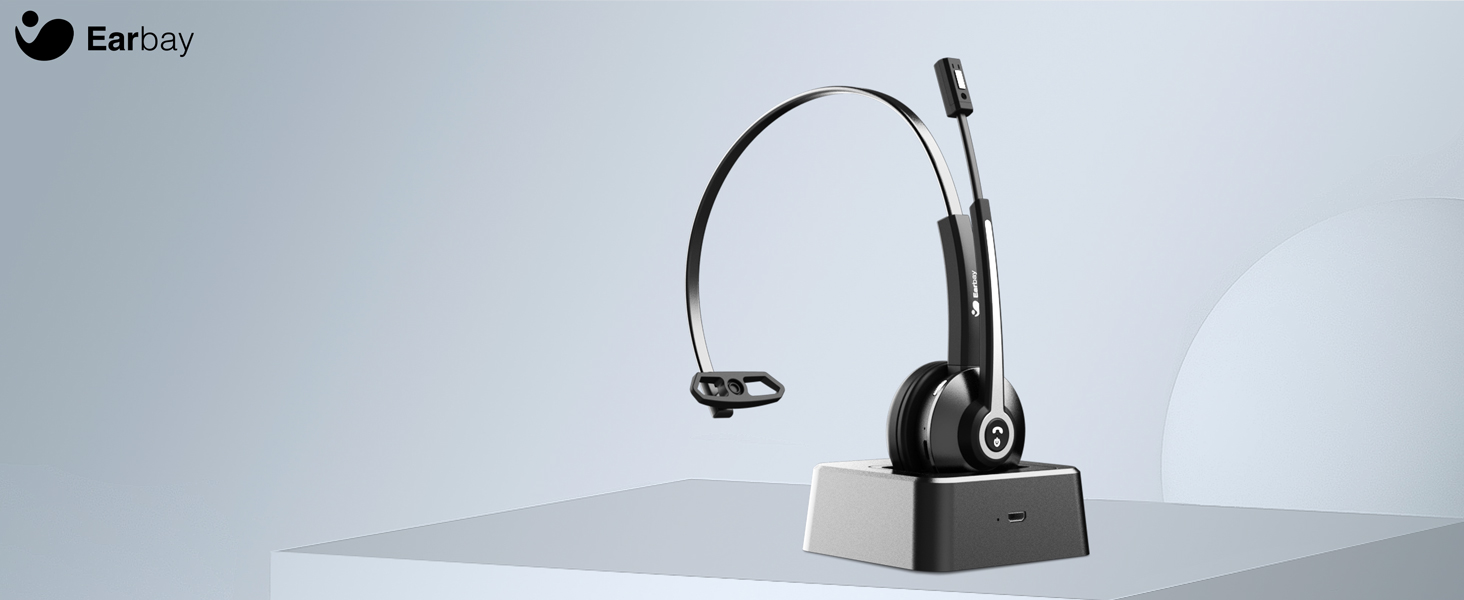
Image 4.1: The microphone arm features a dedicated mute button for privacy during calls.
4.3. Kontrola jačine zvuka
- Povećavanje glasnoće: Pritisnite dugme za pojačavanje zvuka.
- Smanjivanje jačine zvuka: Pritisnite dugme za smanjenje jačine zvuka.
4.4. Nošenje slušalica
The headset is designed for comfort during extended use.
- Podesiva traka za glavu: Produžite ili uvucite traku za glavu da odgovara veličini vaše glave.
- Rotatable Ear Cups: The ear cups can rotate 180 degrees for a comfortable fit and easy storage.
- Flexible Mic Arm: The microphone arm can be rotated 270 degrees to position the microphone optimally for your voice.
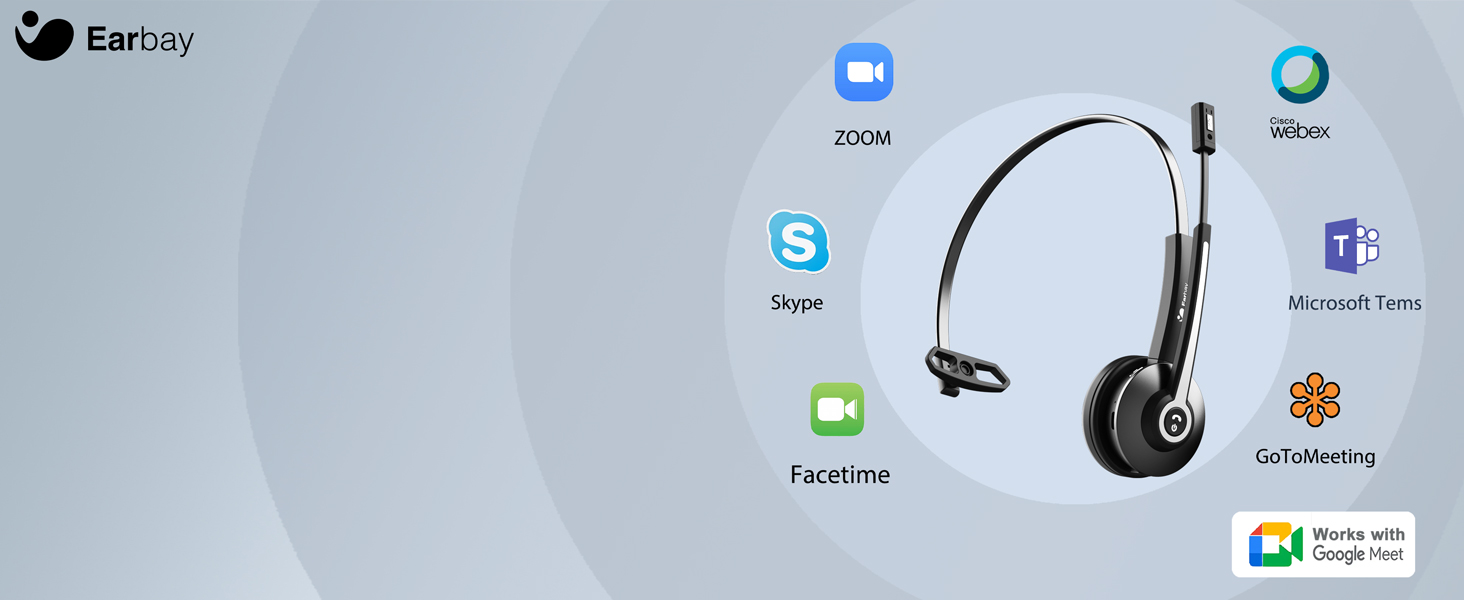
Image 4.2: The headset features memory foam earcups and a lightweight design for all-day comfort.
5. Održavanje
To ensure the longevity and performance of your headset, follow these maintenance guidelines:
- čišćenje: Za čišćenje slušalica koristite meku, suhu krpu. Izbjegavajte upotrebu jakih hemikalija ili abrazivnih materijala.
- Skladištenje: Slušalice čuvajte na hladnom i suhom mjestu, dalje od direktne sunčeve svjetlosti i ekstremnih temperatura.
- Održavanje baterije: Izbjegavajte često potpuno pražnjenje baterije. Redovno punite slušalice, čak i ako ih ne koristite, kako biste održali zdravlje baterije.
- Izbjegavajte vlagu: Ne izlažite slušalice vodi ili prekomjernoj vlazi.
6. Otkrivanje problema
If you encounter issues with your Earbay BT681CD-2025 headset, refer to the following common problems and solutions:
| Problem | Mogući uzrok | Rješenje |
|---|---|---|
| Slušalice se ne uključuju | Niska baterija | Potpuno napunite slušalice. |
| Nije moguće povezivanje s uređajem | Not in pairing mode, Bluetooth off, or device too far | Ensure headset is in pairing mode (flashing blue/red LED). Turn on Bluetooth on your device. Move headset closer to the device. Re-pair the headset. |
| Nema zvuka ili je zvuk lošeg kvaliteta | Incorrect audio output selected, low volume, or interference | Check your device's sound settings to ensure the headset is selected as the output. Increase headset and device volume. Move away from sources of interference. |
| Mikrofon ne radi | Microphone muted, incorrect input selected, or mic arm not positioned correctly | Unmute the microphone. Check your device's sound settings to ensure the headset is selected as the input. Adjust the microphone arm closer to your mouth. |
| Veza često pada | Izvan dometa, smetnje ili slaba baterija | Stay within the operating range (up to 33 feet/10 meters). Reduce interference from other wireless devices. Charge the headset. |
7. Specifikacije
- Broj modela: BT681CD-2025
- Brand: Eabay
- Tehnologija bežične komunikacije: Bluetooth 5.2
- Interfejs ulaznog uređaja: Bluetooth, USB
- Noise Control Features: Noise Cancellation (Microphone)
- baterija: 1 nestandardna baterija (uključena)
- Vrijeme punjenja: Približno 1.5 sata
- Vrijeme razgovora: Do 28 sati
- Vrijeme pripravnosti: Do 400 sati
- Radni opseg: Do 33 stope (10 metara)
- Težina artikla: 12 unce
- Boja: Crna
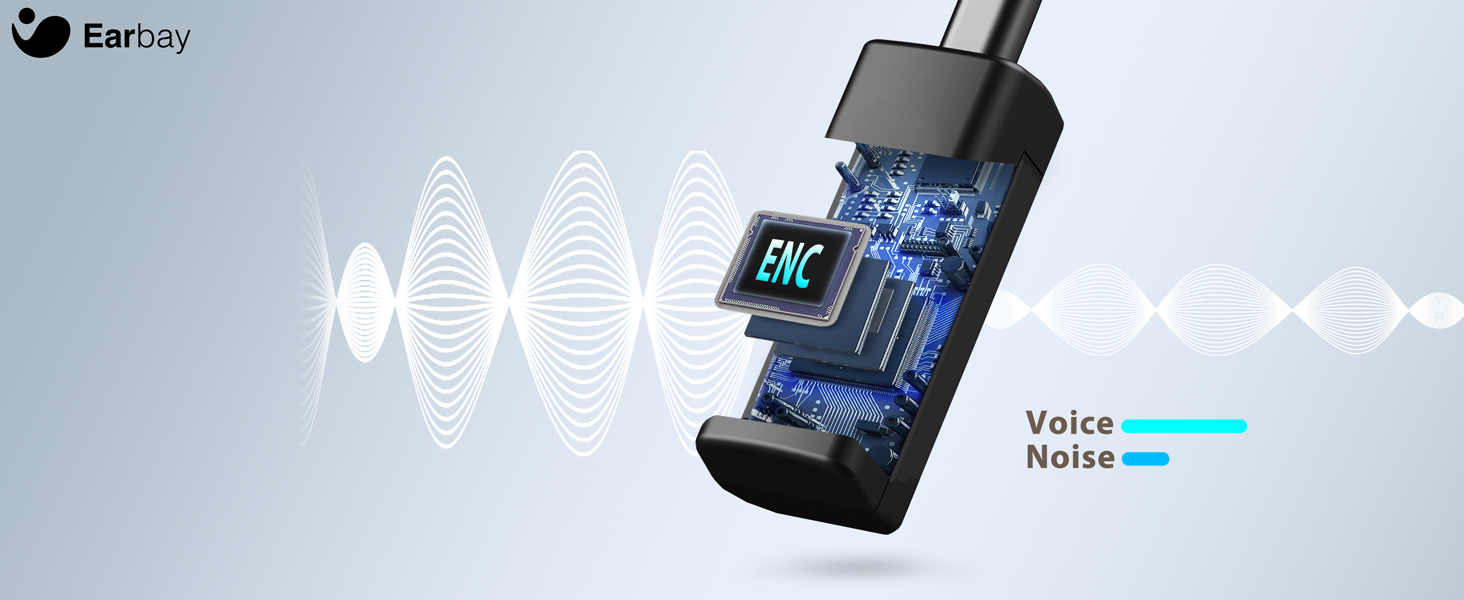
Image 7.1: The headset features a Bluetooth 5.2 chip for stable and clear connections.
8. Proizvod je gotovview Video
Pogledajte ovaj video za vizualni pregledview of the Earbay Wireless Headset features and design.
Video 8.1: Zvanična video prezentacija proizvodaasing the Earbay Wireless Headset's design and key functionalities.
9. Garancija i podrška
Earbay products come with a standard manufacturer's warranty. For detailed warranty information, product support, or technical assistance, please refer to the contact information provided on the product packaging or visit the official Earbay webMolimo sačuvajte dokaz o kupovini za potrebe reklamacije.